




 Flux AI
 Ideogram
 Qwen Image
 Recraft
 Hailuo AI
 Ltx 2
 Luma AI
 Pika AI
 Vidu AI
Tools
All Wandura AI Tools, Models & Ad Makers
Wandura AI tools cover image, video, audio, product and ad creation in one place, from single-task tools to model guides and studios. Every tool uses the same credit balance (1 credit = $0.01), with the cost shown before you create.
One canvas. Many possibilities.
Explore the models behind your next film, image, or idea.
Find a Tool by Your Goal
Start from what you want to make or change.
Edit an image you already have
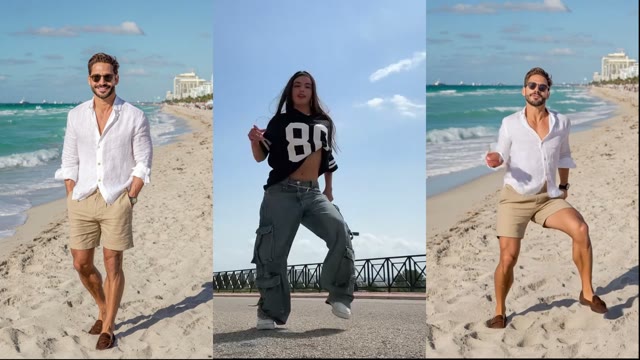
Move or change people in video
Product and fashion visuals
Ads and marketing
Film and story projects
Voice and audio
Quick video effects
Compare Inputs and Outputs
Tools with similar names start from different inputs. Pick by what you already have.
| Tool | You start with | You get | Use it when |
|---|---|---|---|
| Text to Image | A text prompt | Images | You have an idea but no picture |
| Image to Image | An image + prompt | An edited or restyled image | You want to keep a composition |
| Text to Video | A text prompt | A video clip | You describe a scene from scratch |
| AI Video Generator | A text prompt | A video clip | You want to compare video models |
| Image to Video | An image + prompt | That image animated | You have the exact frame to animate |
| Reference to Video | A reference image or video | A new scene guided by it | You want a subject or camera style carried over |
| Mimic Motion | A photo + a motion video | The photo performing the motion | You want to copy a performer’s movement |
| Face Swap Video | A video + a face photo | The video with the face swapped | You have consent to swap a face |
Browse All Tools, Models and Studios
AI Tools
- Ad Studio
- AI Actors
- AI Age Progression
- AI Art Generator
- AI Camera Control
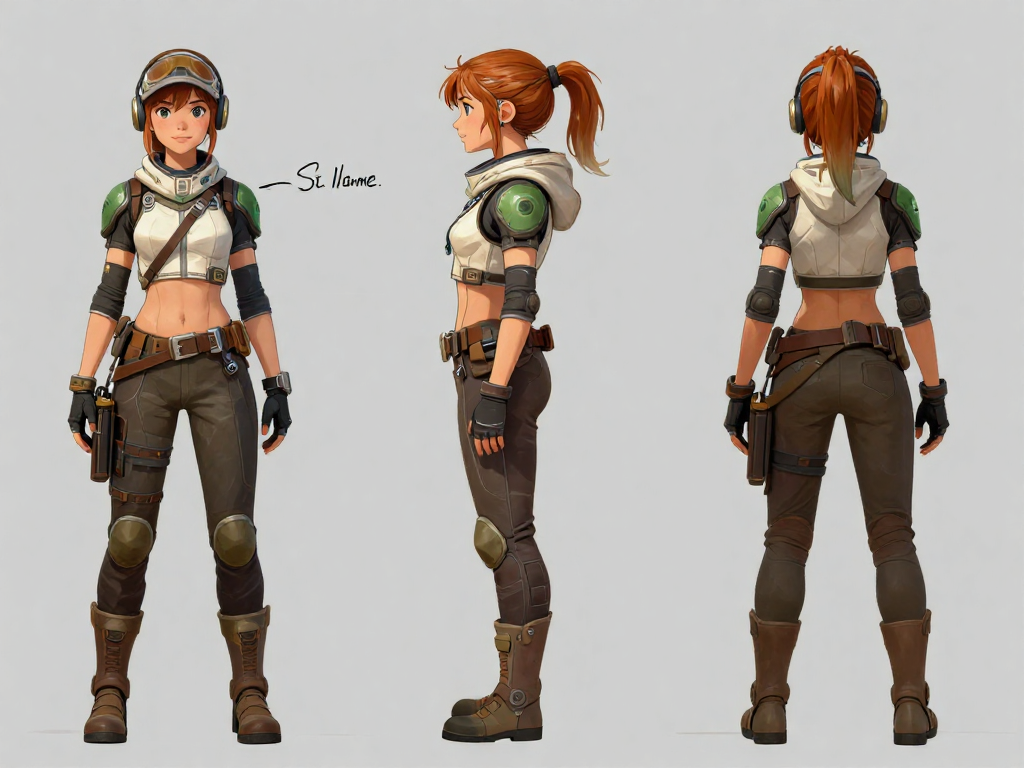
- AI Character Generator
- AI Character Swap
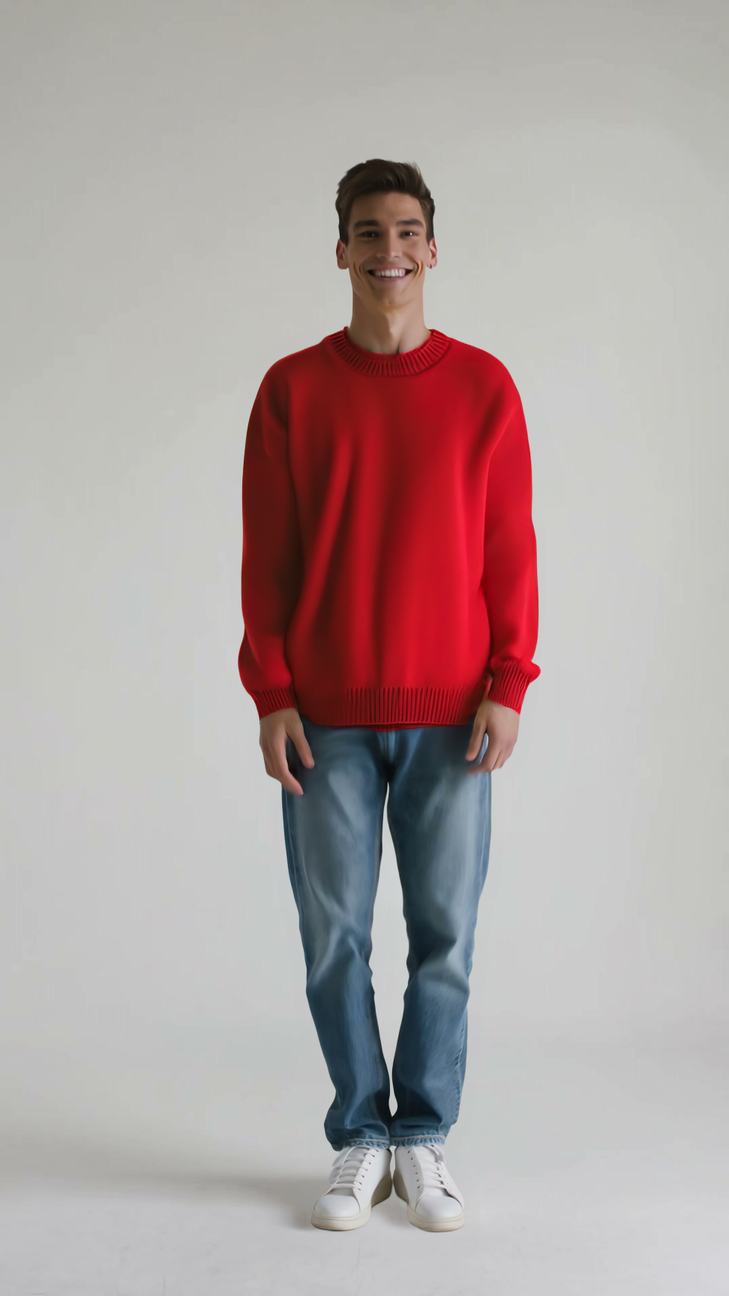
- AI Clothes Changer
- AI Emotion Video
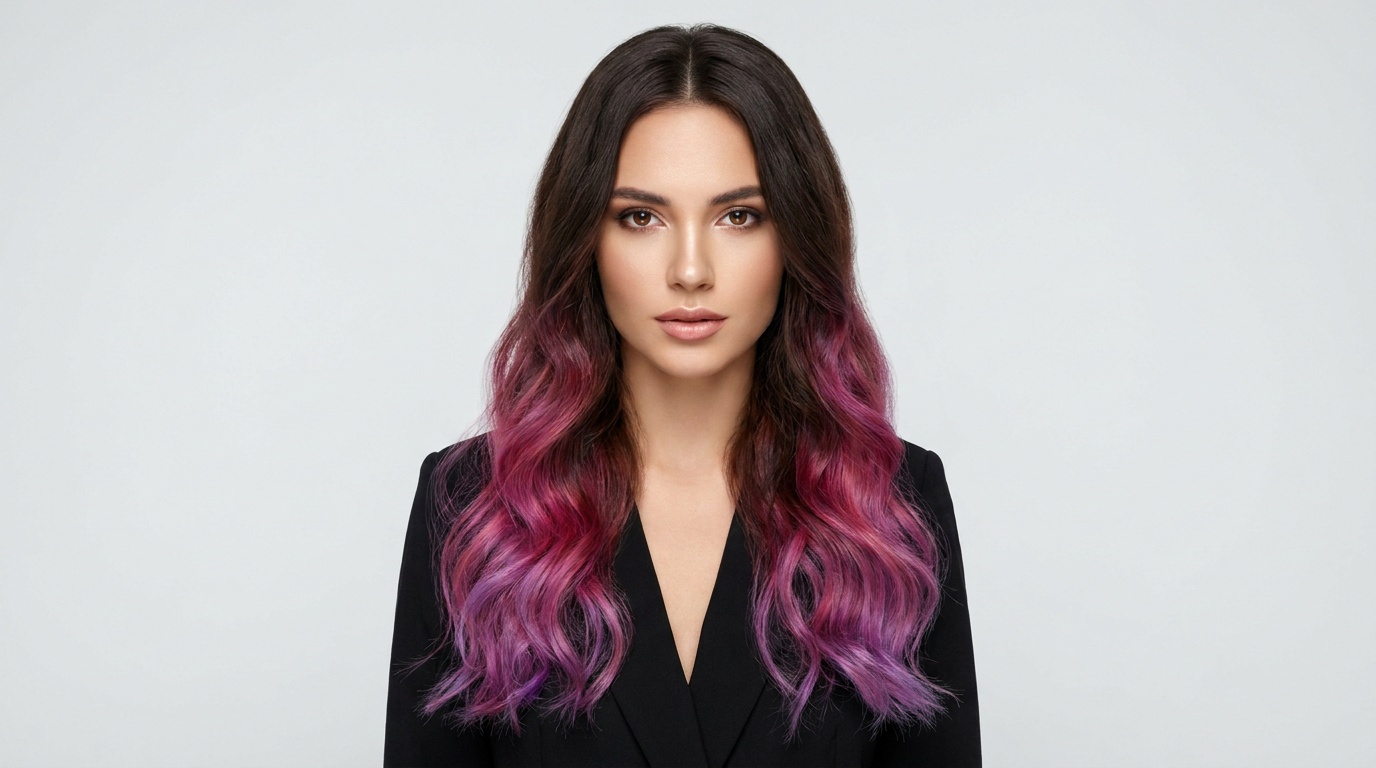
- AI Hair Color Changer
- AI Hairstyle Changer
- AI Halloween Costume
- AI Image Combiner
- AI Image Generator
- Anime
- Character
- Coloring Page
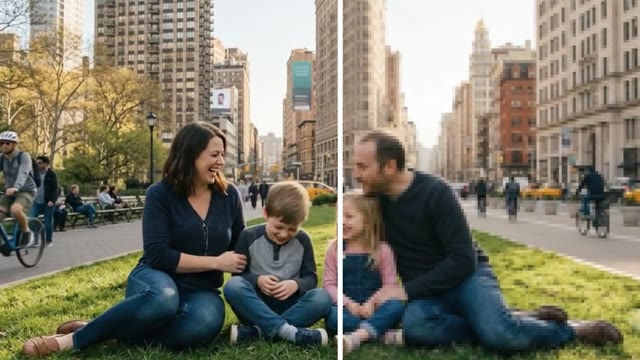
- Family Portrait
- Fantasy Art
- Headshot
- Logo
- Outfit
- Pixel Art
- Sticker
- Tattoo
- AI Influencer Generator
- AI Inpainting
- AI Movie Maker
- AI Multi Character Generator
- AI Music Generator
- AI Outpainting
- AI Photo Editor
- AI Photo Generator
- AI Product Image Generator
- AI Product Listing Image Generator
- AI Product Photo Editor
- AI Product Placement
- AI Product Video
- AI Short Drama Maker
- AI Storyboard Generator
- AI Style Transfer
- AI Talking Avatar
- AI Text To Image With Text
- AI Video Editor
- AI Video Generator
- Animation
- AI Video Sound Generator
- AI Virtual Try On Video
- AI Voiceover
- Avatar Generator
- Background Changer
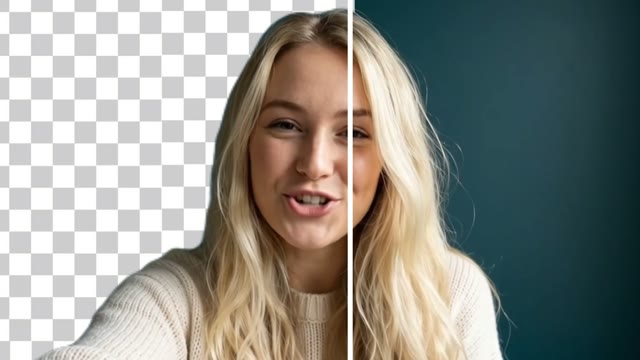
- Background Remover
- Buzz Cut Filter
- Cinema Studio
- Creative Studio
- Custom AI Avatar
- Drama Studio
- Face Swap
- Face Swap Video
- Image Enhancer
- Image To Image
- Image To Video
- Image Upscaler
- Lip Sync
- Magic Eraser
- Mcp
- Mimic Motion
- Photo To Avatar
- Reference To Video
- Remove Object From Video
- Script To Video
- Start End Frame Video
- Supermagic
- Text To Image
- Text To Speech
- Text To Video
- Video Background Remover
- Video Enhancer
- Video Extender
- Video To Video
- Video Upscaler
- Video Watermark Remover
- Voice Clone
- Watermark Remover

AI Models
Ad Makers & Marketing
- AI Ad Creative Generator
- AI Ad Video Generator
- AI Testimonial Video Maker
- AI Thumbnail Maker
- AI UGC Video Generator
- Amazon Product Video Maker
- Facebook Ad Video Maker
- Faceless Video Generator
- Instagram Reels Ad Maker
- Photo To Video Ad Maker
- Product Demo Video Maker
- Shopify Video Ad Maker
- Tiktok Ad Maker
- Tiktok Shop Video Maker
- Youtube Shorts Ad Maker
Alternatives
- Alternatives
- Arcads Alternative
- Capcut Alternative
- Creatify Alternative
- Dall E Alternative
- Heygen Alternative
- Higgsfield Alternative
- Icon AI Alternative
- Imagen Alternative
- Imagineart Alternative
- Invideo Alternative
- Opusclip Alternative
- Pollo AI Alternative
- Revid AI Alternative
- Runway Alternative
- Stable Diffusion Alternative
- Synthesia Alternative
- Topview Alternative
- Veed Alternative
What is the difference between a tool, a model and a studio?
A tool does one task, such as removing a background. A model page explains one AI engine, such as GPT Image 2. A studio, such as Cinema Studio or Creative Studio, groups several workflows for one kind of work.
Which tool should I use if I already have an image?
To animate it, use Image to Video. To edit or restyle it, use Image to Image or AI Photo Editor. To clean it up, use Background Remover or Image Upscaler.
Which tool uses a motion reference video?
Mimic Motion copies a performer’s movement from a video onto a character photo. Reference to Video can also use a video reference, depending on the model.
Where should I start for product visuals?
Use AI Product Image Generator for product photos, AI Product Video to animate a product image, and AI Clothes Changer for outfits on a model.
Where can I compare video models?
The AI Video Generator page explains how to choose between the video models in the picker.
How do I check the cost of a tool?
Each tool shows the credit cost for your settings before you generate. Plans and credit options are on the pricing page.
Where are generated assets saved?
Results are saved to your Creations library, where you can download them or continue in another tool.
Are the Alternatives pages generators?
No. Alternatives pages are comparison guides between Wandura and other products. Use the tools and studios to create content.