Runway Alternative: Wandura for Creator
If you make videos for a living or as part of your business, you need a tool that does not slow you down. Wandura is built around a single idea: get your footage, apply AI-powered effects, and export — without jumping through hoops. Runway packs a broad feature set and attracts serious film-work attention, but that breadth can mean more setup time, more configuration, and a steeper onboarding curve for creators who just want results. Wandura strips away the complexity and focuses on the production loop that creators actually repeat every week.
Where Runway Genuinely Has the Edge
Runway is worth a close look if you are working on experimental or cinematic projects that push the boundaries of generative video. Its research-driven approach means it often ships features — things like advanced inpainting, motion tracking, and custom model fine-tuning — before they appear elsewhere. If your work involves heavy compositing, green screen replacement at a professional level, or generative assets that need tight control, Runway's toolkit has depth that general-purpose creator tools do not match yet.
Runway also benefits from a larger mindshare in the AI video community. That means more tutorials, more community-built presets, and a larger talent pool of editors who already know the platform — which can matter if you are hiring or collaborating with external producers.

How Wandura and Runway Compare
| Criteria | Wandura | Runway |
|---|---|---|
| Primary focus | Turns text/images into platform-ready video, fast setup | Broad AI research platform: video, editing, compositing tools |
| Learning curve | Non-specialists get first output in one session | Steeper learning curve; deeper pro tooling |
| Key AI features | Text-to-video, image-to-video, captioning, format adaptation | High-end text/image-to-video, editing; no ad/UGC templates |
| Pricing model | Credits $0.01 each; plans $15–$109/mo, plus packs | Free tier; paid plans $15–$95/mo, no rollover |
| Team collaboration | Shared workspace, role-based access for small teams | Not built for team ad workflows |
| Export formats | Direct export, auto-sized for YouTube, TikTok, Reels | Standard exports only; no ad/UGC presets |
| Customer support | Dedicated support via email and in-app chat | Support level scales with your paid plan |
70+ AI Models in One Studio
 Seedance 2.0
Multimodal cinematic motion up to 4K
 Kling V3 Pro
Cinematic motion with film-grade lighting
 Veo 3.1
Premium realism with native audio
 Sora 2 Pro
Complex scenes and physics at premium quality
 LTX 2.3 Fast
Fastest drafts at the lowest cost
 Nano Banana Pro
High-fidelity images with sharp detail
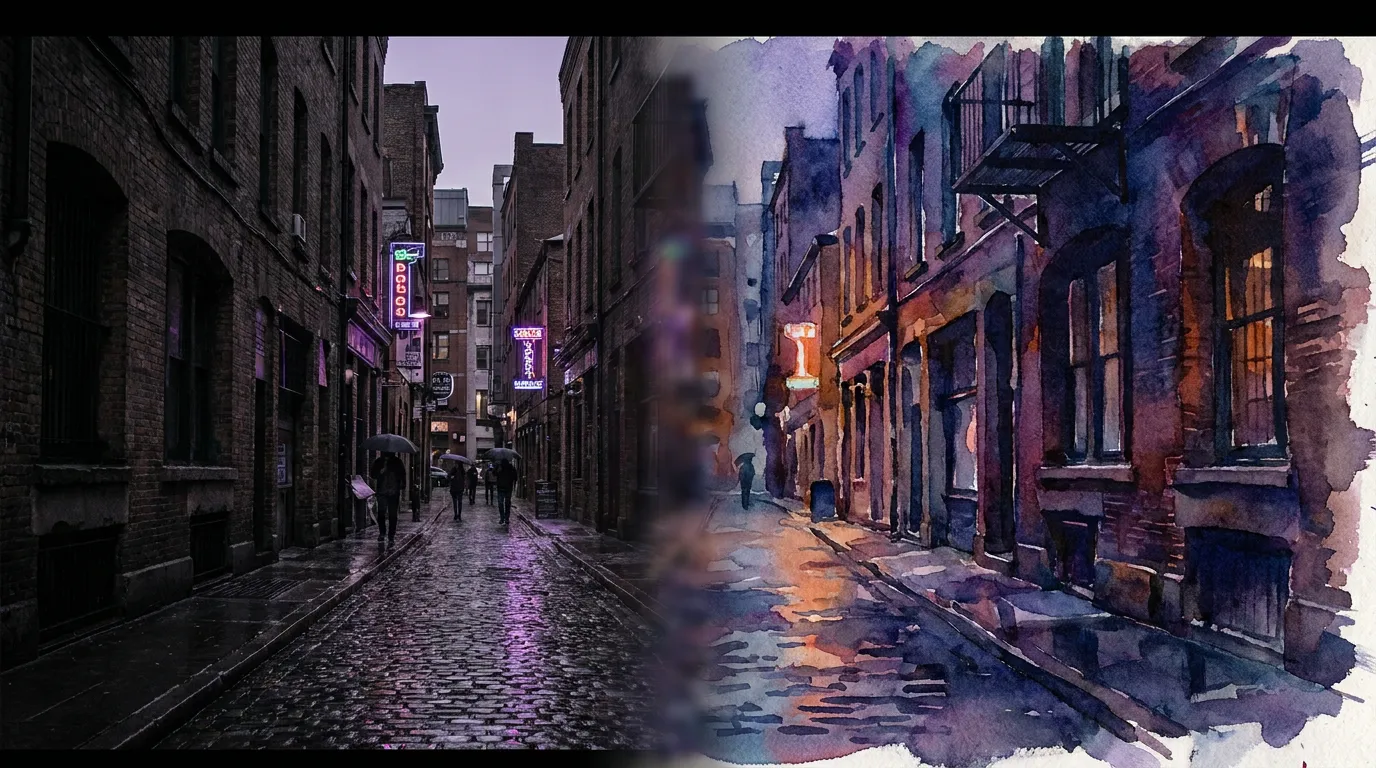 Seedream 4.5 Edit
Multi-image editing with up to 6 references
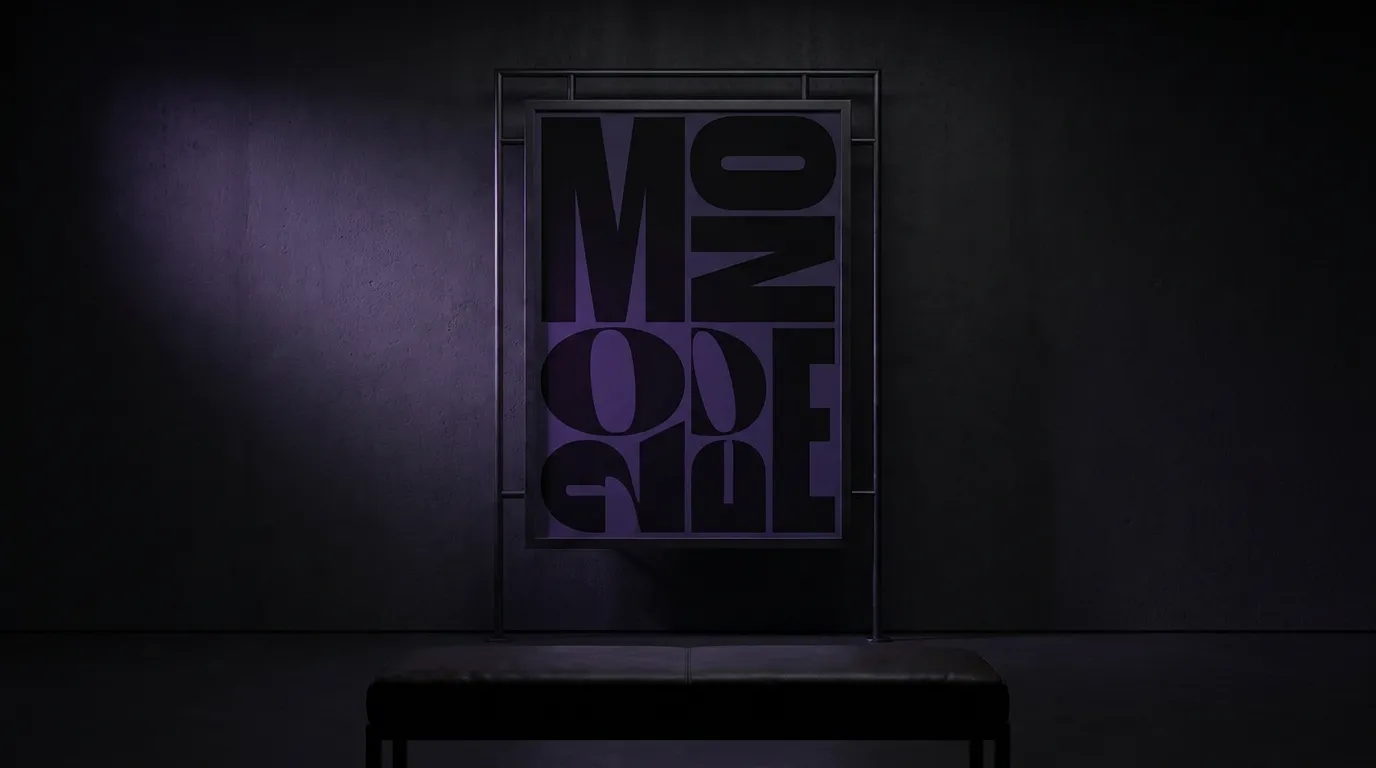 GPT Image 2
Best-in-class text rendering in images

 FLUX 1.1 Pro
Razor-sharp detail with top-rated realism
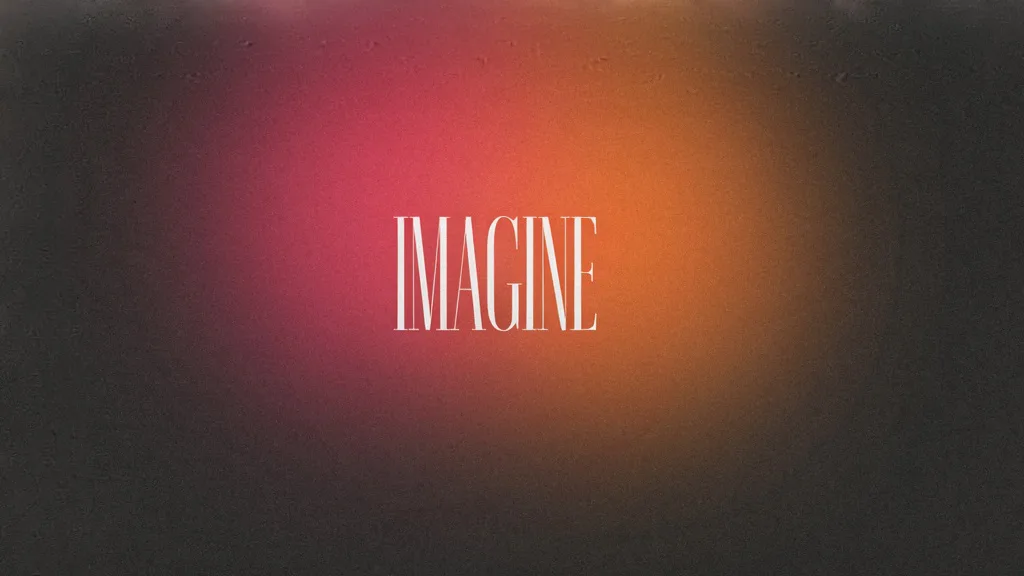
 Ideogram V4
Typography and marketing text that stays crisp
 MiniMax Speech 2.8 HD
Natural, high-quality speech synthesis
Explore More Wandura Tools

Plans & Pricing
Wandura runs on transparent credits — 1 credit = $0.01. Choose a monthly plan or top up with credit packs, and pay only for what you generate.
Basic
- ✓Up to 80 images/month
- ✓Up to 17 videos/month
- ✓1 parallel task
Kling 3.0Growth accessVeo 3.1Growth accessGPT Image 2CreditKling 2.6CreditSeedance 2.0CreditStarter
- ✓Up to 132 images/month
- ✓Up to 33 videos/month
- ✓2 parallel tasks
- ✓Audio generation
Kling 3.0Growth accessVeo 3.1Growth accessGPT Image 2CreditKling 2.6CreditGrowth
- ✓Up to 223 images/month
- ✓Up to 88 videos/month
- ✓4 parallel tasks
- ✓Priority support
Kling 3.0Credit accessVeo 3.1Credit accessNano Banana ProCredit accessGPT Image 2CreditKling 2.6CreditSeedance 2.0CreditAgency
- ✓Up to 500 images/month
- ✓Up to 124 videos/month
- ✓8 parallel tasks
- ✓Commercial license
Kling 3.010-Day UnlimitedVeo 3.110-Day UnlimitedNano Banana Pro10-Day UnlimitedGPT Image 2CreditKling 2.6CreditSeedance 2.0CreditCredit packs (no subscription): 1,000 credits for $10 · 6,250 credits for $50 (save 20%) · 14,000 credits for $100 (save 33%). Packs stay valid for 90 days. Growth and Agency plans add watermark-free exports, faster generation, and priority support; Agency includes 10-day unlimited access to Premium Exclusive models each cycle.
FAQs
Wandura is designed to accept standard video formats — MP4, MOV, WebM — so if your source footage is already in a common format, you can upload directly. The workflow structure differs from Runway, but creators who migrate report that the export step (getting platform-ready content out quickly) is where they see the biggest immediate gain. Wandura's template system stores your preferred settings, so repeat exports for recurring content types become a one-click operation after the initial setup.
Yes. Wandura generates video from text prompts and from still images (text-to-video and image-to-video) using a broad set of top models like Veo 3.1, Kling 3.0, and Seedance 2.0, and it outputs in ad-ready ratios (9:16, 1:1, 16:9). Where Runway leans into experimental and cinematic generative tooling, Wandura is tuned for producing platform-ready creative quickly at predictable per-credit cost. Try both on your own briefs to see which output suits you.
Wandura runs on transparent credits at $0.01 each, with monthly plans from $15 and pay-as-you-go packs, so you know the cost before you hit generate. Runway is subscription-based — Free (125 one-time credits), Standard $15/mo ($12/mo annual, 625 credits), Pro $35/mo, Max $95/mo (as of July 2026), with Standard/Pro credits that don't roll over. If your output is spiky month to month, pay-as-you-go can be easier to budget than a fixed subscription.
Both platforms can produce high-quality output; the right pick depends on your footage and delivery specs. Wandura gives you a wide range of top video models — including Veo 3.1, Kling 3.0, and Seedance 2.0 — with pay-per-use pricing and ad-production workflows. For broadcast or theatrical delivery with specific codec and color needs, evaluate both on your own footage and check each platform's export options.
Wandura's workspace supports team roles and shared asset libraries, which makes it practical for small agencies handling multiple clients. Each client project can have its own folder structure, preset settings, and export templates. For larger agencies that need per-client billing, white-label options, or deep API integration into existing production systems, you should check Wandura's enterprise offering directly or speak with their team about your specific requirements. Ready to put Wandura's creator workflow to the test on your next project? Start for free and see how quickly you can go from raw footage to platform-ready content.
See What You Can Create




When to Choose Which
Choose Wandura when:
- You produce recurring content — product demos, social clips, course modules, client updates — and you need a repeatable workflow rather than a research lab.
- You work with a small team or solo and do not have time to configure complex AI pipelines for every project.
- You want pricing that scales with your output, not with the number of features you might theoretically use.
- Platform-native export matters to you — getting a clip ready for YouTube Shorts or TikTok without a separate conversion step saves real time at scale.
- You evaluate tools by how quickly a new team member becomes productive, not by the ceiling of what an expert can squeeze out of it.
Choose Runway when:
- Your project involves generative video — creating scenes, characters, or visual elements from text or image prompts rather than working from existing footage.
- You need professional-grade compositing and VFX tools that integrate into a traditional post-production pipeline.
- You are investing in a skill that has high transfer value across a large talent pool, and community familiarity matters more than workflow speed for your team.
- You are working on a spec creative project where the cutting-edge features justify the learning investment and potential cost.