AI Background Changer
Swap the background of any photo without touching the subject. Describe the new scene in your own words or pick a ready-made preset — Wandura keeps the person or product intact and replaces everything behind it.
Change Any Photo Background in Seconds
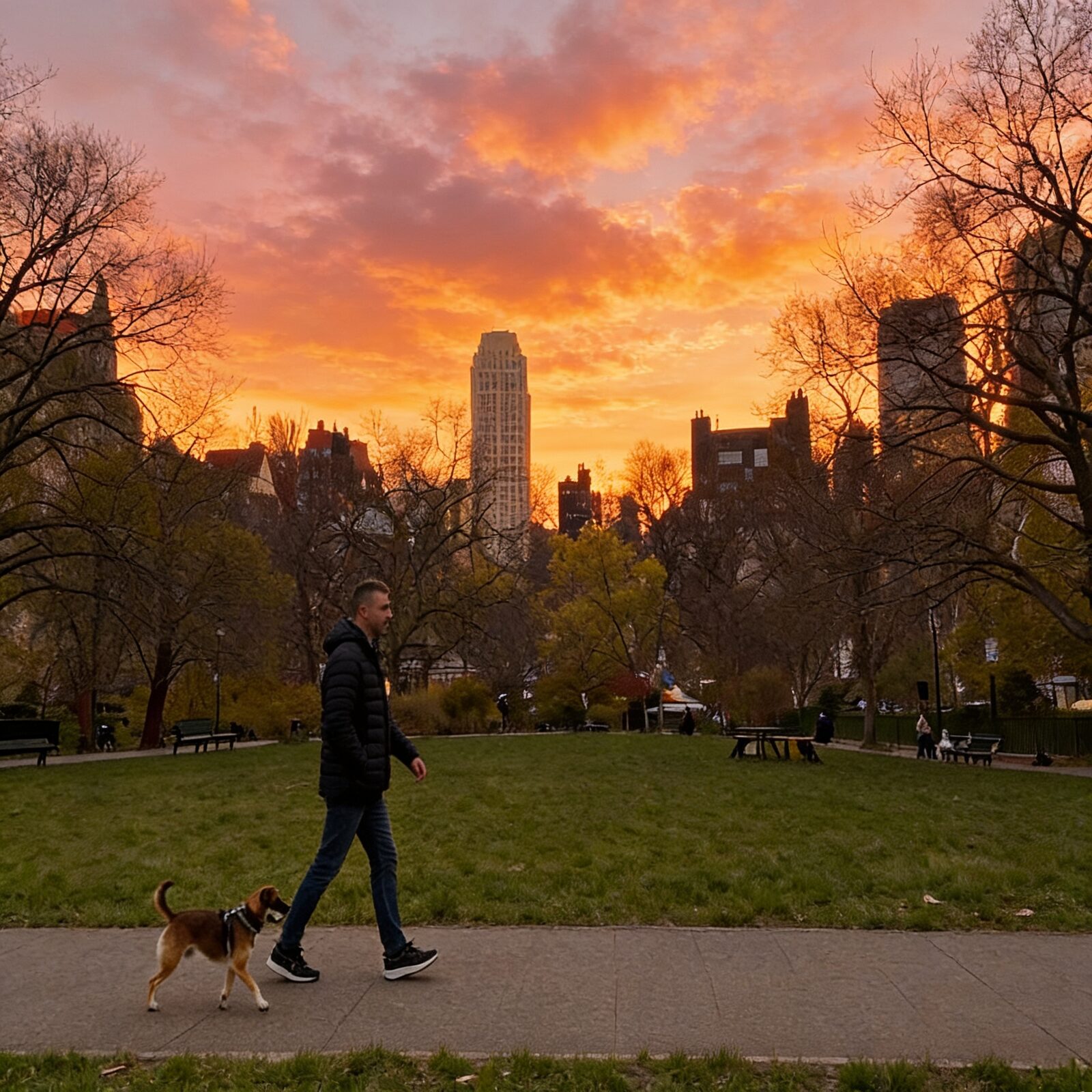
Wandura Background Changer keeps your subject exactly as it is — pose, edges, lighting — and rebuilds the scene behind it from a text description or a one-click preset: studio white, office, beach, city street, forest or gradient studio. Three engines sit behind one widget: a specialist model tuned purely for background swaps, Bria’s licensed-safe replacement engine, and Nano Banana Pro for maximum image quality. Every result opens in a before/after compare slider, so you can confirm the subject survived the swap pixel for pixel.
Try Background Changer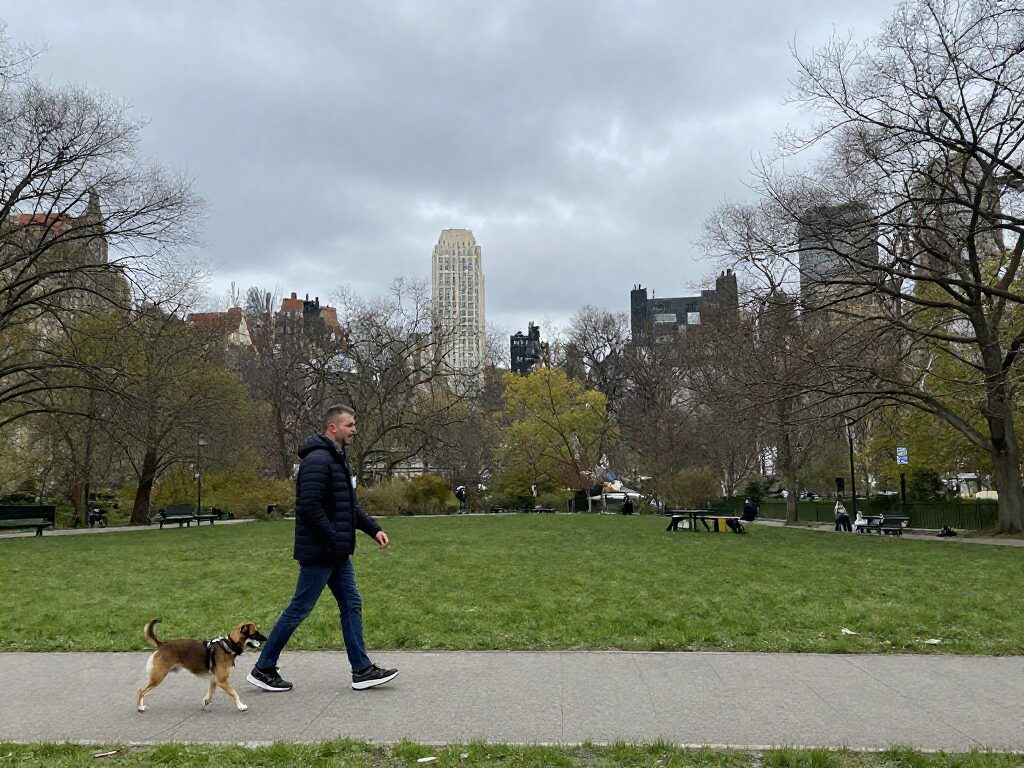
3 AI Models, One Background Changer Tool
Professional Headshots Without a Studio
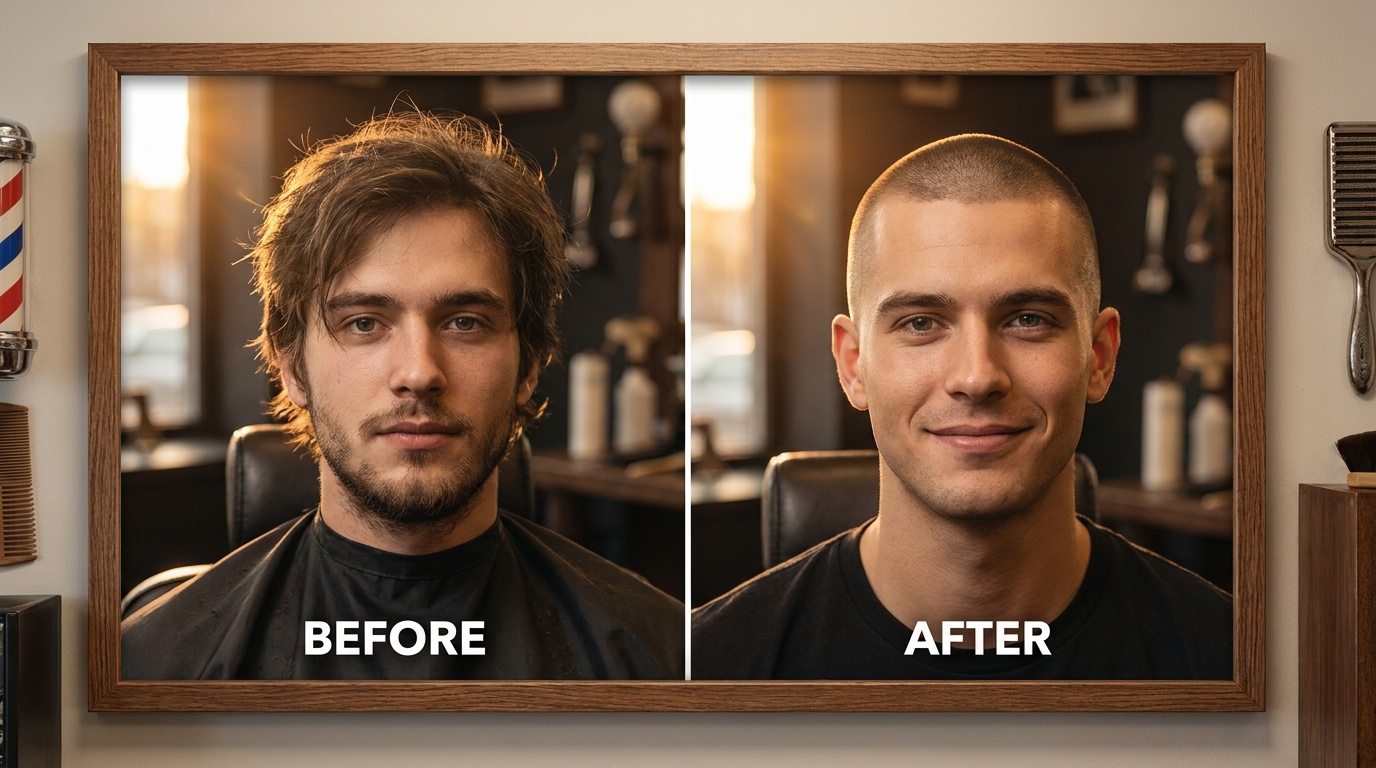
Need a LinkedIn-ready headshot but only have a photo taken at home? Pick the office preset — or describe your own backdrop — and get a polished, business-ready image in seconds. The gradient studio preset works just as well for portfolio and profile shots.
Try Background ChangerRescue Travel Photos from Busy Backdrops
Your best shot from the trip, ruined by a parking lot behind you? Swap the scene for a beach at golden hour, a forest with dappled light, or a city street at dusk — the presets carry carefully written scene prompts so a single click gives a coherent, well-lit result.
Try Background Changer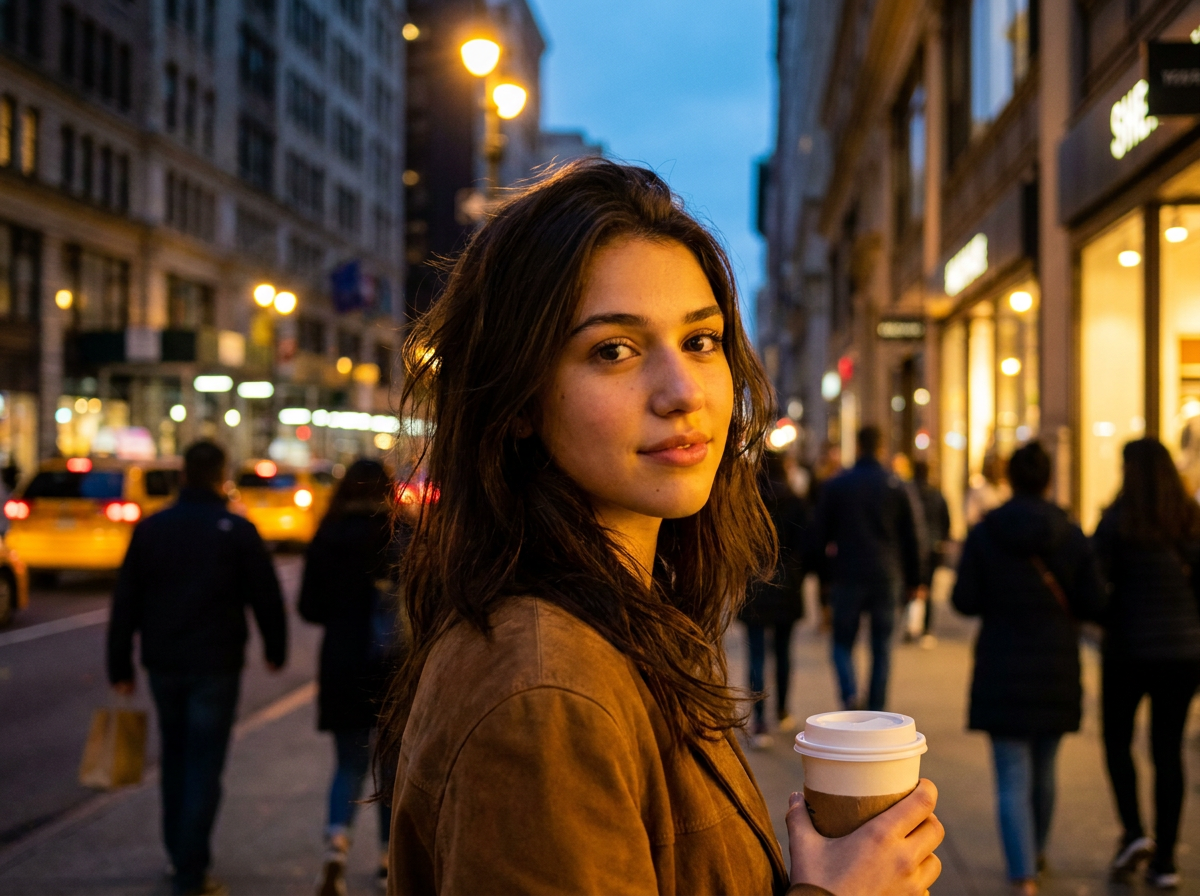
Move Products to a Cleaner Scene
Shot a product against a messy desk? Replace the backdrop with clean studio white for marketplace listings, or a lifestyle scene for ads and social — without re-shooting or manually cutting anything out. Bria Background Replace is the safe pick here: it is trained on licensed data for commercially safe output.
Try Background ChangerMake Social Posts and Thumbnails Pop
The same portrait works as a week of content when the world behind it changes. Write a custom scene per post — neon alley, sunlit café, mountain ridge — and keep your subject consistent while every backdrop feels fresh.
Try Background Changer
Chain It into the Rest of Your Workflow
The swapped photo is saved to your Creations and can flow straight into another tool without re-uploading — upscale it for print, or send it to Image to Video and let the new scene move.
Try Background ChangerHow It Works
Step 1: Upload your photo
Add the image whose background you want to replace — JPEG, PNG or WEBP up to 50 MB.
Step 2: Describe or pick a scene
Type what the new background should look like, or choose a preset: studio white, office, beach, city street, forest or gradient studio.
Step 3: Create and compare
Pick an engine and hit Create. Review the before/after slider, download the result, or chain it into another tool — everything is saved to your Creations.
How Much Does Background Changer Cost?
Every model below runs on one Wandura credit balance — pay only for what you generate, with no separate subscription per model.
| Model | Pricing |
|---|---|
| Background Change | Tuned for backgrounds · keeps subject intact |
| Bria Background Replace | Bria · licensed-safe |
 Nano Banana Pro (Edit) Nano Banana Pro (Edit) | High quality |
FAQs
It replaces everything behind the subject of a photo with a new scene — described in text or picked from a preset — while keeping the subject itself untouched: same pose, same edges, same lighting on the person or product.
Background Change is the default — a specialist engine tuned purely for background swaps that keeps the subject intact. Bria Background Replace is trained on a licensed dataset, so pick it when you need commercially safe output. Nano Banana Pro (Edit) is a general high-quality edit model at $0.15 per image — pick it for the strongest overall image quality.
No — six scene presets give one-click results: studio white, office, beach, city street, forest and gradient studio. Each preset carries a full scene description with lighting baked in. Choose "Custom" when you want to write your own.
Wandura falls back to a clean studio background, so the run still produces a usable result instead of failing.
Fast mode is available on Bria Background Replace only — it trades a little output quality for a quicker render. Leave it off for final assets; switch it on when you’re iterating on scene ideas.
Background Remover deletes the background entirely and gives you a transparent PNG cutout — useful for compositing elsewhere. Background Changer replaces the background with a finished new scene in one step. Need only a cutout? Use Background Remover. Want a new backdrop in place? Use Background Changer.
Nano Banana Pro (Edit) costs $0.15 per image; for the other two engines, pricing is shown next to the model name in the widget where published. Credits are only deducted when you generate.
JPEG, PNG, WEBP and other common image formats up to 50 MB.
Every result is saved to your Creations library with the before/after compare view. Download it, or chain it straight into another tool — Image Upscaler for a sharper export, or Image to Video to animate the new scene.
Yes — you get full commercial rights on all paid plans.