AI Video Upscaler: Make Any Video Sharper
Upscale soft, compressed or AI-generated clips to a higher resolution. Wandura enhances every frame with SeedVR2 or ByteDance Upscaler — crisper detail for the same footage, no re-shoot needed.
Sharper Video, Frame by Frame
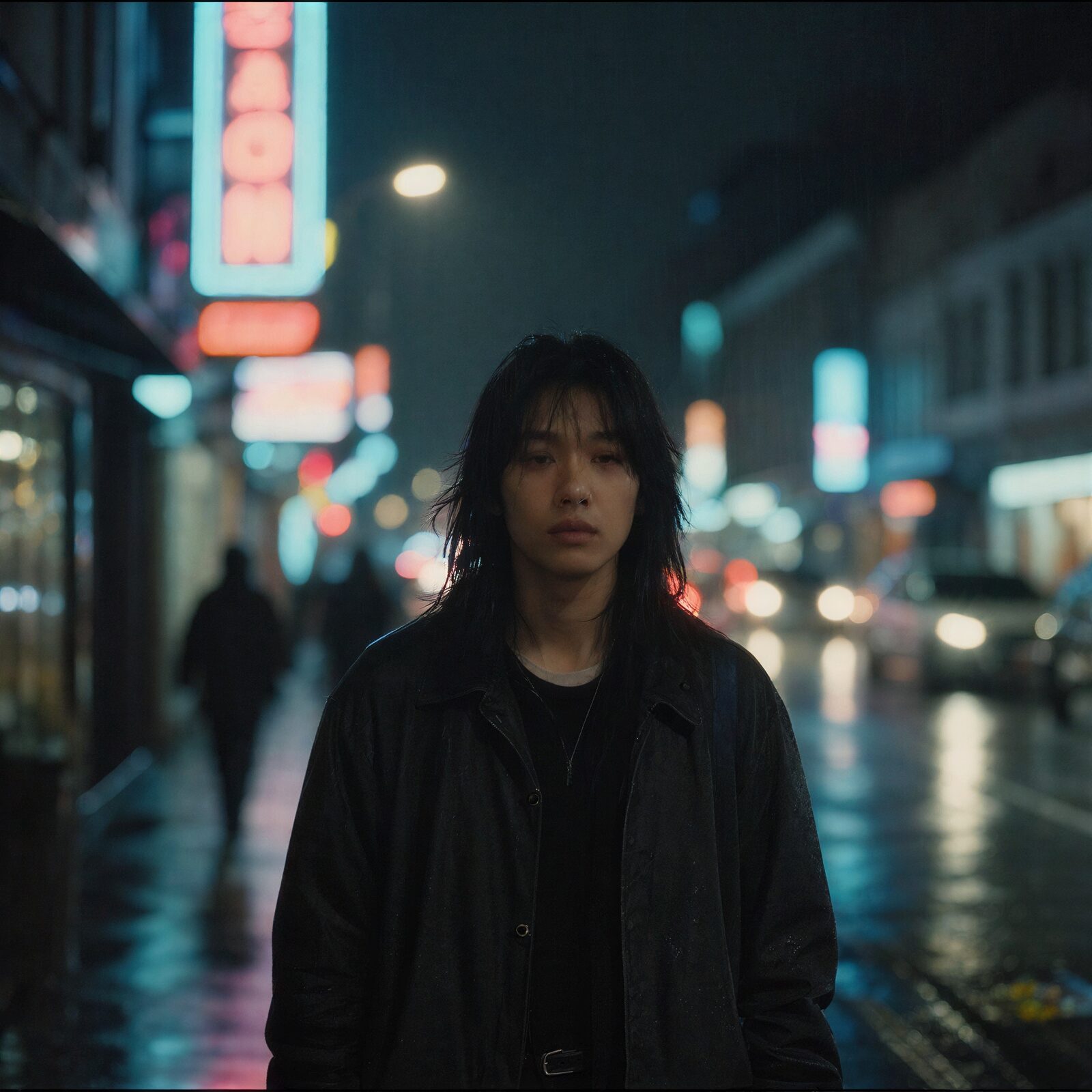
Video upscaling re-renders every frame at the higher resolution while reconstructing detail — edges, faces and textures come out crisp instead of stretched. Illustration below shows the level of per-frame detail recovery SeedVR delivers on a soft source.
Try Video Upscaler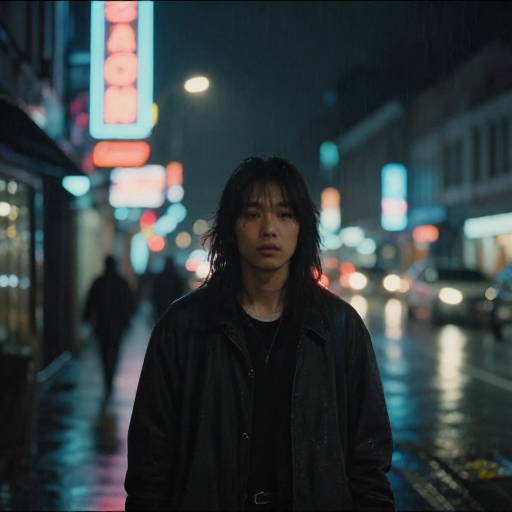
3 AI Models, One Video Upscale Tool
Finish AI-Generated Clips at 2K
Most video models output 720p–1080p. Run the result through the upscaler before publishing and deliver a clean 2K master — a one-click chain from any Wandura video result, no export/import round-trip.
Try Video UpscalerRevive Old and Compressed Footage
Phone videos from years ago, downloads mangled by messenger compression, archive material — upscaling recovers watchable detail and makes old clips usable in modern edits.
Try Video Upscaler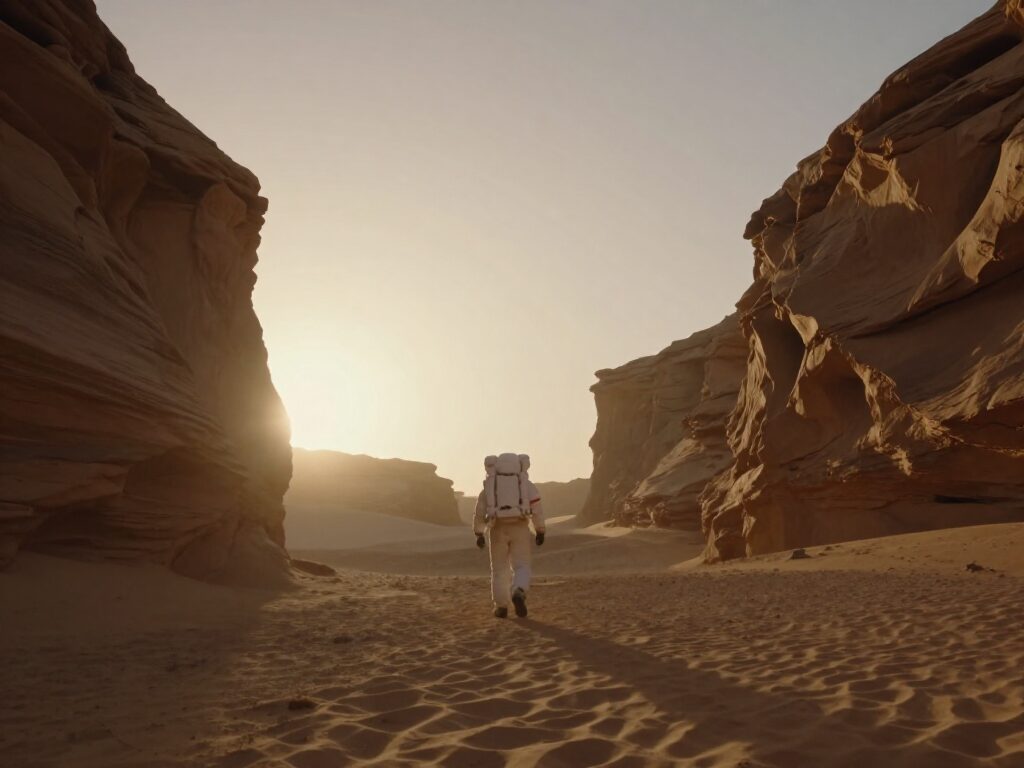
Meet Platform Resolution Requirements
Ads platforms and TVs increasingly expect 1080p+. Instead of re-rendering or re-shooting, upscale the clip you already have — ByteDance Upscaler is the fast lane for straightforward jobs, SeedVR2 the quality lane for detail-critical footage.
Try Video Upscaler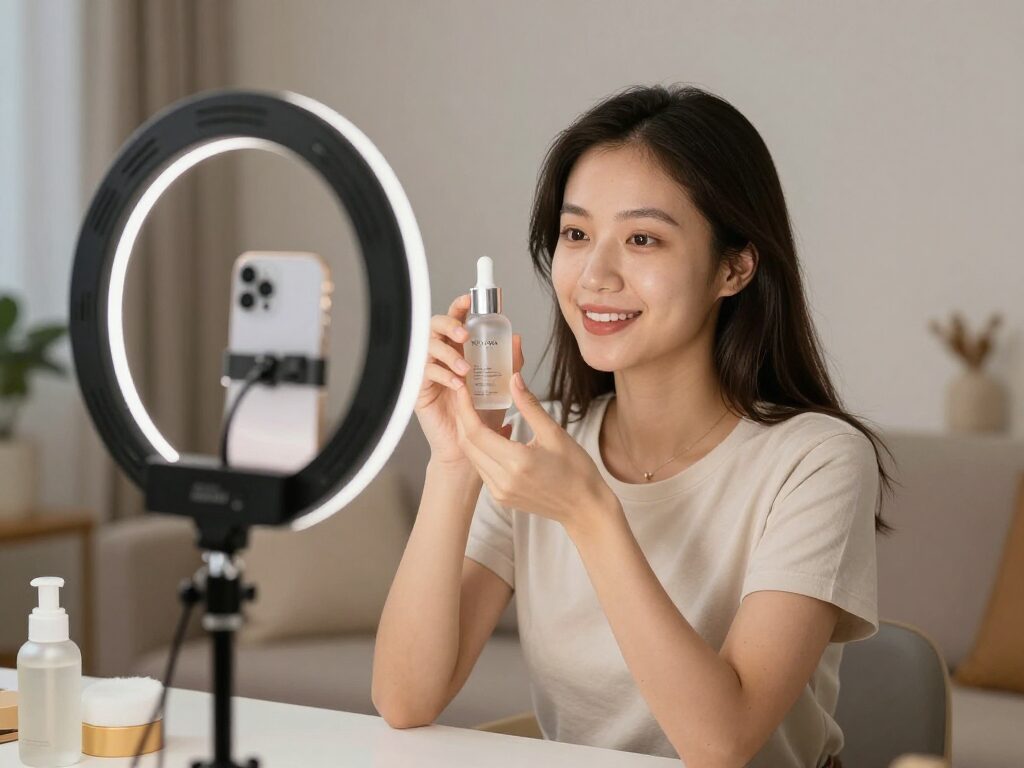
Master Low-Res Outputs from Other Tools
Some tools cap their output — Face Swap Video tops out at 720p, and many generators default to 720p to save credits. The chain bar sends any Creation straight here, so “generate small, master big” becomes your default workflow.
Try Video UpscalerUpscale Before You Crop or Zoom
Reframing a clip to vertical or punching in on a subject throws away pixels fast. Upscale to 2K first and the cropped or zoomed version still lands above your delivery resolution instead of below it.
Try Video UpscalerHow It Works
Step 1: Upload Your Clip
Add the video you want to enhance — an AI generation, a phone clip or old compressed footage.
Step 2: Pick Target Resolution
Choose 720p, 1080p or 2K. SeedVR2 preserves the most detail; ByteDance Upscaler is the fast option for clips up to 1080p input.
Step 3: Get the Enhanced Video
Generate and download the upscaled clip. From the result you can chain into Video Extend, Lipsync and other video tools.
How Much Does Video Upscaler Cost?
Every model below runs on one Wandura credit balance — pay only for what you generate, with no separate subscription per model.
| Model | Pricing |
|---|---|
 SeedVR2 SeedVR2 | Detail-preserving upscale |
| BytePlus vCube | Cheapest · ~15s |
| ByteDance Upscaler | Fast upscale |
FAQs
The model re-renders each frame at a higher resolution while reconstructing detail, instead of simply stretching pixels — so edges, faces and textures come out sharper across the whole clip.
Wandura offers SeedVR2 and BytePlus vCube and ByteDance Upscaler. SeedVR2 is the detail-preserving default; ByteDance Upscaler is faster and accepts source clips up to 1080p on the longest edge.
You can target 720p, 1080p or 2K. Each model clamps to its own supported range automatically, so you always get the closest valid resolution to what you picked.
Prices are shown next to each model: SeedVR2 charges $0.001 per megapixel processed, ByteDance Upscaler $0.0072 per second of video. Longer or larger clips cost proportionally more.
SeedVR2 preserves the most detail and supports up to 2160p — pick it for faces and detail-critical footage. ByteDance Upscaler is faster and cheaper for everyday clips, and accepts sources up to 1080p on the longest edge.
No — motion, timing and audio stay untouched. The models only reconstruct spatial detail in each frame, so the upscaled clip is the same video, just sharper.
Upscaler when the problem is size — you need more resolution than the source has. Enhancer when the problem is quality at the current size: grain, compression noise and softness, with a denoise control and a 1080p default. Noisy and small? Enhance first, then upscale.
The job runs asynchronously in the cloud — submit the clip and Wandura tracks the status for you, then notifies you when the sharper version is ready in your Creations. Longer clips and higher target resolutions take proportionally longer.
The clip lands in your Creations and the chain bar lets you keep going — extend it, add lipsync, remove the background or swap a face without leaving Wandura.