AI Text to Image with Text
AI images where the words actually read. Describe the scene, type the exact text you need — a headline, a logo name, a sign — and Wandura renders it sharp and legible instead of the usual alphabet soup.
Built for Words That Must Come Out Right
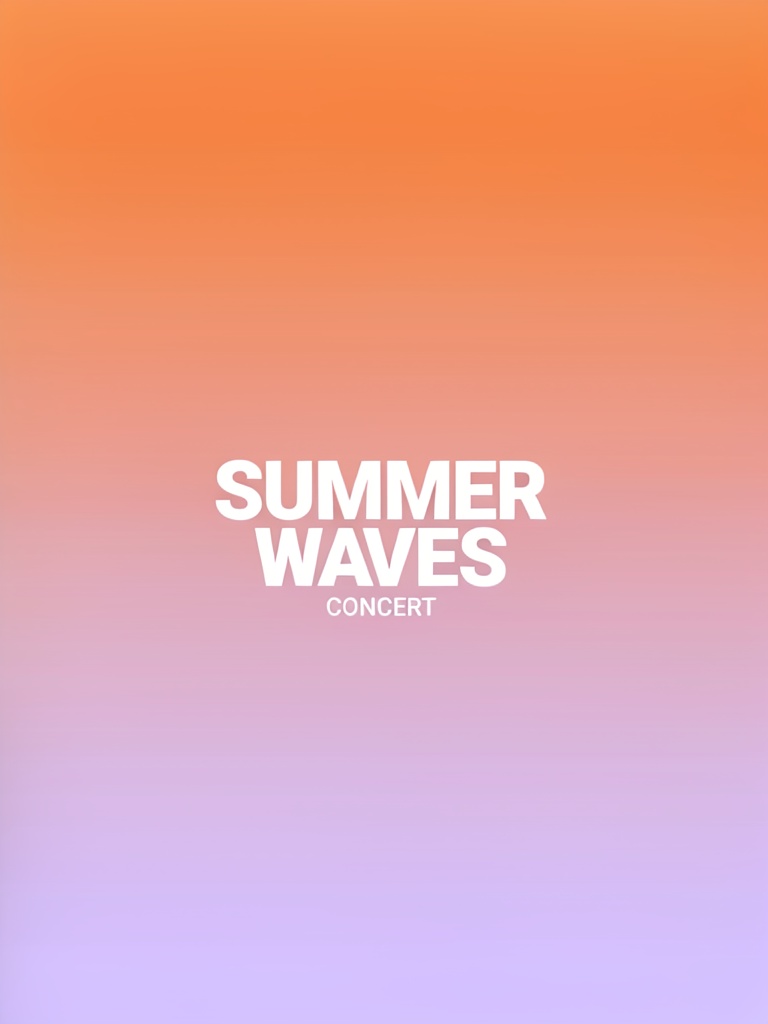
Most image generators mangle text into gibberish. This tool separates the job into two fields — a scene prompt for the visual and an exact-text field for the words — and routes them to models chosen for typography: GPT Image 2 (from $0.04) leads by default, with Ideogram V4 (from $0.03) as the typography specialist, Nano Banana Pro at $0.15 for 4K quality, Z-Image Turbo at $0.005 for drafts, and Seedream 5.0 Lite at $0.035 for batches of up to 6. The poster shown here is a real Ideogram V4 generation from this tool — "WANDURA" passed as exact text and rendered letter-perfect.
Try Text to Image with Text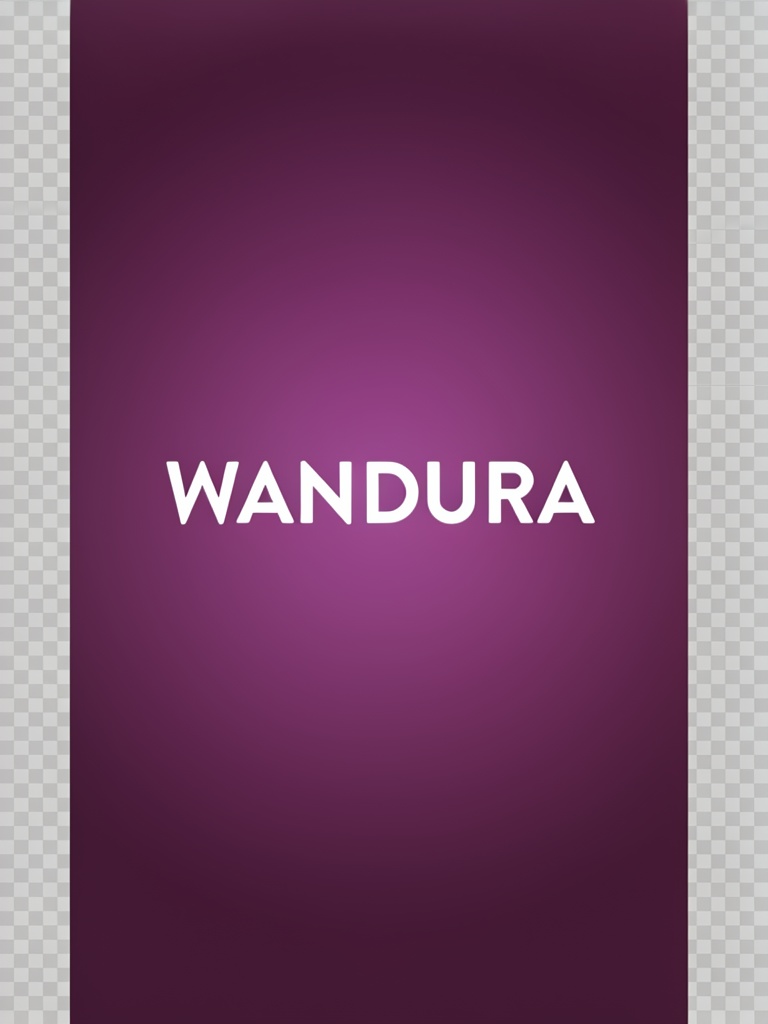
5 AI Models, One Text in Image Tool
Posters and Flyers with Real Headlines
Event posters, sale flyers, gig announcements — describe the art direction in the scene prompt ("a vintage poster, bold typography") and put the headline in the text field. The model treats your words as content to render exactly, not decoration to approximate — the generated poster here spells "WANDURA" exactly as typed.
Try Text to Image with TextLogo Concepts and Wordmarks
Explore how a brand name looks as a badge, a neon sign, an embroidered patch or a minimal wordmark. Because the name is passed as exact text, every concept spells it correctly — the part traditional generators fail at most.
Try Text to Image with TextSigns, Storefronts and Product Labels
Mock up a café chalkboard, a storefront fascia, a bottle label or an in-scene billboard with your actual copy on it. Great for pitching a look before anything is printed or built.
Try Text to Image with TextFor Marketers: CTA Banners at A/B-Test Prices
Generate ad creatives with the offer text baked in — "SUMMER SALE", "50% OFF TODAY" — across styles and aspect ratios. Draft on Z-Image Turbo at $0.005 per image, batch 6 variations on Seedream 5.0 Lite, and finalize the winner on GPT Image 2 or Ideogram V4.
Try Text to Image with TextPick the Right Model for the Job
GPT Image 2 is the strong default with a quality setting; Ideogram V4 shines on typography and CTA text with a rendering-speed control; Nano Banana Pro renders up to 4K for print-sized output. Every model shows its real price next to its name so the trade-off is always visible.
Try Text to Image with TextHow It Works
Step 1: Describe the Scene
Write the visual direction in the scene prompt — style, medium, mood, layout — like "a vintage poster, bold typography" or "neon sign on a brick wall".
Step 2: Type the Exact Text
Enter the words to render, up to 120 characters — they are passed to the model as exact text to draw clearly and legibly.
Step 3: Pick Ratio and Generate
Choose an aspect ratio, model and image count, then generate. Results land in your Creations — download or chain them into upscaling or animation.
How Much Does Text to Image with Text Cost?
Every model below runs on one Wandura credit balance — pay only for what you generate, with no separate subscription per model.
| Model | Pricing |
|---|---|
 GPT Image 2 GPT Image 2 | Strong text |
 Ideogram V4 Ideogram V4 | Typography/CTA |
 Nano Banana Pro Nano Banana Pro | High quality |
 Z-Image Turbo Z-Image Turbo | Fast · cheapest |
 Seedream 5.0 Lite Seedream 5.0 Lite | Balanced · up to 6 images |
FAQs
It is a text-to-image generator specialized for images that contain words — posters, logos, signs, banners. You provide the scene description and the exact text separately, and the model renders your words clearly and legibly inside the image.
Regular Text to Image optimizes for the overall picture, and any words in it often come out garbled. This tool splits your input into a scene prompt plus an exact-text field, wraps them in a render-this-text-verbatim instruction, and defaults to models with the strongest text rendering — GPT Image 2 first, with typography specialist Ideogram V4 next. Use it whenever the words matter.
Your text (up to 120 characters) is passed to the model as an explicit instruction to render exactly, clearly and legibly. Short phrases — headlines, names, CTAs — are the sweet spot; the longer the text, the more it pays to generate a few variations and pick the cleanest.
Five models: GPT Image 2 ($0.04–0.40 depending on quality), Ideogram V4 ($0.03–0.10), Nano Banana Pro ($0.15), Z-Image Turbo ($0.005 — the cheapest) and Seedream 5.0 Lite ($0.035, up to 6 images per run). Each price is shown in the widget and credits are deducted only when you generate.
Anything where an image and words meet: posters and flyers, logo and wordmark concepts, shop signs, product labels, YouTube thumbnails, ad banners with CTAs, quote cards, book or album cover mockups.
No — this is a text-to-image tool, so everything is generated from your two text fields. To add or change text on an existing photo, use an editing tool like Image to Image or AI Inpainting instead.
GPT Image 2 has a low/medium/high quality setting, Ideogram V4 a Turbo/Balanced/Quality rendering-speed setting (Quality is the default here), and Nano Banana Pro a resolution setting up to 4K. All models support aspect ratio presets.
Up to 4 per run on most models, and up to 6 on Seedream 5.0 Lite. Text rendering benefits from batching — generate several candidates and keep the one with the cleanest lettering.
Every generation is saved to your Creations library — preview, download, or chain the image into another tool: upscale a poster for print, or animate a banner into a short video.