Bring Your Photos to Life
Turn any still image into moving video. Upload a photo, describe the motion — slow zoom, gentle parallax, a subject that turns and smiles — and Wandura animates it with industry-leading video models.
One Photo In, a Living Clip Out
Image to Video keeps the exact look of your picture — the person, the product, the scene — and adds movement on top: camera pushes, parallax, natural gestures. Five engines cover every budget, from fast Kling 2.5 Turbo drafts to cinematic Kling V3 Pro and premium Veo 3.1 with native audio. An optional end frame lets you tell the model exactly where the motion should land.
Try Image to Video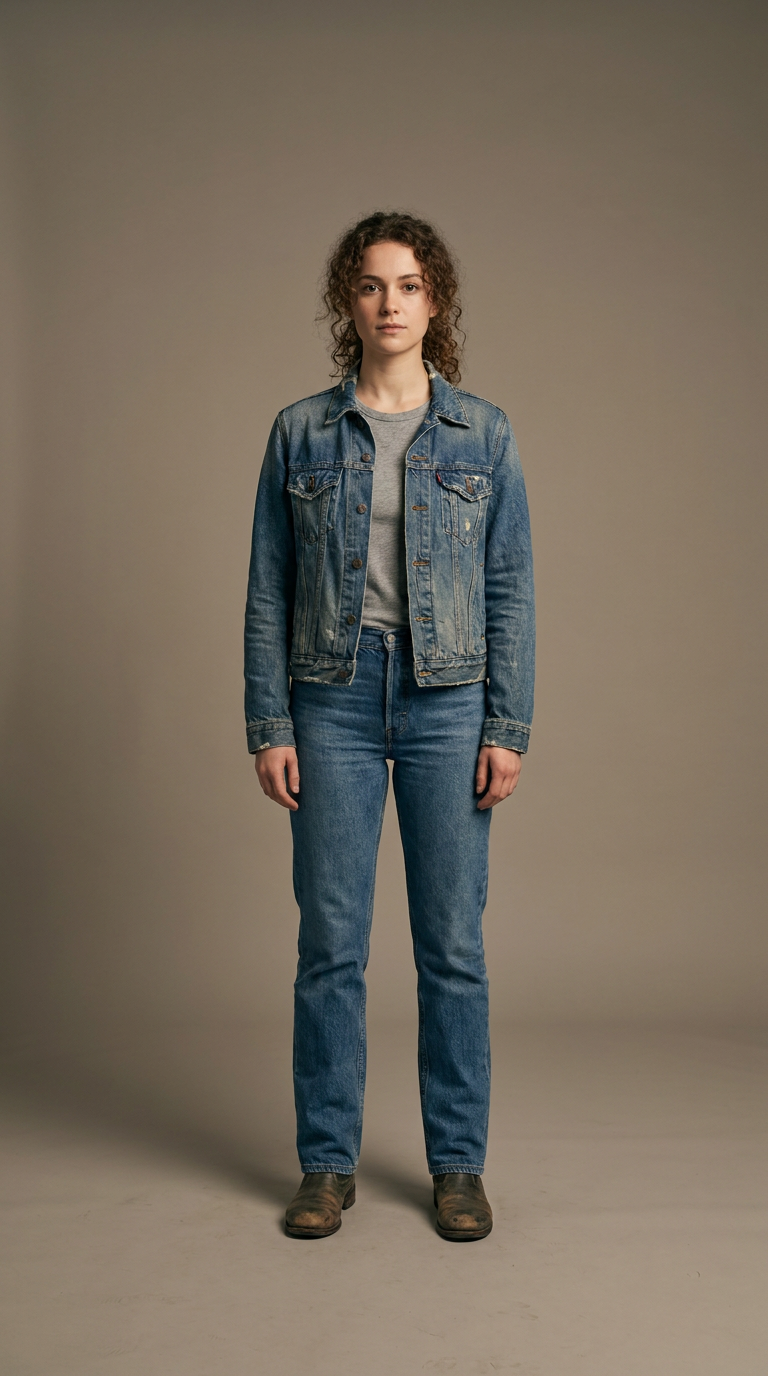
6 AI Models, One Image → Video Tool
Portraits That Greet, Products That Turn
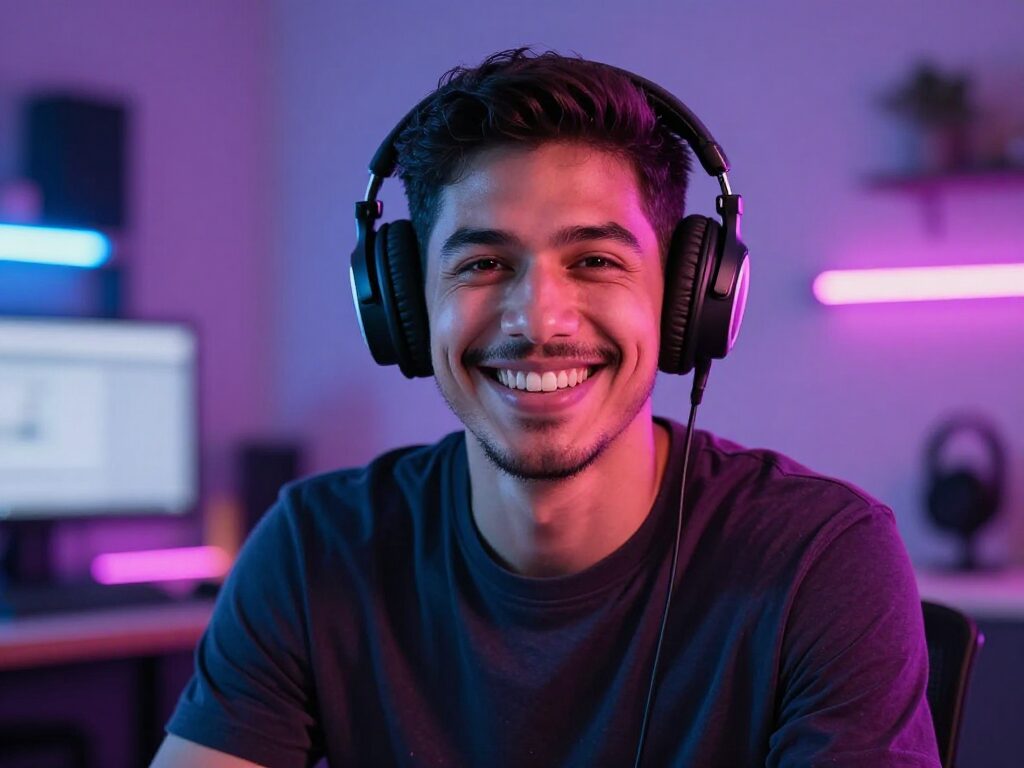
A profile photo becomes a smiling, waving intro. A product shot gets a slow orbit and a light sweep. The motion prompt drives what happens while the photo anchors identity — no reshoots, no 3D software.
Try Image to VideoControl the Journey with an End Frame
Give the model a destination: upload an optional second image and the clip animates from your first frame to the last one. Great for before/after reveals, expression changes, or camera moves that need to end on a specific composition.
Try Image to VideoFor Creators: Feed the Vertical Feeds
Animate your best stills into 9:16 clips of 4–10 seconds for TikTok, Reels and Shorts. Draft on Kling 2.5 Turbo, then re-run the keeper on Kling V3 Pro at 1080p — every result saves to your Creations for download and reuse. The clip here is a real Kling 2.5 Turbo draft made with this exact workflow.
Try Image to VideoFor Marketers: Motion Ads from the Assets You Have
Your product library is full of stills — turn them into moving ads without a video shoot. Generate up to 4 variations per run, pick per-second pricing you can forecast, and chain the winner straight into Video Upscale or Lipsync.
Try Image to VideoHow It Works
Step 1: Upload Your Photo
Add the image you want to animate. An optional end frame gives the motion a target.
Step 2: Describe the Motion
Write a short motion prompt and pick aspect ratio, resolution (720p/1080p) and duration (4–10s).
Step 3: Get the Video
Generate and watch your photo move. The video lands in your Creations — download it or chain it into Upscale, Extend and more.
How Much Does Image to Video Cost?
Every model below runs on one Wandura credit balance — pay only for what you generate, with no separate subscription per model.
| Model | Pricing |
|---|---|
 Kling 3.0 Kling 3.0 | Cinematic |
| Kling 2.5 Turbo | Draft · fast |
 Seedance 2.0 Seedance 2.0 | Up to 4K |
| Seedance 2.0 Fast | Fast |
| Seedance 2.0 Mini | Cheapest |
 Veo 3.1 Veo 3.1 | Premium · audio |
FAQs
Image to Video animates a still picture into a short video clip. The AI keeps the look of your photo and adds camera motion or subject movement based on your motion prompt.
Wandura gives you Kling 3.0, Kling 2.5 Turbo, Seedance 2.0, Seedance 2.0 Fast, Seedance 2.0 Mini, Veo 3.1 in one place — switch models per generation without leaving the tool.
Describe the movement, not the picture — the photo already defines the look. "Slow push-in, she turns and smiles at the camera" works better than re-describing her outfit. Name the camera move (zoom, pan, parallax) and the subject action, and keep it to one or two beats for a 4–10s clip.
The optional end frame is a second image the clip should finish on. The model interpolates the motion between your start photo and the end frame — useful for reveals, expression changes, or landing on an exact final composition.
You can generate clips of 4, 6, 8 or 10 seconds at 720p or 1080p, in any supported aspect ratio including vertical 9:16 for TikTok and Reels.
Pricing is in credits, per second of generated video, and shown next to each model before you generate — Kling 2.5 Turbo costs the least for drafts, Kling V3 Pro and Veo 3.1 are the premium picks. Longer clips cost proportionally more.
Yes — Veo 3.1 generates synchronized native audio in the same pass (keep the Native audio toggle on). Other models produce silent clips; you can add voice-over or music afterwards with the audio tools.
Every generation is saved to your Creations library. From the result you can download the MP4 or chain it into another tool — upscale it, extend it, or lip-sync a voice onto it.