AI Clothes Changer
Put any garment on a person photo instantly. Upload a photo of the person and a photo of the clothing item — Wandura generates a realistic virtual try-on in seconds, no styling shoot, no fitting room.
Try Clothes on Any Photo Instantly
Wandura’s AI clothes changer maps a garment photo onto a person photo while keeping pose, body shape and lighting natural. It runs on FASHN Try-On v1.6, a model built specifically for virtual try-on rather than general image editing, so fabric drape, fit and proportions come out believable instead of pasted-on. Tell it what kind of garment you uploaded — tops, bottoms or one-pieces — or leave the category on Auto and let the model detect it. Two photos, one click, and the outfit is on.
Try AI Clothes Changer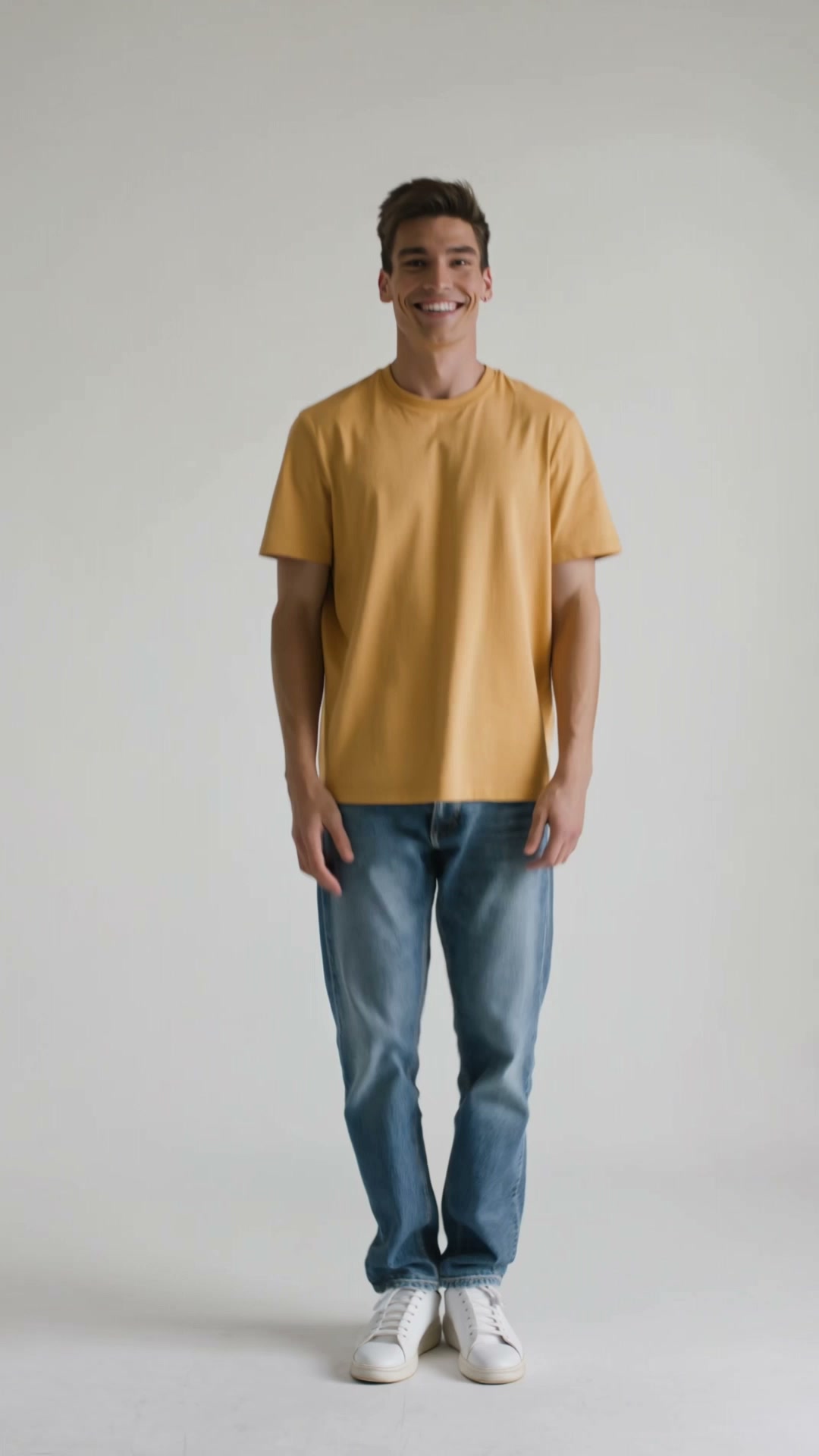
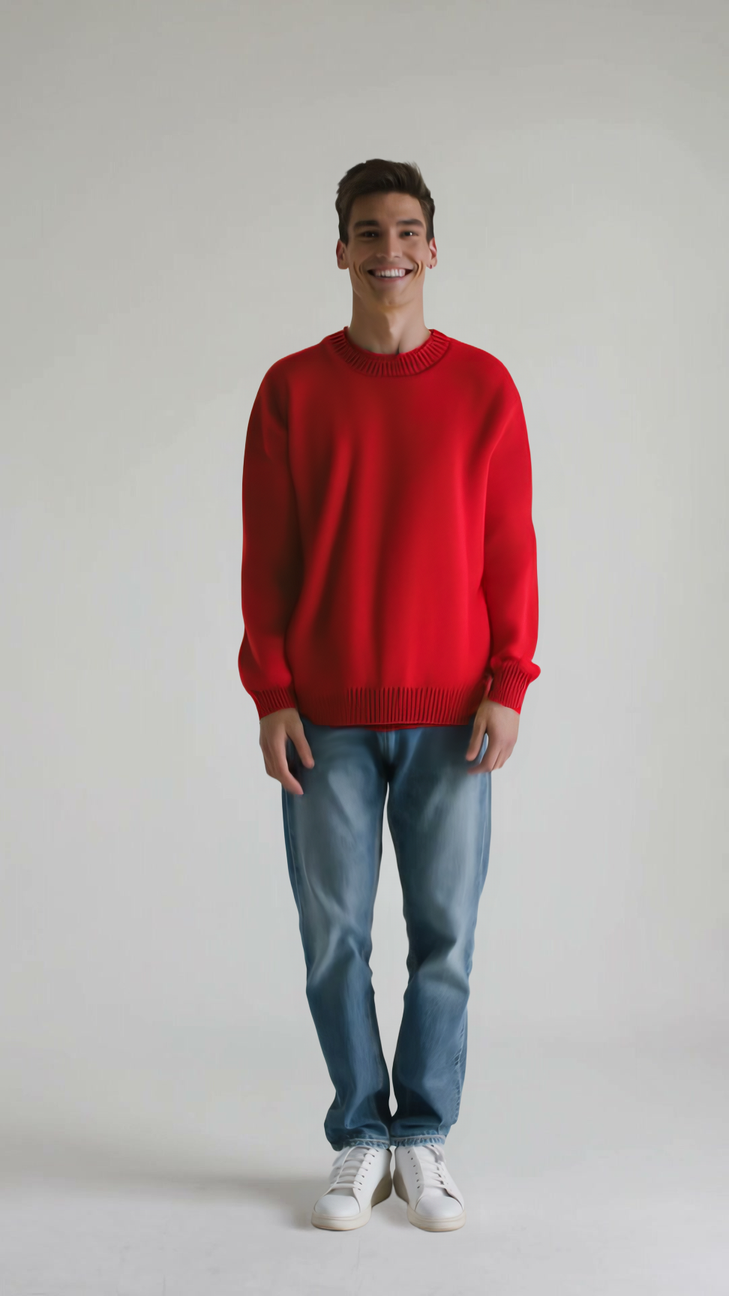
Try On Outfits Without a Fitting
An AI clothes changer swaps outfits on a photo, powering virtual try-on for e-commerce and fast fashion content — one model photo can wear an entire catalog. It removes the need to reshoot every garment on every model.
Use a clear, full-body photo and a clean image of the garment for the most accurate fit. Generate the same look across several outfits to build a consistent product set.
1 AI Model, One Virtual Try-On Tool
Preview Outfits Before You Buy
Shopping online and unsure how an item will look on you? Upload your own photo and the product photo from the listing to see the fit and style on your body before checkout — no more guessing from a flat product shot on someone else’s frame. Drag the slider: same person, new outfit, one render.
Try AI Clothes ChangerShow One Garment on Many Models
Fashion sellers can present a single garment on different bodies, poses and looks in minutes. Keep the garment photo fixed, swap the person photo per run, and build a diverse catalog page without booking a single photoshoot. The slider here shows the flat garment shot on the left and the on-model render on the right.
Try AI Clothes Changer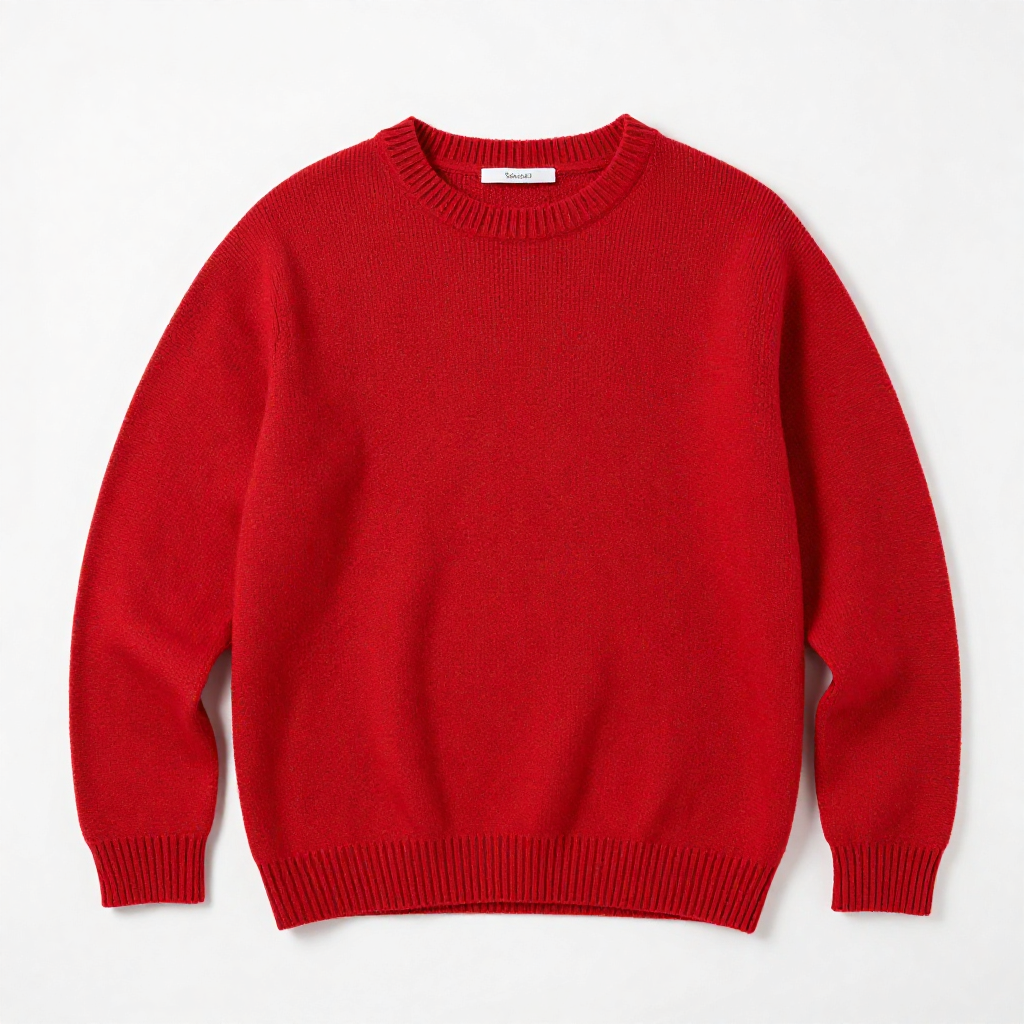
Dress One Model in a Whole Collection
The reverse also works: keep your model photo and run every product shot through it one by one. A new drop of twenty items becomes twenty on-model images in an afternoon — at $0.04 per image, the entire collection costs less than a dollar.
Try AI Clothes ChangerCreate Outfit Content for Social
Style creators can test looks and publish outfit posts without owning every piece. Generate up to 4 results per run to pick the most natural drape, then post the winner or chain it into Image Upscaler for a crisper export.
Try AI Clothes ChangerCut Product Visualization Costs
Studio time, model booking, steaming and reshoots add up fast. A try-on render from two photos replaces the routine catalog shot for e-commerce listings, lookbooks and ads — and it lands in your Creations, reusable across every channel.
Try AI Clothes ChangerHow It Works
Step 1: Upload a person photo
Add a clear, front-facing photo of the person who will wear the outfit, with the body visible.
Step 2: Upload the garment
Add a photo of the clothing item — a flat lay or product shot on a plain background works best.
Step 3: Pick a category and create
Choose Tops, Bottoms or One-pieces (or leave Auto), set how many results you want, and hit Create. Results are saved to your Creations.
How Much Does AI Clothes Changer Cost?
Every model below runs on one Wandura credit balance — pay only for what you generate, with no separate subscription per model.
| Model | Pricing |
|---|---|
| FASHN Try-On v1.6 | Virtual try-on |
FAQs
It’s a virtual try-on tool: it takes a garment photo and blends it onto a person photo, so you can see how an outfit looks on a real body without a physical fitting or a photoshoot.
The person photo should be front-facing with the body (or at least the relevant half) clearly visible. The garment photo should show the clothing item on its own — a flat lay or e-commerce product shot on a plain background transfers best.
Category tells the model which part of the body the garment belongs to — Tops, Bottoms or One-pieces. Leave it on Auto and the model detects the garment type from the photo; set it manually when the auto detection gets an ambiguous item wrong.
The tool is built for garments in three categories: tops (shirts, jackets, sweaters), bottoms (trousers, skirts, shorts) and one-pieces (dresses, jumpsuits). It is not designed for accessories like shoes, bags or jewelry.
Try-ons run on FASHN Try-On v1.6, a dedicated virtual try-on model, at $0.04 per image. The price is shown next to the model name before you create, and credits are only deducted when you generate.
Yes — set the image count up to 4 per run. Fit and drape can vary between takes, so generating a few and keeping the most natural one is usually worth the extra cents.
You can describe new clothing in AI Photo Editor, but a prompt invents a garment. Virtual try-on maps the actual product photo onto the person — pattern, cut and details match the real item, which is what you need for shopping decisions and product listings.
JPEG, PNG, WEBP and other common image formats up to 50 MB, for both the person photo and the garment photo.
Every try-on is saved to your Creations library, where you can preview, download, or chain the output into another tool — upscale it for a listing, or animate it with Image to Video for a fashion reel.