Test Your Winning Video Ad Before You Spend
Pilot video ad concepts against each other using multiple AI models. Run small tests, identify top performers, then scale what works across your Shopify store.
Why Piloting Video Ads Matters for Shopify Sellers
Most ecommerce sellers burn budget on video ads that looked good in the editor but flopped in the feed. A Shopify video ad maker that lets you generate multiple variations quickly changes that workflow. You can test different hooks, product angles, and formats with a small audience first. The data tells you which video earns the click before you commit your full ad spend.
Start Creating Video Ads
2 AI Models, One AI Product Video Tool
A/B Testing Hooks at Scale
Your product has a dozen selling points. Pilot three or four different opening hooks—one emphasizing price, another emphasizing speed, another highlighting a unique feature. Run each against a small targeted audience segment. Let the click-through rates decide which hook deserves your full budget.
Start Creating Video Ads
Validating Product-Market Fit with Video
Launching a new product on Shopify? Generate video ad concepts that frame your product in different contexts—a lifestyle angle versus a utility angle, for example. Pilot both approaches to learn which framing resonates with your audience before investing heavily in one direction.
Start Creating Video Ads
Quick Creative Refreshes for Stale Campaigns
Your winning product video ad has been running for weeks and performance is dropping. That's normal fatigue. Use a Shopify video ad maker to generate a fresh version of your best performer—same product, new hook, new energy—then pilot it against the original to see if the refresh recovers your metrics.
Start Creating Video Ads
Testing Multiple AI Model Outputs
Different AI models interpret the same prompt differently. When you generate video ad concepts with Wandura, you get outputs from multiple models to compare. Pilot a couple of different model outputs, see which one fits your brand feel and audience mood, then refine from there.
Start Creating Video Ads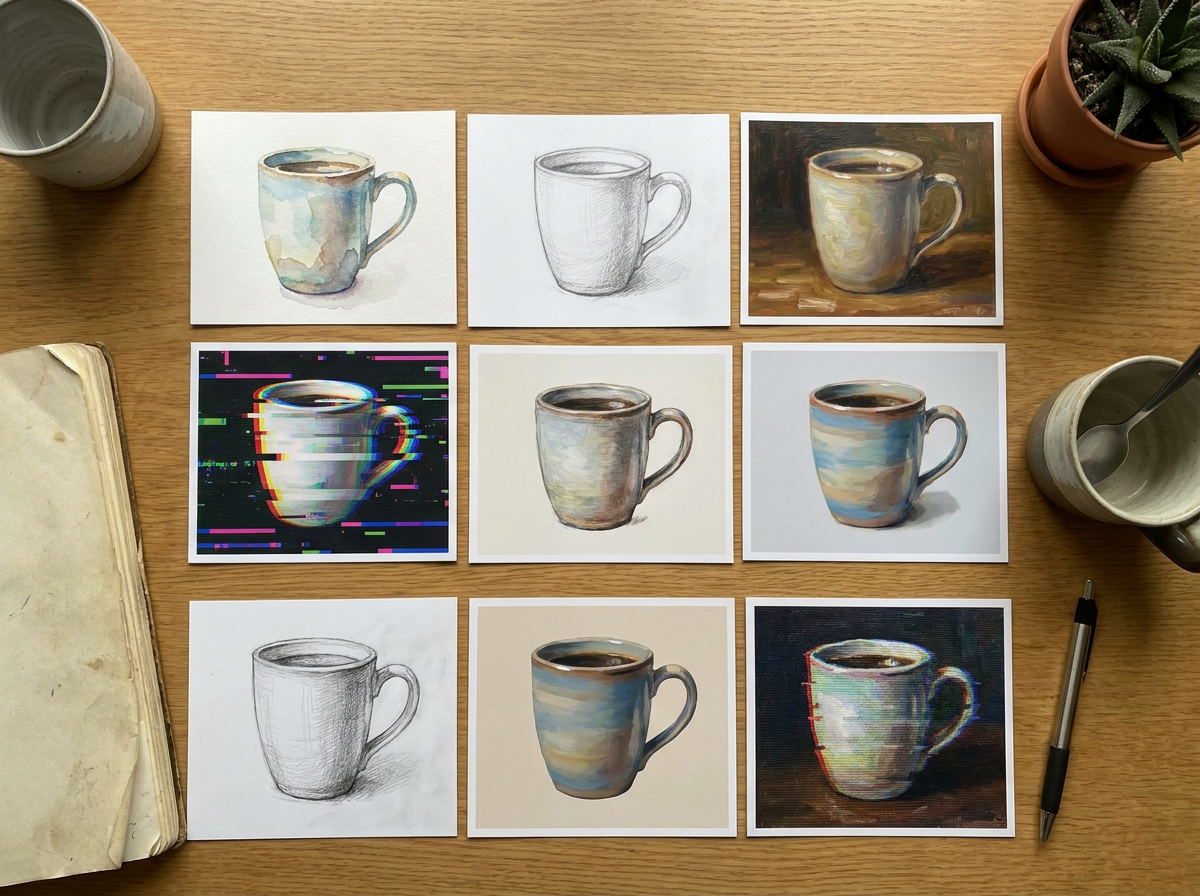
Seasonal and Campaign-Specific Variations
Black Friday, holiday gifting, back-to-school—your Shopify store runs different campaigns throughout the year. Build a pilot library of video ad templates you can quickly adapt for each seasonal push, then test which emotional angle works best for that specific audience moment.
Start Creating Video Ads
How It Works
Describe your product and ad goal
Enter a short description of your Shopify product and what you want the ad to accomplish—drives sales, builds brand awareness, or promotes a specific offer.
Generate multiple video ad variations
Wandura produces several video ad concepts based on your input. Preview each one, pick your favorites, and run them as a small-scale test campaign.
Measure results and scale the winner
After your pilot test runs, compare performance data. The video that converts best gets your full ad budget. Scale it across your Shopify store and retarget audience.
How Much Does AI Product Video Cost?
Every model below runs on one Wandura credit balance — pay only for what you generate, with no separate subscription per model.
| Model | Pricing |
|---|---|
 Kling 2.5 Turbo Kling 2.5 Turbo | Draft · fast |
| Kling V3 Pro | Cinematic |
FAQs
You can generate multiple video ad concepts in a single session within minutes. The exact time depends on the length and complexity of the video, but the workflow is designed for rapid iteration so you can move from prompt to preview fast.
Videos produced are ready to use. You can download them in formats compatible with Meta Ads, Google Ads, TikTok, and other platforms where Shopify sellers typically run video campaigns.
Video ad fatigue and audience responsiveness vary. Piloting lets you gather real engagement data before committing budget. A video that looked promising might underperform, while a less obvious choice might win. Testing eliminates guesswork.
Three to five variations is usually the right balance—enough to compare meaningfully without spreading your test budget too thin. Focus on varying one key element per ad: the hook, the product angle, the call-to-action, or the visual style.
No. You describe what you want in plain language, and Wandura handles the generation. You review outputs and select your favorites. No timeline editing or technical software required.