TopView Alternative: Wandura for Advertisers
If you're running paid ad campaigns and evaluating TopView, Wandura is worth a closer look. The core difference comes down to cost transparency and workflow integration for high-volume advertisers. TopView is a budget AI video tool focused on TikTok-style ad remix and avatars; it has no standalone free plan, and its subscriptions run from about $16/mo on current promo pricing, up through Business (~$44) and Ultra (~$50), with all paid tiers watermark-free (as of July 2026, promo pricing). Wandura runs on transparent flat-rate credits at $0.01 each — you know a render's cost before you generate it — and slots into existing creative pipelines with predictable costs at scale.
This isn't a pitch to switch for the sake of switching. Both tools have merit depending on your team size, budget, and creative output goals. Below is an honest side-by-side look to help you decide.
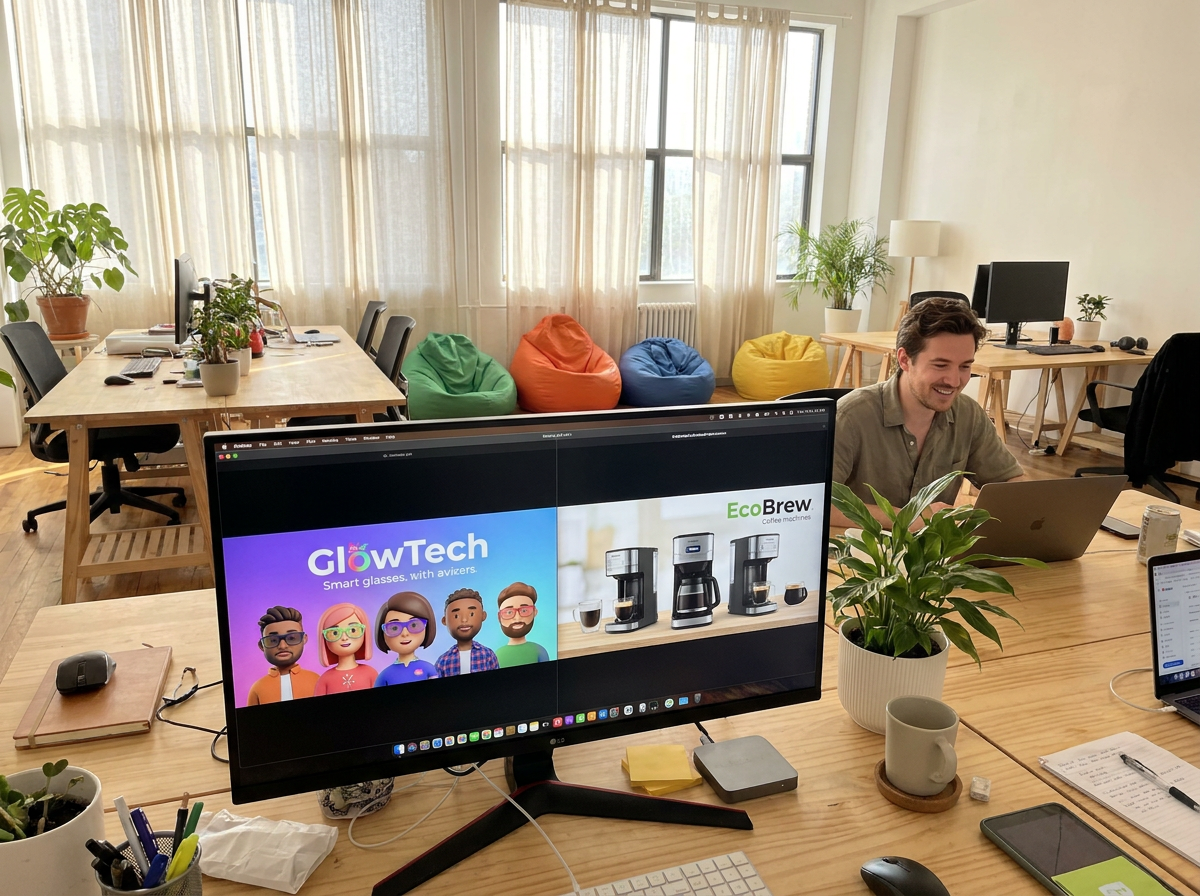
Honest Limitation: Where TopView Excels
Before you decide, here's where TopView has a genuine edge that you should factor in:
Social media-centric templates and trends. TopView has invested heavily in templates specifically designed for viral social content — short, punchy clips with trending audio and format presets optimized for platforms like TikTok and Instagram Reels. If your primary goal is organic or influencer-style content rather than direct response ads, TopView's template library may save you time out of the box. Their community of creators also means you can often find inspiration or pre-built workflows for specific content types.
Beginner-friendliness. TopView's interface tends to be more approachable for users without a video production background. If your team is non-technical and needs to produce social content quickly without a learning curve, TopView's streamlined UI may be a real advantage. Wandura's additional power comes with slightly more configuration, which pays off for experienced advertisers but requires some onboarding investment.
These aren't trivial differences. If your team is small, relies heavily on templates, and doesn't have technical support internally, TopView's out-of-the-box simplicity could be the better fit for your current situation.

When to Choose Which Platform
Choose Wandura when:
- You're running high-volume ad campaigns across multiple platforms and need batch production capabilities.
- Your team has technical resources or agency partners who can integrate via API.
- Brand consistency across hundreds of video variants is non-negotiable.
- You need transparent, predictable pricing at scale.
- Your workflow includes video editing tools like Adobe Premiere Pro, Final Cut, or DaVinci Resolve, and you need export options that fit that pipeline.
Choose TopView when:
- Your primary need is social media content (not ad campaigns) and you want trend-ready templates.
- Your team has limited technical experience and needs the simplest possible workflow.
- You don't require deep API integration or programmatic video generation.
- Bulk brand control across hundreds of variants isn't part of your use case.

Wandura vs TopView: Side-by-Side Comparison
| Feature | Wandura | TopView |
|---|---|---|
| Primary Use Case | Video generation for advertisers with production workflows | Video generation focused on social media content |
| Integration with Ad Platforms | Optimized exports for ad networks; batch variants | Focused on TikTok-style ad remix, social video |
| Pricing Model | Credits $0.01/credit; $15–$109/mo, packs from $10 | No free plan; $16–$50/mo, watermark-free |
| Customization & Brand Control | Brand presets, palette locking, voiceover consistency tools | Verify on their site |
| Video Length Options | Short-form (6–15s) to mid-form (up to 60s) | Verify on their site |
| API Access | Full API access for automated pipelines | Verify on their site |
| Customer Support | Dedicated support for advertisers and agencies | Verify on their site |
70+ AI Models in One Studio
 Seedance 2.0
Multimodal cinematic motion up to 4K
 Kling V3 Pro
Cinematic motion with film-grade lighting
 Veo 3.1
Premium realism with native audio
 Sora 2 Pro
Complex scenes and physics at premium quality
 LTX 2.3 Fast
Fastest drafts at the lowest cost
 Nano Banana Pro
High-fidelity images with sharp detail
 Seedream 4.5 Edit
Multi-image editing with up to 6 references
 GPT Image 2
Best-in-class text rendering in images

 FLUX 1.1 Pro
Razor-sharp detail with top-rated realism
 Ideogram V4
Typography and marketing text that stays crisp
 MiniMax Speech 2.8 HD
Natural, high-quality speech synthesis
Explore More Wandura Tools


Plans & Pricing
Wandura runs on transparent credits — 1 credit = $0.01. Choose a monthly plan or top up with credit packs, and pay only for what you generate.
Basic
- ✓Up to 80 images/month
- ✓Up to 17 videos/month
- ✓1 parallel task
Kling 3.0Growth accessVeo 3.1Growth accessGPT Image 2CreditKling 2.6CreditSeedance 2.0CreditStarter
- ✓Up to 132 images/month
- ✓Up to 33 videos/month
- ✓2 parallel tasks
- ✓Audio generation
Kling 3.0Growth accessVeo 3.1Growth accessGPT Image 2CreditKling 2.6CreditGrowth
- ✓Up to 223 images/month
- ✓Up to 88 videos/month
- ✓4 parallel tasks
- ✓Priority support
Kling 3.0Credit accessVeo 3.1Credit accessNano Banana ProCredit accessGPT Image 2CreditKling 2.6CreditSeedance 2.0CreditAgency
- ✓Up to 500 images/month
- ✓Up to 124 videos/month
- ✓8 parallel tasks
- ✓Commercial license
Kling 3.010-Day UnlimitedVeo 3.110-Day UnlimitedNano Banana Pro10-Day UnlimitedGPT Image 2CreditKling 2.6CreditSeedance 2.0CreditCredit packs (no subscription): 1,000 credits for $10 · 6,250 credits for $50 (save 20%) · 14,000 credits for $100 (save 33%). Packs stay valid for 90 days. Growth and Agency plans add watermark-free exports, faster generation, and priority support; Agency includes 10-day unlimited access to Premium Exclusive models each cycle.
See What You Can Create





FAQ: TopView vs Wandura for Advertisers
Is Wandura more expensive than TopView?
Pricing depends on your usage volume and selected plan. Wandura runs on transparent flat-rate credits at $0.01 each, with monthly plans from $15 and pay-as-you-go packs, so you know each render's cost before you generate it. TopView is subscription-only with no standalone free plan: its Pro tier runs about $16/mo on current promo pricing, with Business (~$44) and Ultra (~$50) above it, and all paid tiers are watermark-free (as of July 2026, promo pricing). For advertisers running high-volume campaigns, Wandura's per-credit model is built to scale without surprise billing at month-end.
Can I use Wandura for running ads on Facebook, YouTube, and TikTok?
Yes. Wandura's export options support the formats and aspect ratios required by major ad networks including Facebook/Meta Ads, Google Ads (YouTube), and TikTok Ads. The platform also supports batch processing so you can generate multiple ad variants with different hooks or calls-to-action in a single workflow.
Does TopView offer API access for automated video generation?
Check TopView's site for their current API availability and terms. For advertisers building automated creative pipelines or integrating video generation into existing ad tech stacks, this is a critical question — verify TopView's current API offering and rate limits before committing.
Which platform is better for creating video ad variants at scale?
Wandura is designed specifically for scale. Brand presets, color palette locking, voiceover consistency tools, and batch export capabilities make it easier to produce 50 or 500 variants of a base concept without manual repetition. TopView is better suited for standalone content creation than bulk variant production.
Can I switch from TopView to Wandura without rebuilding my entire workflow?
In most cases, yes. Wandura supports standard video import formats, and if you're using TopView to generate base assets, those can often be brought into Wandura for further editing and brand refinement. The API integration options also mean you can run both tools in parallel during a transition period rather than a full rebuild.
Ready to see how Wandura handles your ad creative workflow? Start your free trial and generate your first ad variants in ad-ready ratios today.