Storyboard First
See every shot as a frame before it becomes video, so you can fix a scene before you spend credits on its video.

Wandura's storyboard AI turns a script into frames: each scene is drawn as a sheet with a frame for every shot, which you can review before the scene becomes video. Characters keep the same look from frame to frame, and the storyboard is a step before video in Drama Studio; generations are paid in credits (1 credit = $0.01).
See every shot as a frame before it becomes video, so you can fix a scene before you spend credits on its video.
Lock a character's look once and it is reused across the storyboard.
Generations are paid in Wandura credits (1 credit = $0.01), and the cost is shown before you create.
Sample stories in Drama Studio. Pick one to try its premise, or start from your own script.
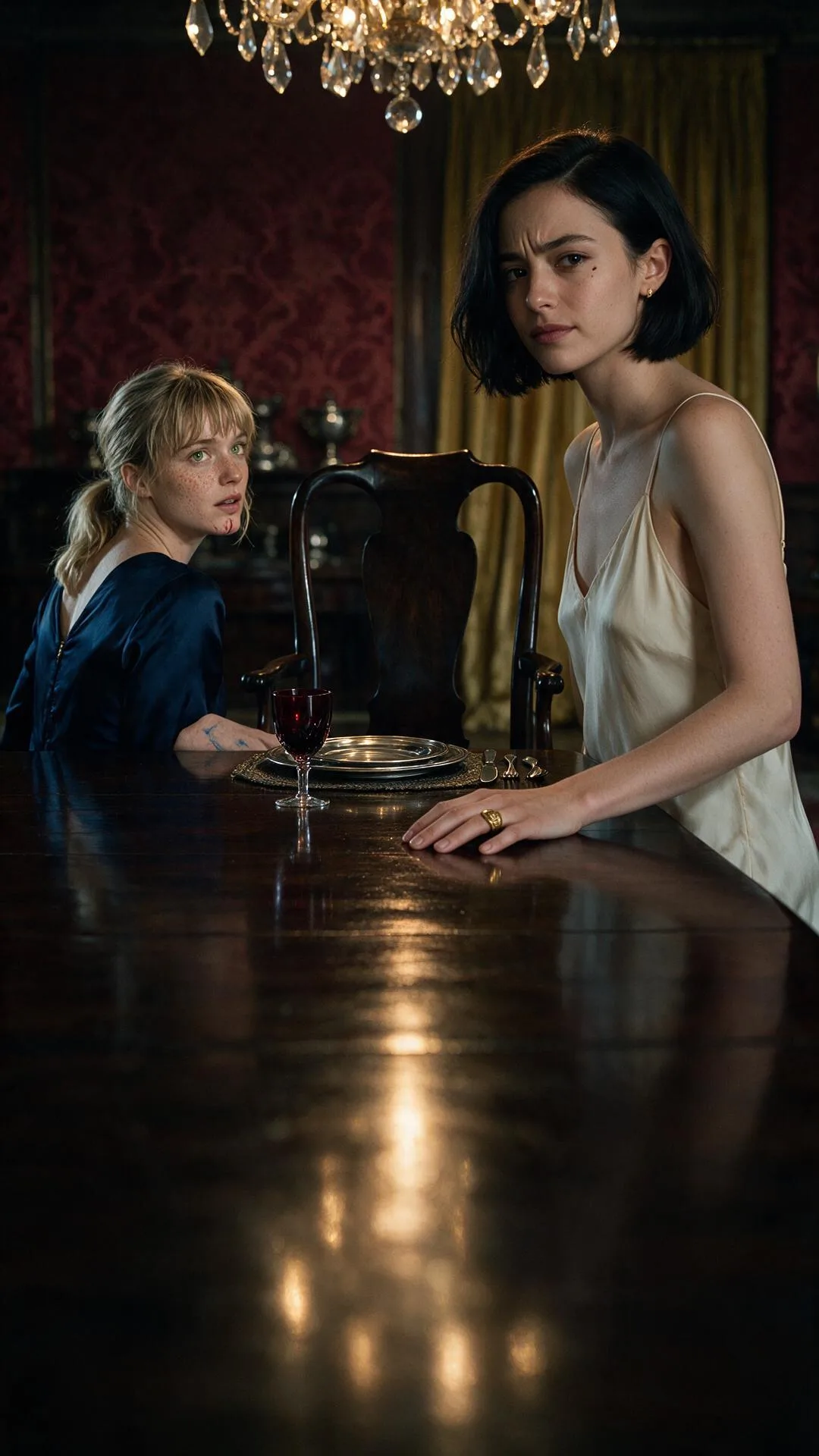
Twenty-five years after a nurse swapped two newborns, the rich family brings home their real daughter.
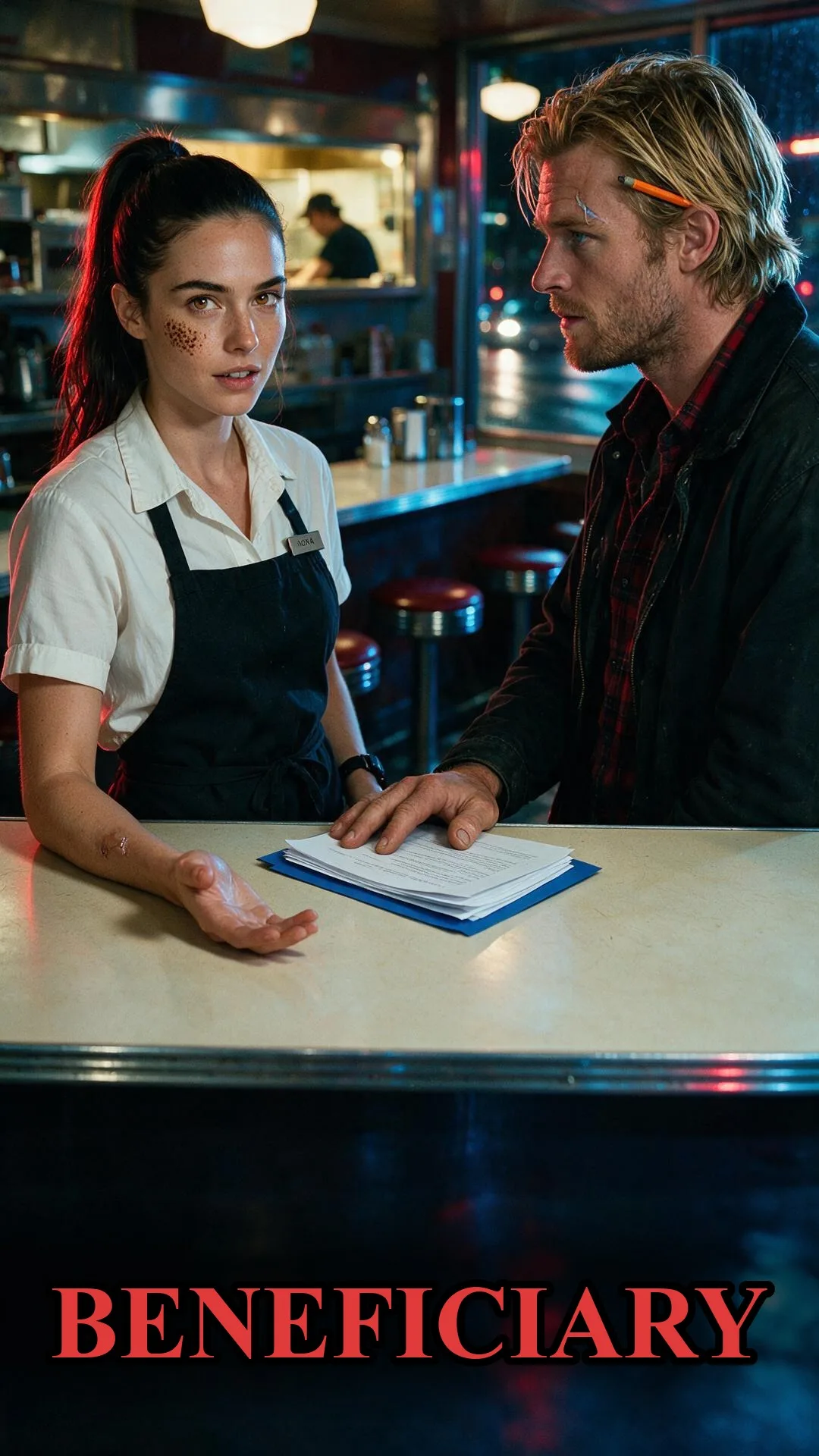
A waitress inherits everything from a man she has never met. His son is certain she is a con artist.
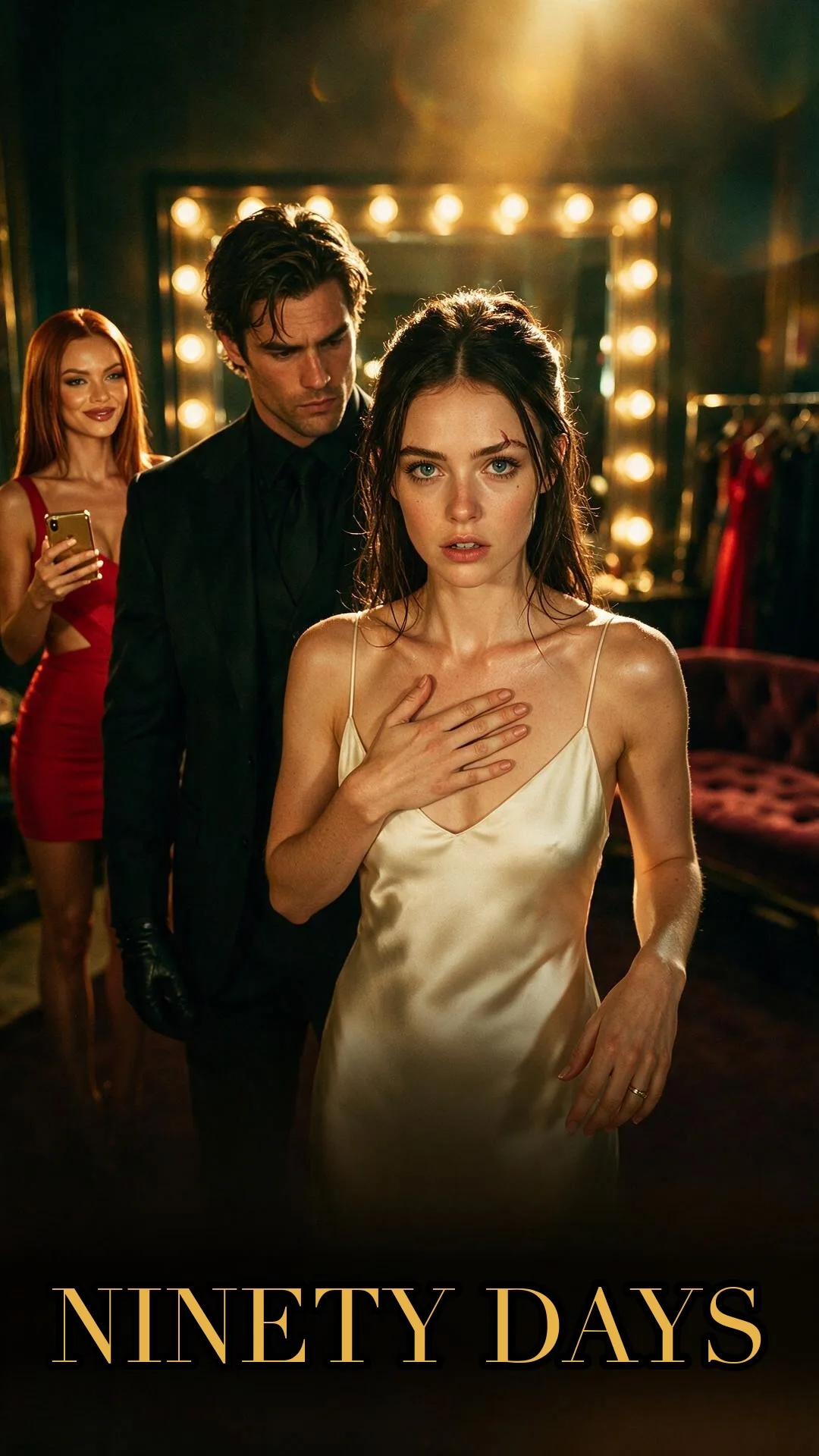
A hotel laundry worker takes her stepsister's place in a ninety-day contract marriage to the scarred heir.
Pick a first and last frame for a scene to carry the shot into the next one.
See every shot as a frame before it becomes video.
9:16 by default, with 16:9, 21:9 and other ratios.
Upload a script as a PDF, DOCX or TXT file, or paste it, and Drama Studio splits it into scenes. The AI storyboard draws each scene as one 16:9 sheet with a panel for every shot, using the characters you locked. When the frames look right, turn each scene into video in the same project.
Write or upload the story in Drama Studio; it is split into episodes and scenes.
Each scene is drawn as a storyboard sheet with your locked characters.
When the storyboard looks right, generate the scene as video.
It is AI that turns a script into storyboard frames, one per shot. On Wandura each scene gets one storyboard sheet with a panel for every shot, as a step in Drama Studio before the scene becomes video.
No. The frames are generated from your script and the characters you lock in the project.
Yes. In Drama Studio each storyboarded scene can be turned into video.
Yes. You build your cast once and the same looks are used in every frame.
Generations are paid in Wandura credits (1 credit = $0.01), and the cost is shown before you create.
You can pick a first and last frame for each scene, so one shot leads into the next and the storyboard reads as one continuous scene.
Drama Studio has sample stories such as The Wrong Daughter, Beneficiary and Ninety Days; pick one with Use this story, or start from your own script.
Each storyboard sheet is a 16:9 image, and its panels follow your project's aspect ratio: 9:16 by default, with 16:9, 21:9 and other ratios.
Yes. The script breakdown keeps running on Wandura's servers after you close the tab.
Wandura credits cost $0.01 each. Monthly plans are Basic at $15 with 1,500 credits and Growth at $49 with 6,000 credits; credit packs from $10 for 1,000 credits top up an active plan and last 90 days.
New accounts get free credits on signup, enough to try Wandura with a first result that carries a wandura.ai watermark. A full storyboard is paid in credits (1 credit = $0.01), and the cost is shown before you create.
You do not draw: the frames are generated from your script and the characters you lock, one panel per shot. You see every shot before the scene becomes video, so you can fix a scene before you spend credits on its video.
PDF, DOCX or TXT. You can also paste or write the script straight into Drama Studio.
You pay per generation in credits; the cost is shown before you create.