AI Image Upscaler
Enlarge photos, AI art and illustrations up to 4× while a diffusion model paints back the detail a plain resize throws away. Two modes: keep it faithful, or let it invent.
How to Use AI Image Upscaler on Wandura
Upload your image
Drop in the image you want to enlarge — JPEG, PNG and WebP all work. Low-resolution photos, compressed AI art, scans and old archive shots are all fair game.
Pick a mode and scale
Precision stays faithful to the original — right for portraits, products and architecture. Creative lets the model add texture and detail. Then choose 2× or 4×.
Generate and download
Hit Generate and wait a few seconds. Preview the result against your original, then download it at full resolution — ready for print or large-format display.

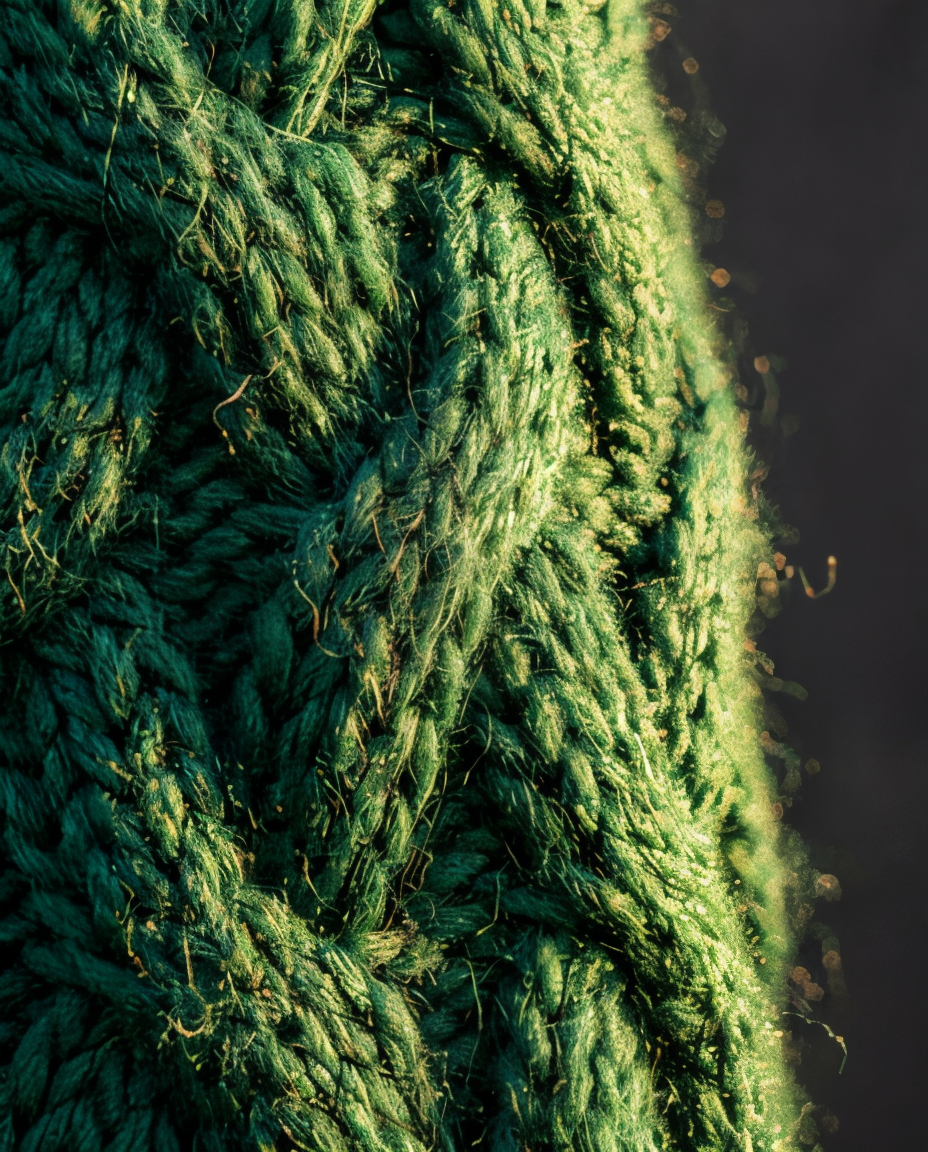
Adds real detail, not just bigger pixels
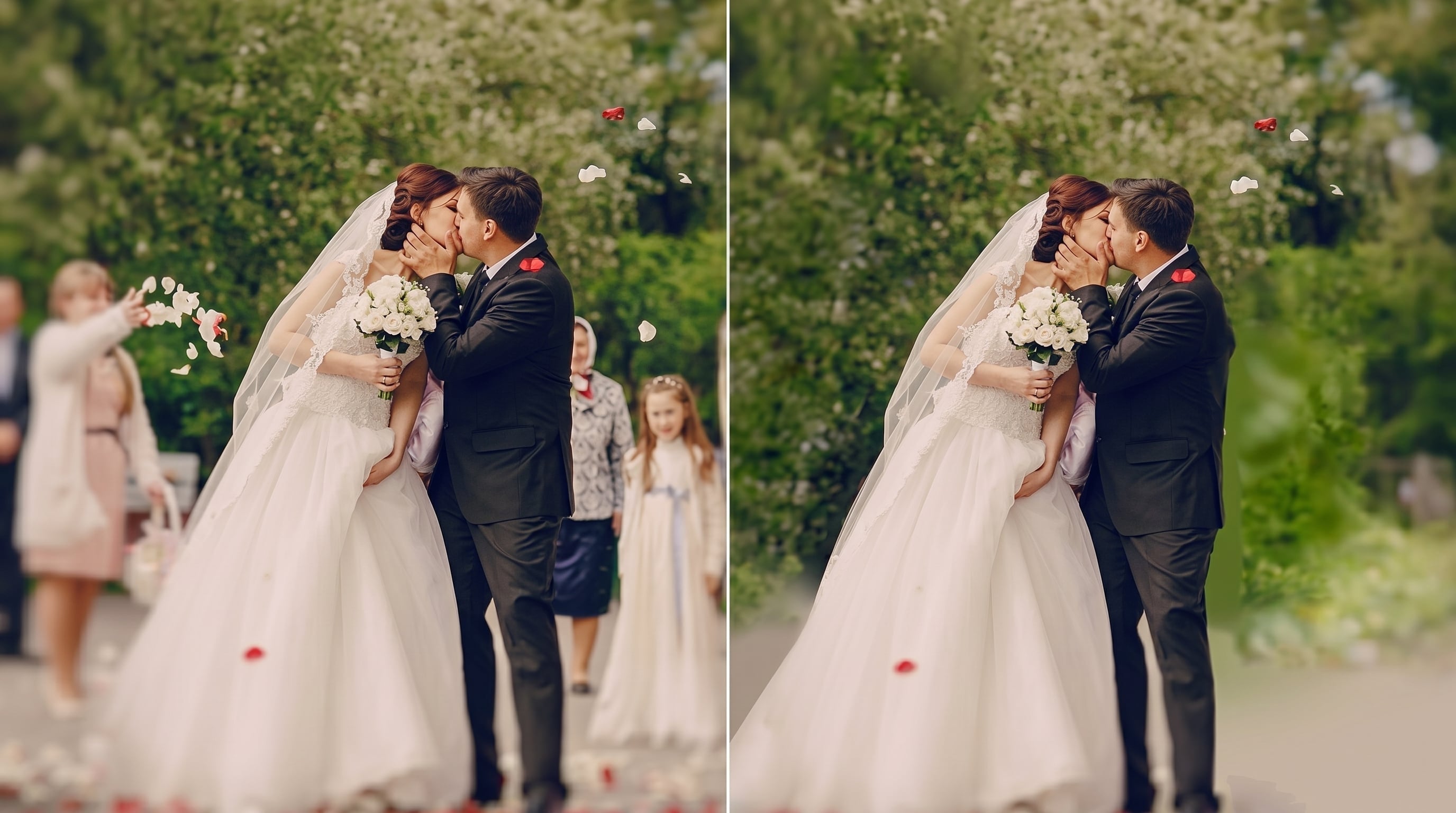
A conventional upscaler interpolates: it spreads the pixels you already had across a larger canvas, and the result looks soft. This one runs a diffusion model over the image and reconstructs texture from context — fabric weave, skin pores, foliage, hair, brick and stone. The output reads as genuinely high-resolution rather than stretched.

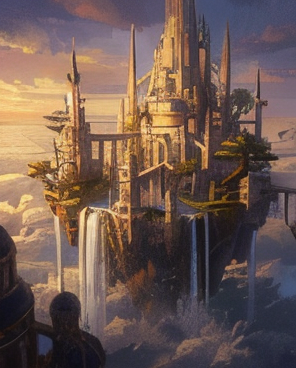
Built for AI-generated art
Most image models cap out well below print resolution. Creative mode enlarges that output while matching the style already in the frame, so a small generated portrait becomes something you can put on a poster — without the smeared edges and mushy faces that generic upscalers leave behind.

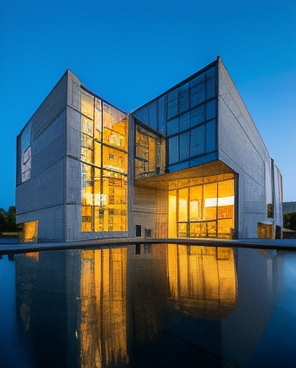
Precision mode when the original must survive
For photography, product shots and real estate, invented detail is a defect, not a feature. Precision mode holds resemblance high and creativity low: resolution and clarity go up, facial features, product markings and straight architectural lines stay exactly where they were.
Explore other tools
Explore All ToolsAll features

Choose a plan that fits your needs
Upgrade for more credits, higher limits and commercial use.
- LiteBilled yearlyGet started1,500 credits per month
$9.99$9.99/month - BasicBilled yearlyGet started1,500 credits per month
$15$10/month - Most popularStarterBilled yearlyGet started2,900 credits per month
$29$19/month - GrowthBilled yearlyGet started4,900 credits per month
$49$39/month - AgencyBilled yearlyGet started10,900 credits per month
$109$99/month
Powered by the models professionals actually ship with


Answering Questions About AI Image Upscaler
What does the AI Image Upscaler do?
It increases the resolution of an image and reconstructs detail while doing so. Instead of interpolating existing pixels the way a normal resize does, it runs a diffusion model that generates plausible texture from the surrounding context, so the enlarged image looks sharp rather than soft.
What's the difference between Precision and Creative mode?
Precision keeps the result close to your original — the right choice for portraits, product photography and architecture, where invented detail would be wrong. Creative gives the model room to add texture and detail, which suits illustration, concept art and AI-generated images.
How much can I enlarge an image?
Up to 4× on each edge, so a 1024px image comes back at 4096px. Very small or heavily compressed sources benefit most from Creative mode, since there is less real detail to preserve in the first place.
Which file formats can I upload?
JPEG, PNG and WebP. The result is returned as a high-quality image you can download at full resolution.
Is it good for images made with other AI tools?
Yes — that is one of the main uses. Output from image models is usually capped below print resolution, and Creative mode enlarges it while following the style already present in the frame.
How many credits does one upscale cost?
The exact price in credits is always shown on the Generate button before you commit, and it varies with the scale you pick. Nothing is charged if the job fails.