Veo 3.1 AI Video Generator for Ecommerce Sellers
Generate polished product videos and lifestyle content for your ecommerce store—no studio, no crew, no production delays.
Turn Product Images Into Video Content That Sells
Ecommerce success depends on showing your products in action. Static photos limit your ability to demonstrate features, evoke lifestyle contexts, or capture attention in a crowded feed. Veo 3.1 AI video generator built into Wandura lets you create compelling product video content directly from your existing images or text prompts. Whether you need ads for Meta, hero videos for your PDPs, or social content for TikTok and Instagram, you can produce multiple variations in minutes instead of waiting days for a production team. The tool handles the visual generation so you can focus on what sells.
Try Veo 3.1 Now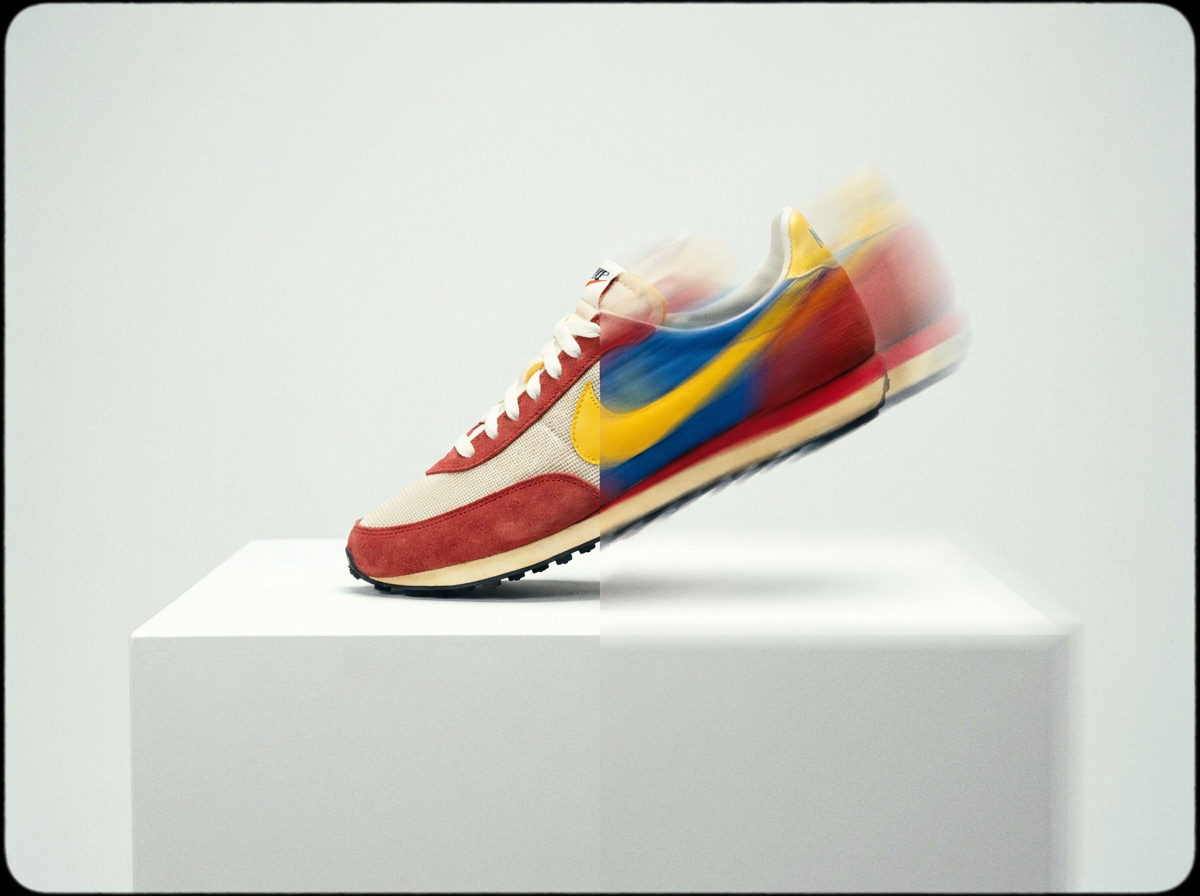
10 AI Models, One Text → Video Tool
Product Detail Page Videos
Your product pages convert better with video, but producing custom content for every SKU strains small teams. Veo 3.1 generates demonstration-style videos from your existing product images—showing the item in use, highlighting key features, or simply adding subtle motion that draws the eye. Upload your hero image, enter a simple prompt like 'show this jacket in an urban outdoor setting,' and receive a polished clip ready to embed.
Try Veo 3.1 Now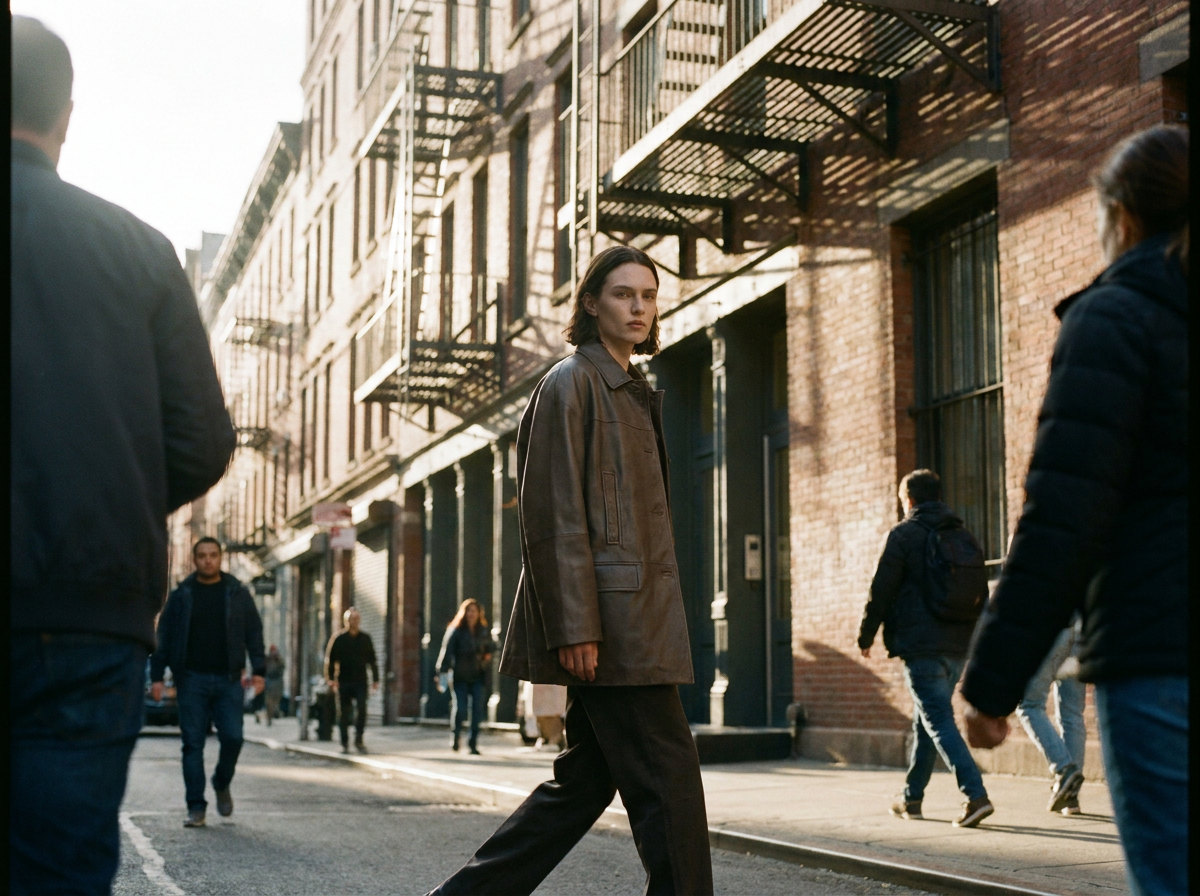
Meta and Google Ads at Scale
Creative fatigue kills ad performance. When your audience sees the same static images repeatedly, engagement drops and costs rise. With Veo 3.1 on Wandura, you can generate multiple video ad variations for the same product in under an hour—different backgrounds, different use scenarios, different pacing. Test lifestyle-focused clips against product-only closeups without scheduling shoots or paying for stock footage licenses.
Try Veo 3.1 Now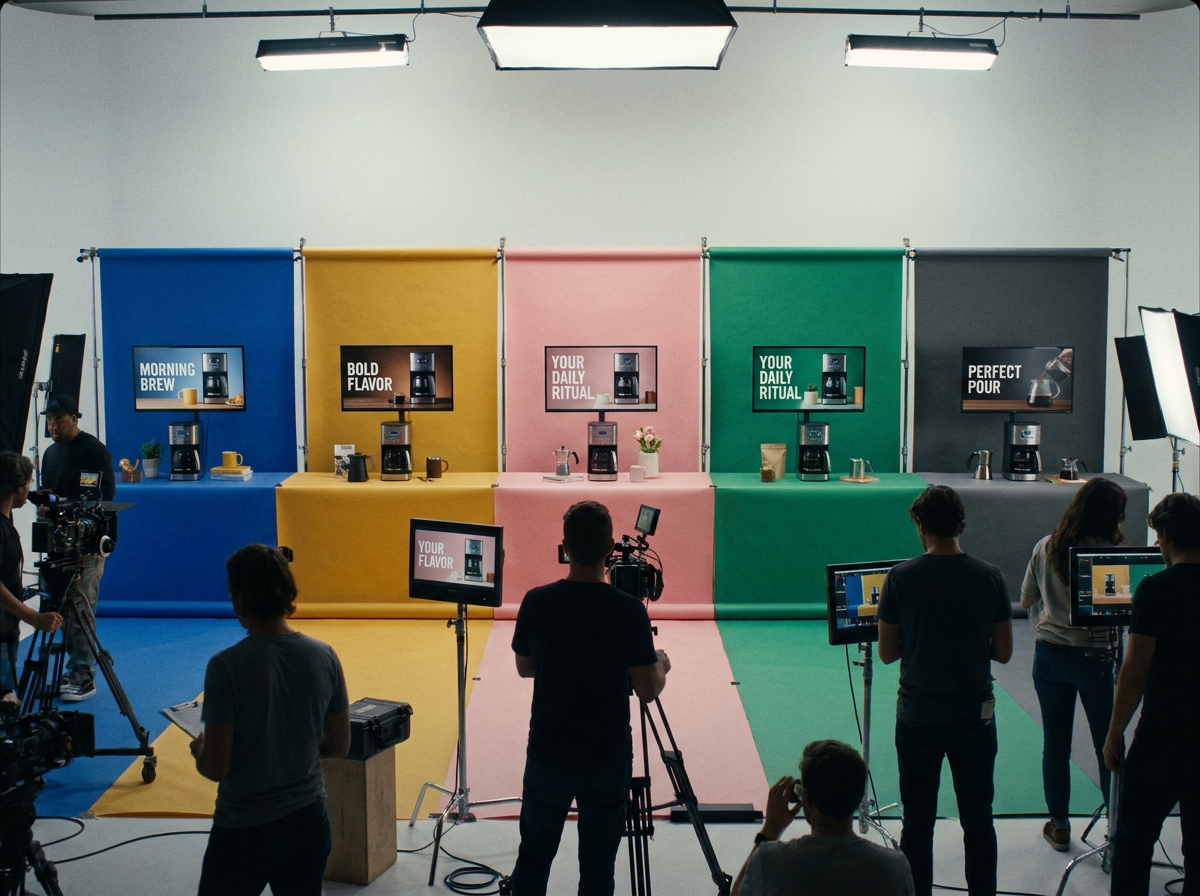
Social Media Content Pipelines
Algorithms favor video content, but maintaining a consistent posting cadence strains ecommerce marketing teams. Veo 3.1 helps you build a sustainable content engine: generate 5-10 short clips from your product catalog each week, add captions and music, and post directly to your channels. No creative block, no waiting on freelancers, no repurposing the same content until engagement dies.
Try Veo 3.1 Now
How It Works
Upload your product image or enter a text prompt
Start by selecting a product image from your catalog or typing a description of the scene you want to create—Veo 3.1 works with both visual and text inputs. The more specific your description, the better the output matches your brand aesthetic.
Customize the scene and style
Choose your video length, motion style, and any specific elements you want featured—background environments, camera movements, or interaction scenarios. Wandura gives you controls to shape the final output without requiring technical video editing knowledge.
Export and distribute
Download your finished video in a format optimized for your target platform—vertical for Stories and TikTok, square for feed posts, or landscape for YouTube ads. Push directly to your ecommerce store, ad manager, or scheduling tool.
How Much Does Text → Video Cost?
Every model below runs on one Wandura credit balance — pay only for what you generate, with no separate subscription per model.
| Model | Pricing |
|---|---|
 Kling 3.0 Kling 3.0 | Cinematic |
 Seedance 2.0 Seedance 2.0 | Multimodal · up to 4K |
| Seedance 2.0 Fast | Fast · 720p |
| Seedance 2.0 Mini | Cheapest · 720p max |
 Veo 3.1 Veo 3.1 | Premium · audio |
 LTX 2.3 Fast LTX 2.3 Fast | Draft |
 Sora 2 Pro Sora 2 Pro | Premium |
| Pika 2.2 | 1080p · commercial |
| Hailuo 02 Standard | Cost-efficient |
| Happy Horse V1.1 | #1 ranked · 3–15s |
FAQs
Veo 3.1 analyzes the visual input you provide, so clear, well-lit product images produce the most accurate results. For products with multiple colors or styles, you can generate separate videos for each variant by inputting the corresponding image. The model maintains fidelity to the product's actual appearance while placing it in generated environments.
Yes — you get full commercial rights on all paid plans, covering ecommerce channels including Amazon listings, Shopify stores, WooCommerce sites, and any other platform where you sell. Check individual marketplace guidelines for specific video format requirements.
Traditional production involves scheduling, talent, location, editing, and revision cycles—each step adds time and cost. Veo 3.1 generates video content in minutes from existing assets, letting you iterate quickly. For ecommerce teams that need to produce high volumes of video content across many SKUs, this workflow significantly reduces time-to-publish without replacing every use case a full production team handles.
No. Wandura's interface is designed for ecommerce sellers who work in product management, marketing, or content operations—not video editors. You control outcomes through prompts and simple settings rather than timeline-based editing. If you can write a product description, you can direct Veo 3.1's output.
Veo 3.1 processes most video requests in minutes, though complexity and length affect generation time. For a standard 5-10 second product video from a single image, expect a quick turnaround suitable for same-day content campaigns. Longer clips or more complex scenes may take additional processing time.