Recraft V3 - AI Image Generator for Ecommerce
Recraft V3 on Wandura is built for brand design — clean typography, reliable long-text rendering and art-directed product visuals, generated from a single prompt in the aspect ratio you choose.
 ModelRecraft V3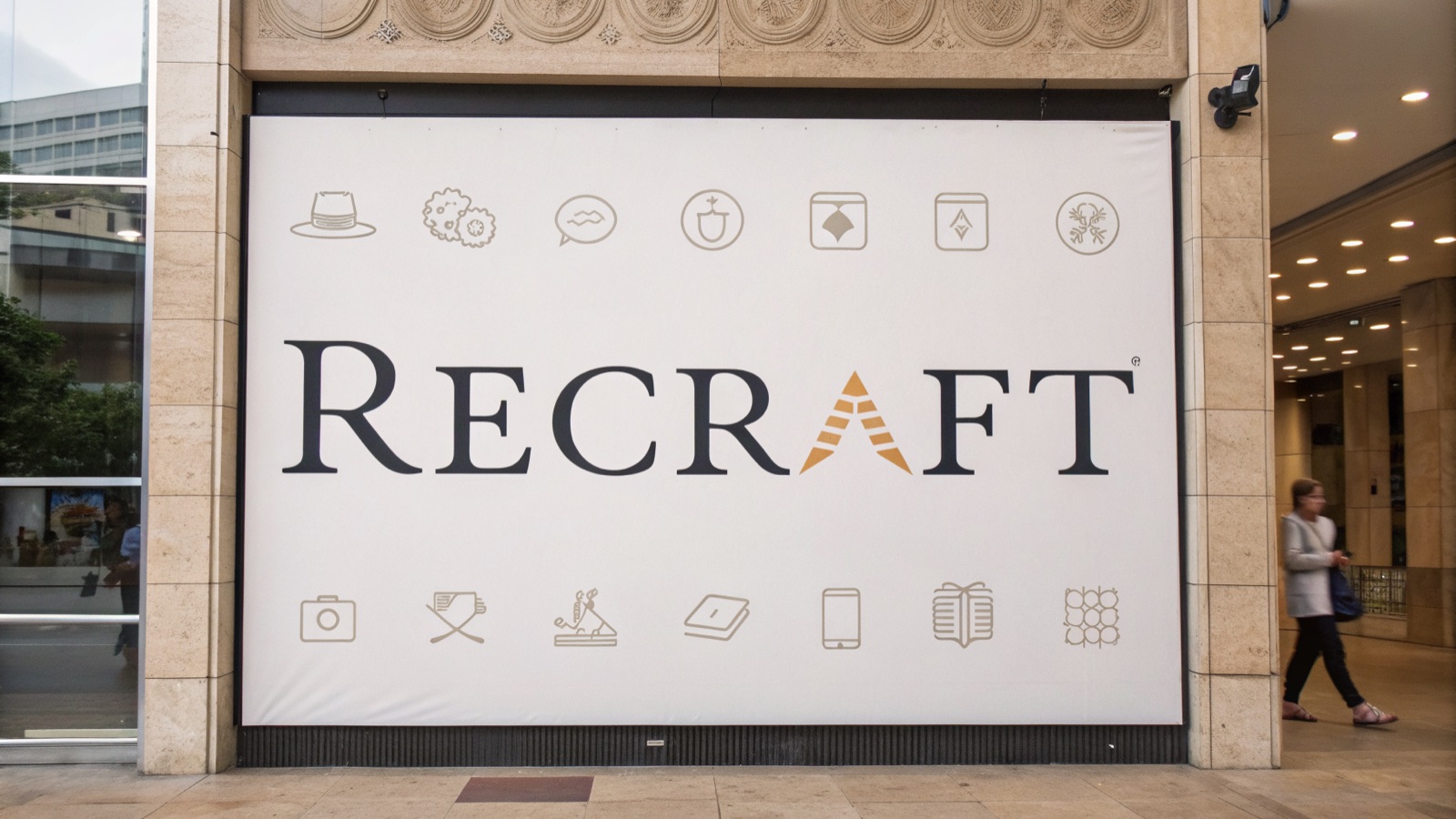
Key Benefits of Recraft V3
Typography Done Right
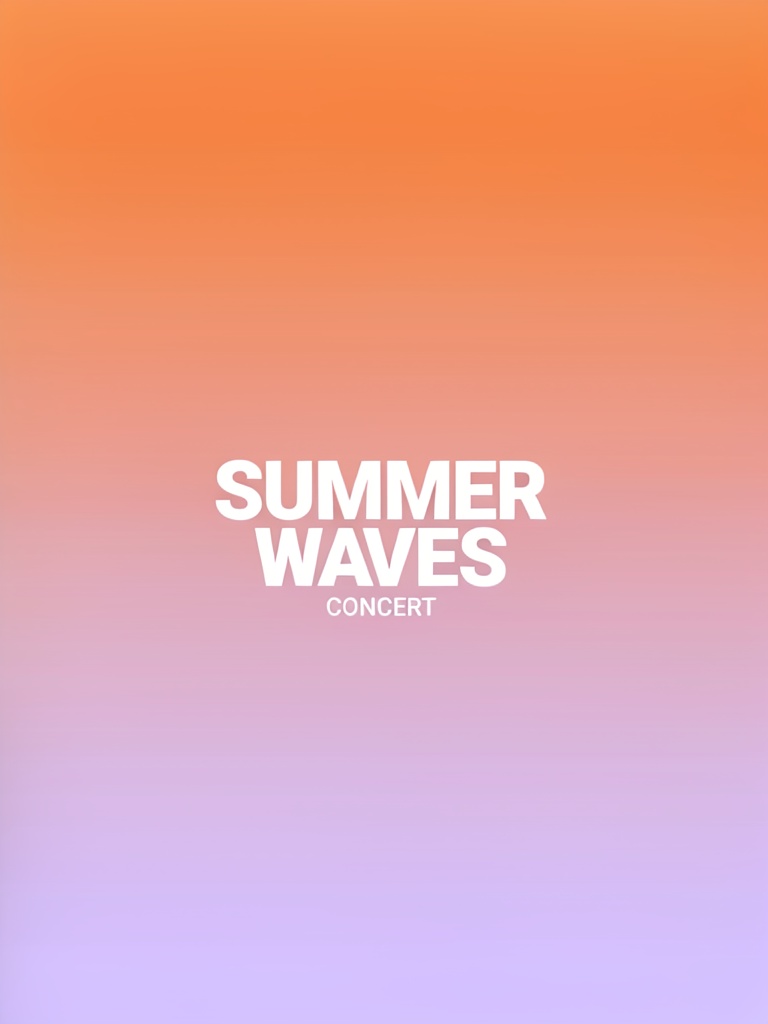
Recraft V3 is a leader at long-text rendering — headlines, paragraphs and labels come out clean and legible, not garbled.

Made for Brand Design
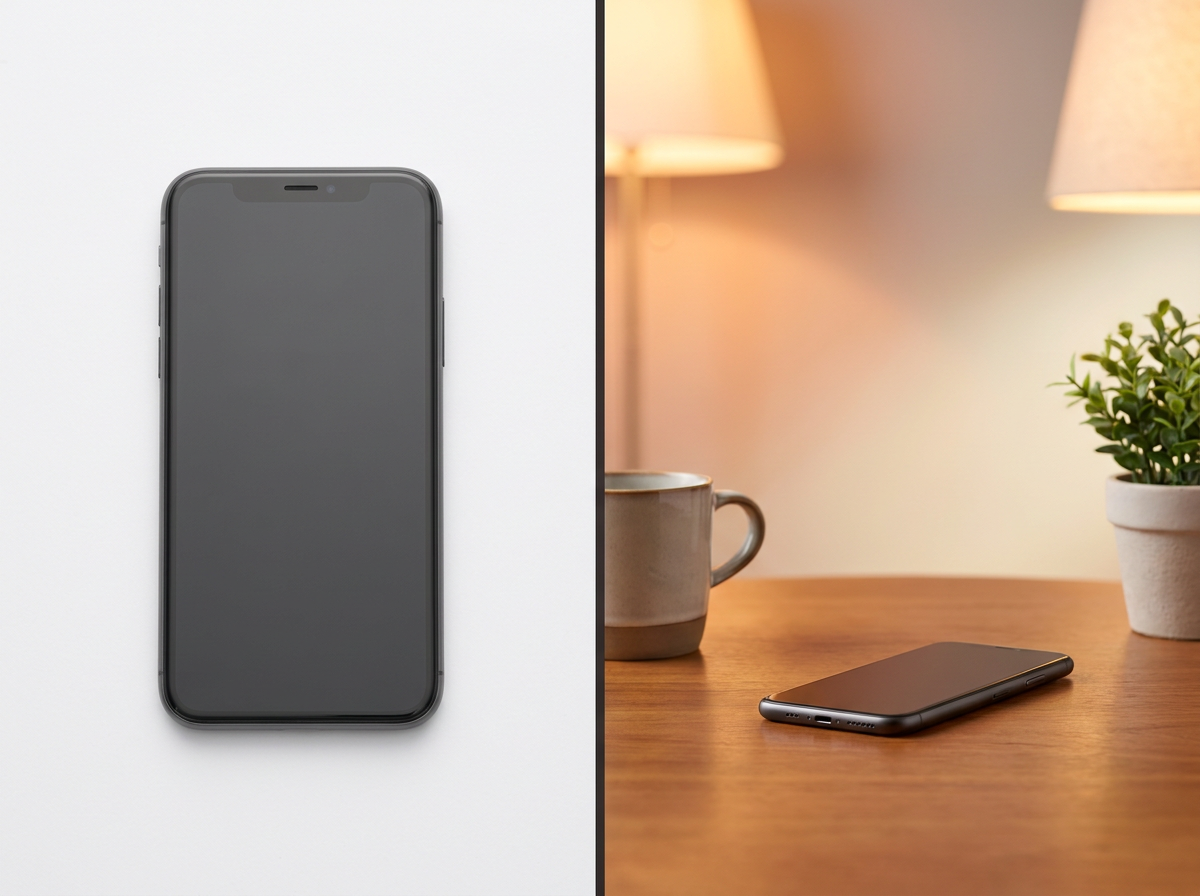
Product shots, lifestyle scenes and marketing graphics — tuned for the kind of art-directed output brands actually ship.
Faithful to Your Prompt
Strong prompt adherence carries the details you describe — layout, wording and style — through to the final image.
Any Aspect Ratio
Square, portrait or landscape — choose the frame that matches your storefront or ad placement before you generate.
Chain Into Your Next Step
Send any result straight into Upscale, Background Removal or Image-to-Video — no downloading and re-uploading.
Key Features of Recraft V3
Product imagery shouldn’t cost more than your products
Booking studios, hiring models and coordinating shoots eats into margins fast. Recraft V3 generates professional-grade product visuals from a simple text description — clean white-background shots or lifestyle scenes, iterated in minutes.
Try it Now
Launch new products faster
When a new SKU drops, you need images now. Describe your product and generate ready-to-use visuals in minutes instead of waiting on samples and studio availability.
Try it Now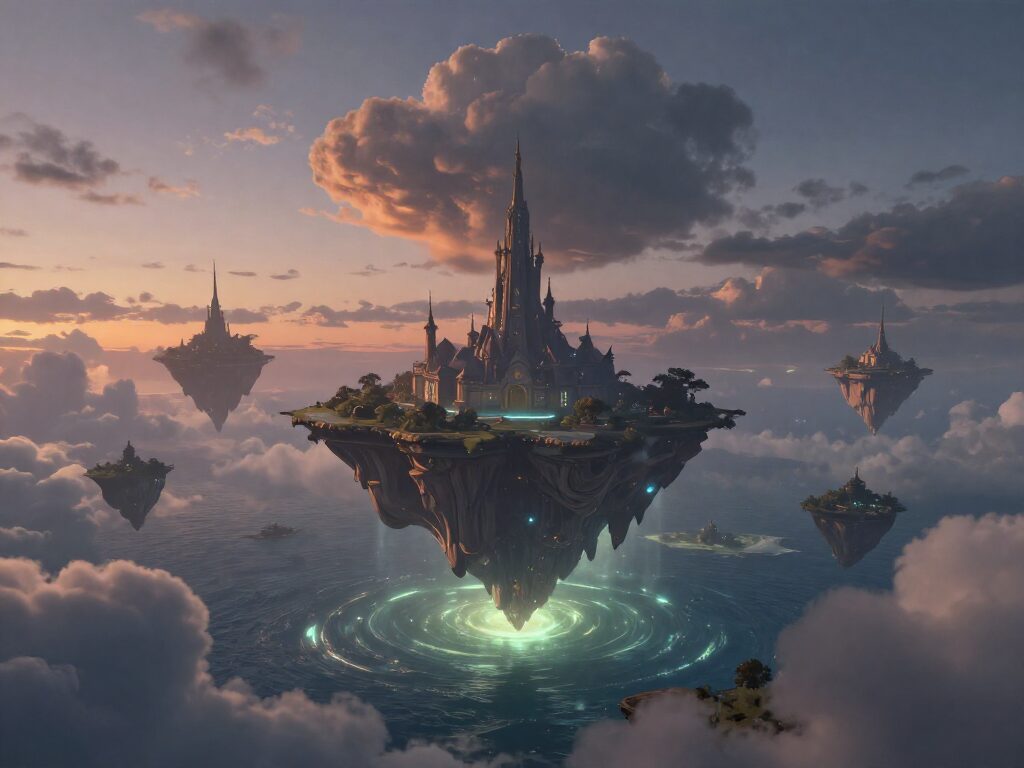
Test variations at scale
Same item in five colors? Lifestyle shots for three audiences? Generate every variation you need without a single additional photoshoot, then scale the ones that convert.
Try it Now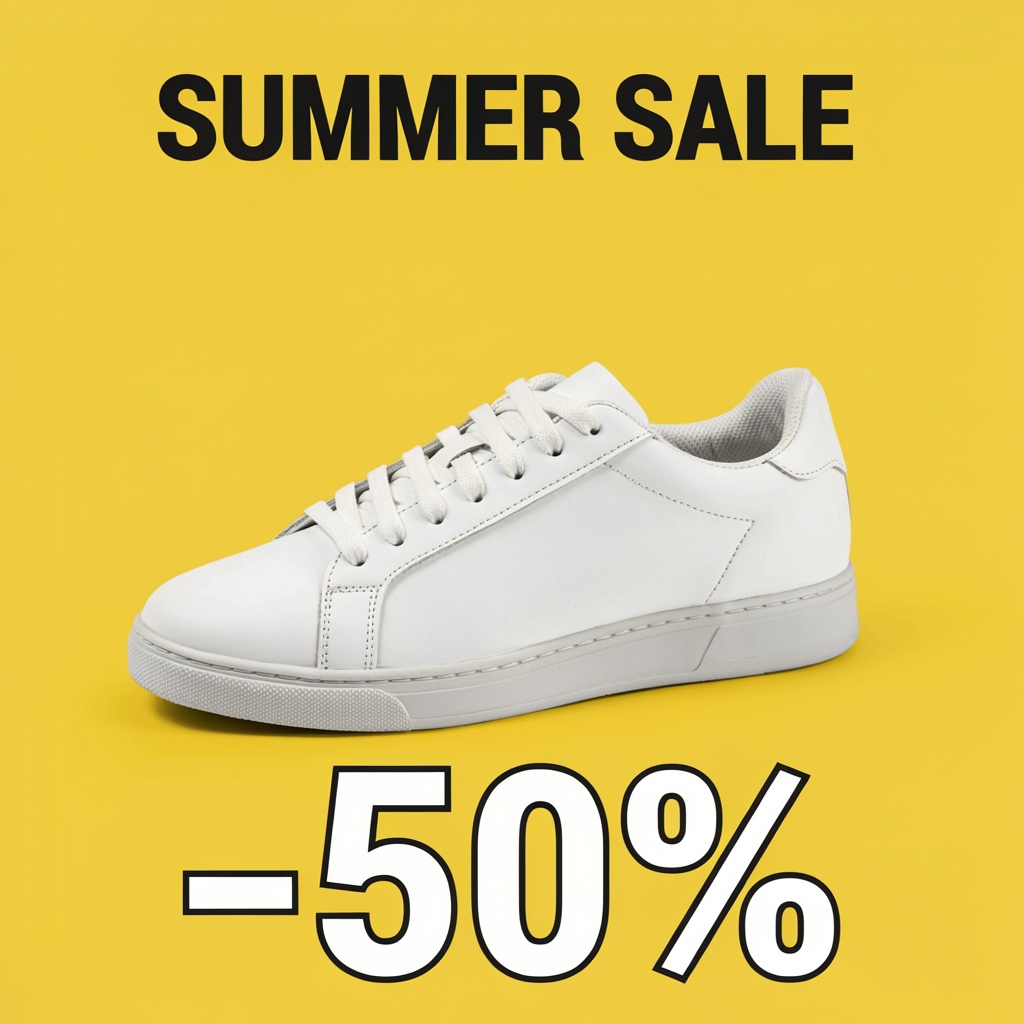
Send it straight into your next edit
Every result lands with chain actions underneath it — send the image into Upscale, Background Removal or Image-to-Video without downloading and re-uploading.
Try it NowHow To Use Recraft V3
Pick the Model
Open the model picker in the composer and choose Recraft V3 — or draft on a cheaper model first.
Describe the Product
Write your prompt with the wording and style you want, then set the aspect ratio right below it.

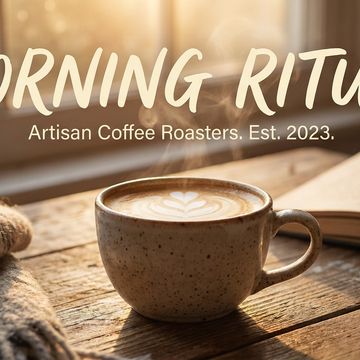
Generate & Reuse
Hit Generate — results land in your Creations and can chain straight into 36+ other tools.
How to Get the Best Results With Recraft V3
Put Exact Copy in Quotes
Write the words you want on the design in quotes — 'a poster reading "Summer Sale — 30% Off"' renders far more reliably than describing the text loosely.
Describe the Design System
Think like a brief — "flat editorial layout, bold sans headline, muted palette, product centered." Recraft V3 rewards art direction over one-line wishes.
Iterate in Small Steps
Change one thing at a time — swap the palette or move the headline — instead of rewriting the whole prompt, so the parts you like stay put.
FAQ – Recraft V3
Recraft V3 is tuned for graphic consistency and clean typography — useful for brands that need a cohesive look and readable text across a product catalog.
Yes — you get full commercial rights on all paid plans.
No. If you can describe what you want — a product on a marble countertop, a jacket on a model in an urban setting — Recraft translates that into a visual.
Each generate produces one image; run successive prompts to build out a catalog. Many sellers start with a small set of products to lock in a prompt template, then scale up.
No card required to start — create a free account and your first generations are on us, then top up credits any time.