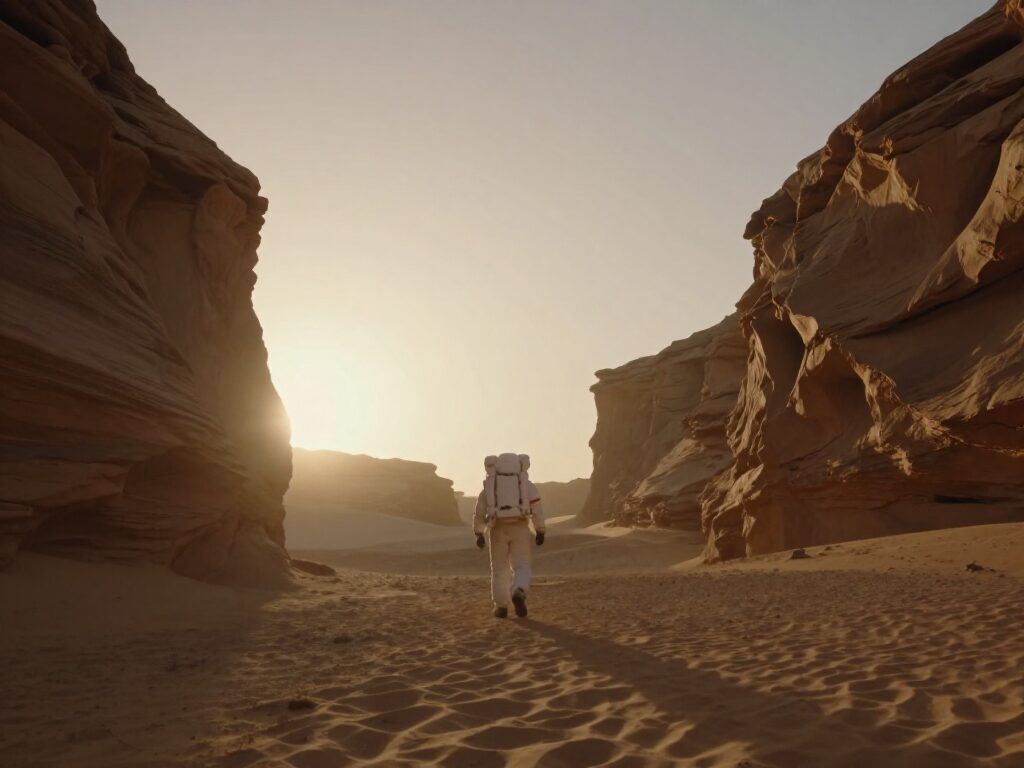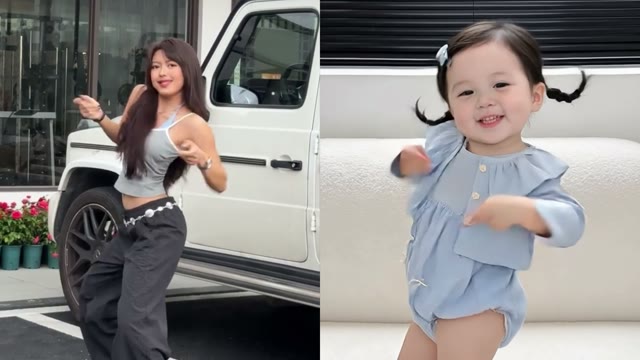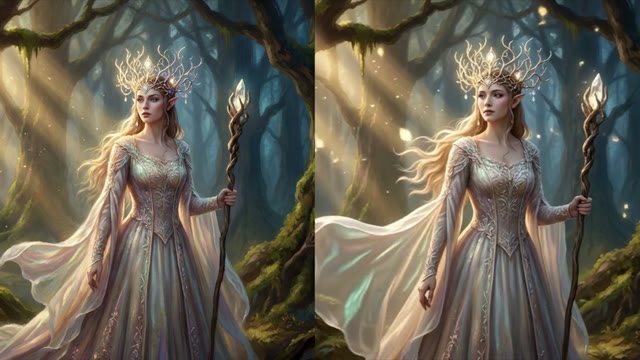
PixVerse AI – V6 Video Generator
PixVerse AI on Wandura runs PixVerse V6, listed as a stylised video model, from a text prompt or one image, at 360p, 540p, 720p or 1080p. The credit price is shown before you create.
 ModelPixVerse V6
Key Benefits of PixVerse V6
Text to video
Describe the scene in words and PixVerse V6 returns a clip. Choose it in the Text to Video tool.
Start from an image
Open Image to Video, choose PixVerse V6, add one image and a motion prompt, and it animates the picture.
Four resolutions
360p, 540p, 720p or 1080p: draft small, then run the prompt again at a higher resolution for the take you keep.
5 or 8 seconds
Pick a 5-second or an 8-second clip for each run; the longer clip costs more credits.
Eight aspect ratios for text clips
16:9, 9:16, 1:1, 4:3, 3:4, 3:2, 2:3 or 21:9, so one prompt can fit Reels, YouTube or a feed.
Price shown first
The credit cost depends on the resolution and length you pick and is shown before you confirm.
How to Get the Best Results With PixVerse V6
Write the shot, not the topic
Name the subject, what it does and how the camera moves, in one or two sentences.
Draft at 360p or 540p
The lower resolutions cost the least, so test the prompt there and spend the extra only on the take you keep.
Pick the aspect ratio first
Choose 9:16, 1:1 or 16:9 before you generate, so the framing in your prompt matches the frame you get.
FAQ – PixVerse V6
PixVerse AI on Wandura is PixVerse V6, a video model listed as stylised. You use it in the Text to Video tool with a prompt, or in the Image to Video tool with one image and a motion prompt.
Wandura is credit-based (1 credit = $0.01). A 5-second PixVerse V6 clip costs 18 credits at 360p, 24 credits at 540p, 31 credits at 720p and 63 credits at 1080p, and an 8-second clip at 540p costs 38 credits. The same prices apply to text to video and image to video. The exact cost is shown on the Generate button before you confirm.
Yes. Open the Image to Video tool, choose PixVerse V6, add one image and describe the motion. You pick the resolution and a 5- or 8-second length.
The resolution is 360p, 540p, 720p or 1080p, and the length is 5 or 8 seconds.
Open the Text to Video tool, choose PixVerse V6 in the model list, write your prompt and generate. The credit price is shown before you confirm.
No. PixVerse V6 runs on the same Wandura credits as every other model.
In your Creations on Wandura, together with the prompt you used.
From text you can pick 16:9, 9:16, 1:1, 4:3, 3:4, 3:2, 2:3 or 21:9, at 5 or 8 seconds, from 360p to 1080p. From an image the clip follows the photo’s shape.
The model menu shows an estimated time of about 90 seconds per clip.
Yes. Set Output Number to 1–4; each clip is priced separately and the total shows on Generate.
Start at 360p or 540p to test the prompt, then render the version you keep at 720p or 1080p.
Yes, Face Swap Video on Wandura AI runs on PixVerse Swap, listed as Pixverse Swap in the composer. It replaces the main face in a clip of up to 10 seconds with the face from a photo you have permission to use, keeps the original audio by default and outputs 720p.