InVideo Alternative: Wandura for Advertiser
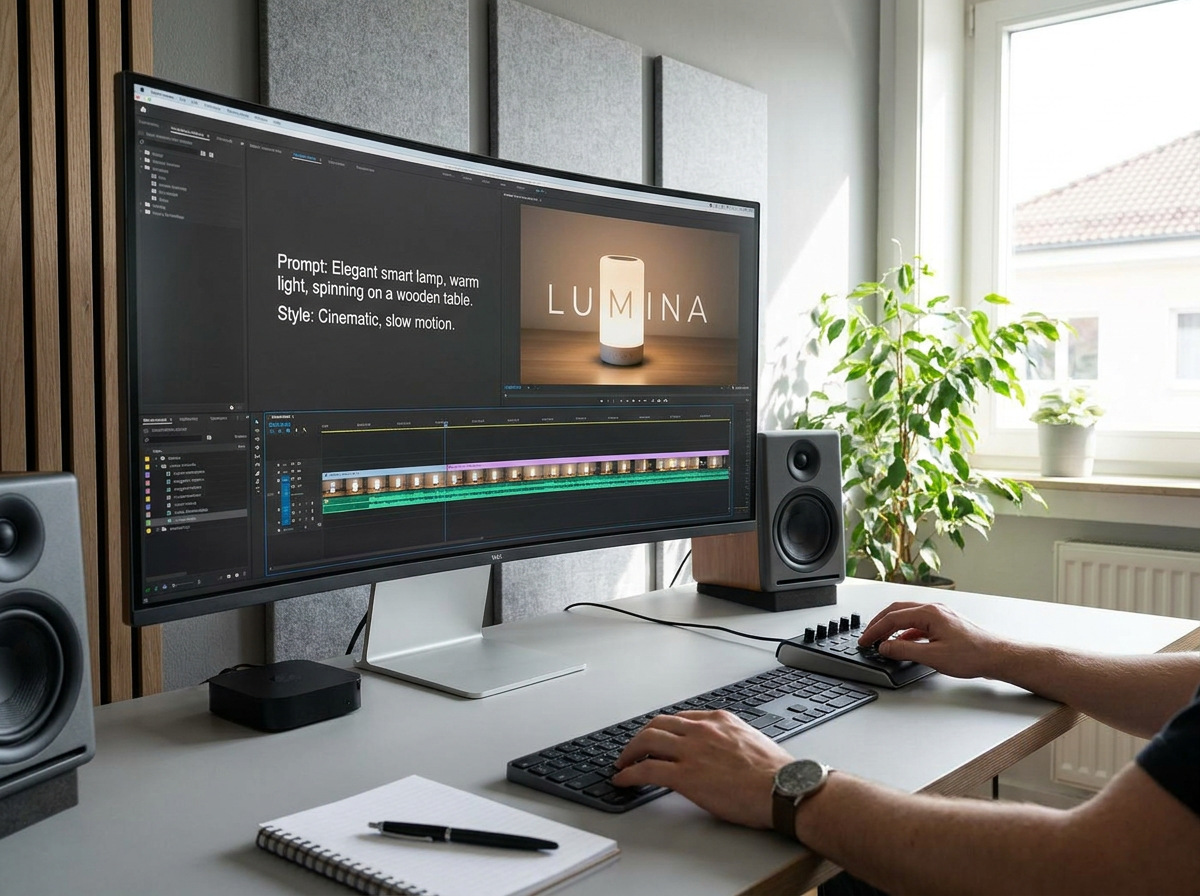
Why Advertisers Are Looking Beyond InVideo
If you're producing ads at scale—whether for performance campaigns, product launches, or multi-market rollouts—the pricing model matters as much as the output. InVideo is a prompt-to-video generator: its free tier is watermarked, and its paid tiers add watermark-free export and commercial rights, but usage is split across separate, non-rolling credit pools (AI minutes, stock media, voice clones) that don't share a balance—so you can run out of one while another sits unused. InVideo's public pricing page is JS-gated and doesn't list exact numbers (plans start from roughly $25/mo, verify current pricing, as of July 2026). Wandura runs on a single, transparent credit pool at a flat $0.01 per credit—one balance, one rate—so you know a render's cost before you generate it and never stall because you drained the wrong pool. It's purpose-built for high-volume advertising production, where speed, brand consistency, and batch output are the baseline, with watermark-free export from the Growth plan.
The Advertiser's Workflow: Where the Difference Shows
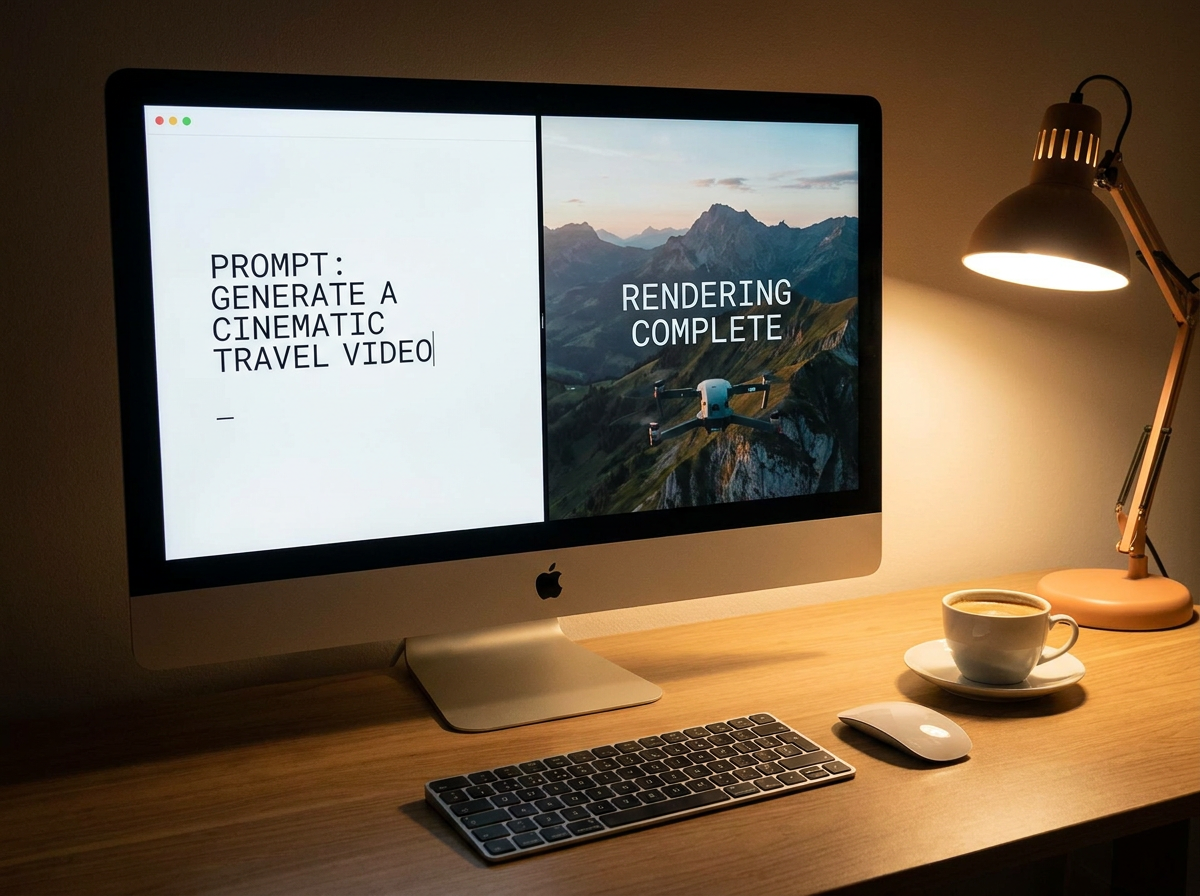
Let's walk through a real scenario. It's Tuesday morning, and your media buyer has flagged a window of opportunity—three regional markets need localized versions of your hero ad by end of day. With InVideo, you'd likely be manually duplicating a project, swapping copy, adjusting voiceover tracks, and exporting one at a time. If you're handling five variants, that's manageable. If you're handling fifty, it's a full-day job for someone on your team.
Wandura's approach is different. You define your ad template once—layout, brand elements, voiceover style, CTA format—and then feed it a spreadsheet or API payload of variants (different headlines, local accents, product SKUs, regional offers). The system generates all fifty versions in parallel, applies your brand lock so nothing drifts off-spec, and outputs platform-optimized files ready for your ad server. What would take your team an entire sprint in a traditional editor becomes a lunch-break task.
What This Means in Practice
For performance marketers running dozens of creative variations per campaign, this isn't a convenience feature—it's a structural advantage. The ability to rapidly test creative hypotheses, iterate on messaging by audience segment, and scale winners across markets directly impacts ROAS. Wandura's workflow is designed around the reality of modern advertising: you don't know which creative will perform until you test it, so you need to be able to produce many variants cheaply and quickly.
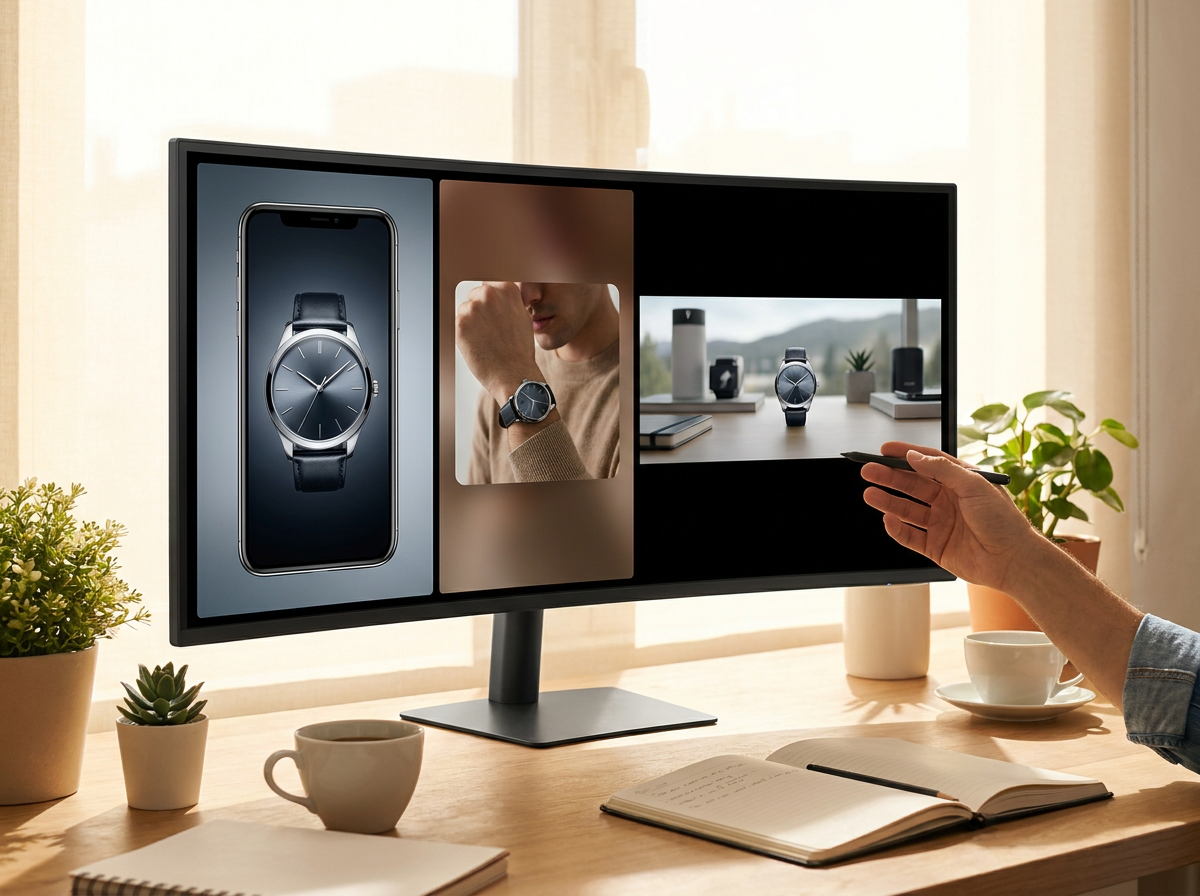
Honest Limitations: Where InVideo Is the Better Choice
No tool is right for every situation, and being clear about this saves you time and frustration.
InVideo is the better choice if:
- Your primary need is producing occasional social media content, YouTube explainers, or marketing videos rather than high-volume ad production. InVideo's template library and guided editing experience are genuinely strong for this use case, and the learning curve is gentle.
- Your team is small and non-technical, and you need a tool that your content creator can use without requiring structured data inputs or API integrations. InVideo's UI-first approach is more accessible for pure video editors who prefer point-and-click workflows.
- You're producing standalone videos rather than systematic ad variant sets. If you're making one hero video per quarter and don't need batch generation, InVideo's individual output quality is competitive.
- You rely heavily on InVideo's community template library for inspiration and starting points. That library is extensive and curated; if you benefit from remixing existing community templates, that's a real InVideo advantage.
Wandura doesn't try to replace the creative exploration workflow where you're browsing templates, trying concepts, and iterating visually. It's built for when you've locked your creative direction and need to produce at scale.
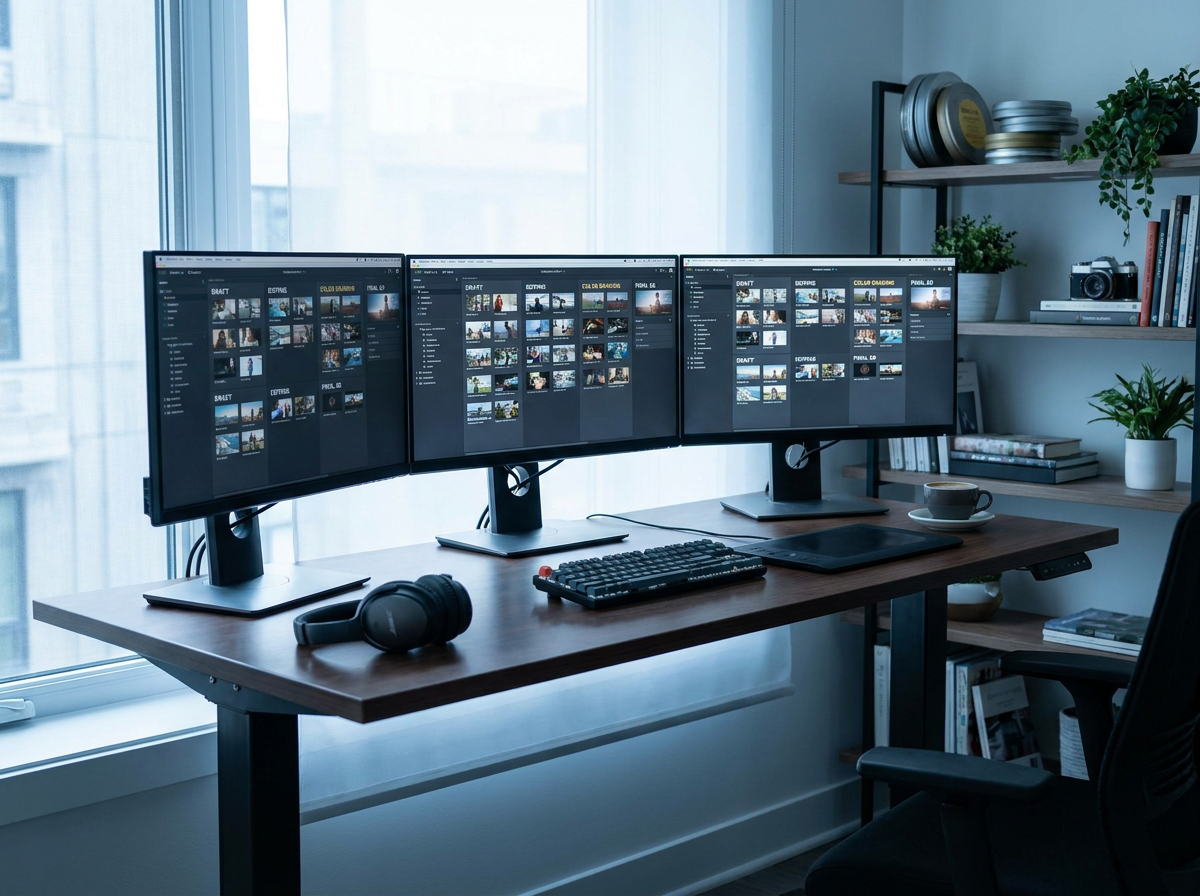
When to Choose Which Platform
Choose Wandura when:
- You're running performance ad campaigns that require dozens or hundreds of creative variants across audiences and markets
- Brand consistency across large output volumes is non-negotiable, and you need governance controls that scale
- Your team has structured data (spreadsheets, feeds, product catalogs) that you want to turn directly into video ads without manual duplication
- You need API access or programmatic workflows to integrate video generation into your existing ad infrastructure
- Localization and regional adaptation are routine parts of your ad operations, not occasional projects
Choose InVideo when:
- Your team is primarily editors and content creators who prefer a visual editing interface over structured data inputs
- You're producing lower-volume, higher-craft content where the template library and guided workflow provide real value
- Individual video quality and creative exploration are more important than production speed and batch output
- You're a small team without dedicated technical resources to manage structured workflows or integrations
Wandura vs InVideo: Feature Comparison
| Capability | Wandura | InVideo |
|---|---|---|
| Bulk Video Generation | Batch-generate hundreds of ad variants per run | Split across separate, non-rolling credit pools — verify limits |
| Brand Kit & Style Lock | Locks brand colors, fonts, logos, motion — updates everywhere | Brand/style options vary by plan — verify on site |
| Localized Variants | Auto locale variants — voiceover, subtitles, cultural framing | Verify current details on InVideo's site |
| Platform-Ready Export | Export presets for Meta, Google, TikTok, YouTube | Verify current details on InVideo's site |
| Collaboration & Review Workflow | Team workspaces: version history, approval gates, commenting | Verify current details on InVideo's site |
| Pricing Model | Transparent $0.01/credit; monthly plans $15–$109, packs $10–$100 | Free tier watermarked; paid from ~$25/mo, split pools |
| Commercial License | Full commercial rights on all paid plans | Verify current details on InVideo's site |
70+ AI Models in One Studio
 Seedance 2.0
Multimodal cinematic motion up to 4K
 Kling V3 Pro
Cinematic motion with film-grade lighting
 Veo 3.1
Premium realism with native audio
 Sora 2 Pro
Complex scenes and physics at premium quality
 LTX 2.3 Fast
Fastest drafts at the lowest cost
 Nano Banana Pro
High-fidelity images with sharp detail
 Seedream 4.5 Edit
Multi-image editing with up to 6 references
 GPT Image 2
Best-in-class text rendering in images

 FLUX 1.1 Pro
Razor-sharp detail with top-rated realism

 Ideogram V4
Typography and marketing text that stays crisp
 MiniMax Speech 2.8 HD
Natural, high-quality speech synthesis
Explore More Wandura Tools


Plans & Pricing
Wandura runs on transparent credits — 1 credit = $0.01. Choose a monthly plan or top up with credit packs, and pay only for what you generate.
Basic
- ✓Up to 80 images/month
- ✓Up to 17 videos/month
- ✓1 parallel task
Kling 3.0Growth accessVeo 3.1Growth accessGPT Image 2CreditKling 2.6CreditSeedance 2.0CreditStarter
- ✓Up to 132 images/month
- ✓Up to 33 videos/month
- ✓2 parallel tasks
- ✓Audio generation
Kling 3.0Growth accessVeo 3.1Growth accessGPT Image 2CreditKling 2.6CreditGrowth
- ✓Up to 223 images/month
- ✓Up to 88 videos/month
- ✓4 parallel tasks
- ✓Priority support
Kling 3.0Credit accessVeo 3.1Credit accessNano Banana ProCredit accessGPT Image 2CreditKling 2.6CreditSeedance 2.0CreditAgency
- ✓Up to 500 images/month
- ✓Up to 124 videos/month
- ✓8 parallel tasks
- ✓Commercial license
Kling 3.010-Day UnlimitedVeo 3.110-Day UnlimitedNano Banana Pro10-Day UnlimitedGPT Image 2CreditKling 2.6CreditSeedance 2.0CreditCredit packs (no subscription): 1,000 credits for $10 · 6,250 credits for $50 (save 20%) · 14,000 credits for $100 (save 33%). Packs stay valid for 90 days. Growth and Agency plans add watermark-free exports, faster generation, and priority support; Agency includes 10-day unlimited access to Premium Exclusive models each cycle.
FAQs
Yes. Wandura supports platform-specific export presets for major ad networks including Meta Ads, Google Display & Video 360, TikTok Ads, and YouTube Ads. You define your core creative template once, and Wandura handles the technical conversion for each target platform—correct aspect ratios, file formats, duration limits, and muted-audio requirements where applicable. This means you maintain creative control over the ad concept while the platform-specific formatting happens automatically rather than manually in each ad platform's native tools.
Wandura uses persistent brand profiles that store your color palette, typography system, logo placement rules, motion presets, and audio style guidelines. When you generate variants—whether through bulk upload, API, or batch interface—every output is rendered against this brand profile. If someone accidentally drifts from spec during template setup, the system flags it before generation. You can also lock specific elements (logo, legal disclaimers, color bars) so they can't be modified by downstream users, which is important for regulated industries like pharma, finance, or food & beverage where ad compliance matters.
For most teams transitioning from InVideo to Wandura, the core workflow shift is moving from visual editing to structured template definition. Wandura's onboarding includes template setup assistance, and if you can describe your existing InVideo template structure, the Wandura team can help map it to equivalent configurations. The investment is front-loaded (defining your template system properly), but the payoff comes when you generate your first hundred variants.
Yes. Wandura integrates with text-to-speech and voice synthesis services that support multiple languages, accents, and speaking styles. For each variant you generate, you can specify the voiceover configuration—language, accent, gender, tone, and pacing. Subtitles and closed captions can also be auto-generated with locale-appropriate styling (positioning, font sizing, reading speed assumptions). If you have existing audio assets or need human voiceover integration, Wandura supports audio track replacement as part of the variant generation pipeline.
Wandura runs on a single transparent credit pool at a flat $0.01 per credit, so you know the cost before you generate, and you pay only for what you make. InVideo splits usage across separate, non-rolling credit pools (AI minutes, stock media, voice clones) that don't share a balance, and its public pricing page is JS-gated—exact numbers aren't listed, with plans starting from roughly $25/mo (verify current pricing, as of July 2026). Its free tier is watermarked; paid tiers are watermark-free with commercial rights. The relevant comparison point isn't the entry price—it's what happens when you're running hundreds of ad variants a month: split, non-rolling pools can strand budget in one bucket while you need another. Wandura's single-pool, per-credit model is built for bulk production, so the per-variant cost stays predictable as volume increases.
See What You Can Create





Ready to Scale Your Ad Production?
If your team is spending more time duplicating projects and manually adjusting exports than actually optimizing creative, Wandura is worth evaluating seriously. The platform is built for advertisers who treat video production as a systematic capability rather than a one-off creative exercise.
Start by describing your current ad variant workflow and what a bulk generation system would need to handle. If that description maps to what Wandura does, you can request early access or schedule a demo to see the platform in the context of your specific use case.