AI Background Remover
Remove the background from any photo in one click. Upload an image and Wandura cuts out the subject with clean edges — hair, fur and fine details included — and returns a transparent PNG ready to use anywhere.
Remove Backgrounds from Images Instantly
Wandura detects the subject of your photo automatically and erases everything behind it — no manual selection, no masking, no design skills. Powered by BRIA RMBG 2.0 for production quality and BiRefNet V2 for free drafts, it handles hair, fur and fine edges that manual tools struggle with.
Try Background Remover

2 AI Models, One Remove Background Tool
Boost Product Appeal in E-Commerce
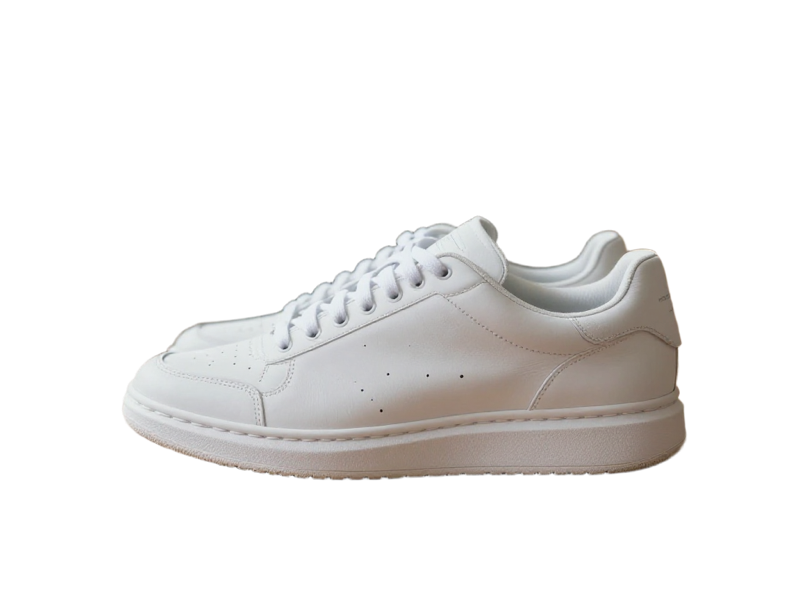
Cut your products out of cluttered photos and drop them on clean or branded backgrounds. Consistent, distraction-free product images make listings easier to scan and help shoppers focus on what you sell.
Try Background Remover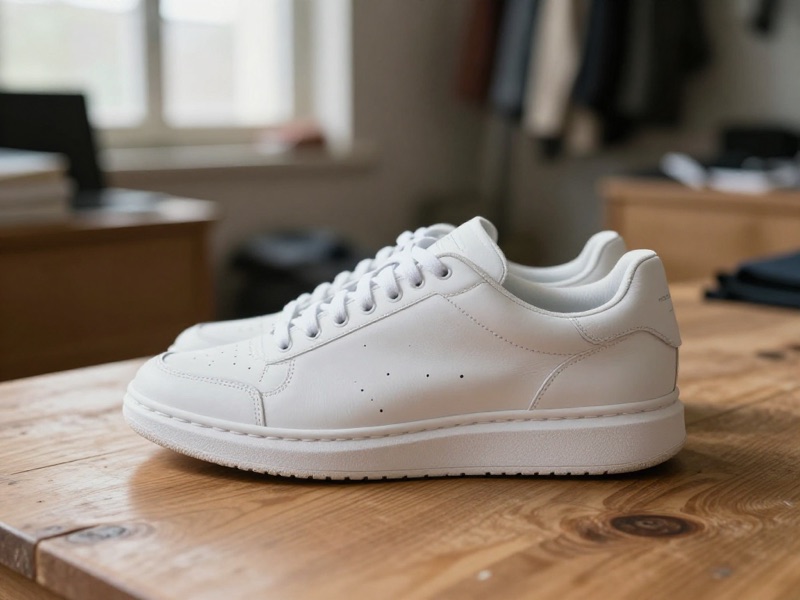
Create Polished, Professional Headshots
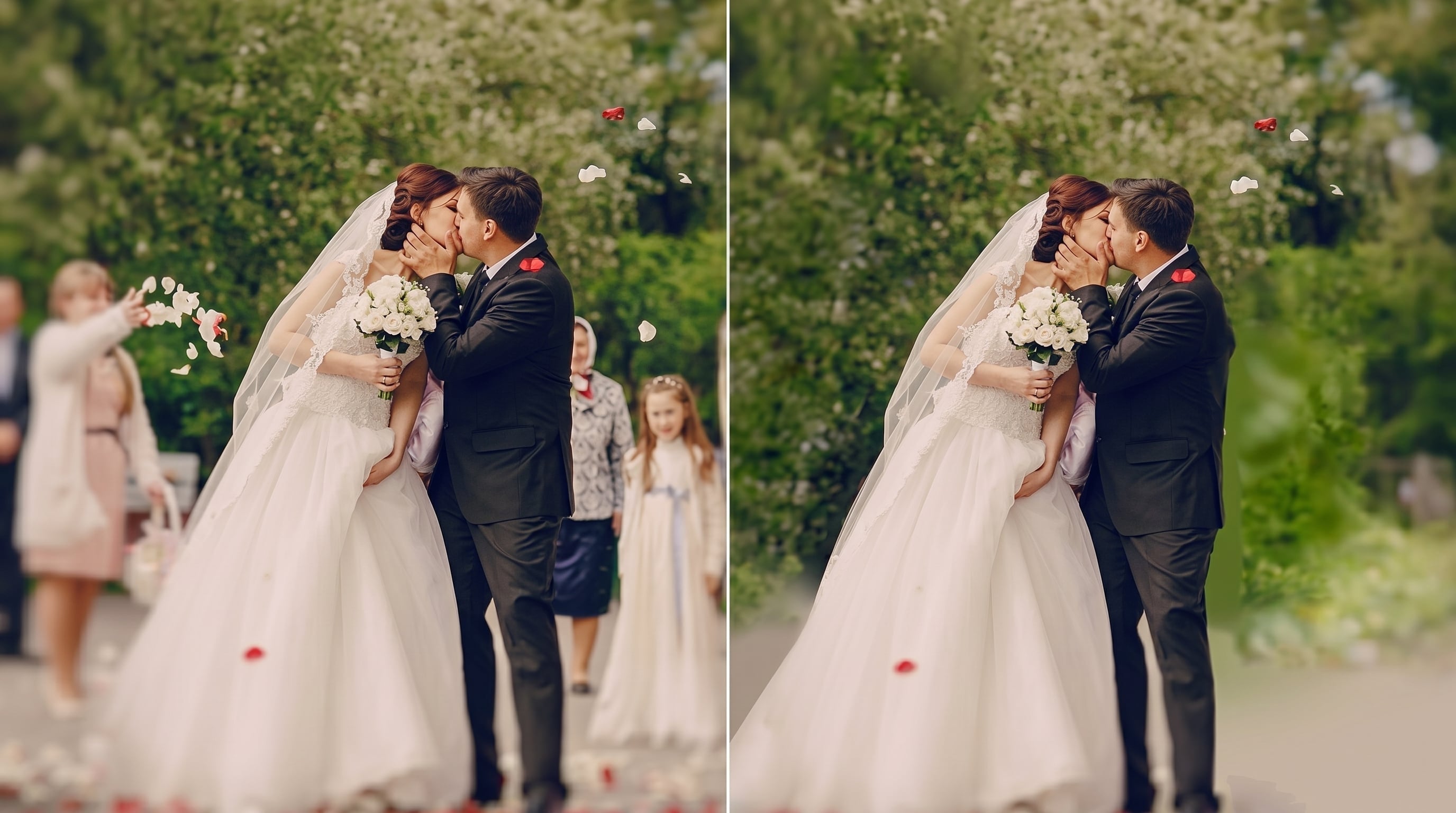
Turn any casual photo into a clean headshot for resumes, LinkedIn or team pages. Remove the messy office or street behind you and place yourself on a neutral backdrop in seconds.
Try Background Remover

Design Faster with Ready-to-Use Cutouts
Every result is a transparent PNG you can layer straight into thumbnails, ads, posters or social posts — and with Wandura chain actions you can send the cutout directly into Image to Video or any other tool.
Try Background RemoverFor Creators: Stickers, Emotes and Thumbnails
Cut yourself or your subject out of any frame and you have the raw material for YouTube thumbnails, stream emotes, chat stickers and reaction images. The transparent PNG drops onto any color, gradient or artwork without a halo of old background.
Try Background RemoverDraft Free, Ship Production Quality
BiRefNet V2 runs at nearly zero cost — use it to test which photos cut out cleanly across a whole batch, then rerun the keepers on BRIA RMBG 2.0 at $0.018 per image for production-grade edges. You only pay for the cutouts you actually publish.
Try Background RemoverHow It Works
Step 1: Upload
Add the photo you want the background removed from.
Step 2: Create
Pick a model and hit Create — no prompt, no masking needed.
Step 3: Compare & download
Check the before/after view and download your transparent PNG. Results are saved to your Creations.
How Much Does Remove Background Cost?
Every model below runs on one Wandura credit balance — pay only for what you generate, with no separate subscription per model.
| Model | Pricing |
|---|---|
| BRIA RMBG 2.0 | High quality |
| BiRefNet V2 | Draft |
FAQs
Background Remover detects the subject of your photo and erases everything behind it, giving you a clean cutout on a transparent background — no manual selection or masking required.
Wandura routes your image to BRIA RMBG 2.0 or BiRefNet V2 — BiRefNet V2 also offers Portrait and Matting modes for tricky subjects, right inside the tool.
Each model shows its price next to its name — BRIA RMBG 2.0 at $0.018 per image, BiRefNet V2 nearly free for drafts. Credits are deducted only when you generate.
You get a PNG with a transparent background at the original resolution, with a built-in before/after comparison. Every result is stored in your Creations library for reuse in other tools.
JPEG, PNG, WEBP and other common image formats up to 50 MB. Just click the upload box or paste a URL — no cropping or preparation needed.
Yes — BRIA RMBG 2.0 is built for production use and keeps fine edges like hair and fur. For tricky subjects, switch BiRefNet V2 into Portrait or Matting mode in the advanced options.
Yes — subject detection is not limited to people. Products, pets, vehicles and furniture cut out just as well; BiRefNet V2’s General Use modes are tuned for objects while its Portrait mode is tuned for people.
Background Remover erases the background and gives you a transparent PNG to reuse anywhere. Background Changer replaces it with a new scene in one step — describe the backdrop or pick a preset like studio white or beach. Use the remover when you need a cutout, the changer when you want a finished photo.
Straight from the result you can chain into other Wandura tools — animate it with Image to Video, restyle it with Image to Image, or download the PNG and use it anywhere.