Stable Diffusion Alternative: Wandura for Creator

Why Creators Switch to Wandura
Stable Diffusion gives you raw power, but that power comes with setup overhead: GPU requirements, model weights management, extension compatibility, and a workflow that assumes you're comfortable configuring parameters. Wandura handles the infrastructure for you, hosting the underlying diffusion models so you can generate images through a streamlined interface without touching command lines or managing local compute resources. For creators who want to produce high-quality visuals consistently—whether for product mockups, marketing assets, or content illustrations—the managed approach removes the technical barrier between your idea and the output.
Honest Limitation: Where Stable Diffusion Wins
Before you decide, you should know where Stable Diffusion is genuinely the stronger choice:
Full model ownership and modification. When you run Stable Diffusion locally, you have complete access to every weight file, every configuration, and every layer. You can apply custom LoRAs you train yourself on private datasets, fork community extensions, modify the sampling code, or even train on top of SD's base to create your own checkpoint from scratch. Wandura's hosted environment gives you a polished interface, but you're working within the guardrails we've defined. If your workflow requires surgical-level control over the model's internals—testing novel sampling strategies, modifying attention mechanisms, or running experimental forks—local SD is the only path.
Zero per-image cost at scale. If you're running a production pipeline that generates thousands of images per day, and you already own the hardware, Stable Diffusion's marginal cost drops to electricity. A gaming GPU drawing ~300–450W adds only a few cents up to about $0.10 per hour in electricity at typical US rates (~$0.16/kWh). At high volumes, this can undercut cloud-based subscription pricing. The break-even point depends heavily on your generation volume and whether you already have suitable hardware.
Offline operation. Local Stable Diffusion works without internet. If you're in an environment with restricted connectivity, traveling, or operating in regions where cloud AI services have latency or availability issues, the local install is the only reliable option.
Access to bleeding-edge community models. The open-source ecosystem produces new checkpoints, architectures, and techniques faster than any hosted service can adopt them. The moment a new Civitai model drops, local users can run it immediately. Our model selection on Wandura is curated and tested for stability—we won't push experimental checkpoints to production until we're confident in their reliability. If you're chasing the absolute latest model innovation, the community-driven pace of SD development has an advantage we can't match.
When to Choose Which
Choose Wandura when:
- You need results today. No configuration, no setup, no troubleshooting. You open the platform and generate. If you're on a deadline for a client deliverable or a content calendar, that frictionless start matters.
- Your hardware isn't suited for local inference. Integrated graphics, older laptops, Chromebooks, or shared workstations—none of these can run SD comfortably. Wandura runs on our hardware, so your device is irrelevant beyond having a browser.
- You want to integrate AI generation into your existing tools. Our API lets you wire image generation into Shopify product pages, advertising platforms, or content management systems without building a GPU cluster. Check our AI Ad Creative Generator for ad-specific workflows or AI Product Image Generator for e-commerce use cases.
- You prefer predictable costs. A subscription model means you know exactly what you'll pay this month versus last month, regardless of how many images you generate. Budget forecasting matters when you're running creative operations, not just experimenting.
- You want production reliability. When your image generation is part of a client deliverable or a live campaign, you need SLA-backed uptime, not a hobbyist's setup that might crash mid-project.
Choose Stable Diffusion when:
- Custom model training is part of your core workflow. Training LoRAs on specific styles, characters, or product aesthetics gives you control that hosted platforms can't replicate yet. If you're a model trainer or a studio with specialized visual requirements, this is your lane.
- You're comfortable with technical overhead. SD WebUI, ComfyUI, and their extensions are powerful but demand configuration time. If you enjoy the hobbyist side of tuning settings and exploring parameters, that investment pays off.
- You're running at extreme scale with existing hardware. At thousands of daily generations, the math of local versus cloud shifts. Run the numbers for your specific volume.
- You need bleeding-edge model access immediately. If a new checkpoint drops and you need to test it for production within hours, local access is the only way.
Wandura vs. Stable Diffusion: Feature Comparison
| Criteria | Wandura | Stable Diffusion |
|---|---|---|
| Access Method | Web app; works in any browser | Local WebUI/ComfyUI installs, or third-party hosts |
| Hardware Requirements | None needed; runs on Wandura's GPUs | Needs NVIDIA GPU, ~8GB+ VRAM for SDXL |
| Setup Time | Immediate — start generating within minutes | 30–60+ minutes for first local setup |
| Custom Checkpoint Loading | Curated models; custom checkpoints on higher tiers | .ckpt and .safetensors, plus LoRA and embeddings |
| ControlNet Support | Select ControlNet features built into workflow | Separate extension; not bundled by default |
| Latent Consistency Models / Fast Generation | Built-in speedups; faster than raw local inference | No LCM/turbo built-in; needs extra models or extensions |
| Pricing | From $15/mo (1,500 credits); pay-as-you-go packs too | GPU rig ~$800–$2,000+, or cloud ~$0.4–$1+/hour |
| Commercial Use Rights | Full commercial rights on all paid plans | SD3 license: free below usage thresholds, paid above |
| API Access | REST API for production image-generation pipelines | Official Stability API; else self-hosted or third-party |
| Learning Curve | Beginner-friendly, real-time preview; advanced settings optional | Days to weeks to get comfortable |
70+ AI Models in One Studio
 Seedance 2.0
Multimodal cinematic motion up to 4K
 Kling V3 Pro
Cinematic motion with film-grade lighting
 Veo 3.1
Premium realism with native audio
 Sora 2 Pro
Complex scenes and physics at premium quality
 LTX 2.3 Fast
Fastest drafts at the lowest cost
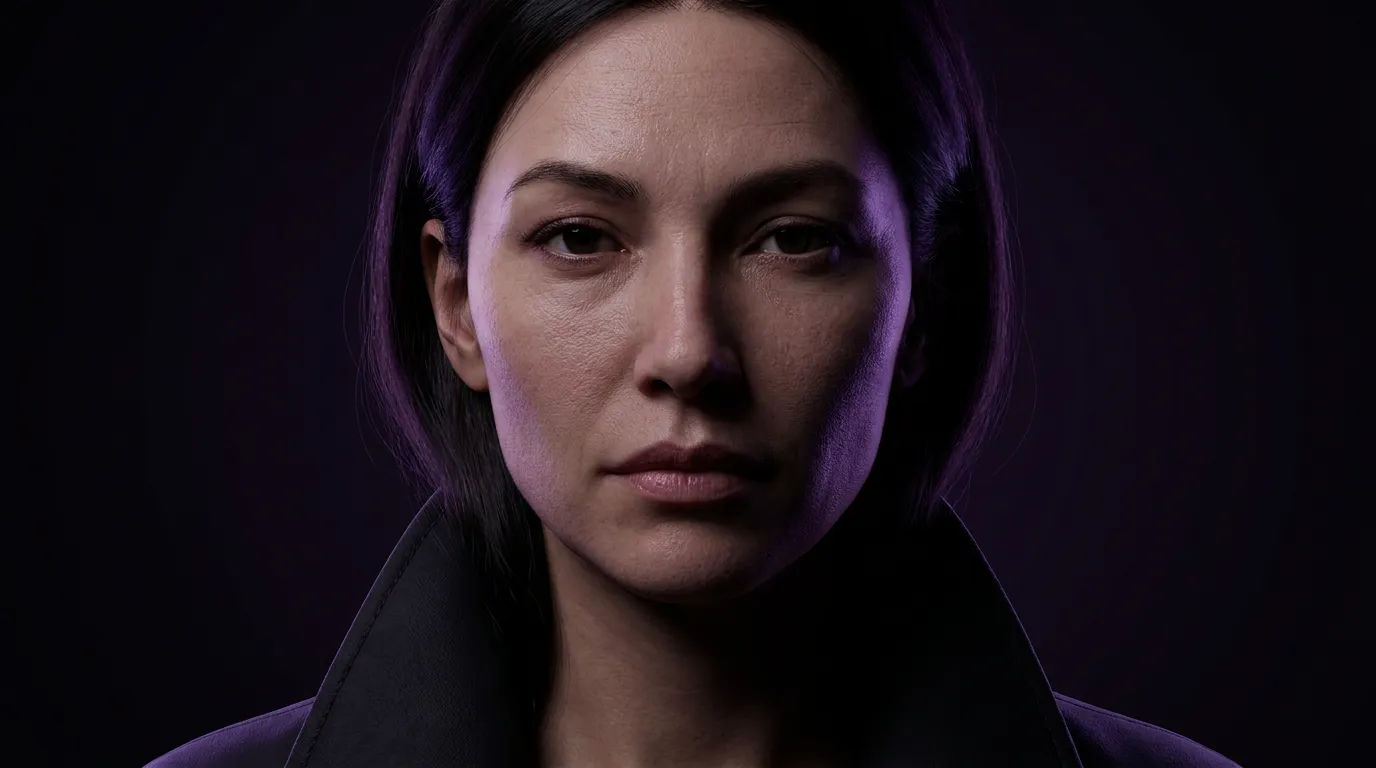 Nano Banana Pro
High-fidelity images with sharp detail
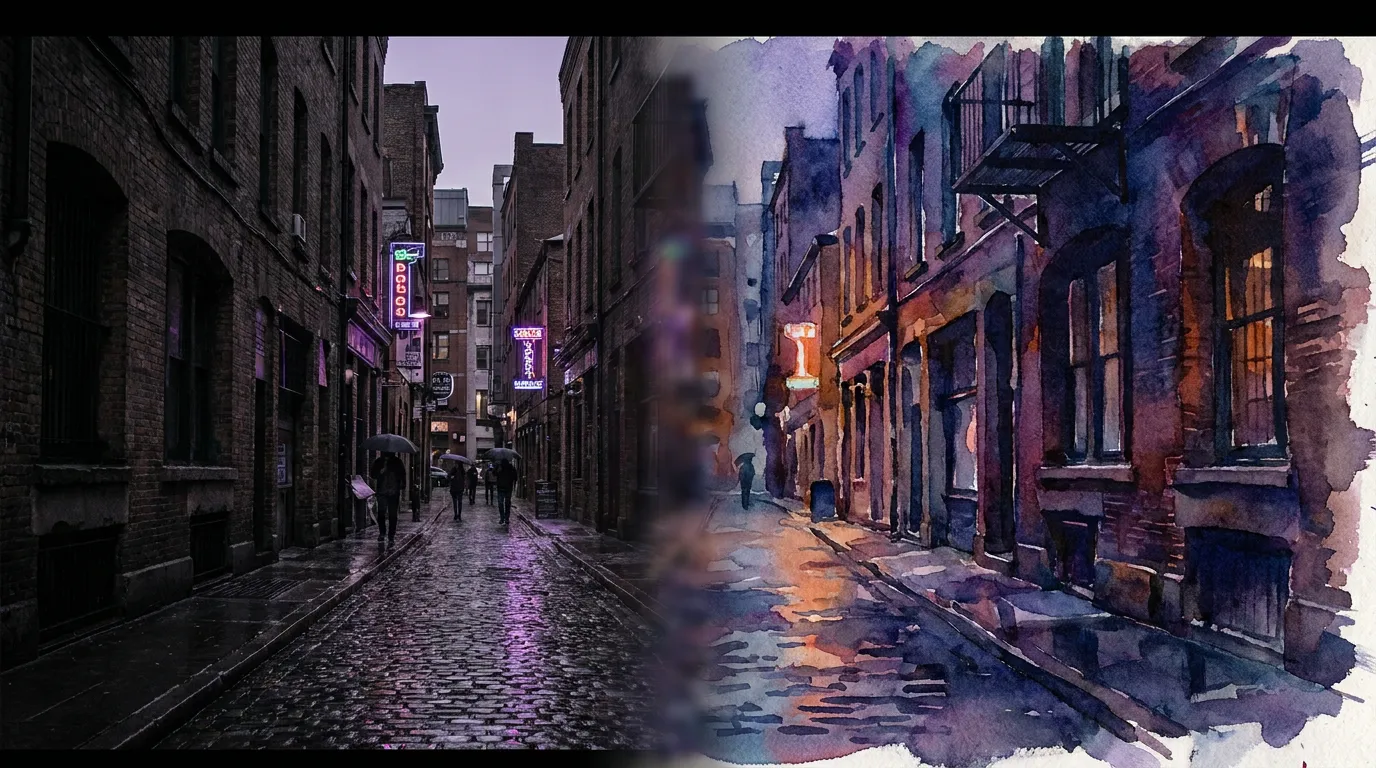 Seedream 4.5 Edit
Multi-image editing with up to 6 references
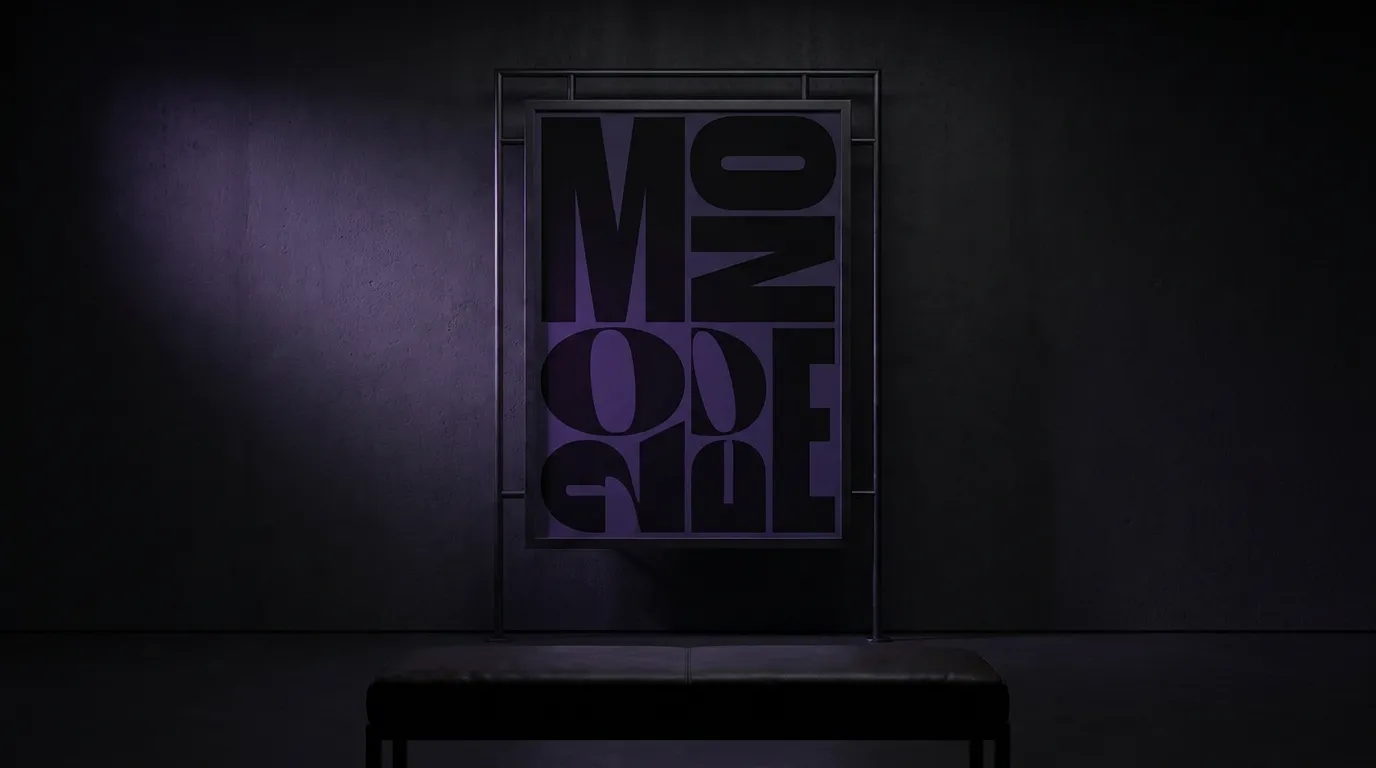 GPT Image 2
Best-in-class text rendering in images

 FLUX 1.1 Pro
Razor-sharp detail with top-rated realism

 Ideogram V4
Typography and marketing text that stays crisp
 MiniMax Speech 2.8 HD
Natural, high-quality speech synthesis
Explore More Wandura Tools


Plans & Pricing
Wandura runs on transparent credits — 1 credit = $0.01. Choose a monthly plan or top up with credit packs, and pay only for what you generate.
Basic
- ✓Up to 80 images/month
- ✓Up to 17 videos/month
- ✓1 parallel task
Kling 3.0Growth accessVeo 3.1Growth accessGPT Image 2CreditKling 2.6CreditSeedance 2.0CreditStarter
- ✓Up to 132 images/month
- ✓Up to 33 videos/month
- ✓2 parallel tasks
- ✓Audio generation
Kling 3.0Growth accessVeo 3.1Growth accessGPT Image 2CreditKling 2.6CreditGrowth
- ✓Up to 223 images/month
- ✓Up to 88 videos/month
- ✓4 parallel tasks
- ✓Priority support
Kling 3.0Credit accessVeo 3.1Credit accessNano Banana ProCredit accessGPT Image 2CreditKling 2.6CreditSeedance 2.0CreditAgency
- ✓Up to 500 images/month
- ✓Up to 124 videos/month
- ✓8 parallel tasks
- ✓Commercial license
Kling 3.010-Day UnlimitedVeo 3.110-Day UnlimitedNano Banana Pro10-Day UnlimitedGPT Image 2CreditKling 2.6CreditSeedance 2.0CreditCredit packs (no subscription): 1,000 credits for $10 · 6,250 credits for $50 (save 20%) · 14,000 credits for $100 (save 33%). Packs stay valid for 90 days. Growth and Agency plans add watermark-free exports, faster generation, and priority support; Agency includes 10-day unlimited access to Premium Exclusive models each cycle.
FAQs
Yes, for most common use cases. Wandura runs fine-tuned diffusion models including SDXL variants, which produce output that matches or exceeds what you'd get from a standard Stable Diffusion WebUI installation. The quality difference appears at the extremes: if you're running a heavily customized SD checkpoint you trained specifically for your brand, that custom model will outperform our general-purpose options. For standard commercial use cases—product photography, social media assets, illustrations, concept art—our hosted models deliver professional-grade output. You can test the quality yourself by generating a few images in our AI Image Generator before committing to a plan.
Yes — you get full commercial rights on all paid plans, including ads and client work.
Wandura operates within content guidelines appropriate for commercial use cases. Unlike an unmodified local Stable Diffusion setup, which has no built-in restrictions, our platform applies content filters aligned with standard advertising platform policies. This matters if you're generating assets for Facebook, Google, or Amazon—those platforms have their own review processes, and starting with content that violates their policies wastes time. If your use case involves mature themes or specialized creative work with fewer restrictions, that need should influence your choice of platform.
Wandura's generation speed depends on our current server load and the model configuration, but for standard SDXL generations at typical settings, you can typically expect results in a few seconds to under a minute per image, depending on model and resolution. On a local machine with a mid-range GPU like an RTX 3070, the same SDXL generation might take roughly 10–30 seconds, depending on steps and resolution. High-end local hardware (4090) narrows the gap significantly, and LCM-based workflows on either side reduce the difference further. The practical takeaway: for single images, the gap is noticeable but not dramatic; for batch generation of hundreds of images, the cumulative time difference becomes significant.
Wandura includes inpainting and outpainting tools, and key ControlNet modes for pose guidance, depth mapping, and edge detection. Our AI Photo Generator supports style transfer and reference image features. However, the full breadth of community extensions available in ComfyUI or SD WebUI isn't replicated—some niche ControlNet architectures, advanced video generation nodes, or specialized upscaling pipelines exist in the local ecosystem but not on our platform. Review the specific feature set for your workflow before migrating.
See What You Can Create


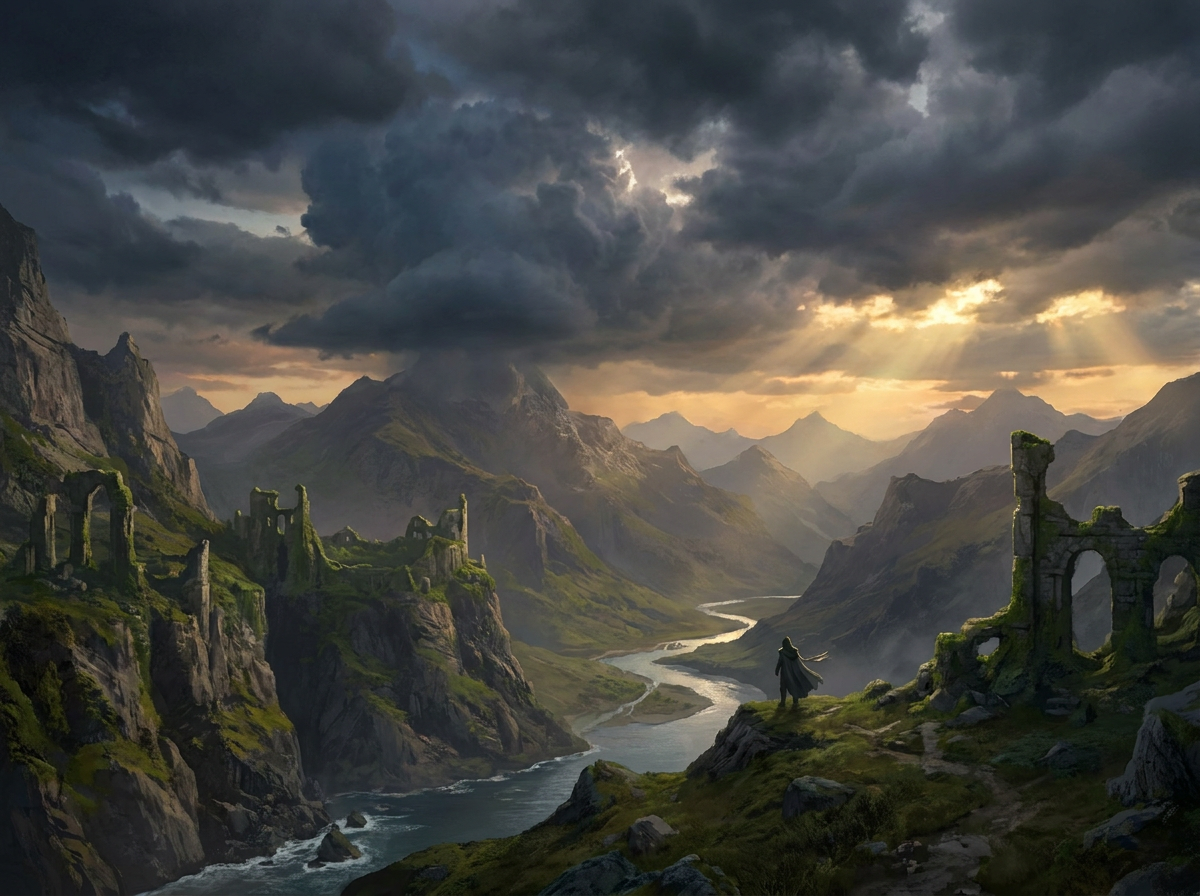
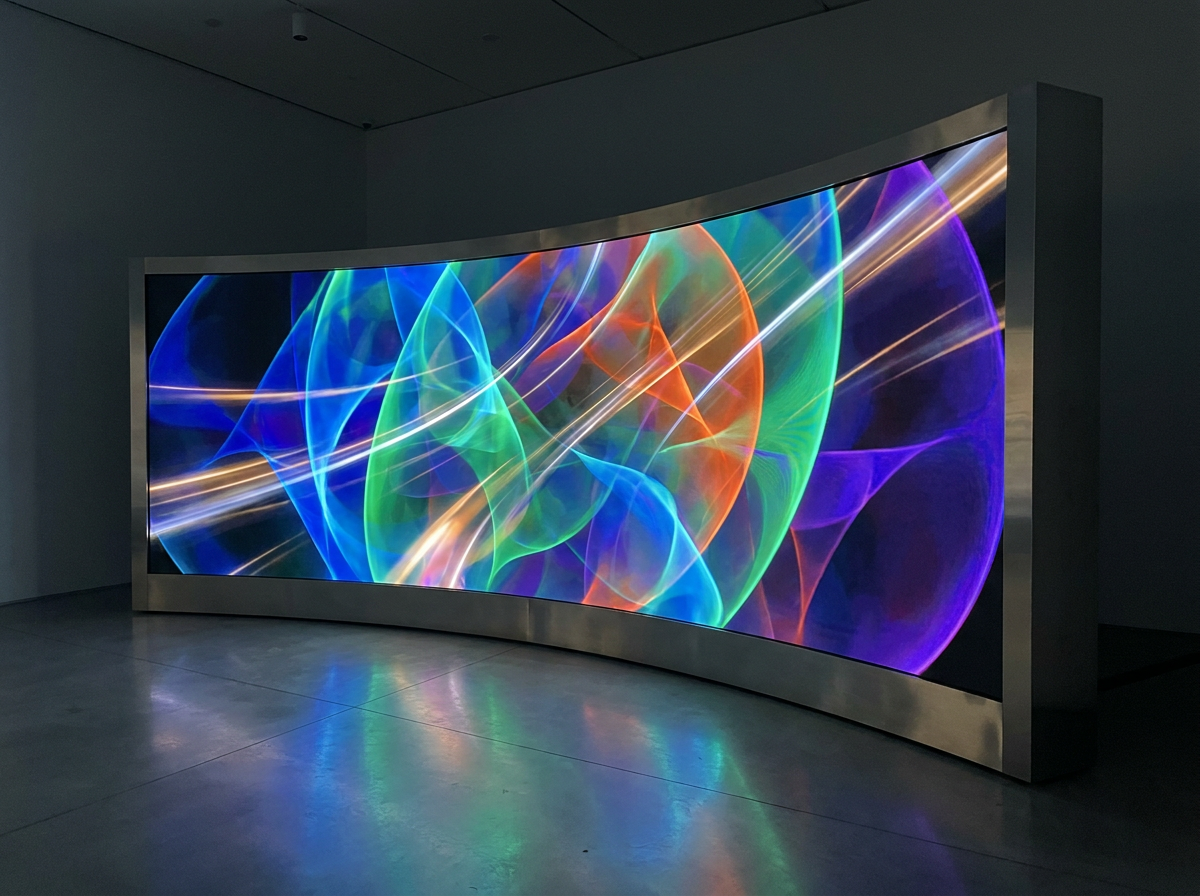
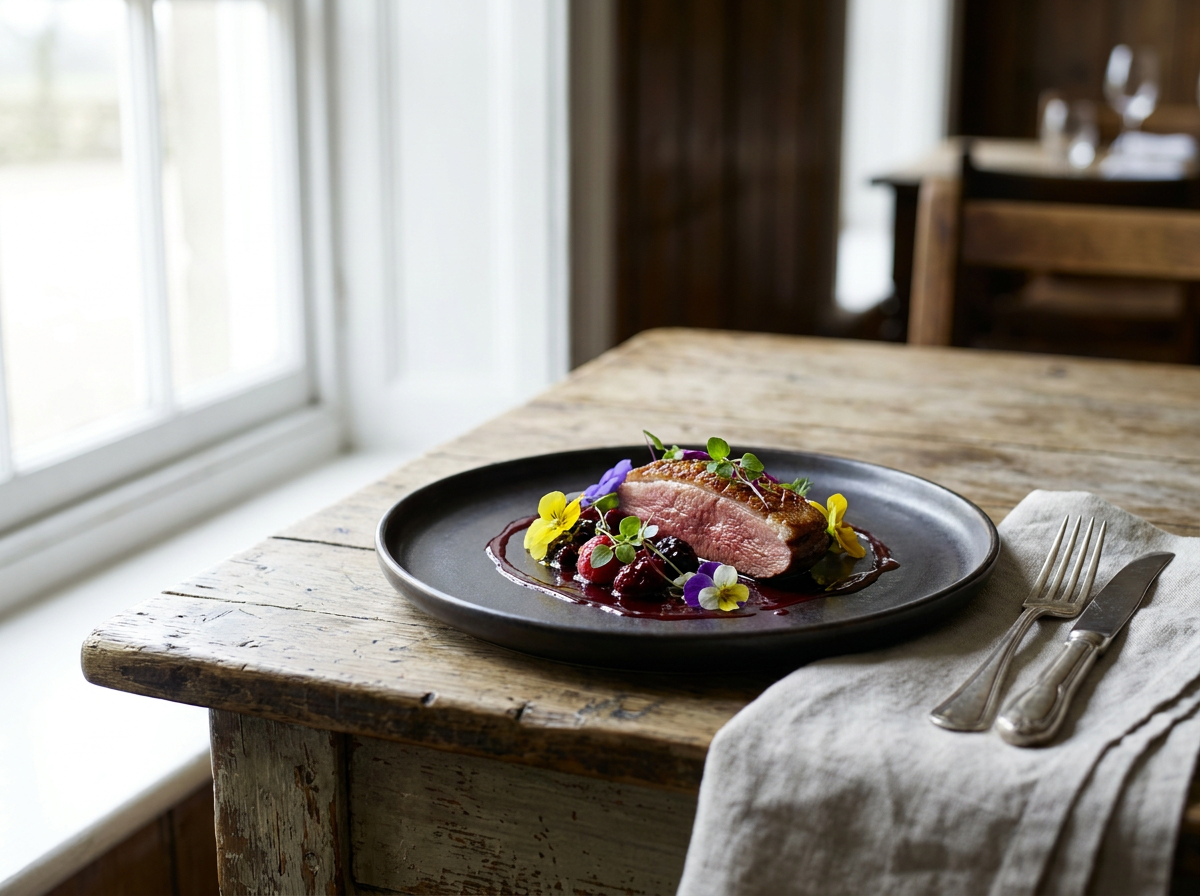
Ready to Generate?
If you've been managing a local Stable Diffusion setup and spending more time maintaining it than creating, Wandura offers a different trade: less technical control in exchange for less technical overhead. Start with a free trial or the entry-tier plan, connect the AI Art Generator to your workflow, and see if the output quality and convenience match your needs. For most creators, the switch pays off within the first week of not troubleshooting CUDA errors.