CapCut Alternative: Wandura for Advertiser
Why Advertisers Are Looking Beyond CapCut
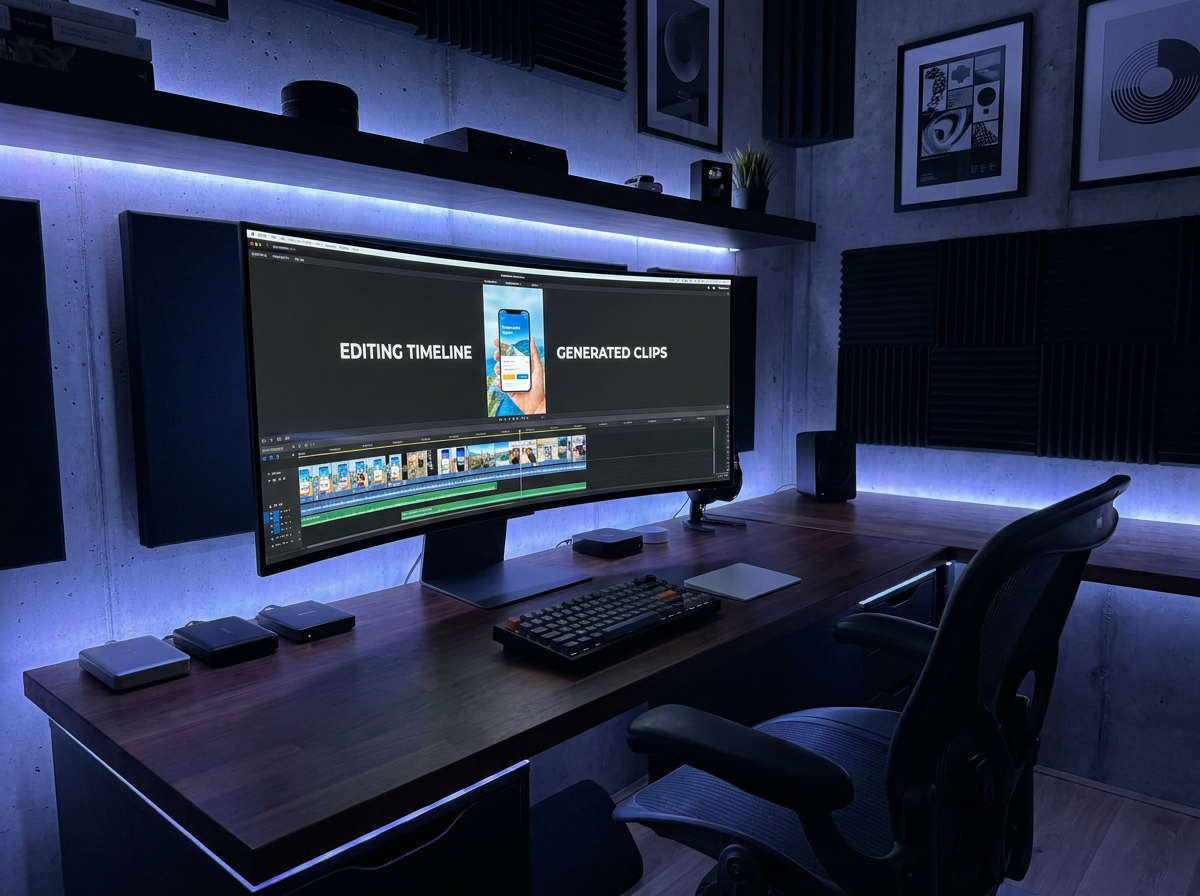
CapCut works well for quick social clips and personal content. When your workflow shifts to running paid ad campaigns—where you need brand consistency across dozens of variations, team approval flows, and efficient bulk production—the gaps become apparent. Wandura is built specifically for advertising teams that need to move fast without sacrificing brand control. The core difference: Wandura treats ad creation as a campaign-level operation, not a series of individual video edits.
Honest Limitation: Where CapCut Is the Better Choice
CapCut has legitimate strengths that make it the right tool in specific situations:
- Quick social content with no budget: CapCut's free tier with no watermarks on exports is genuinely useful for solo creators or small businesses that need one-off social posts. If your ad needs are occasional and simple, CapCut covers that without requiring a subscription.
- Trendy, creator-style content: CapCut's filters, effects, and transitions are tuned toward the aesthetic of short-form creator content (TikTok, Instagram Reels). If your brand lives in that visual language, CapCut's template library is extensive and frequently updated with trending styles.
- Mobile-first workflows: CapCut's mobile app is full-featured and well-optimized. For teams that prefer to concept or make quick edits on phones, CapCut offers a smoother mobile experience than most desktop-first alternatives.
- Learning curve: CapCut is immediately intuitive for anyone who's used a basic video editor. If your team needs to produce results on day one with minimal training, CapCut's interface is less demanding than more specialized advertising tools.
If your primary need is fast, casual social content and brand consistency across campaigns isn't a concern, CapCut is a perfectly reasonable choice. Wandura is purpose-built for advertisers, which means more setup and more features geared toward campaign management—but that investment pays off when you're running multiple ad sets across platforms.

When to Choose Which: A Decision Guide
Choose Wandura when:
- You're managing paid ad campaigns across Meta, Google, TikTok, or other platforms and need consistent output at scale
- Your team includes marketers, brand managers, and compliance reviewers who need approval workflows before assets go live
- Brand consistency matters—your ads need to reflect exact guidelines even when multiple people are creating content
- You're producing dozens of ad variations regularly and need to do it without copying and pasting between projects
- You need clear commercial licensing that covers your agency's client work
Choose CapCut when:
- Your ad needs are occasional and low-volume—you need a quick video without committing to a platform
- Your content is primarily short-form social (TikTok, Reels) with a casual, creator-driven aesthetic
- Budget is the primary constraint and you need a free tool with no subscription
- Your team works primarily from mobile devices and needs a capable mobile editor
- You need to test fast on trending formats and templates—the CapCut community updates these frequently

Wandura vs CapCut: Feature Comparison for Advertisers
| Capability | Wandura | CapCut |
|---|---|---|
| Primary use case | AI ad campaign creation with brand controls | Timeline editor with AI features, not ad-focused |
| AI generation features | AI for ad copy, ratios, hook generation | Verify on their site |
| Bulk/variation creation | Multiple ad variations from one brief | Plan/credit-limited; verify on their site |
| Brand asset management | Stores logos, palettes, fonts; auto-applies to outputs | Not documented; verify on their site |
| Team collaboration | Review/approval flows, role-based team access | Team plans are available |
| Paid ad format support | Ad presets for Meta, Google, TikTok, more | Full editing timeline, many export formats |
| Pricing model | Pay-per-use $0.01/credit; plans $15–$109/mo | Free tier; Pro ~$19.99/mo adds 4K |
| Commercial license | Full commercial rights on all paid plans | Review their commercial terms carefully |
70+ AI Models in One Studio
 Seedance 2.0
Multimodal cinematic motion up to 4K
 Kling V3 Pro
Cinematic motion with film-grade lighting
 Veo 3.1
Premium realism with native audio
 Sora 2 Pro
Complex scenes and physics at premium quality
 LTX 2.3 Fast
Fastest drafts at the lowest cost
 Nano Banana Pro
High-fidelity images with sharp detail
 Seedream 4.5 Edit
Multi-image editing with up to 6 references
 GPT Image 2
Best-in-class text rendering in images

 FLUX 1.1 Pro
Razor-sharp detail with top-rated realism

 Ideogram V4
Typography and marketing text that stays crisp
 MiniMax Speech 2.8 HD
Natural, high-quality speech synthesis
Explore More Wandura Tools



Plans & Pricing
Wandura runs on transparent credits — 1 credit = $0.01. Choose a monthly plan or top up with credit packs, and pay only for what you generate.
Basic
- ✓Up to 80 images/month
- ✓Up to 17 videos/month
- ✓1 parallel task
Kling 3.0Growth accessVeo 3.1Growth accessGPT Image 2CreditKling 2.6CreditSeedance 2.0CreditStarter
- ✓Up to 132 images/month
- ✓Up to 33 videos/month
- ✓2 parallel tasks
- ✓Audio generation
Kling 3.0Growth accessVeo 3.1Growth accessGPT Image 2CreditKling 2.6CreditGrowth
- ✓Up to 223 images/month
- ✓Up to 88 videos/month
- ✓4 parallel tasks
- ✓Priority support
Kling 3.0Credit accessVeo 3.1Credit accessNano Banana ProCredit accessGPT Image 2CreditKling 2.6CreditSeedance 2.0CreditAgency
- ✓Up to 500 images/month
- ✓Up to 124 videos/month
- ✓8 parallel tasks
- ✓Commercial license
Kling 3.010-Day UnlimitedVeo 3.110-Day UnlimitedNano Banana Pro10-Day UnlimitedGPT Image 2CreditKling 2.6CreditSeedance 2.0CreditCredit packs (no subscription): 1,000 credits for $10 · 6,250 credits for $50 (save 20%) · 14,000 credits for $100 (save 33%). Packs stay valid for 90 days. Growth and Agency plans add watermark-free exports, faster generation, and priority support; Agency includes 10-day unlimited access to Premium Exclusive models each cycle.
FAQs
Wandura integrates AI generation into the advertising workflow specifically. Rather than generating a video and then adapting it for ads, Wandura's AI assists with ad-specific tasks like hook optimization, aspect ratio handling for different ad placements, and maintaining visual consistency when generating multiple variations from a brief. CapCut offers AI features for general video editing and generation, but they aren't optimized for the specific demands of paid ad campaigns. For details on what CapCut's AI capabilities include, check CapCut's site for current features.
CapCut does offer a Pro/Business version with expanded features; review CapCut's commercial terms carefully. If you're an agency producing client work, verify that CapCut's license covers commercial use for hire before relying on it for paid campaigns. Wandura includes full commercial rights on all paid plans, so there are no restrictions on using outputs in client work or paid media.
Wandura is designed for multi-person advertising workflows. You can invite team members with role-based access (creator, reviewer, admin), track approval status on individual assets, and maintain a shared brand asset library. CapCut offers team plans; check CapCut's site for current collaboration features. For solo creators or very small teams where everyone has full access to everything, this distinction matters less—but for agencies or brands with distinct creative and approval roles, Wandura's structure is more suited to the workflow.
CapCut offers a free tier ($0) with a capable editor, plus a Pro plan at ~$19.99/mo (~$179.99/yr — verify current) that adds 4K export and the full AI toolkit. Wandura's pricing for advertising teams is transparent credits at $0.01 each — the exact cost is shown before you generate. Plans: Basic $15/mo (1,500 credits), Starter $29 (2,900), Growth $49 (4,900), Agency $109 (10,900), plus pay-as-you-go packs (1,000 credits for $10 up to 14,000 for $100). You pay only for what you generate. The relevant comparison isn't just sticker price—it's value for advertising work. If you're running campaigns, the brand consistency, bulk creation, and team approval features in Wandura may justify the investment over CapCut's lower entry cost.
Wandura supports importing video files, images, and audio—standard formats that you export from CapCut will import without issues. Brand assets like logos, color codes, and typefaces can be uploaded to Wandura's brand library to ensure consistency when creating new ad content. The workflow difference is that Wandura is designed to build new ad variations within its system rather than requiring you to edit individual exported files.
See What You Can Create





Ready to Build Ad Campaigns More Efficiently
Wandura is built for advertising teams that need to produce consistent, brand-aligned video content at scale. If you're spending hours adapting a single video into dozens of ad variations—or wrangling approval workflows across departments—Wandura handles those operations directly.
See how Wandura handles your specific ad workflow. The platform is designed for advertisers who need more than a video editor: they need a system for creating, reviewing, and launching campaign assets without constant manual intervention.