Keep Reference Assets Together
Save characters, backgrounds and props in a project, then add them as references whenever a shot needs them.

Wandura's AI movie maker, Cinema Studio, builds film shots and scenes from the characters, backgrounds and props you keep in a project, with a choice of video models for each shot. Generations are paid in Wandura credits (1 credit = $0.01), and the cost is shown before you create.
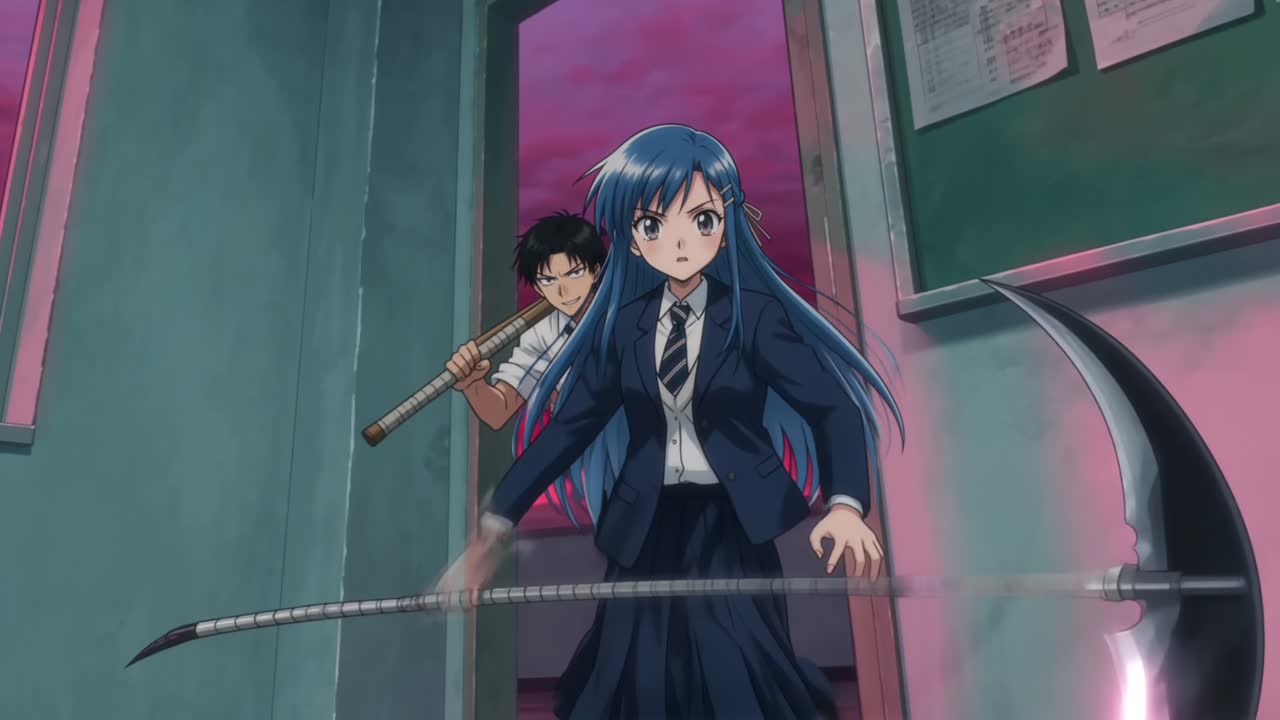
Save characters, backgrounds and props in a project, then add them as references whenever a shot needs them.
Pick the model, aspect ratio, resolution, duration and number of shots per run, with the cost shown before you generate.
Group shots and assets in a project so a film can grow over several sessions.
Four building blocks, from the smallest to the largest. Keeping them in this order makes continuity easier to manage.
Characters, backgrounds, props and other references saved in your project. Add them to a shot so the same faces and places come back.
One generation: a continuous clip from the model, duration and settings you choose. Review each result before you keep it.
The moment you describe: who, where and what happens. Cover a scene with several shots that reuse the same assets, outfits and props so the cuts match.
A project keeps your shots and assets together so a film can grow over several sessions. Assemble the final cut in an editor if you need music or titles.
Generate each shot in Cinema Studio from your references, then use the film editor to join up to 12 shots in order into one film of up to 3 minutes, add a music track and export it as a single video. Titles and on-screen text still need another tool.
What you can set in the Cinema Studio composer today. Options vary by model.
| Control | What it does | Notes |
|---|---|---|
| Project assets | Characters, backgrounds, props and other references | Reuse the same assets across shots for continuity |
| References | Images the model follows for this shot | How many depends on the model |
| First and last frame | Start or end the shot on an image you choose | On models that support it |
| Film setup, camera, color and lighting | Set the look of the shot | Optional |
| Model | Chooses the video engine | Wandura Studio 4.0 is the default |
| Aspect ratio, resolution and duration | Frame shape, quality and clip length | Options depend on the model |
| Shots per run | How many versions to generate at once | Keep the one that matches |
| Generate | Starts the generation | Shows the credit cost first |
Prepare references, generate a shot, then check it against its neighbours.
Add characters, backgrounds and props to your project so every shot can reuse them.
Write the shot, add references, set model, duration and shots per run, and check the cost on Generate.
Compare each shot with the one before and after, regenerate drifting shots, and keep the best take in your project.
Open-sourced projects from the Wandura team. Each one shows the shots behind the finished film.
Open-sourced by Wandura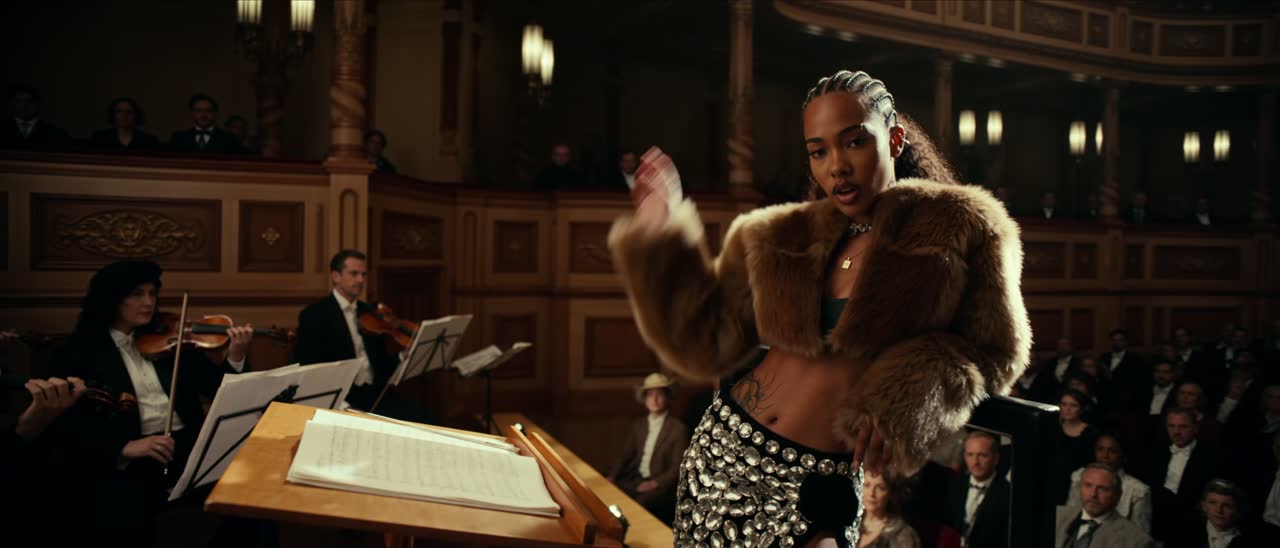 Open-sourced by Wandura
 Open-sourced by Wandura
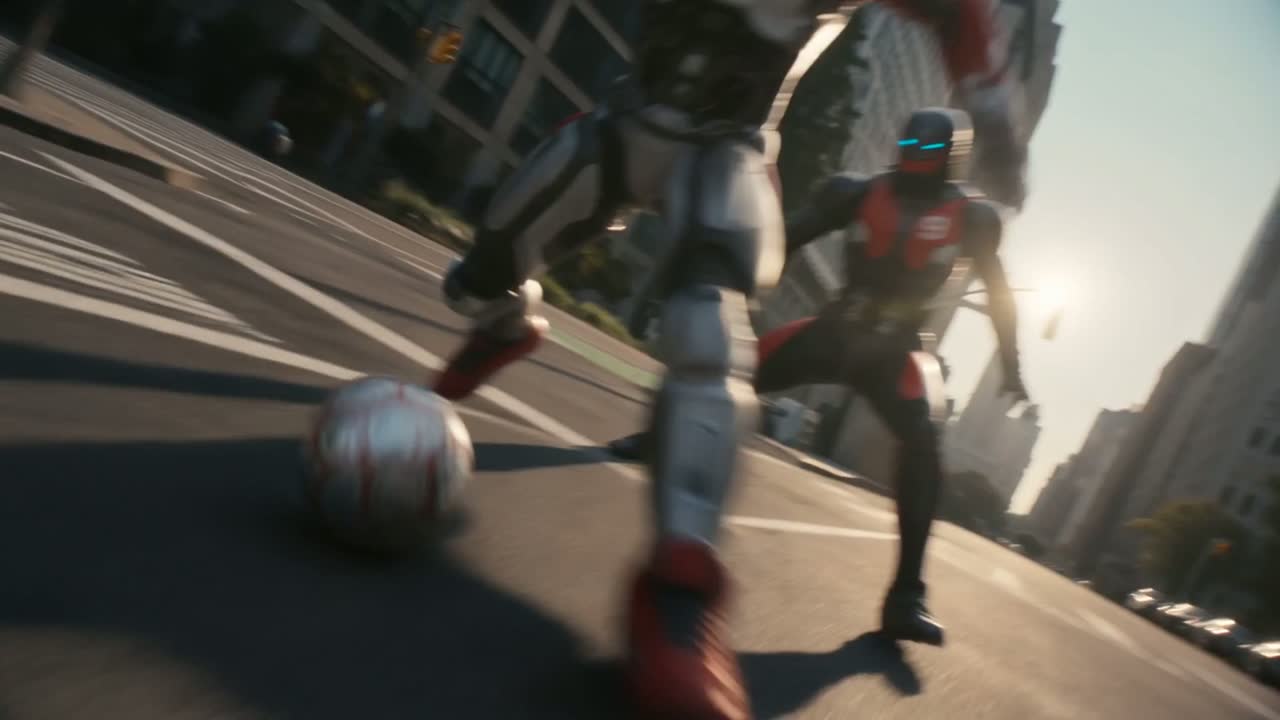 Open-sourced by Wandura
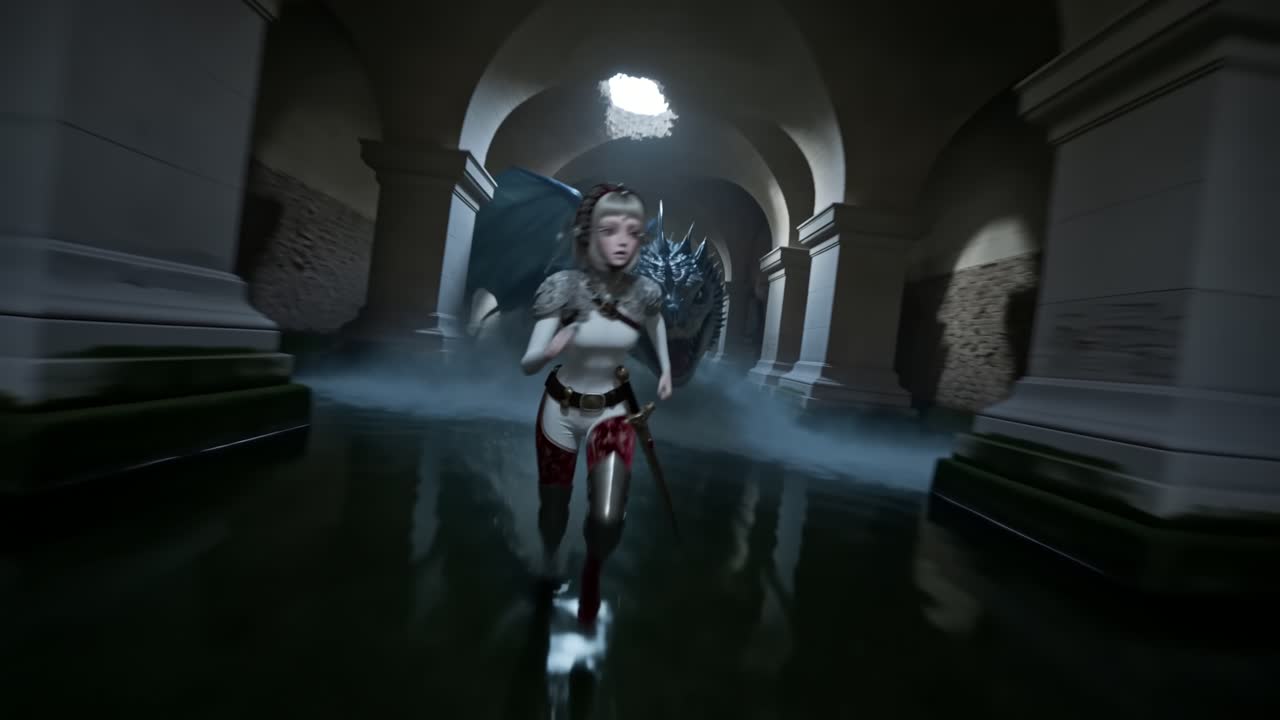 Open-sourced by Wandura
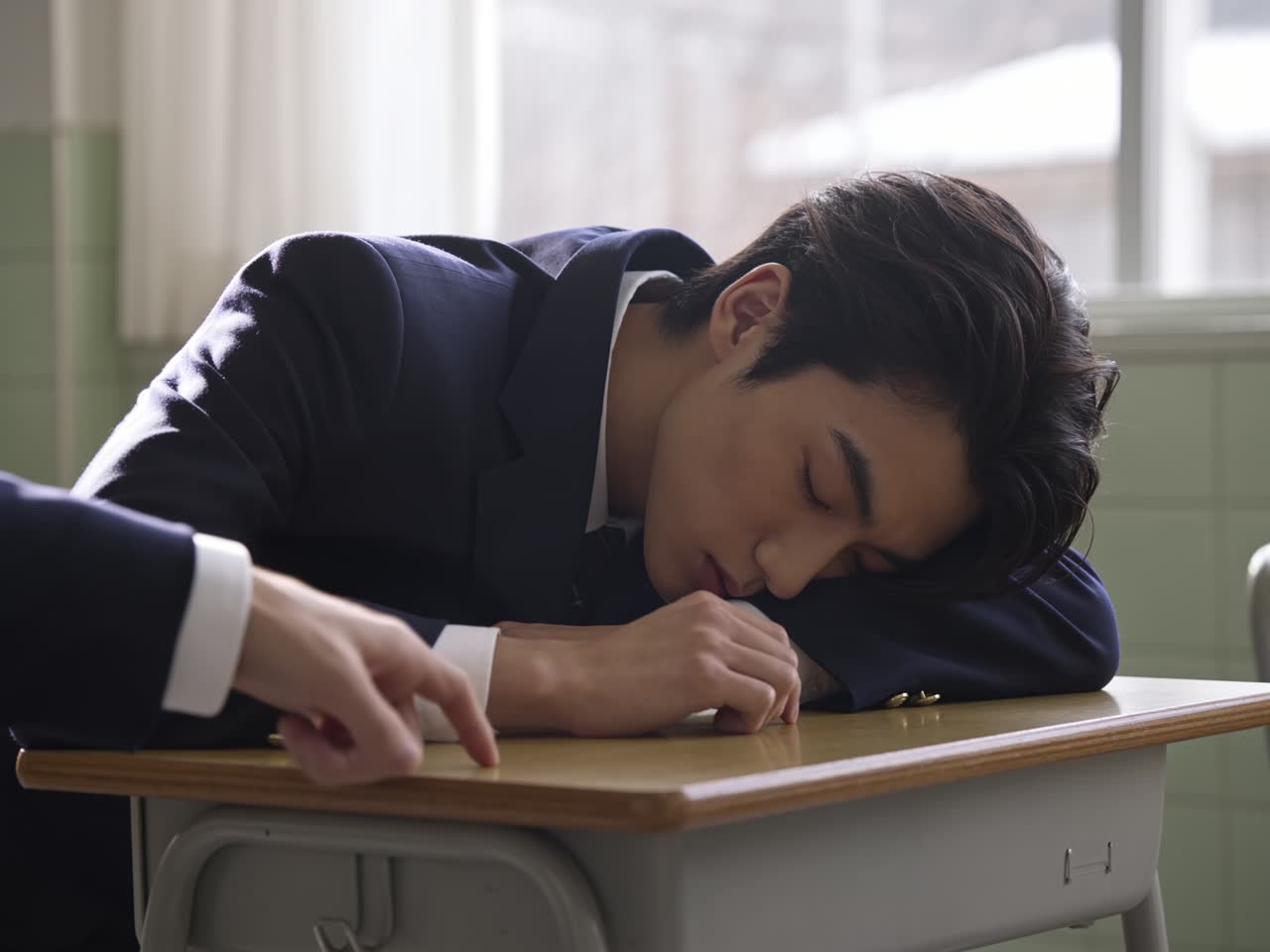 Open-sourced by Wandura
Build moving previews of a story world before committing to a full production. Treat AI shots as concept material, with editing and sound still to come.
Start a Scene →Reuse the same characters across scenes and episodes. Consistency improves when every shot uses the same project assets.
Start a Scene →Plan an ad shot by shot: hook, product moment, closing beat. Review continuity before handing the shots to an editor.
Start a Scene →Continuity is where AI shots most often fall apart. Check it deliberately.
Add the same project assets to every shot instead of re-describing a character from memory.
Note where each character is and what they hold at the start and end of a shot, and describe the next shot to match.
Play neighbouring shots back to back. A mismatch in outfit, prop or eyeline is easier to spot at the cut.
An AI movie maker turns written scene descriptions and reference images into video shots. On Wandura, Cinema Studio lets you describe a shot, add characters and backgrounds from your project, choose a video model and keep the results together in a project.
Yes, shot by shot. Cinema Studio makes the shots, and its film editor joins up to 12 of them in order into one film of up to 3 minutes, adds a music track and exports it as a single video. Titles and on-screen text are not part of the editor yet.
Up to 3 minutes per film. The film editor joins up to 12 shots in order and exports one video; how long each shot can be depends on the model you pick.
Yes, in Drama Studio. Cinema Studio works shot by shot from your descriptions and references; if you start from a written script, Drama Studio splits it into scenes and draws a storyboard for each one before it becomes video.
New accounts get free credits on signup, enough to try Wandura with a first result that carries a wandura.ai watermark. A full AI film is paid in credits (1 credit = $0.01), and the cost is shown before you create.
Shots and scenes for AI film projects. You describe a shot, add reference assets such as characters and backgrounds, choose a video model and shot settings, and keep the results together in a project.
Save characters, backgrounds and props in your project, then add them as references when you write a shot. The number of reference images a shot can use depends on the model you pick.
Wandura Studio 4.0 is selected by default. You can switch to other video models in the picker, and each model shows the aspect ratios, durations and reference limits it supports.
Reuse the same reference assets across shots, describe outfits and props the same way each time, and compare the last frame of one shot with the first frame of the next. AI generations can still drift, so review every cut.
The composer shows the durations, resolutions and audio options for the model you pick. Options differ by model, so check them after you switch.
Each generation is billed in credits (1 credit = $0.01). The Generate button shows the cost for your current model, settings and number of shots per run before you create.
Projects group your shots and assets so you can come back to a film over several sessions. Cinema Studio opens your latest project, and the sidebar lists the others.
Generated shots can be downloaded from your project in Cinema Studio. To export a finished cut, open the film editor: it joins your shots in order, adds a music track and exports one video. Titles and on-screen text still need another tool.
Cinema Studio makes video shots. For still poster art, Wandura’s Text to Image tool makes images from a text prompt.
Wandura’s Open Sourced Projects page lists six cinematic projects made in Cinema Studio. Open one to see the presets behind the look, then remix it with your own reference.
Wandura runs on credits (1 credit = $0.01). Plans are Basic at $15/month with 1,500 credits and Growth at $49/month with 6,000 credits, billed monthly; credit packs top up a plan. The cost of each generation is shown before you create.
Open Cinema Studio, add your references and check the cost on the Generate button.