Nano Banana Pro - AI Image Generator
Google's Nano Banana Pro on Wandura turns a text prompt into a high-fidelity, detailed image — pick your aspect ratio and generate up to four options at once.
 ModelNano Banana Pro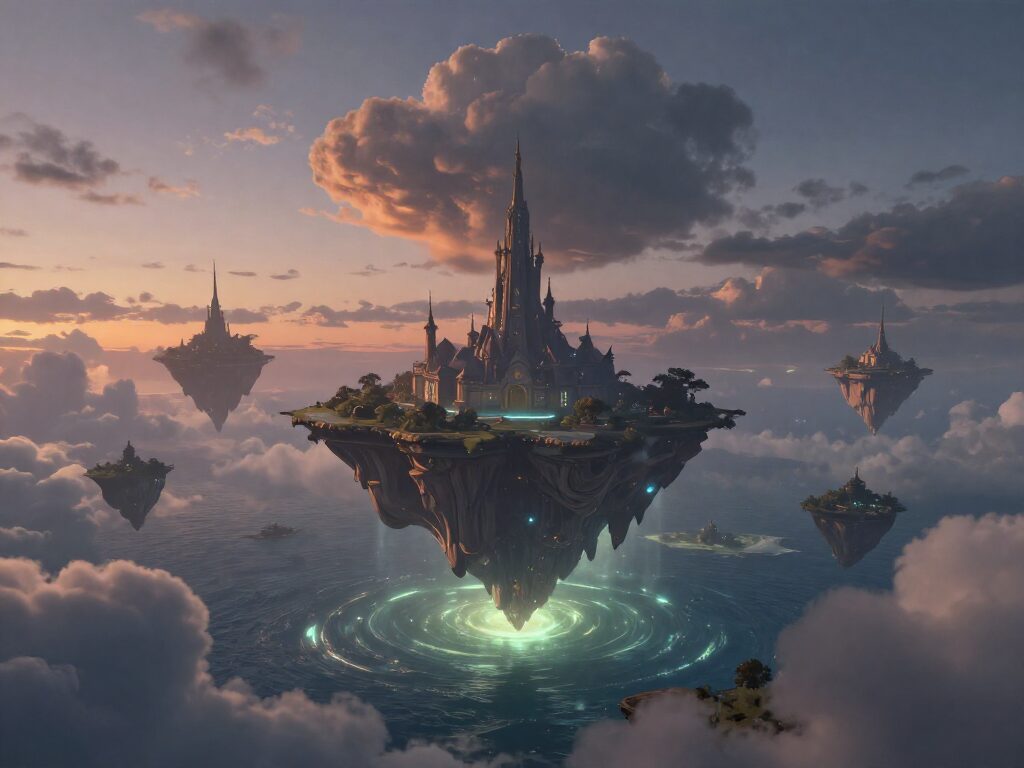
Key Benefits of Nano Banana Pro
High-Fidelity Detail
Nano Banana Pro is tuned for sharp, photorealistic output — the top of the Nano Banana family for image quality.
Clean On-Image Text
Ask for labels, captions or callouts and get legible text rendered directly on the image.
Any Aspect Ratio
Square, portrait or landscape — choose the frame that matches where the image is going before you generate.
Up to Four Per Generate
Request several options in a single run and compare variations side by side before you pick one.
Chain Into Your Next Step
Send any result straight into Upscale, Background Removal or Image-to-Video — no downloading and re-uploading.
Key Features of Nano Banana Pro
Photorealistic detail from one prompt
Nano Banana Pro renders sharp textures and natural lighting from a text description alone — no reference photo required, just describe what you want.
Try it Now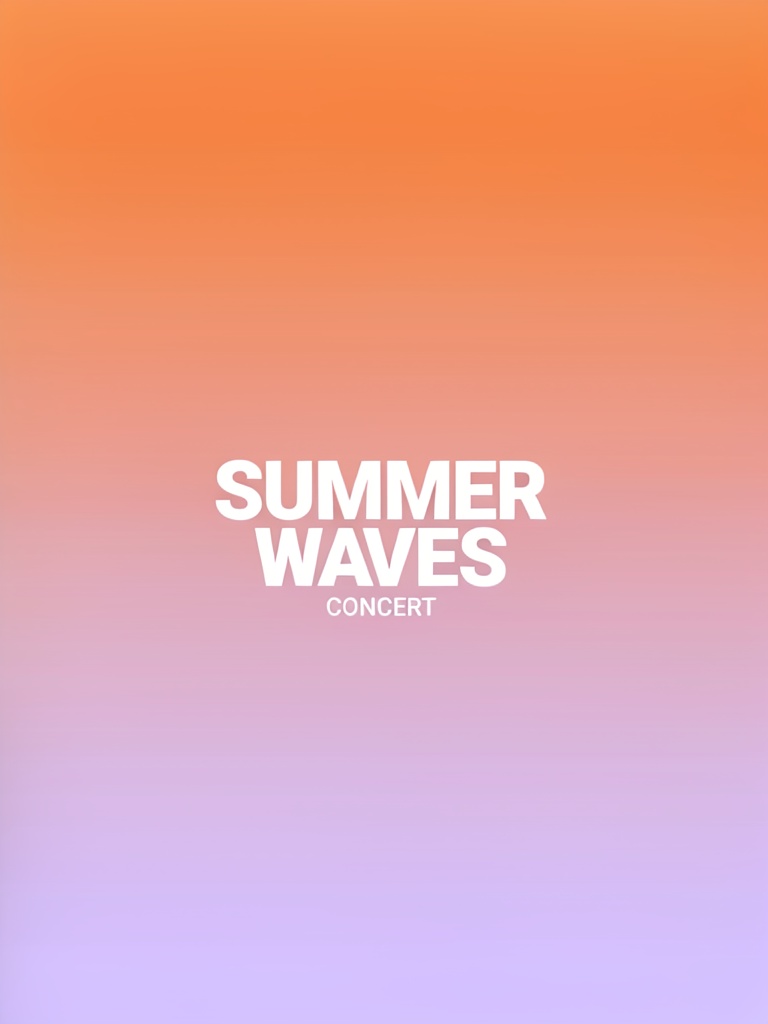
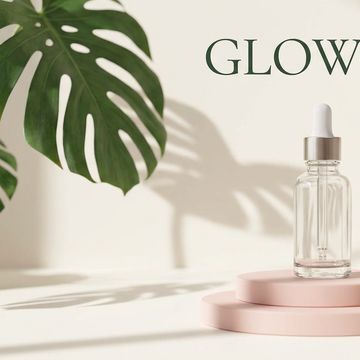
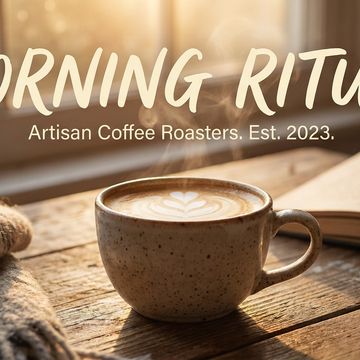
Accurate, readable text on the image
Ask for headlines, labels or callouts in your prompt and Nano Banana Pro renders legible text directly on the image — useful for posters and social graphics.
Try it Now
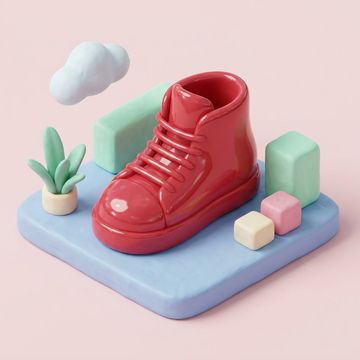
Compare takes before you commit
Generate up to four variations of the same prompt in one run, then pick the one that reads best — no need to re-run and wait again.
Try it Now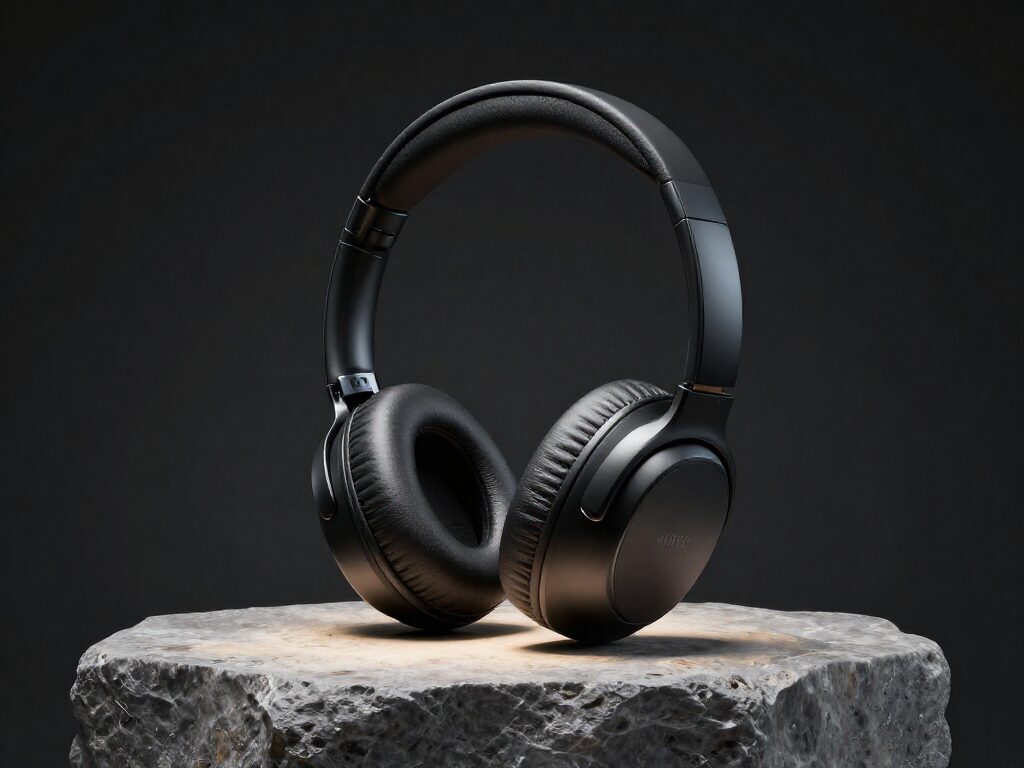
Send it straight into your next edit
Every result lands with chain actions underneath it — send the image into Upscale, Background Removal or Image-to-Video without downloading and re-uploading.
Try it NowHow To Use Nano Banana Pro
Pick the Model
Open the model picker in the composer and choose Nano Banana Pro — or draft on a cheaper model first.
Describe the Image
Write your prompt, then set aspect ratio and how many options you want right below it.

Generate & Reuse
Hit Generate — results land in your Creations and can chain straight into 36+ other tools.
How to Get the Best Results With Nano Banana Pro
Describe Light and Material
Mention light direction and surface — "soft window light from the left, matte finish" — for renders that read as photographed, not flat.
Type the Text in Quotes
Put the exact words you want on the image in quotes for the most reliable text rendering.
Generate a Few Takes
Set the output count above one and compare a few variations of the same prompt before picking the final image.
FAQ – Nano Banana Pro
Nano Banana Pro is Google's high-fidelity image generation model, known for detailed, photorealistic output and accurate text rendering — available on Wandura's text-to-image tool.
Yes — put the exact words in quotes in your prompt and Nano Banana Pro renders clean, legible text directly on the image.
Nano Banana Pro currently generates at 1K resolution on Wandura, with up to four images per generate.
Yes — you get full commercial rights on all paid plans.
No card required to start — create a free account and your first generations are on us, then top up credits any time.