AI Age Progression
Upload a portrait, pick a target age — 5, 18, 30, 50 or 70 — and AI ages or de-ages the face naturally while keeping the same identity, pose and background. No prompt to write, just choose an age and create.
See Yourself at Any Age Instantly
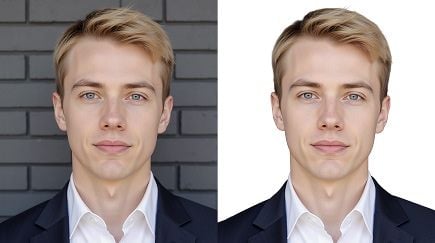
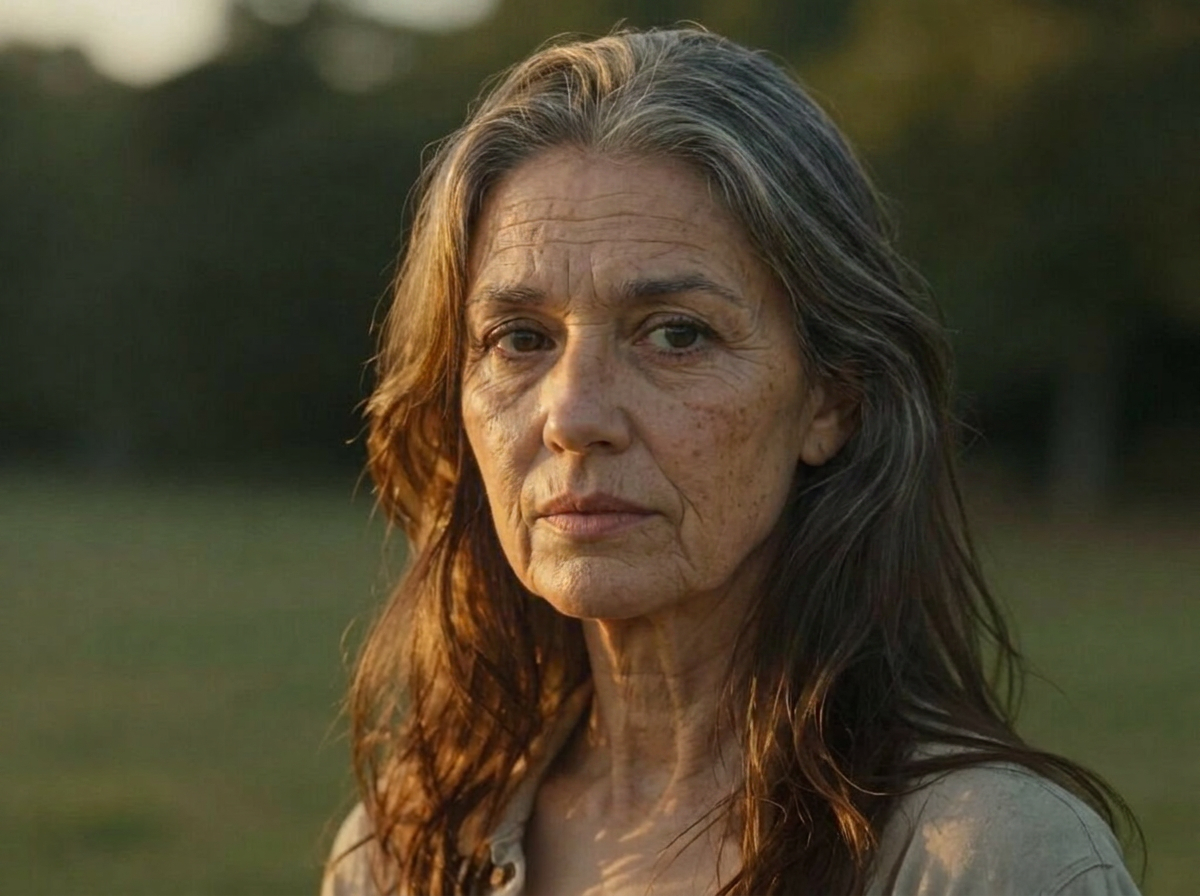
Wandura AI Age Progression renders how a face would look at a different age — skin texture, hairline and features shift naturally while identity, pose and background stay locked in place, so the result still reads unmistakably as the same person. Two engines power it: an Age Progression model tuned for natural aging that keeps identity, and Nano Banana Pro (Edit) at $0.15 per image for higher-detail renders. Every result comes with a before/after slider against the original portrait.
Try Age Progression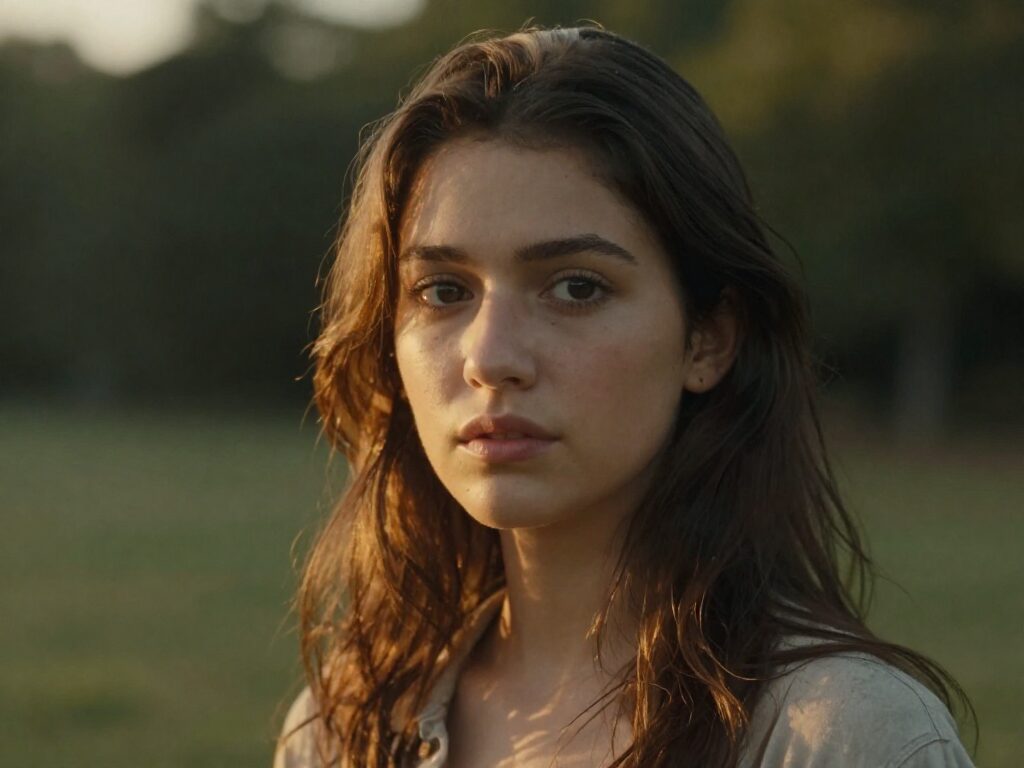
See a Face Younger or Older
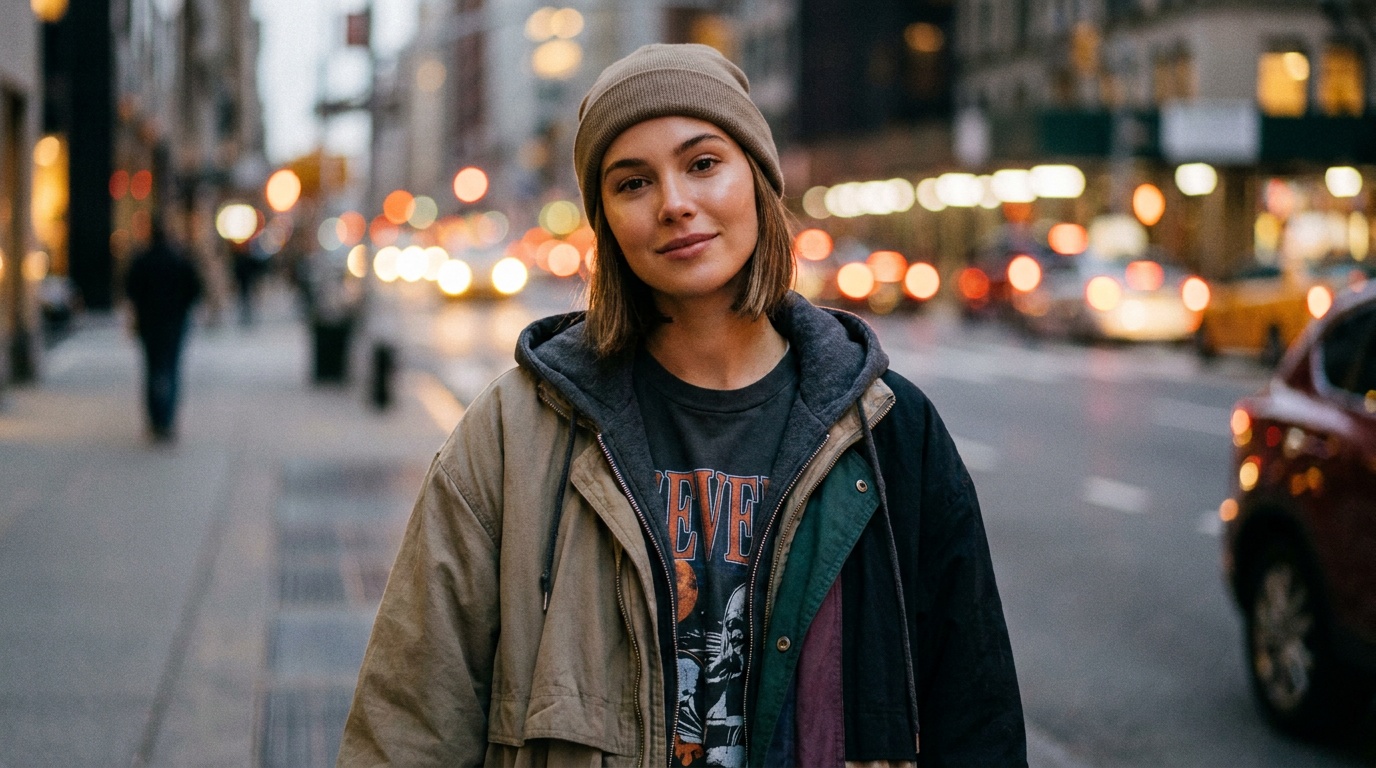
AI age progression ages a portrait forward or back — a fun, shareable effect for family content, "then and now" storytelling, and creative campaigns. From one photo you can show a whole timeline of the same face.
Start with a clear, well-lit, front-facing portrait for the most believable result. Generate a few passes and pick the one that keeps the likeness while shifting the age.
2 AI Models, One AI Age Progression Tool
Meet Your Future Self
Curious what you will look like at 50 or 70? Upload a clear portrait, pick the age and get a realistic preview in seconds. Because the pose and background carry over, the before/after slider makes the passage of time the only thing that changes.
Try Age Progression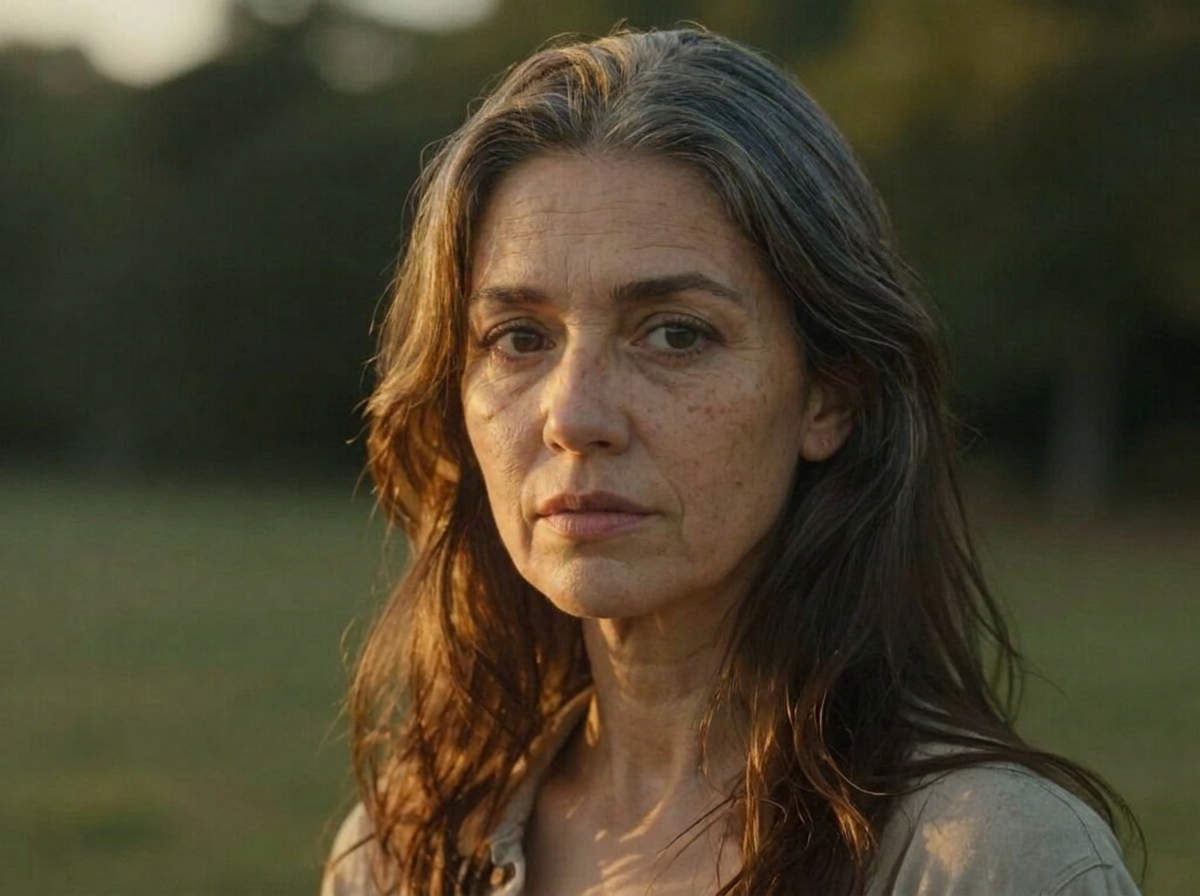
Rewind to a Younger You
The presets go both directions — see yourself at 18 or even 5 years old. Pair the de-aged render with a real childhood photo for a "then vs now vs AI" comparison, or just settle the question of whether you still look like your school pictures.
Try Age Progression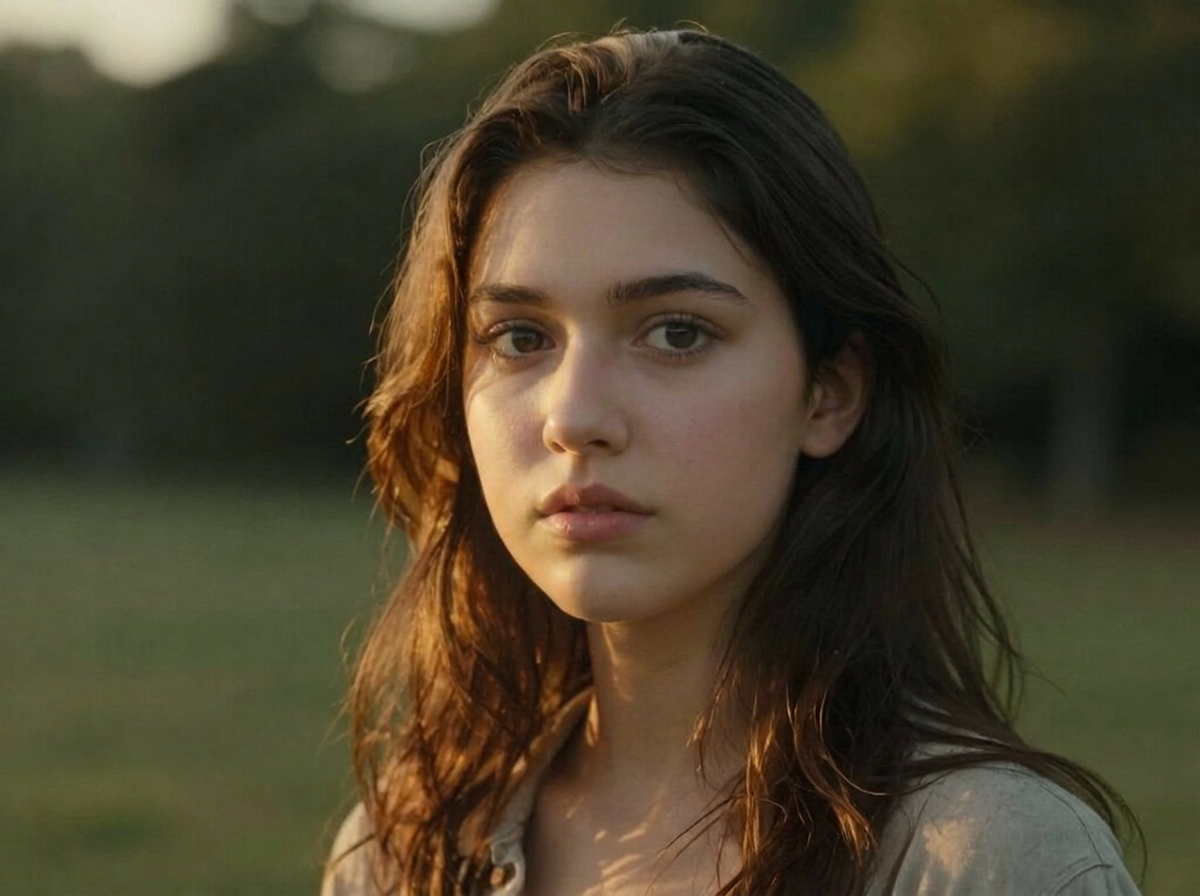
For Creators: Time-Jump Content
Aging reveals are a reliable short-form format. Generate the same face at 18, 30, 50 and 70, cut them into a timeline, then chain any result into Image to Video or Mimic Motion to make the older (or younger) you actually move and talk back.
Try Age ProgressionFor Storytellers: Age a Character Across Decades
Writers, filmmakers and game designers can take one character portrait and produce consistent versions at five life stages — same identity, same framing — for storyboards, casting references or visual novels, without commissioning five separate artworks.
Try Age ProgressionFamily Fun Across Generations
Age the kids up, de-age the grandparents, and compare the results with real family albums. Every render lands in your Creations library, ready to download and share in the group chat.
Try Age ProgressionHow It Works
Step 1: Upload a Portrait
Add a clear, front-facing photo with the whole face visible — both models are built around a recognizable face.
Step 2: Pick a Target Age
Choose 5, 18, 30, 50 or 70 years old. Wandura turns your choice into the aging prompt automatically — nothing to type.
Step 3: Create and Compare
Hit Create — the result is saved to your Creations with a before/after slider. Download it, or chain it into Image to Video to animate your other-aged self.
How Much Does AI Age Progression Cost?
Every model below runs on one Wandura credit balance — pay only for what you generate, with no separate subscription per model.
| Model | Pricing |
|---|---|
| Age Progression | Tuned for natural aging · keeps identity |
 Nano Banana Pro (Edit) Nano Banana Pro (Edit) | High quality |
FAQs
It takes a portrait photo and realistically ages or de-ages the person to a target age you pick, while keeping their identity, pose and background unchanged — so the output looks like a photo of the same person taken decades apart.
Five presets: 5, 18, 30, 50 and 70 years old. Pick any of them regardless of your current age — the model handles both aging forward and de-aging backward from the photo you upload.
No. You upload a portrait and pick an age from the dropdown — Wandura builds the prompt behind the scenes, asking for realistic natural aging or de-aging while keeping identity, pose and background.
Two engines: an Age Progression model tuned for natural aging that keeps identity, and Nano Banana Pro (Edit) at $0.15 per image. Each model shows its price next to its name in the widget, and credits are deducted only when you generate.
That is the core design: the prompt explicitly asks to keep identity, pose and background while applying natural aging. A sharp, well-lit, front-facing portrait with the whole face visible gives the model the most identity signal to preserve.
JPEG, PNG, WEBP and other common image formats up to 50 MB. One portrait per generation — the face should be clearly visible and unobstructed.
Yes — right from the result you can chain into Image to Video or Mimic Motion to turn your future (or past) self into a moving clip, no re-upload needed.
Every render is stored in your Creations library with a before/after slider against the original portrait — preview, download, or send it straight into another tool.
No. The result is a realistic-looking artistic rendering for entertainment and creative use — not a medical, forensic or scientifically accurate forecast of your future appearance.