AI Photo Editor: Edit by Describing the Change
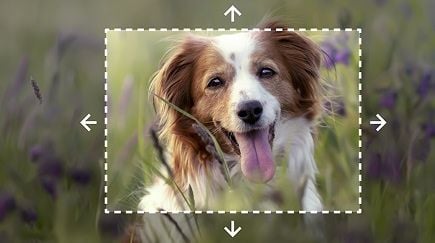
No layers, no masks, no Photoshop skills. Upload a photo, type what you want changed — "make the sky sunset orange", "put him in a suit" — and Wandura applies the edit while keeping the rest of the image intact.
Photoshop-Level Edits from a Sentence
The editor understands your whole photo, so one plain-language instruction is enough: it finds the sky, the outfit or the wall you mentioned, applies the change, and leaves everything else untouched. Powered by Nano Banana Pro for maximum fidelity and Seedream 4.5 for fast cheap iterations.
Try AI Photo Editor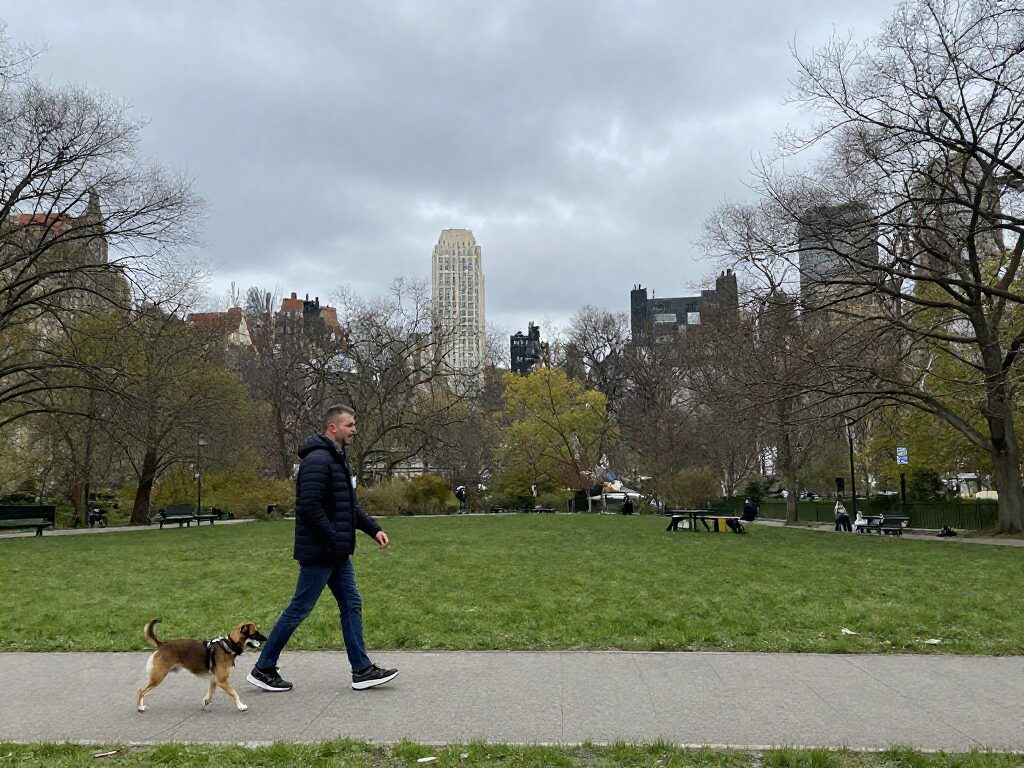
2 AI Models, One Instruction Edit Tool
Fix the Sky and Lighting in One Line
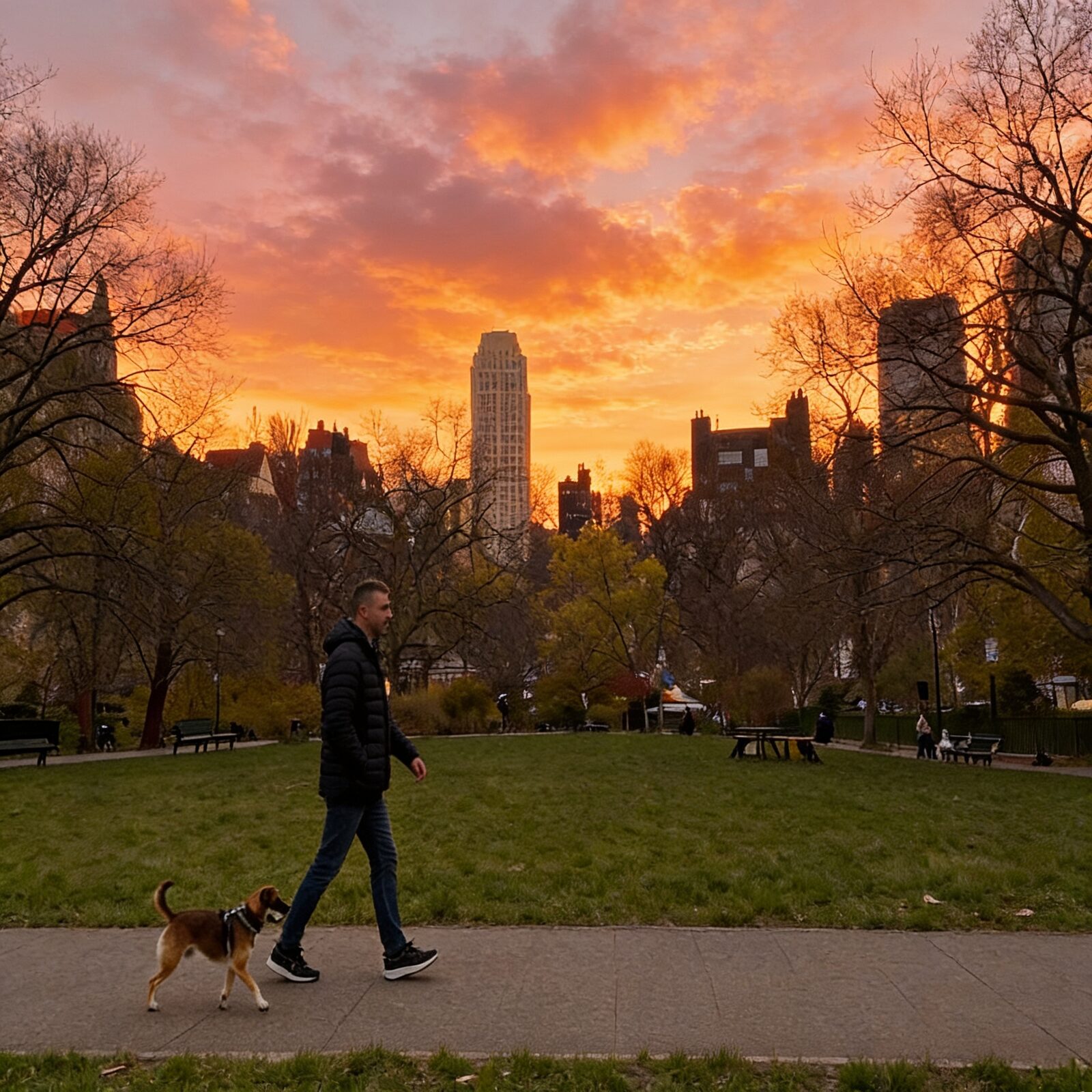
"Make the sky a warm dramatic sunset" — and a gray overcast photo becomes golden hour. Lighting, weather and mood edits are where instruction editing shines: no selections, no blending, just describe the result.
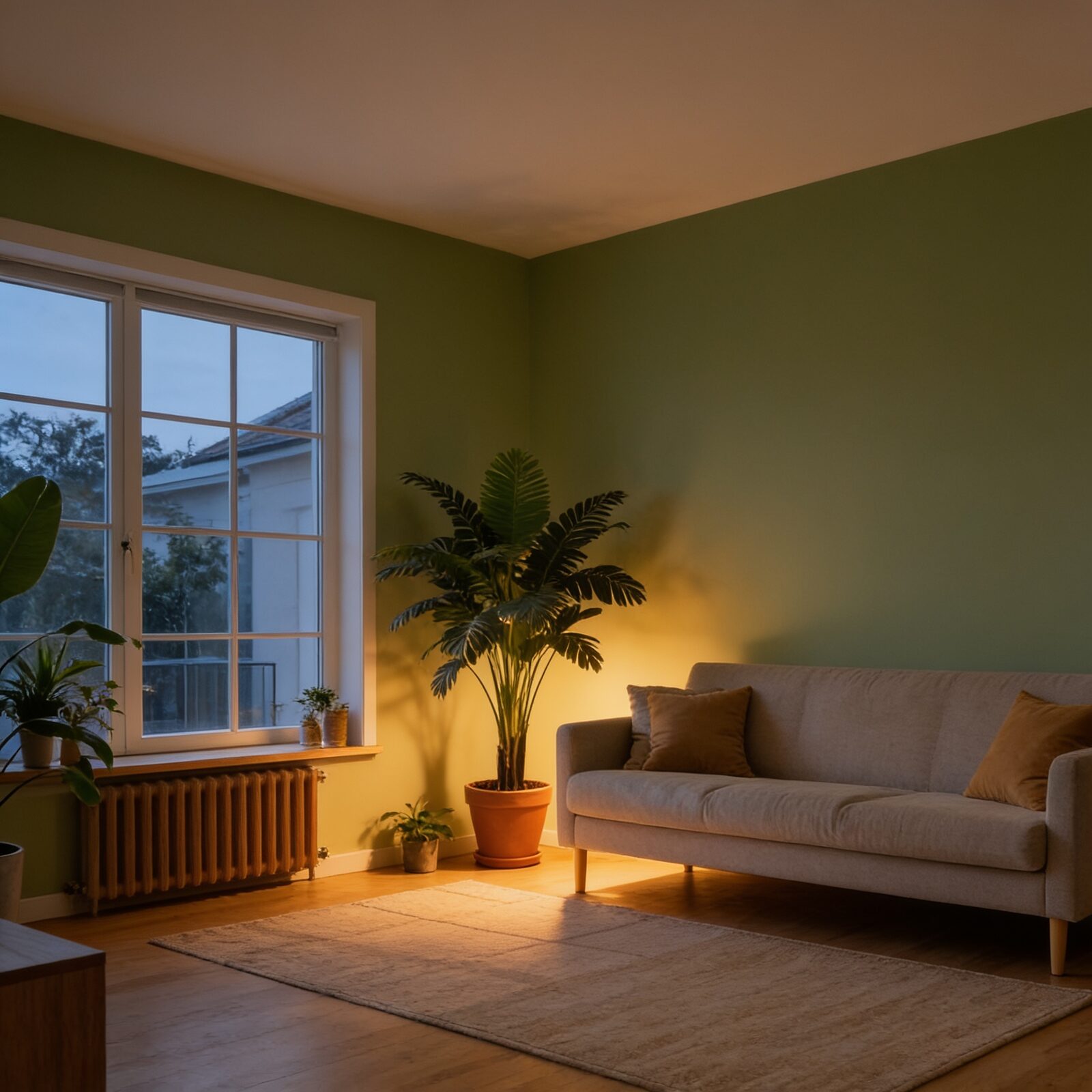
Try AI Photo EditorRestyle Interiors and Spaces
Repaint walls, swap furniture styles, change the time of day. Real-estate listings, interior-design mockups and before/after concepts get made in seconds instead of a full 3D render.
Try AI Photo Editor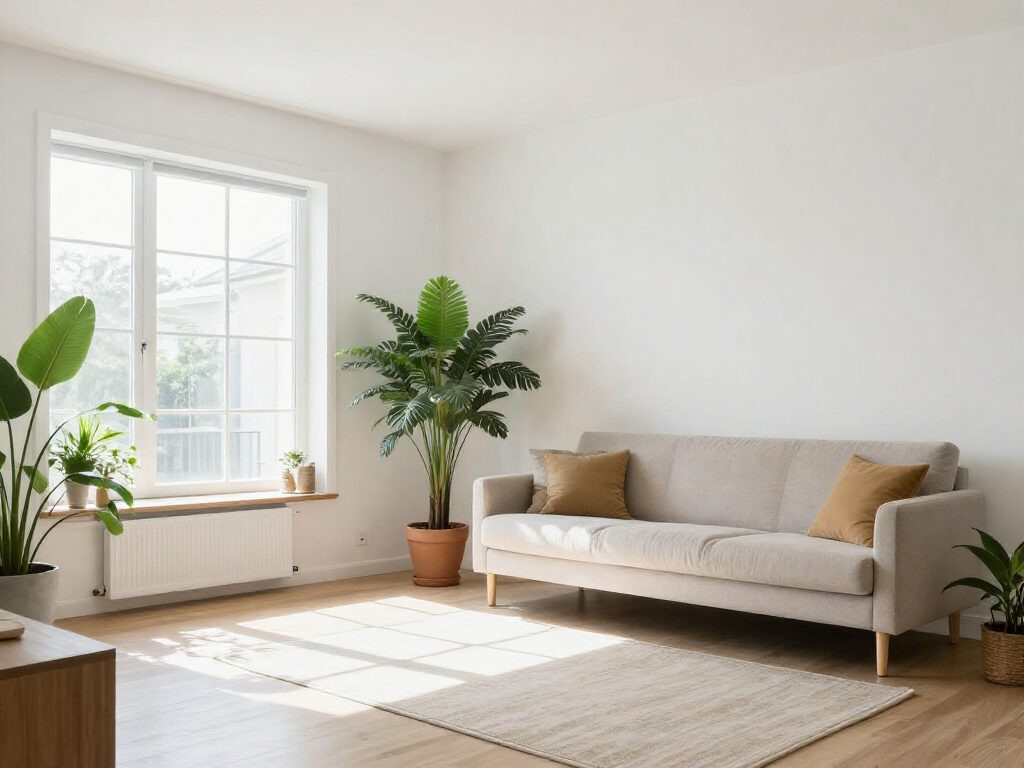
Batch-Polish Product and Marketing Photos
Clean up backgrounds, tweak colors to match your brand, remove distractions — with up to 6 variations per run on Seedream 4.5, you can pick the best of several takes for each product.
Try AI Photo Editor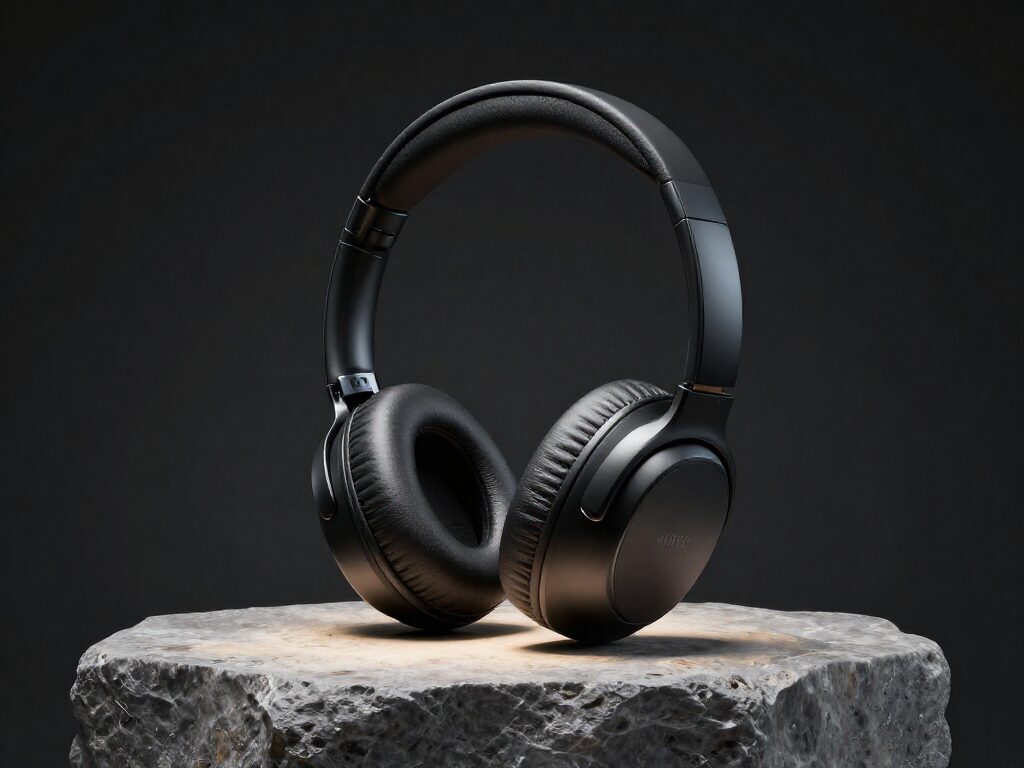
For Photographers: Client Tweaks Without a Reshoot
A client wants a warmer sky, a different wall color or a distraction gone from the frame — type it and deliver in minutes. Generate a few variations per instruction on Seedream 4.5 for $0.04 each, then run the approved direction on Nano Banana Pro at up to 4K for final delivery.
Try AI Photo EditorFor Creators: Refresh Old Photos into New Posts
Give an old favorite a second life: swap the outfit, shift the season, restyle the mood. Each edit keeps you recognizably you while the scene changes — one photo shoot quietly becomes months of content.
Try AI Photo EditorHow It Works
Step 1: Upload Your Photo
Add the image you want to edit — a portrait, product shot, interior or any photo from your library.
Step 2: Type the Instruction
Describe the change in plain language. One clear instruction per run works best; you can generate several variations at once.
Step 3: Pick Your Favorite
Compare the variations, download the winner, or send it into another tool — upscale it, remove the background or animate it into video.
How Much Does AI Photo Editor Cost?
Every model below runs on one Wandura credit balance — pay only for what you generate, with no separate subscription per model.
| Model | Pricing |
|---|---|
 Nano Banana Pro (Edit) Nano Banana Pro (Edit) | High quality |
 Seedream 4.5 (Edit) Seedream 4.5 (Edit) | Cheap · up to 6 images |
FAQs
Instead of manual selections and layers, you describe the edit in words. The model understands the whole image, applies your instruction and preserves everything you did not mention.
Change colors and lighting, replace backgrounds or skies, add or restyle clothing, adjust objects, apply looks — anything you can express as a short instruction. Complex changes work best as separate consecutive edits.
You can switch between Nano Banana Pro (Edit) and Seedream 4.5 (Edit): Nano Banana Pro for the highest quality with up to 4K output, Seedream 4.5 for cheap fast edits with up to 6 variations per run.
Real prices sit next to each model name — $0.15 per image with Nano Banana Pro (Edit), $0.04 with Seedream 4.5 (Edit). You only pay for the images you generate.
Name the thing and the change: "make the walls sage green", "replace the cloudy sky with sunset". One change per run works best — stack multiple edits by chaining the result back into the editor.
Yes — the model only touches what your instruction describes. Faces, framing and untouched areas carry over, which is exactly what makes it faster than manual masking for everyday edits.
AI Photo Editor makes one targeted change from a single instruction and keeps everything else intact — no reference images or aspect settings to think about. Image to Image transforms the whole photo with more control: multiple reference images, aspect ratios and eight models. Use the editor for "fix this one thing", Image to Image for "reimagine this photo".
Yes — anything in your Creations can be sent into the editor. Generate a scene with Text to Image, then fix details here; or edit a photo first and chain it onward to the upscaler or Image to Video.
Every result is saved to Creations and chains into the rest of Wandura — upscale the edit, remove its background, or animate it with Image to Video, all from the result screen.
Yes — you get full commercial rights on all paid plans.