Buzz Cut Filter
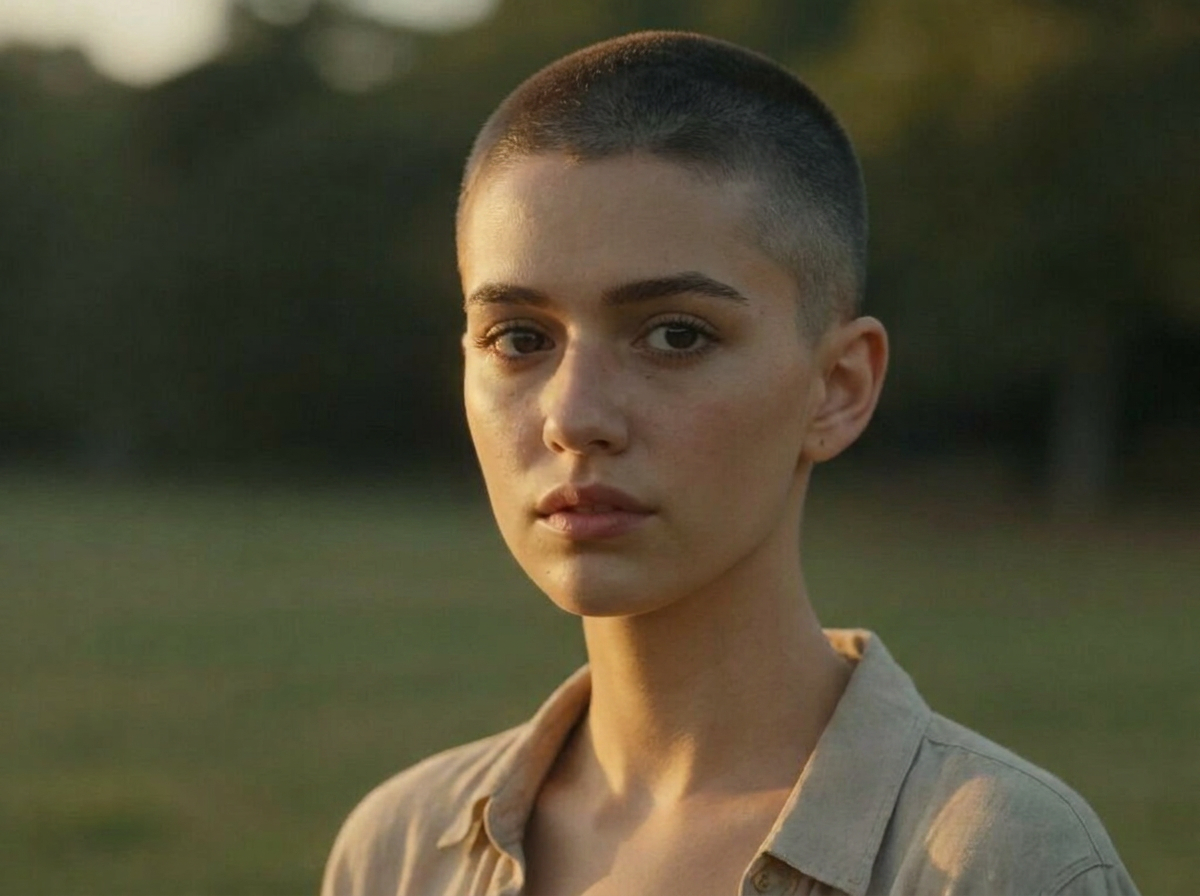
Thinking about shaving it all off? See it first. Upload a photo, pick a length — skin fade, number 1 or number 2 — and AI shaves your hair in the photo while your face, skin tone and background stay exactly the same.
See Your Buzz Cut Before You Shave
A buzz cut is the one haircut you cannot walk back — which is exactly why you should preview it. Wandura Buzz Cut Filter shaves the hair in your photo down to the clipper length you choose and shows the result next to the original with a before/after slider. Two engines power it: a Hair Specialist model tuned specifically for hair edits, and Nano Banana Pro (Edit) at $0.15 per image with a resolution setting up to 4K. No prompt to write, no risk to your real hair.
Try Buzz Cut Filter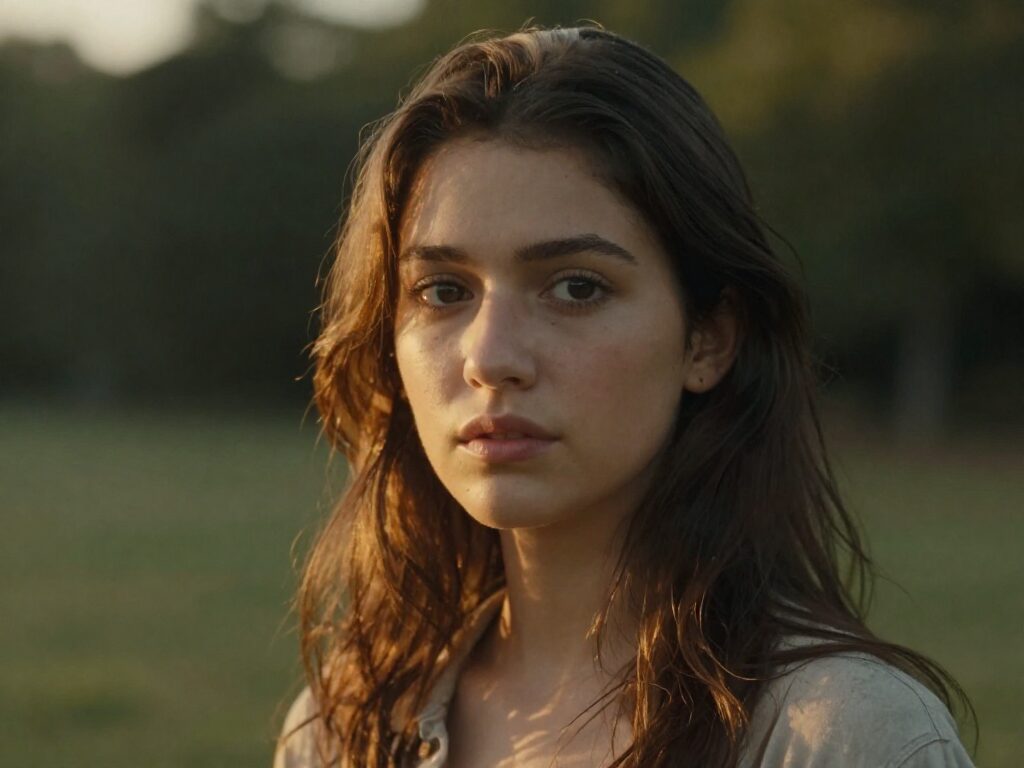
2 AI Models, One Buzz Cut Filter Tool
Answer the Big Question: Does It Suit Me?
A buzz cut exposes your head shape, hairline and face like nothing else. Generate the preview on your own photo — same face, same lighting — and judge honestly with the before/after slider before the clippers make the decision permanent.
Try Buzz Cut FilterPick Your Length Before the Barber
Skin fade, number 1 or number 2 read very differently in the mirror. Run all three on the same photo, compare them side by side, and walk into the barbershop asking for a specific guard number instead of hoping for the best.
Try Buzz Cut Filter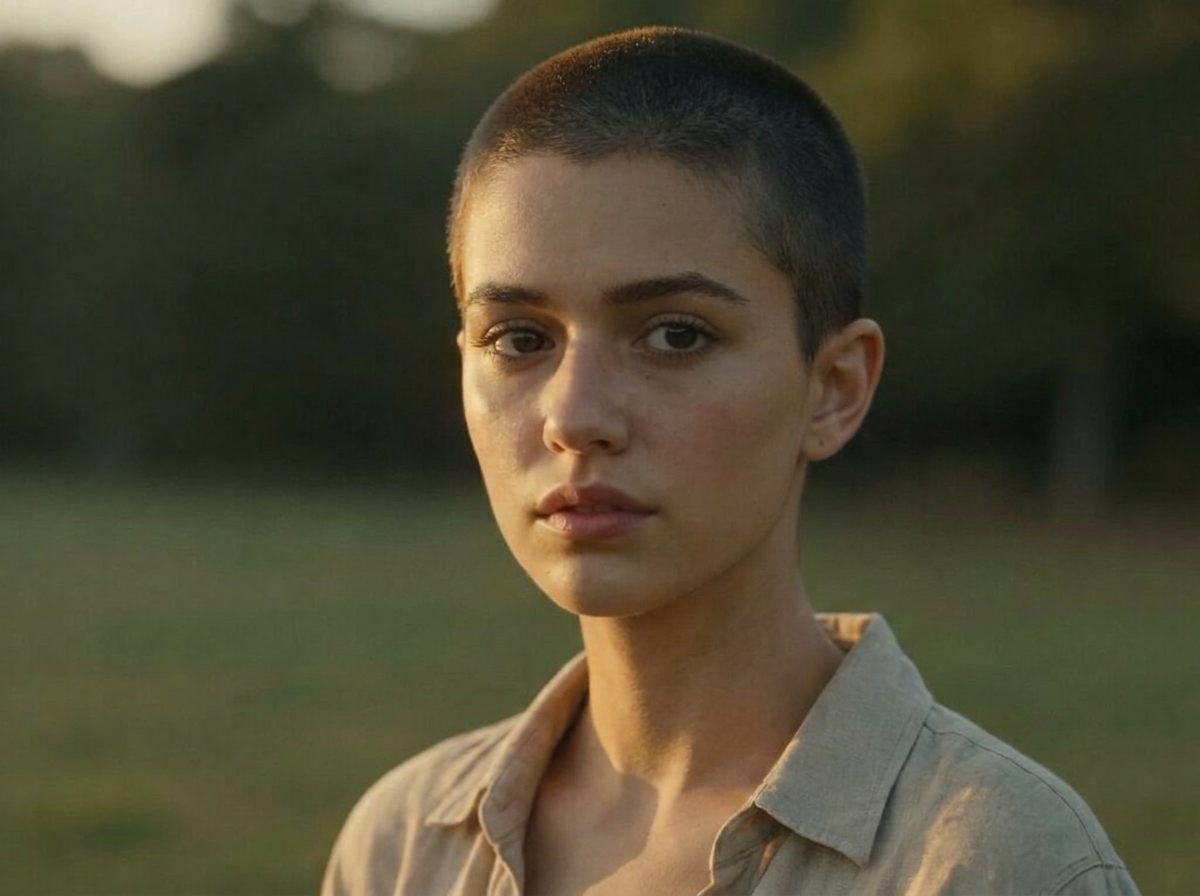
For Barbers: Settle the Hesitation
A client on the fence about going short decides faster when they see the result on their own face. A couple of generations at predictable per-image pricing turns "maybe next time" into a booked cut.
Try Buzz Cut FilterFor Creators: The Ultimate Before/After
Head-shave reveals are one of the most-watched transformation formats. Generate the "after" first to tease the reveal, then chain the image into Image to Video or Mimic Motion to make the preview move.
Try Buzz Cut FilterPreparing for the Real Thing
Shaving for charity, sport, a fresh start or convenience? Preview the look ahead of time so the moment itself holds no surprises — and keep the generated image in your Creations as the "day zero" reference.
Try Buzz Cut FilterHow It Works
Step 1: Upload Your Photo
Add a clear, front-facing photo with your face fully visible — both models are built around a recognizable face.
Step 2: Pick a Length
Choose Skin Fade (shaved to the skin), Number 1 (an even 3mm crop) or Number 2 (an even 6mm crop).
Step 3: Create and Compare
Hit Create — the result is saved to your Creations with a before/after slider. Download it, or chain it into Image to Video to see the cut in motion.
How Much Does Buzz Cut Filter Cost?
Every model below runs on one Wandura credit balance — pay only for what you generate, with no separate subscription per model.
| Model | Pricing |
|---|---|
| Hair Specialist | Tuned for hair edits · keeps face & background |
 Nano Banana Pro (Edit) Nano Banana Pro (Edit) | High quality |
FAQs
It shaves the hair in your photo down to a clipper length you pick — skin fade, number 1 or number 2 — so you can preview a buzz cut before shaving your real hair. Your face, skin tone and background stay exactly the same.
Skin Fade shaves down to the skin, Number 1 leaves an even 3mm crop, and Number 2 leaves an even 6mm crop. They run from closest to slightly longer — Number 1 is the default.
No. You upload a photo and pick a length from the dropdown — Wandura builds the editing prompt behind the scenes, including the instructions that keep your face, identity and background untouched.
Two engines: a Hair Specialist model tuned specifically for hair edits that preserves face and background, and Nano Banana Pro (Edit) at $0.15 per image for higher-detail results. Each model shows its price next to its name in the widget, and credits are deducted only when you generate.
Yes — the generated prompt explicitly keeps your exact facial features, identity, skin tone, expression, background and lighting; only the hair changes. A sharp, front-facing photo gives the most accurate preview.
JPEG, PNG, WEBP and other common image formats up to 50 MB. Use a clear, well-lit, front-facing photo with your face and hairline visible.
Yes — on Nano Banana Pro (Edit) an advanced Resolution setting lets you render at 1K, 2K or 4K. The Hair Specialist model outputs at its standard resolution.
The AI Hairstyle Changer previews 12 other cuts — from bob to man bun, including a general buzz cut preset — on the same photo, and the AI Hair Color Changer swaps only the shade without touching the cut. This tool is the specialist for shave lengths.
Every result is stored in your Creations library with a before/after slider against the original photo. From there you can download it or chain it into another tool — animate it with Image to Video or Mimic Motion, or keep editing with Image to Image.