AI Music Generator
Describe the music you want — mood, tempo, instruments — pick a genre, and Wandura composes an original track in seconds. No instruments, no DAW, no stock-library subscriptions.
From a Sentence to a Finished Track
Wandura pairs two engines behind one widget: Lyria 2 as the high-quality default at $0.10 per 30 seconds, and CassetteAI as a $0.01-per-generation draft engine for quick soundscapes and effects. Write a description, choose one of five genres — Electronic, Cinematic, Lo-fi, Acoustic or Hip-hop — and toggle whether you want a pure instrumental. Your genre and vocal choice are folded into the prompt automatically, so the model gets one coherent brief.
Try AI Music Generator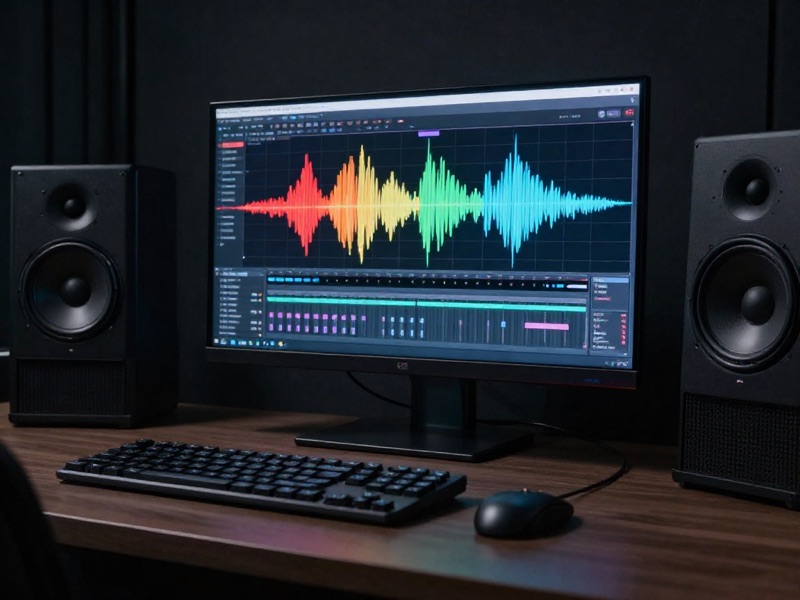
2 AI Models, One Music Generation Tool
Background Music for Videos and Podcasts
Score your intros, B-roll and podcast beds with original audio instead of hunting through stock libraries. Keep the Instrumental toggle on so the music sits under your narration without fighting it.
Try AI Music Generator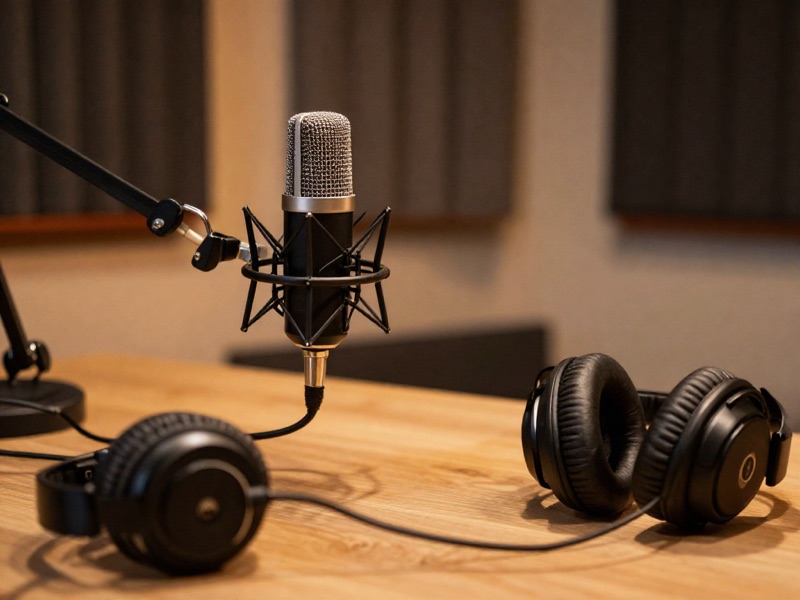
Lo-fi and Ambient Beds for Streams
Pick the Lo-fi genre, describe the vibe — "warm tape hiss, slow mellow keys, late-night study mood" — and generate chill beds for streams, waiting rooms and focus playlists, one prompt per track.
Try AI Music GeneratorCinematic Cues for Trailers and Edits
The Cinematic genre plus a prompt like "tense rising strings, distant percussion, builds to a hit" gives you scene-sized cues on demand. Regenerate with tweaked wording until the emotional arc matches your cut.
Try AI Music GeneratorDraft on CassetteAI, Finish on Lyria 2
At $0.01 per generation, CassetteAI is perfect for testing whether a musical idea works at all — sketch five directions for five cents, then re-run the winning prompt on Lyria 2 for the version you publish.
Try AI Music GeneratorComplete Your AI Productions In-House
Generated a clip with Text to Video and a narration with AI Voiceover? Add the missing third layer here. Every track lands in your Creations next to your videos and voiceovers, so assembling a finished piece never leaves Wandura.
Try AI Music GeneratorHow It Works
Step 1: Describe the Music
Write what you want to hear — mood, tempo, instruments, energy.
Step 2: Shape It
Pick a genre, set a duration, and choose instrumental-only or with vocals.
Step 3: Generate
Choose a model and generate — the track saves to your Creations, ready to preview and download.
How Much Does AI Music Generator Cost?
Every model below runs on one Wandura credit balance — pay only for what you generate, with no separate subscription per model.
| Model | Pricing |
|---|---|
 Lyria 2 Lyria 2 | Default · high quality |
| CassetteAI SFX | Draft · cheapest |
FAQs
It composes original audio from a text description. You describe the mood, tempo and instruments, pick a genre and generate — the result is a downloadable track created for you on the spot.
Two engines are available in the widget: Lyria 2 and CassetteAI SFX. Lyria 2 is the high-quality default for music; CassetteAI is the cheap draft engine for quick soundscapes and effects.
Prices are shown next to each model in the widget: Lyria 2 runs $0.10 per 30 seconds, CassetteAI $0.01 per generation. Credits are deducted only when you generate.
Five presets: Electronic, Cinematic, Lo-fi, Acoustic and Hip-hop. The genre is added to your description automatically — you can push further inside the prompt itself ("synthwave", "orchestral", "boom bap") for finer control.
Yes — the Instrumental toggle is on by default, which asks the model for a pure instrumental with no vocals. Switch it off if you want the model to include vocal elements.
The duration setting offers 15 s, 30 s, 60 s and 2 min, applied by the CassetteAI engine. Lyria 2 composes at its own standard clip length regardless of the setting — for longer pieces, generate multiple sections and stitch them in your editor.
Name the mood, the tempo and two or three instruments: "melancholic piano over slow ambient pads, sparse and cinematic" beats "sad song". Since generations start at a cent, iterate — small wording changes produce very different tracks.
This tool creates standalone audio from text alone. The AI Video Sound Generator starts from a video and generates sound matched to what happens on screen, returning a finished video. Use this for tracks and beds, that one to score a specific clip.
Every generation saves to your Creations library as playable audio you can preview and download — then use it as the music bed for your videos, streams or podcasts.