AI Image Enhancer
Fix a blurry photo, sharpen a portrait, or turn a low-res image into HD — pick a mode, upload, and Wandura enhances it in seconds. No prompt, no sliders, no editing skills needed.
One Tool, Three Ways to Enhance a Photo
Not every "bad" photo has the same problem. A portrait might need sharper facial detail. A phone shot might be blurry from camera shake. An old download might simply be too small. Wandura Image Enhancer gives you a dedicated mode for each: Face Enhance restores and refines faces, Deblur & Sharpen reverses motion and lens blur, and HD Upscale converts a low-resolution image into a crisp version at 2× or 4× size. You pick the fix that matches the actual issue instead of running one generic filter and hoping — and every result opens in a before/after compare slider.
Try Image Enhancer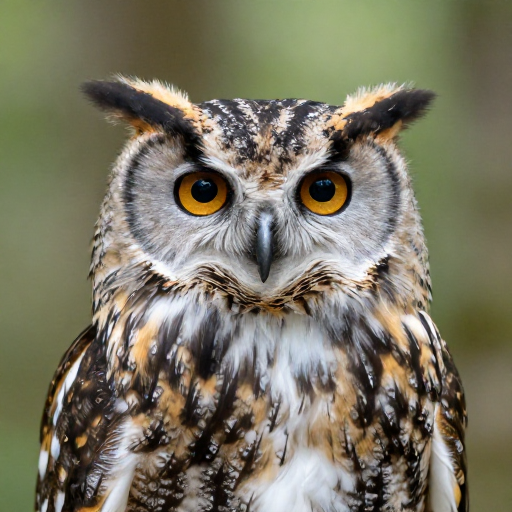
3 AI Models, One Image Enhancer Tool
Bring Blurry Portraits Back into Focus
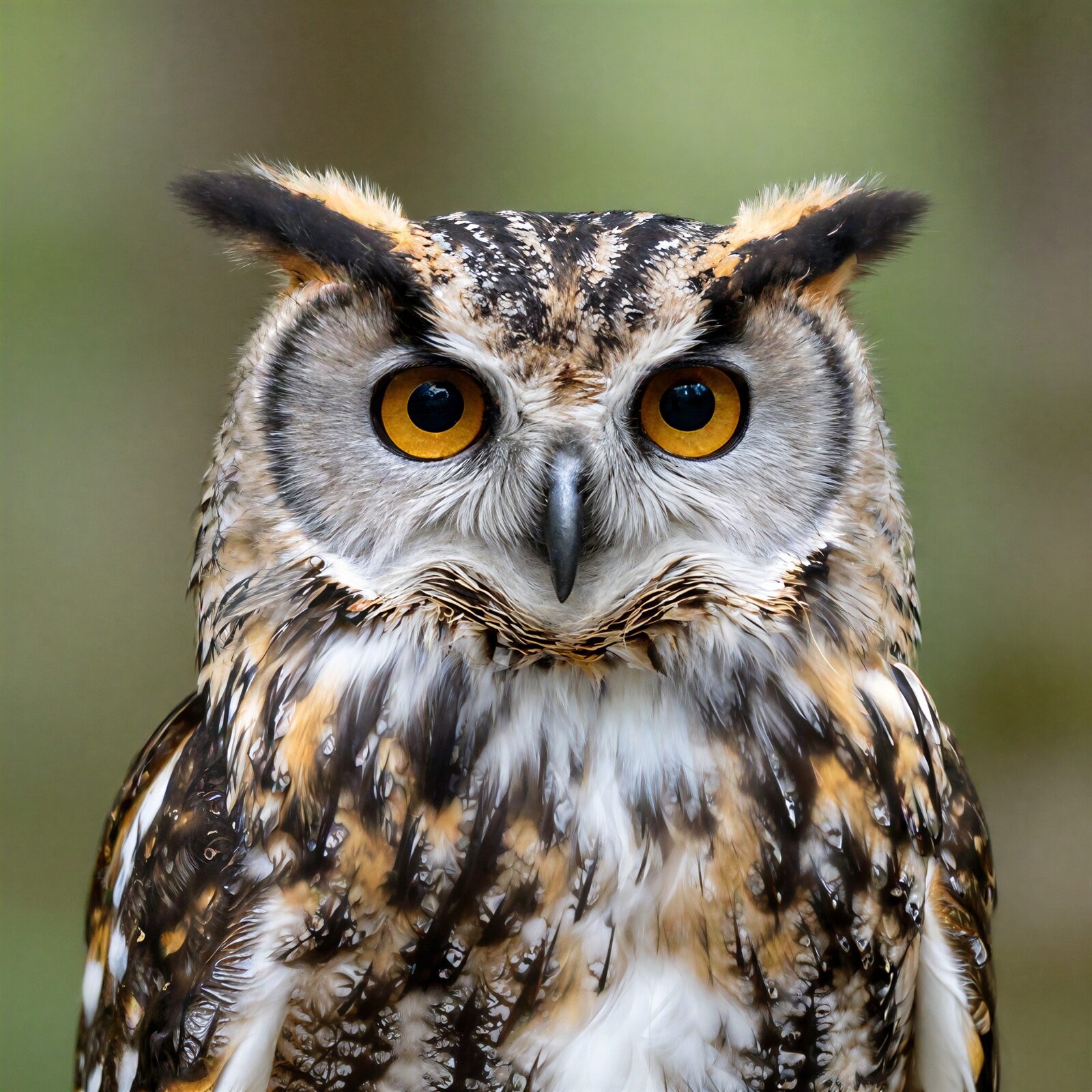
Soft focus, low light, a face that dissolves when you zoom in — Face Enhance is built for exactly this. It restores and refines facial detail so profile photos, group shots and portraits hold up on a big screen, not just a phone thumbnail. Drag the slider to inspect a real enhance pass.
Try Image Enhancer

Unblur Shaky and Out-of-Focus Shots
Motion blur from a moving subject, a missed focus point, heavy compression from messaging apps — Deblur & Sharpen reconstructs the edges and detail that got lost, salvaging the one good shot from a shaky burst at $0.0225 per megapixel.
Try Image EnhancerConvert Low-Res Images to HD
Small downloads, web-size exports and AI-generated images capped at low resolution — run them through HD Upscale at 2× or 4× to get a crisp, high-resolution version ready for printing, full-screen viewing or a client deliverable, at $0.02 per run.
Try Image EnhancerRevive Old Scans and Archive Photos
Digitized family photos usually suffer from everything at once: soft faces, blur, tiny files. Chain the modes — Face Enhance for the people, then HD Upscale for size — and give a decades-old print a second life without touching a photo editor.
Try Image EnhancerSharpen Product Shots for Listings
Fuzzy product photos cost clicks. Run listing images through Deblur & Sharpen or HD Upscale before publishing, compare before/after in the slider, and chain the winner into Background Remover or AI Photo Editor for the rest of the cleanup.
Try Image EnhancerHow It Works
Step 1: Pick a mode
Choose Face Enhance for portraits, Deblur & Sharpen for blurry shots, or HD Upscale to convert to high resolution at 2× or 4×.
Step 2: Upload your photo
Add the image you want to fix — JPEG, PNG or WEBP up to 50 MB. No prompt or extra input required for any mode.
Step 3: Create and compare
Hit Create and review the result in the before/after compare slider, then download it or chain it into another tool. Everything is saved to your Creations.
How Much Does Image Enhancer Cost?
Every model below runs on one Wandura credit balance — pay only for what you generate, with no separate subscription per model.
| Model | Pricing |
|---|---|
| Face Enhance | Face restore & detail enhance |
| Deblur & Sharpen | Deblur/sharpen |
| HD Upscale | High quality upscale |
FAQs
Face Enhance restores and sharpens facial detail in portraits. Deblur & Sharpen fixes motion or lens blur and recovers detail lost to compression. HD Upscale converts a low-resolution image into a crisp version at 2× or 4× its size. Pick the mode that matches your photo’s actual problem.
Use Deblur & Sharpen — it is built specifically to reconstruct edges and detail on motion-blurred, out-of-focus or heavily compressed images. If the blur mainly affects a face, try Face Enhance instead or afterwards.
No. All three modes take just the image — upload, pick the mode (and 2× or 4× for HD Upscale), and hit Create. There is nothing to describe or tune.
Deblur & Sharpen costs $0.0225 per megapixel and HD Upscale $0.02 per run; Face Enhance shows its price in the widget. Every model displays its cost next to its name before you create, and credits are only deducted when you generate.
2× is enough for screens and social; 4× suits printing and large displays. Bigger is not always better — 4× on an already-decent photo mostly adds file size, so match the factor to where the image will actually be used.
Image Enhancer is the fix-it tool: three modes matched to three problems — soft faces, blur, low resolution. Image Upscaler is our dedicated tool for pure resolution scaling. If your only goal is a bigger image, use Image Upscaler; if the photo has a quality problem to solve, start here.
Enhancement runs asynchronously in the cloud — most images finish in seconds. You can keep browsing while it processes; the result appears in your Creations when it’s ready.
JPEG, PNG, WEBP and other common image formats up to 50 MB.
Every result is saved to your Creations library with the before/after compare view. Download it, or chain it straight into another tool — AI Photo Editor for further edits, or Image to Video to animate the enhanced photo.