ByteDance Seedance 2.0 AI Video Generator
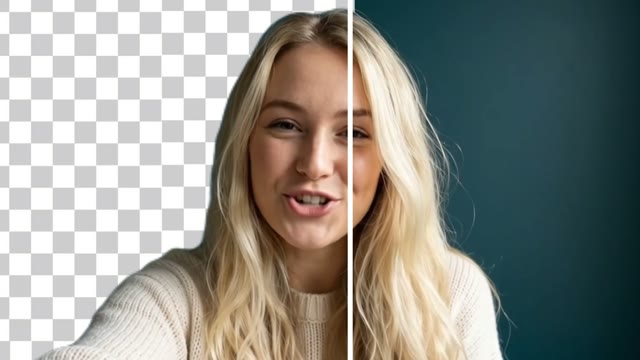
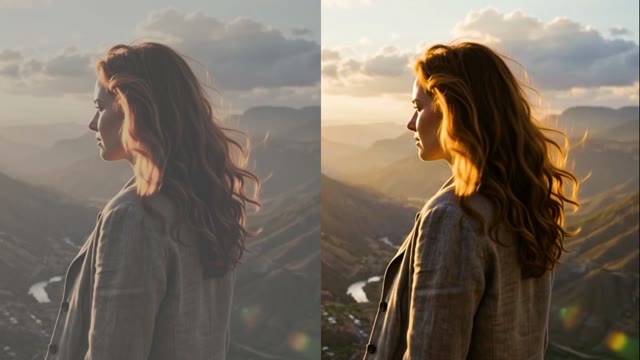
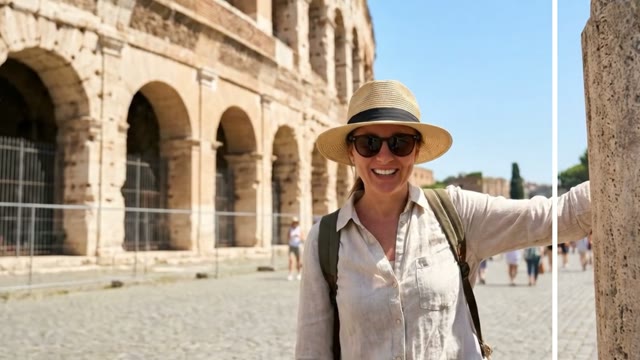
ByteDance Seedance 2.0 is a video model that turns a text prompt into a short clip; this page runs it in the composer. The default is 8 seconds at 720p in 16:9 for 208 credits (about $2.08), and the Generate button shows the price for other settings.
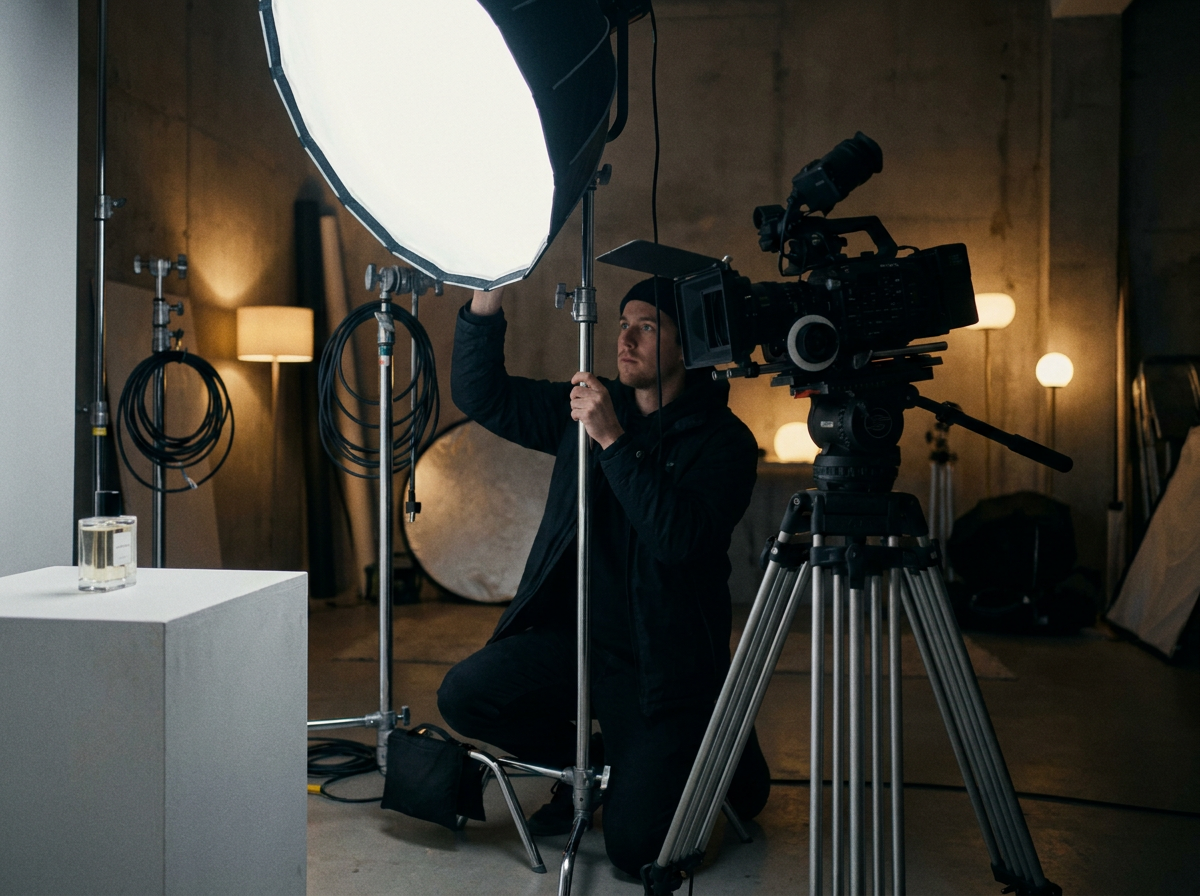
Why Advertisers Are Turning to AI-Generated Video
Advertising teams face constant pressure to produce more content, faster, without sacrificing quality. Traditional video production involves scripting, filming, editing, and revisions - a process that can stretch across weeks and consume significant budgets. Dreamina Seedance 2.0 changes that by letting you generate polished video ads from text prompts or reference images directly in your browser. For advertisers managing multiple campaigns across platforms, this means you can iterate on creative concepts, test variations, and scale production without waiting on external studios or in-house video teams.
Start creating28 AI Video Models, One Text → Video Tool
 Kling 3.0Cinematic
 Seedance 2.0Multimodal · up to 4KSeedance 2.5Cinematic · up to 30s · 720p maxSeedance 2.0 FastFast · 720pSeedance 2.0 MiniCheapest · 720p max
 Veo 3.1Premium · audio
 LTX 2.3 FastDraft
 Pika 2.21080p · commercial
 Hailuo 02 StandardCost-efficient
 Happy Horse V1.13–15sKling 2.6Native audioVeo 3.1 FastQuicker · audioVeo 3.1 LiteBudget · audioHailuo 2.3 StandardRealistic motion
 PixVerse V6Stylised · 1080p
 Vidu Q3Audio · 1080p
 Wandura 1.3Audio syncWandura 1.4Multi-shot · up to 15sMiniMax H3Up to 2KMiniMax H3 MaxPremium · 1080pMiniMax H3 Max TurboFast · cheapKling O3Multi-shotGemini Omni Flash 1.1Fast · up to 4K
 FLUX.3 VideoAudio · up to 20sKling O1Omni · up to 10sWandura 1.5Up to 15sLTX 2.5 ProAudio · 1080p
 Luma Ray 3.2Cinematic · 5s or 10s
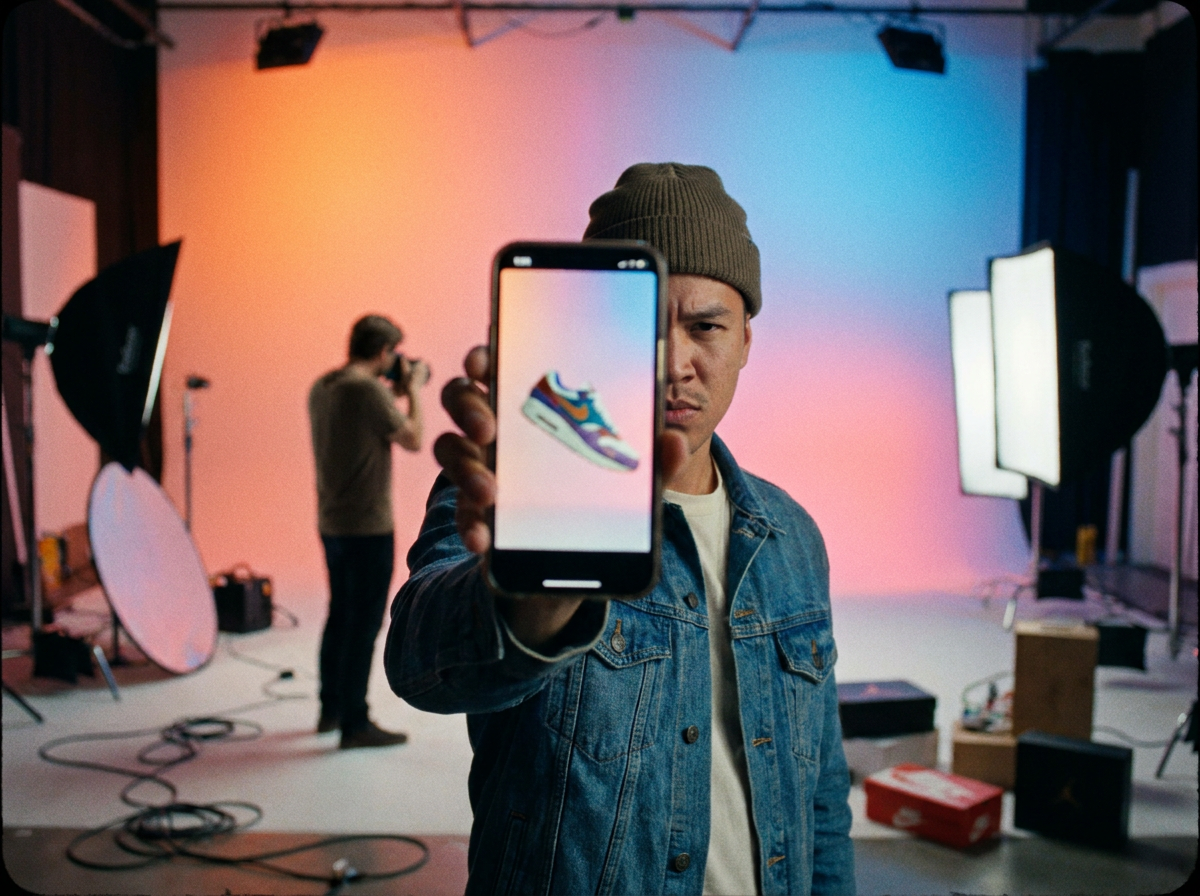
Social Media Ad Campaigns
Platforms like Instagram, TikTok, and YouTube Shorts reward advertisers who publish frequently and test aggressively. Dreamina Seedance 2.0 lets your team generate multiple ad variations - different hook moments, product angles, or visual styles - in a single session. You can produce a week's worth of creative tests in an afternoon, then refine based on performance data without rebuilding assets from scratch.
Start creating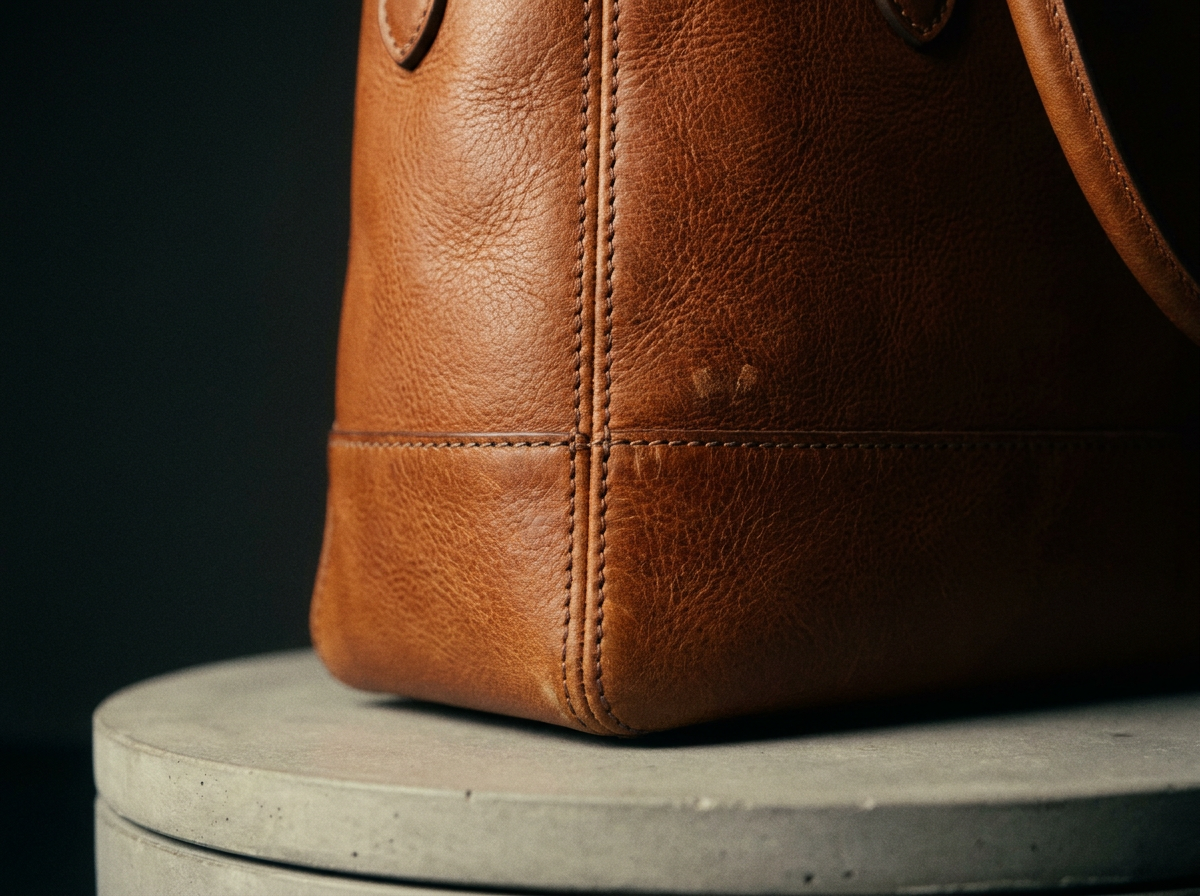
E-commerce Product Showcase Videos
Online retailers need to show products from every angle, in context, without expensive photography shoots. With Seedance 2.0, you describe the scene - a product in a lifestyle setting, a before-and-after transformation, a close-up of material texture - and the model renders it. Advertisers use this to build product video ads that feel editorial rather than promotional, which tends to hold attention longer in crowded feeds.
Start creating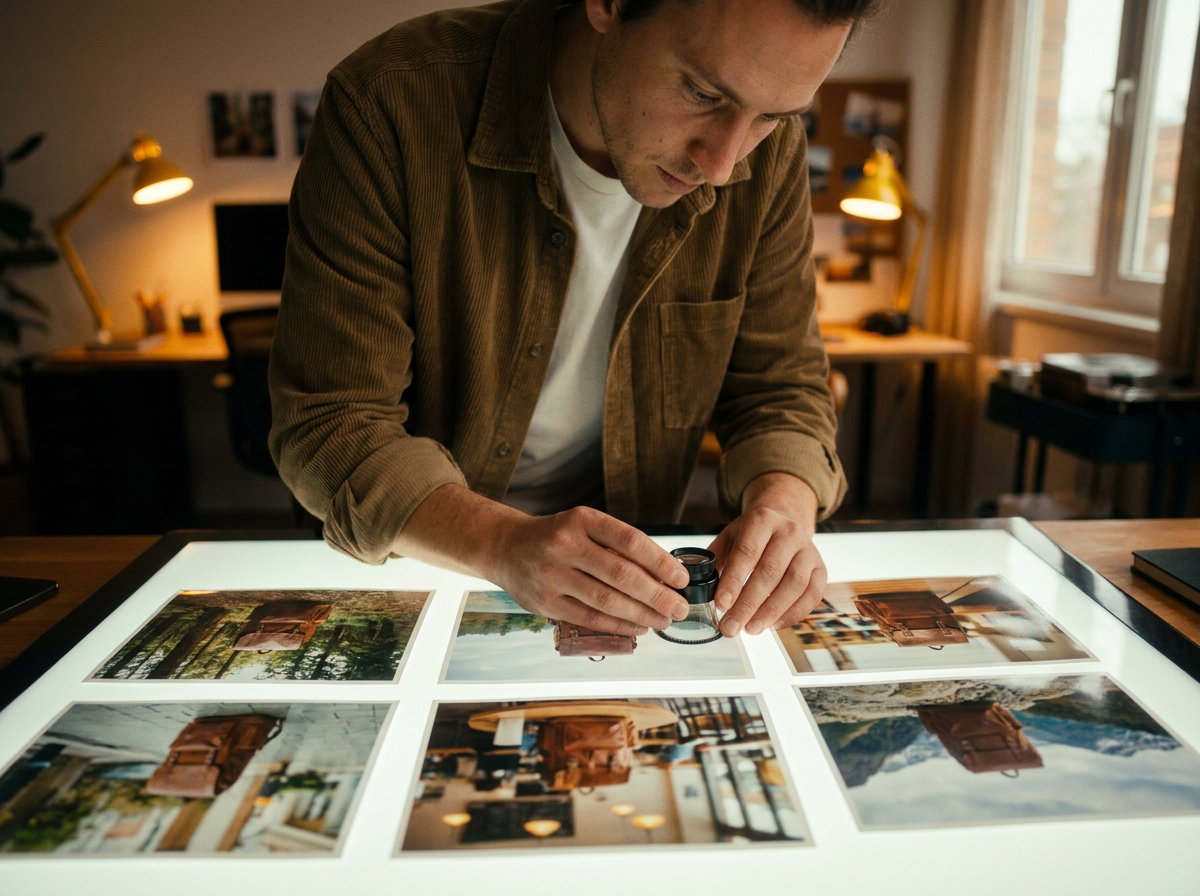
Retargeting and Dynamic Creative
Retargeting campaigns work best when the creative speaks to a specific audience segment, but building hundreds of personalized ad variations is impractical with traditional workflows. AI-generated video lets you produce targeted creative at scale - changing backgrounds, messaging tones, or product focuses for different segments - then combine those assets with your existing ad stack for dynamic creative optimization.
Start creating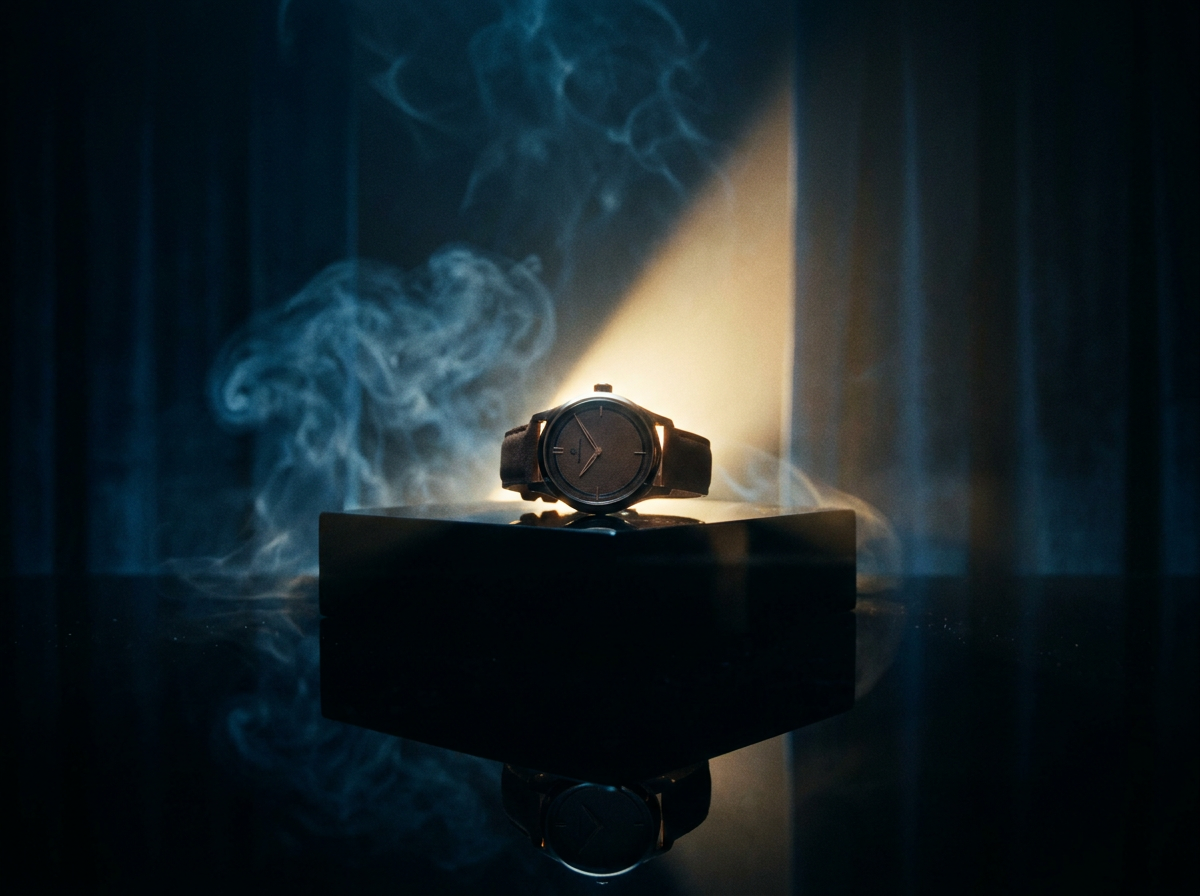
Brand Awareness and Pre-Roll Ads
Building brand recall requires visual consistency and emotional resonance, not just product visibility. Dreamina Seedance 2.0 lets advertisers generate visually cohesive brand films and pre-roll spots that carry a consistent look and feel across placements. Whether you need a 6-second bumper or a 30-second brand story, you control the visual language through prompt engineering and reference imagery.
Start creating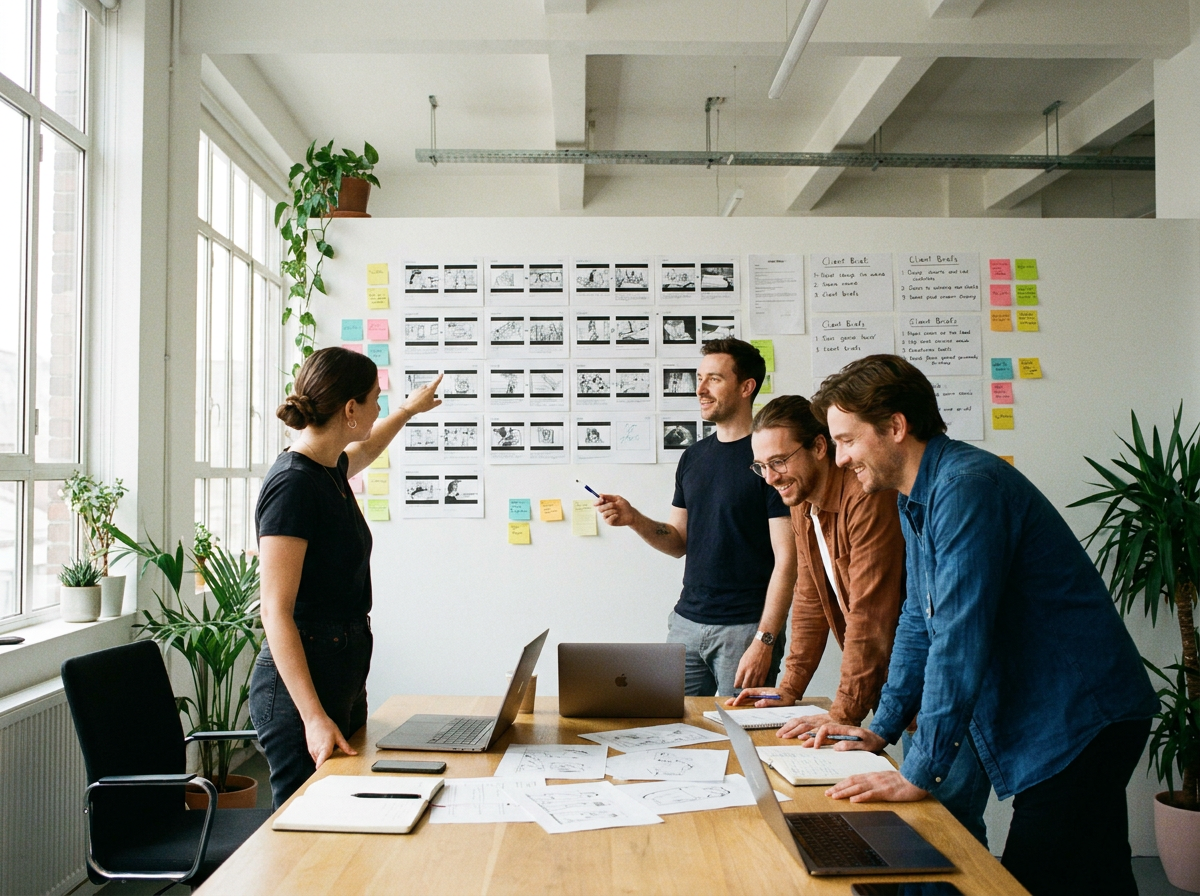
Rapid Creative Iteration for Agency Teams
Advertising agencies managing multiple client accounts often lack the bandwidth to produce fresh video creative on demand. Seedance 2.0 on Wandura gives creative teams a self-serve AI video tool they can use to respond to client briefs, competitor activity, or real-world events without routing work through a post-production pipeline. The result is faster turnaround and more responsive creative strategies.
Start creatingHow It Works
- Step 01
Choose your AI model
Select from available models in the Seedance 2.0 tool on Wandura. Different models offer different trade-offs in visual style and output characteristics - pick the one that best fits your campaign's tone and platform requirements.
- Step 02
Enter your prompt or upload a reference
Describe the ad creative you need in plain language - the product, the setting, the action, the mood - or upload a reference image to guide the visual style. The more specific your input, the more controlled your output will be.
- Step 03
Generate and export your video ad
Render the video directly in your browser, review it against your brief, and download the final file in a format ready for your ad platform. Iterate with adjusted prompts as many times as needed until the creative meets your standards.
How Much Does Text → Video Cost?
Every model below runs on one Wandura credit balance — pay only for what you generate, with no separate subscription per model.
| Model | Pricing |
|---|---|
| Kling 3.0 | Cinematic |
| Seedance 2.0 | Multimodal · up to 4K |
| Seedance 2.5 | Cinematic · up to 30s · 720p max |
| Seedance 2.0 Fast | Fast · 720p |
| Seedance 2.0 Mini | Cheapest · 720p max |
| Veo 3.1 | Premium · audio |
| LTX 2.3 Fast | Draft |
| Pika 2.2 | 1080p · commercial |
| Hailuo 02 Standard | Cost-efficient |
| Happy Horse V1.1 | 3–15s |
| Kling 2.6 | Native audio |
| Veo 3.1 Fast | Quicker · audio |
| Veo 3.1 Lite | Budget · audio |
| Hailuo 2.3 Standard | Realistic motion |
| PixVerse V6 | Stylised · 1080p |
| Vidu Q3 | Audio · 1080p |
| Wandura 1.3 | Audio sync |
| Wandura 1.4 | Multi-shot · up to 15s |
| MiniMax H3 | Up to 2K |
| MiniMax H3 Max | Premium · 1080p |
| MiniMax H3 Max Turbo | Fast · cheap |
| Kling O3 | Multi-shot |
| Gemini Omni Flash 1.1 | Fast · up to 4K |
| FLUX.3 Video | Audio · up to 20s |
| Kling O1 | Omni · up to 10s |
| Wandura 1.5 | Up to 15s |
| LTX 2.5 Pro | Audio · 1080p |
| Luma Ray 3.2 | Cinematic · 5s or 10s |
FAQs
No. The tool is built for creators and marketers who may not have a background in motion graphics or video post-production. If you can write a detailed prompt describing the visual you need, you can generate usable ad creative. That said, understanding composition and visual storytelling will help you write better prompts and evaluate results more effectively.
Use consistent reference imagery and reusable prompt structures to anchor visual style. Include brand-relevant descriptors - color palettes, lighting moods, typography tones - in your base prompts, then vary only the specific elements that change between variations (product, hook text, call-to-action). Keeping a prompt library for your brand's signature styles helps reproduce consistent results across campaigns.
With the default settings (8s, 720p, 16:9, one video) a Seedance 2.0 clip costs 208 credits, about $2.08. Other settings show their price on Generate before you create.
Yes. Wandura's platform gives you access to multiple AI models for the Seedance 2.0 tool, so you can generate the same creative brief with different models and evaluate which approach yields the strongest result for your specific platform and audience. This lets you make an informed choice rather than defaulting to a single model.