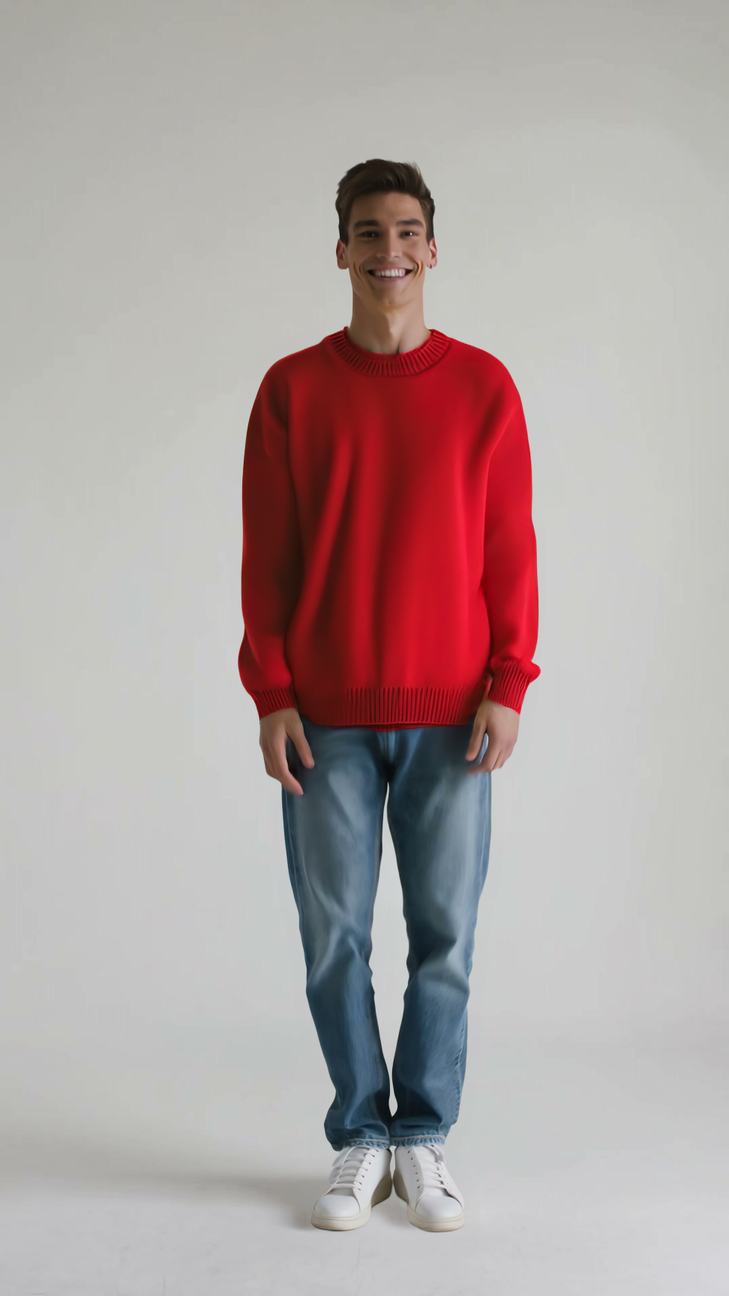
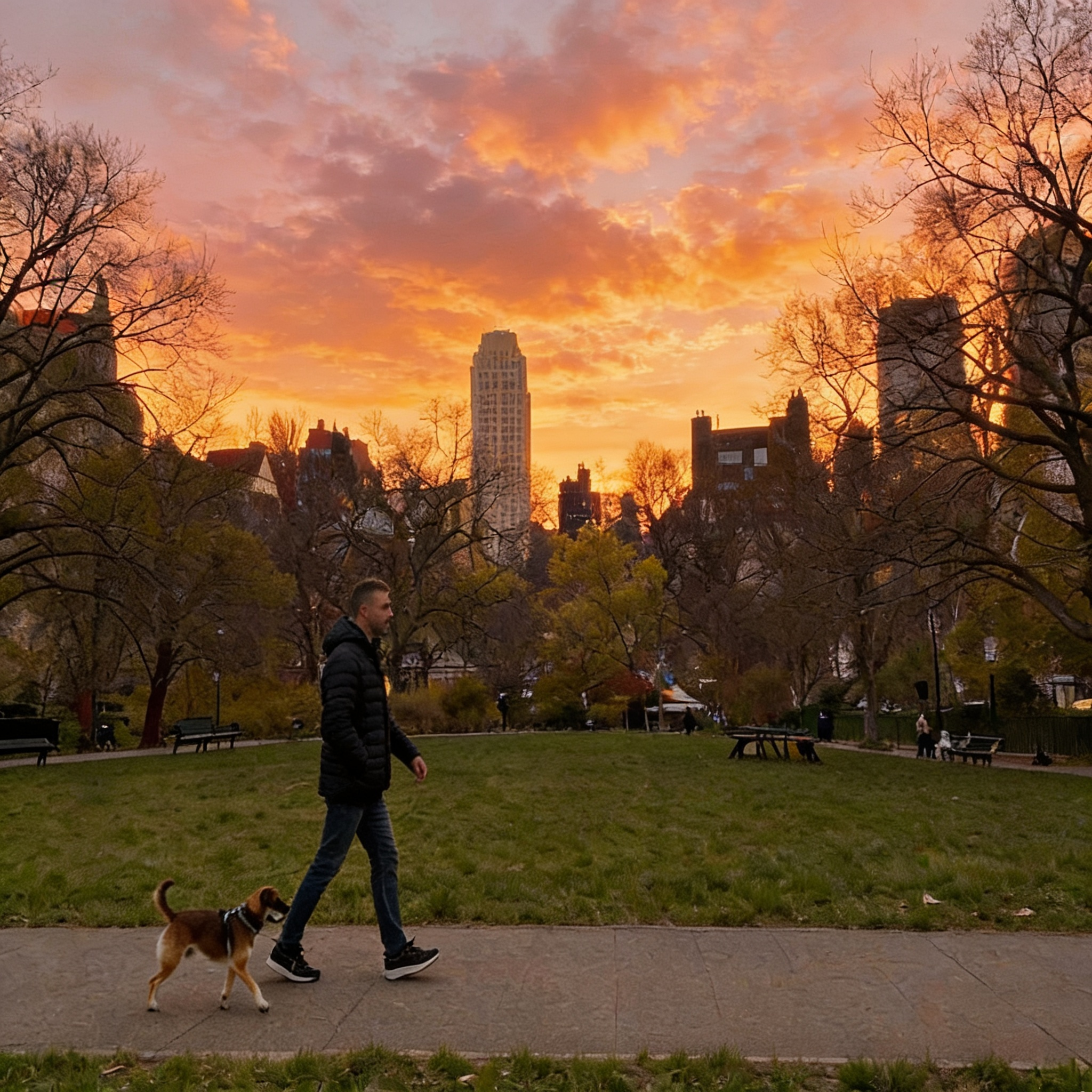
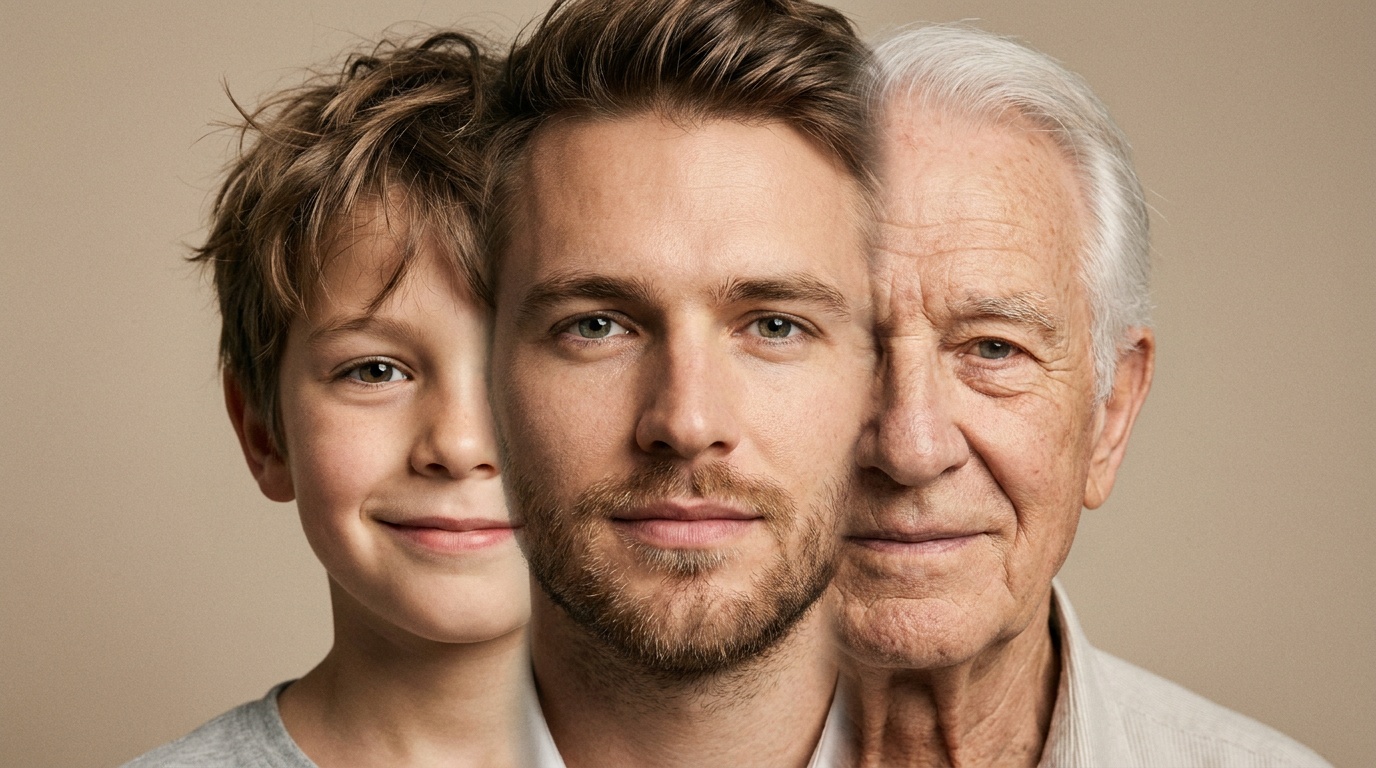
Photoreal Portrait
“Head-and-shoulders portrait of a [person], [setting], soft window light, 85mm, shallow depth of field, natural skin texture.” Check: hands, eyes, skin detail.

Text to image AI on Wandura turns a written prompt into images with the model you choose. Use it for photos, posters and concept art; generations are paid in Wandura credits (1 credit = $0.01), and the cost is shown before you create.
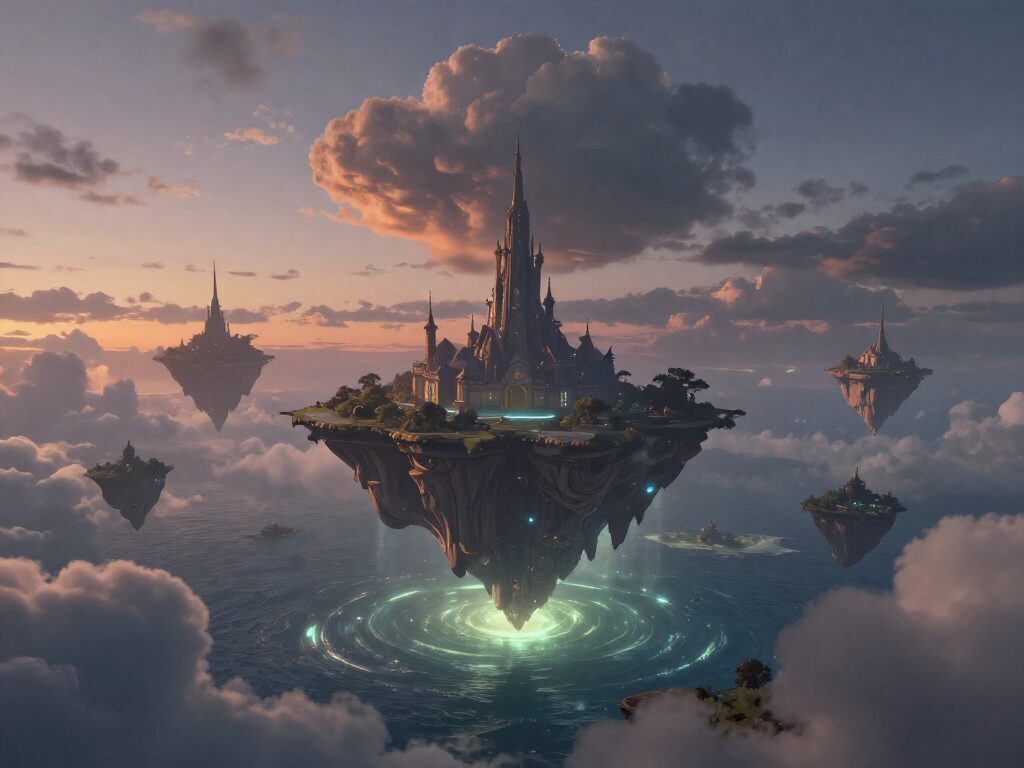
Type a sentence and get a finished image. Wandura runs your prompt through the model you choose — Nano Banana Pro for maximum quality, GPT Image 2 and Ideogram V4 when the design needs readable text — so one tool covers everything from quick ideation to final assets.
Try Text to ImageA text-to-image generator is only as good as the range of models behind it. Photorealistic product shots, flat illustration, poster typography and concept art each reward a different engine — so being locked into one model means compromising on half your ideas. Wandura puts several leading image models behind the same prompt box, so you can render the same idea across engines and keep whichever nails the look.
For best results, write the subject, the style, and the lighting explicitly — "a ceramic mug on a marble counter, soft morning light, shallow depth of field" beats "a mug". Generate a few variations before committing, then upscale or send the winner straight into an image-to-video tool.
The picker lists the models available today. Native sizes, batch counts and prices differ by model and are shown in the composer.
| Task | What to look for |
|---|---|
| Posters, covers and labels with text | A model described for text or layout; put exact words in quotes |
| Photoreal portraits and product scenes | Strong lighting and detail; check hands and product shapes |
| Illustration and concept art | Style control; try a few looks on one prompt |
| Fast, low-cost drafts | A quick model to iterate on wording before a final run |
Example prompt structures for common jobs. They are starting points to adapt, not the prompts behind the images on this page.
“Head-and-shoulders portrait of a [person], [setting], soft window light, 85mm, shallow depth of field, natural skin texture.” Check: hands, eyes, skin detail.
“[Product] on a [surface], [props], warm studio light, clean background, 1:1.” Check: shape, colour and label against the real product.
“Minimal poster, title “[Exact Words]” at the top, [subject] centred, small caption at the bottom.” Check: spelling, especially small text.
“[Scene] in [style], [time of day], [mood], wide shot.” Check: try the same prompt on two models before you pick one.
Small changes in wording often matter more than switching models.
Start with what must be in the image, then add setting, lighting and style. Put the most important details first.
“Soft window light”, “rim light”, “35mm, shallow depth of field” give photoreal models a clear target.
Draft a few variations, keep the strongest, then refine the prompt or upscale the winner instead of starting over.
 Nano Banana ProHigh qualityNano Banana 2Latest · multi-resolution
 GPT Image 2Strong text
 Ideogram V4Typography/CTA
 FLUX 1.1 ProRealistic detail
 Seedream 5.0 LiteBalanced · up to 6 images
 Qwen Image 2.0 Pro2K native · typography
 Recraft V3Long text in imagesGPT Image 1.5Strong textGPT Image 1ClassicGPT Image 2.5Latest · strong textNano BananaOriginalNano Banana 2.1Multi-resolutionNano Banana 2 LiteFast · 1KSeedream 4.0Up to 6 imagesSeedream 5.0 ProPro tier · up to 6 imagesSeedream 5.0 FlashFast · up to 6 imagesFLUX.2 ProSharp detailFLUX.3Newest FLUX
 Kling Image 3Up to 9 imagesRecraft V4Brand design
 Wandura 1.5 ImageUp to 5 imagesIdeogram 4.5Typography · 3 quality tiersRecraft V4.1Brand designRecraft V4.1 ProFine detailRecraft V4.1 UtilityFlat, even lightingRecraft V4.1 FlashQuick · low costFLUX.2 FlexTunable detailFLUX.2 MaxHigh precisionKling Image O3Up to 9 imagesSeedream 4.5Up to 6 imagesQwen Image 3Typography · 1K
 Luma Uni-1Reasoning · sharp textLuma Uni-1 MaxMax tierLuma PhotonCreative · fastLuma Photon FlashQuick · low cost
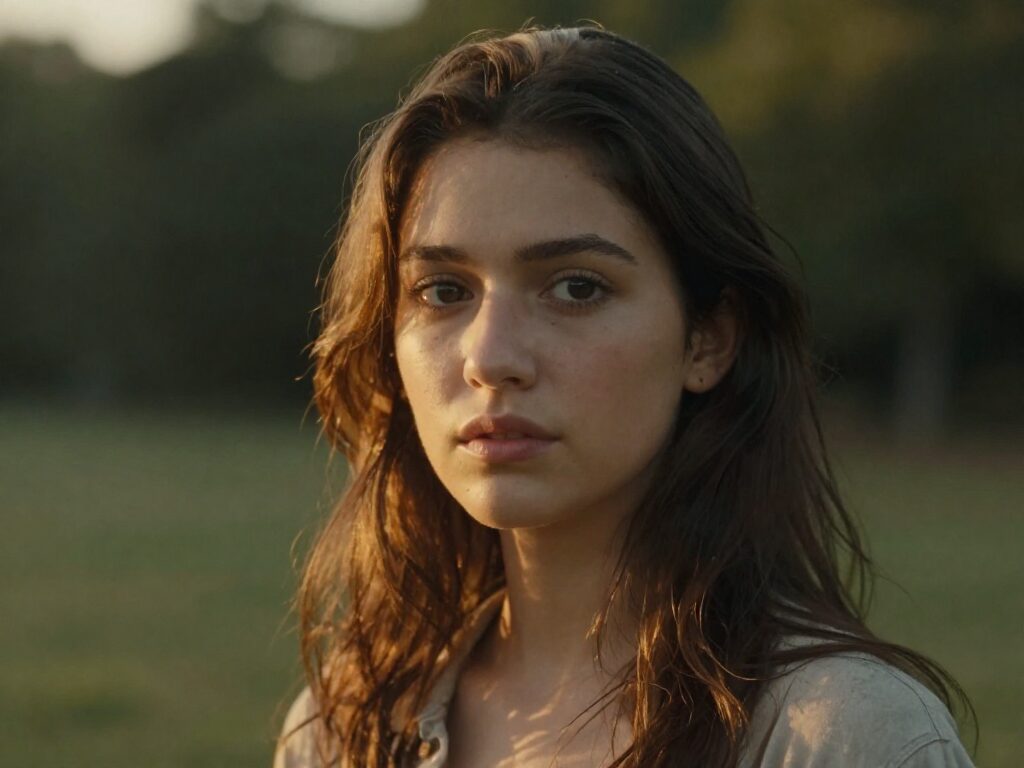
Describe the subject, lighting and mood — "cinematic portrait, golden hour, shallow depth of field" — and get photorealistic shots for profiles, editorials or mockups. Generate 4–6 variations per run and pick the best take.
Try Text to Image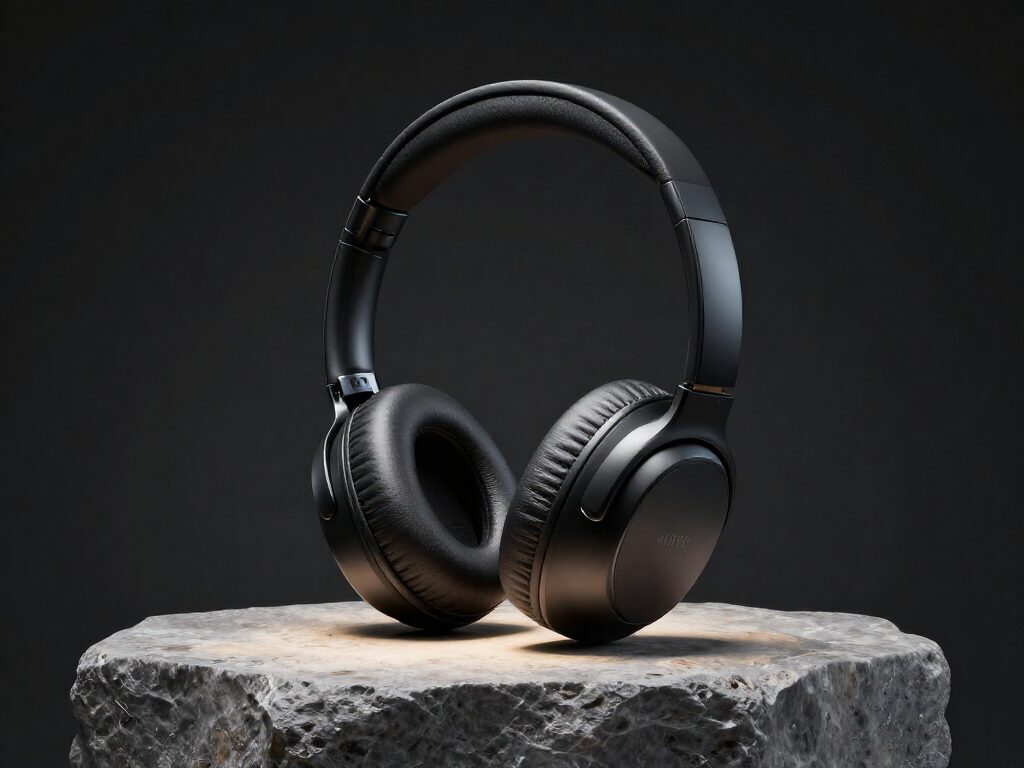
Skip the studio session. Generate clean, dramatic product imagery from a description alone — perfect for concept pitches, A/B-testing ad creatives or filling a catalog before the real photoshoot. Chain the result into Image to Video to turn it into a moving ad.
Try Text to Image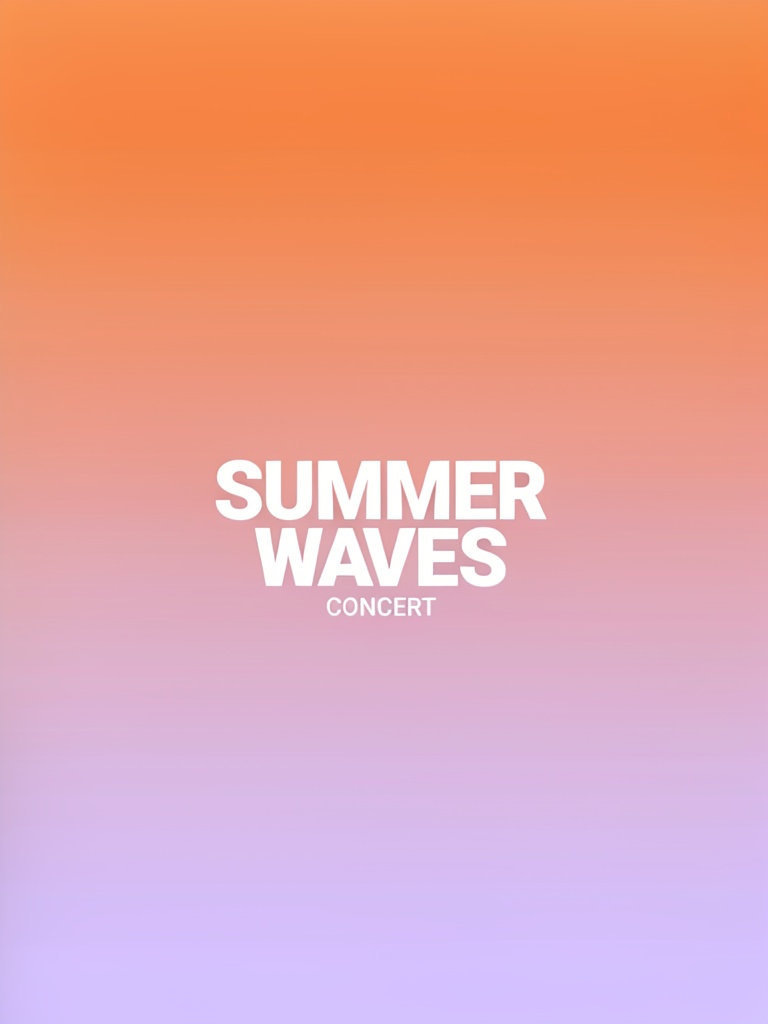
Most image AIs mangle typography. Wandura routes text-heavy designs to Ideogram V4 or GPT Image 2, which render actual readable headlines — so posters, banners and thumbnails come out with the words you asked for.
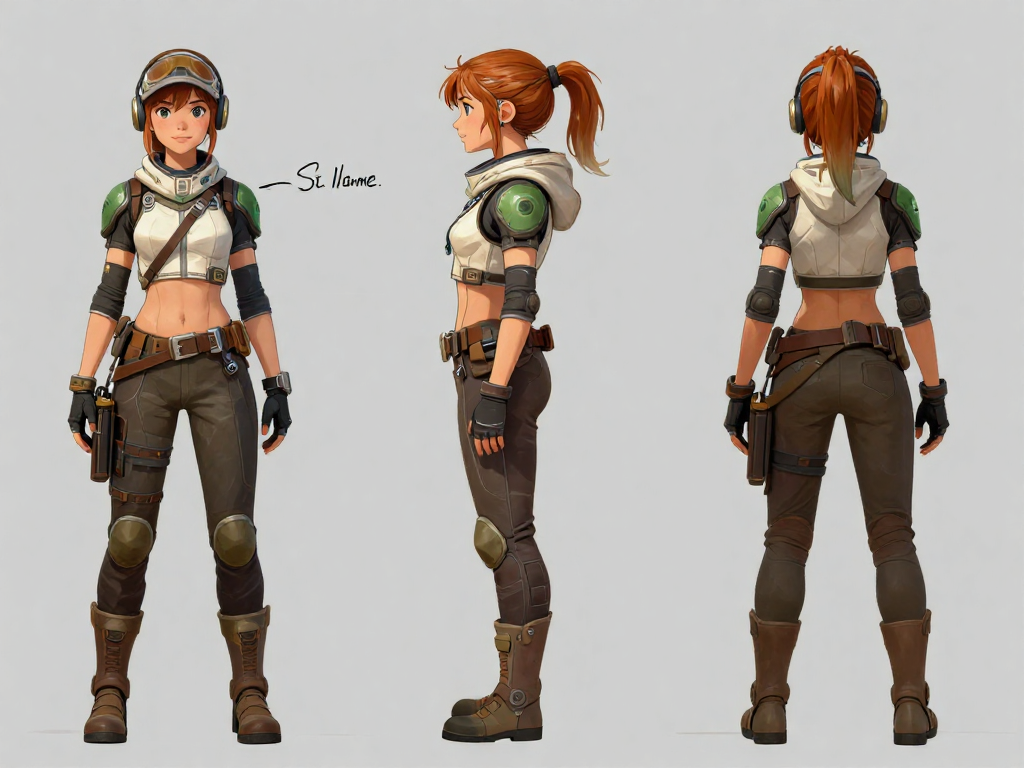
Try Text to ImageCharacters, creatures, environments, key scenes — describe them and see them. Iterate on a lower-cost model such as FLUX 1.1 Pro (6 credits, about $0.06, per image) until the world looks right, then render the definitive version on Nano Banana Pro (18 credits, about $0.18, per image). Book covers, RPG campaigns and pitch decks stop waiting on an illustrator’s calendar.
Try Text to ImageQuote cards, story backgrounds, seasonal visuals, meme templates — generate them in the exact aspect ratio each platform wants, including 9:16 vertical. Batch 4–6 variations per prompt, keep the strongest, and chain any winner into Image to Video for a moving post.
Try Text to ImageDescribe the image you want in plain language — subject, style, lighting. Pick an aspect ratio to match where it will be used.
Choose Nano Banana Pro for quality, GPT Image 2 or Ideogram V4 when the image needs readable text.
Create up to 4–6 images per run. Results land on your canvas, ready to download or send straight into another tool.
Every model below runs on one Wandura credit balance — pay only for what you generate, with no separate subscription per model.
| Model | Pricing |
|---|---|
| Nano Banana Pro | High quality |
| Nano Banana 2 | Latest · multi-resolution |
| GPT Image 2 | Strong text |
| Ideogram V4 | Typography/CTA |
| FLUX 1.1 Pro | Realistic detail |
| Seedream 5.0 Lite | Balanced · up to 6 images |
| Qwen Image 2.0 Pro | 2K native · typography |
| Recraft V3 | Long text in images |
| GPT Image 1.5 | Strong text |
| GPT Image 1 | Classic |
| GPT Image 2.5 | Latest · strong text |
| Nano Banana | Original |
| Nano Banana 2.1 | Multi-resolution |
| Nano Banana 2 Lite | Fast · 1K |
| Seedream 4.0 | Up to 6 images |
| Seedream 5.0 Pro | Pro tier · up to 6 images |
| Seedream 5.0 Flash | Fast · up to 6 images |
| FLUX.2 Pro | Sharp detail |
| FLUX.3 | Newest FLUX |
| Kling Image 3 | Up to 9 images |
| Recraft V4 | Brand design |
| Wandura 1.5 Image | Up to 5 images |
| Ideogram 4.5 | Typography · 3 quality tiers |
| Recraft V4.1 | Brand design |
| Recraft V4.1 Pro | Fine detail |
| Recraft V4.1 Utility | Flat, even lighting |
| Recraft V4.1 Flash | Quick · low cost |
| FLUX.2 Flex | Tunable detail |
| FLUX.2 Max | High precision |
| Kling Image O3 | Up to 9 images |
| Seedream 4.5 | Up to 6 images |
| Qwen Image 3 | Typography · 1K |
| Luma Uni-1 | Reasoning · sharp text |
| Luma Uni-1 Max | Max tier |
| Luma Photon | Creative · fast |
| Luma Photon Flash | Quick · low cost |
Wandura gives you Nano Banana Pro, Nano Banana 2, GPT Image 2, Ideogram V4, FLUX 1.1 Pro, Seedream 5.0 Lite, Qwen Image 2.0 Pro, Recraft V3, GPT Image 1.5, GPT Image 1, GPT Image 2.5, Nano Banana, Nano Banana 2.1, Nano Banana 2 Lite, Seedream 4.0, Seedream 5.0 Pro, Seedream 5.0 Flash, FLUX.2 Pro, FLUX.3, Kling Image 3, Recraft V4, Wandura 1.5 Image, Ideogram 4.5, Recraft V4.1, Recraft V4.1 Pro, Recraft V4.1 Utility, Recraft V4.1 Flash, FLUX.2 Flex, FLUX.2 Max, Kling Image O3, Seedream 4.5, Qwen Image 3, Luma Uni-1, Luma Uni-1 Max, Luma Photon, Luma Photon Flash side by side — each generation you pick the model that fits the job, without leaving the tool.
Yes — pick GPT Image 2 or Ideogram V4 for designs that need readable typography like posters, banners or CTAs. Ideogram V4 also has a Quality rendering mode for cleaner lettering.
Nano Banana Pro renders at 1K on Wandura; Nano Banana 2 offers 1K, 2K or 4K. Most models generate up to 4 images per run; Seedream 5.0 Lite goes up to 6. Every image supports the full set of aspect ratios, including 9:16 vertical.
Each model shows its real price next to its name — for example 5 credits (about $0.05) per image with Ideogram V4 at Turbo speed, 6 (about $0.06) with FLUX 1.1 Pro, 6 (about $0.06) with Seedream 5.0 Lite, 18 (about $0.18) with Nano Banana Pro, and 3 to 90 (about $0.03–$0.90) with GPT Image 2 depending on quality. Your credits are only charged for what you generate.
Describe the subject, then the style and lighting: "studio product photo of black headphones, dramatic rim lighting, dark background". Short and concrete beats long and vague — and cheap drafts with a lower-cost model such as FLUX 1.1 Pro (8 credits, about $0.08) let you iterate wording before spending on a premium model.
Text to Image starts from a blank canvas — your prompt is the only input, so it can invent anything. Image to Image starts from a photo you upload and transforms it, keeping its composition and subject. Invent a scene here; when you want to restyle an existing photo, use Image to Image.
No — everything runs in the cloud. Generations work the same from a laptop, tablet or phone browser: type the prompt, pick a model, and the finished images arrive on your canvas ready to download.
Every result is saved to your Creations library. From any image you can jump straight into other Wandura tools — animate it with Image to Video, edit it with AI Photo Editor, upscale it, or remove its background.
Proofread any text, check logos, hands and product details, and make sure your use follows Wandura’s Terms and the rules of the platform where you publish.