ImagineArt Alternative: Wandura for Advertiser
Why Advertisers Are Moving to Wandura
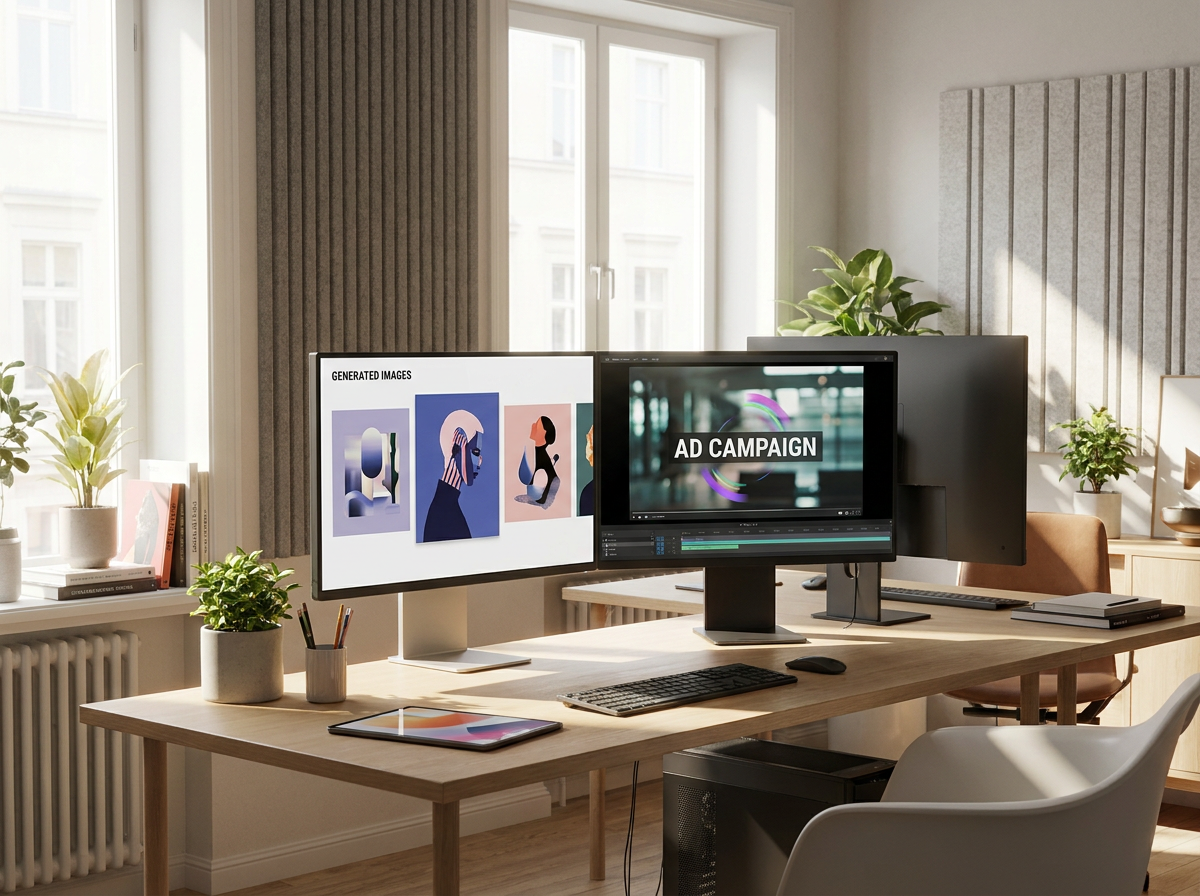
The single biggest difference between Wandura and ImagineArt for advertising teams comes down to workflow orientation. ImagineArt operates as a general-purpose AI image and video generation platform — powerful for individual creators exploring visual ideas, but not purpose-built for the iterative, brand-conscious, multi-variant demands of paid media campaigns. Wandura is designed around the advertiser's actual workflow: rapid asset generation, consistent brand alignment, and direct export paths into ad platforms.
When you are producing dozens of ad variants across channels — Facebook, Instagram, programmatic display, native — you need tools that understand campaign structure, not just generation quality. That is the practical gap Wandura fills for advertisers.
Honest Limitation: Where ImagineArt Is the Better Choice
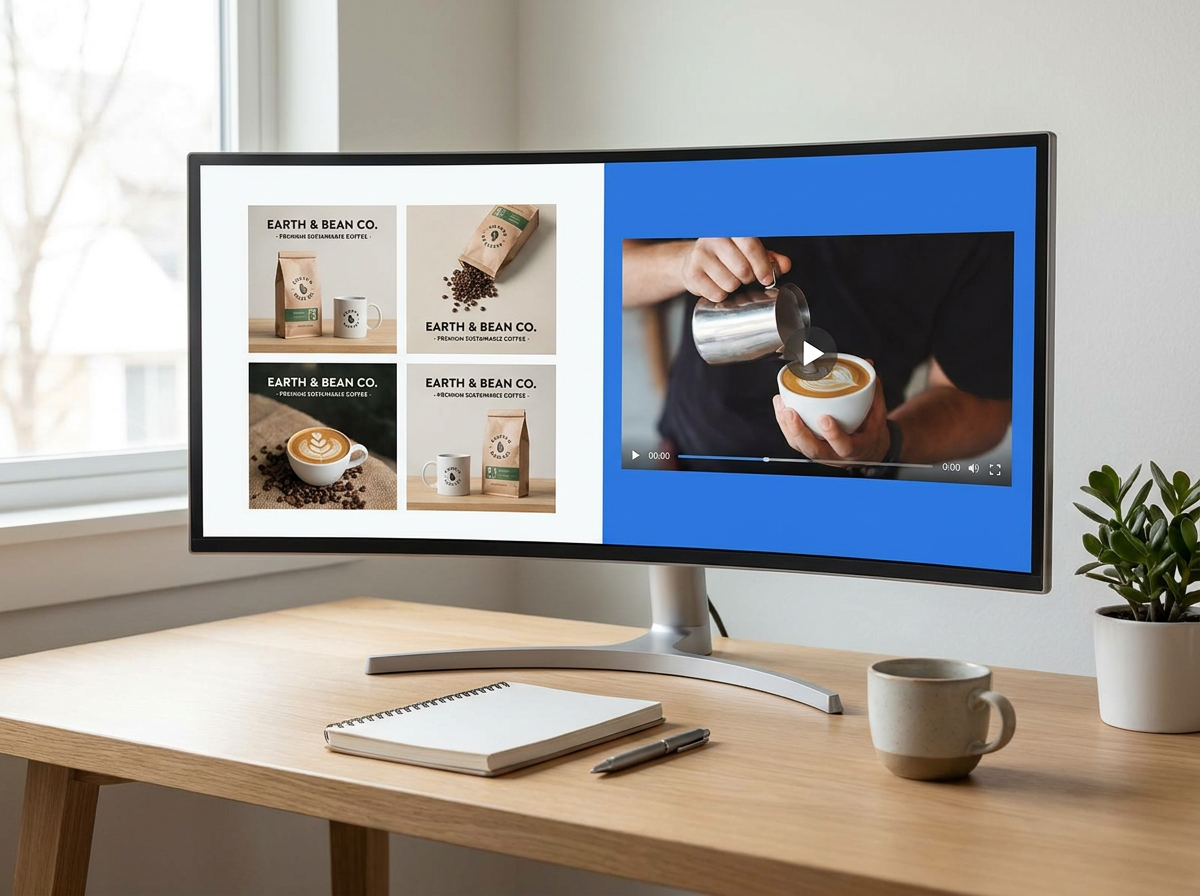
ImagineArt has genuine strengths that make it the right pick in certain situations. If your primary need is exploratory creative — generating a wide range of artistic visual concepts, mood boards, or experimental imagery without a fixed brand framework — ImagineArt's model library and style diversity give you more raw creative range to work with. Its community and shared model ecosystem mean you can access styles and aesthetics that are harder to replicate in more structured tools.
ImagineArt may also be the better fit if you are an individual creator or small team without existing brand guidelines to enforce. The platform does not require you to set up brand kits or templates — you can generate and move on. For one-off projects rather than ongoing campaign production, that flexibility has real value.
Additionally, if ImagineArt's specific model collection or artistic direction aligns closely with your brand's voice and you are not managing multi-variant campaigns, the workflow difference may not matter as much in practice. Evaluate your actual campaign volume and consistency needs before assuming a platform switch is necessary.

When to Choose Which Platform
Choose Wandura when:
- You are running paid media campaigns that require dozens or hundreds of on-brand ad variants across multiple channels
- Brand consistency across a creative team is a priority — you need shared assets, color locking, and style enforcement
- You have an approval workflow involving stakeholders who need to review and approve specific creative versions
- You want export options that match ad platform technical specs without manual reformatting
- You need a platform designed for production volume, not just individual asset generation
Choose ImagineArt when:
- Your focus is exploratory creative or artistic image generation rather than structured ad production
- You are an individual creator without a need for team collaboration or brand consistency tooling
- You value a wide library of artistic styles and community-shared models over campaign workflow features
- You are producing one-off creative assets rather than high-volume, consistent ad campaigns
Wandura vs. ImagineArt: Feature Comparison for Advertisers
| Capability | Wandura | ImagineArt |
|---|---|---|
| Primary use case focus | Built for ad production — bulk variants, brand kits | Broad creative suite (image/video/music) — not ad-specific |
| Bulk creative generation | Multiple ad variants from one brief/template | Credit-based; capped by monthly allotment, no rollover |
| Brand consistency tools | Brand kit, color locking, style presets | No documented ad-consistency feature |
| Ad platform integration | Export presets for Facebook, Google, programmatic ads | No documented ad-format presets; general suite |
| Pricing model | $0.01/credit; plans $15–$109/mo | $0–$250/mo tiers; private needs $30+ plan |
| Team collaboration | Multi-user workspace, brand assets, approval workflows | Yes — Teams plan adds multi-seat workspaces |
| Asset versioning | Version history, branch/compare variants, rollback support | Not documented; general suite, no versioned variants |
| Creative quality for ads | Optimized for commercial use — clean overlay placement | Generalist suite for artists; free/Basic output is public |
70+ AI Models in One Studio
 Seedance 2.0
Multimodal cinematic motion up to 4K
 Kling V3 Pro
Cinematic motion with film-grade lighting
 Veo 3.1
Premium realism with native audio
 Sora 2 Pro
Complex scenes and physics at premium quality
 LTX 2.3 Fast
Fastest drafts at the lowest cost
 Nano Banana Pro
High-fidelity images with sharp detail
 Seedream 4.5 Edit
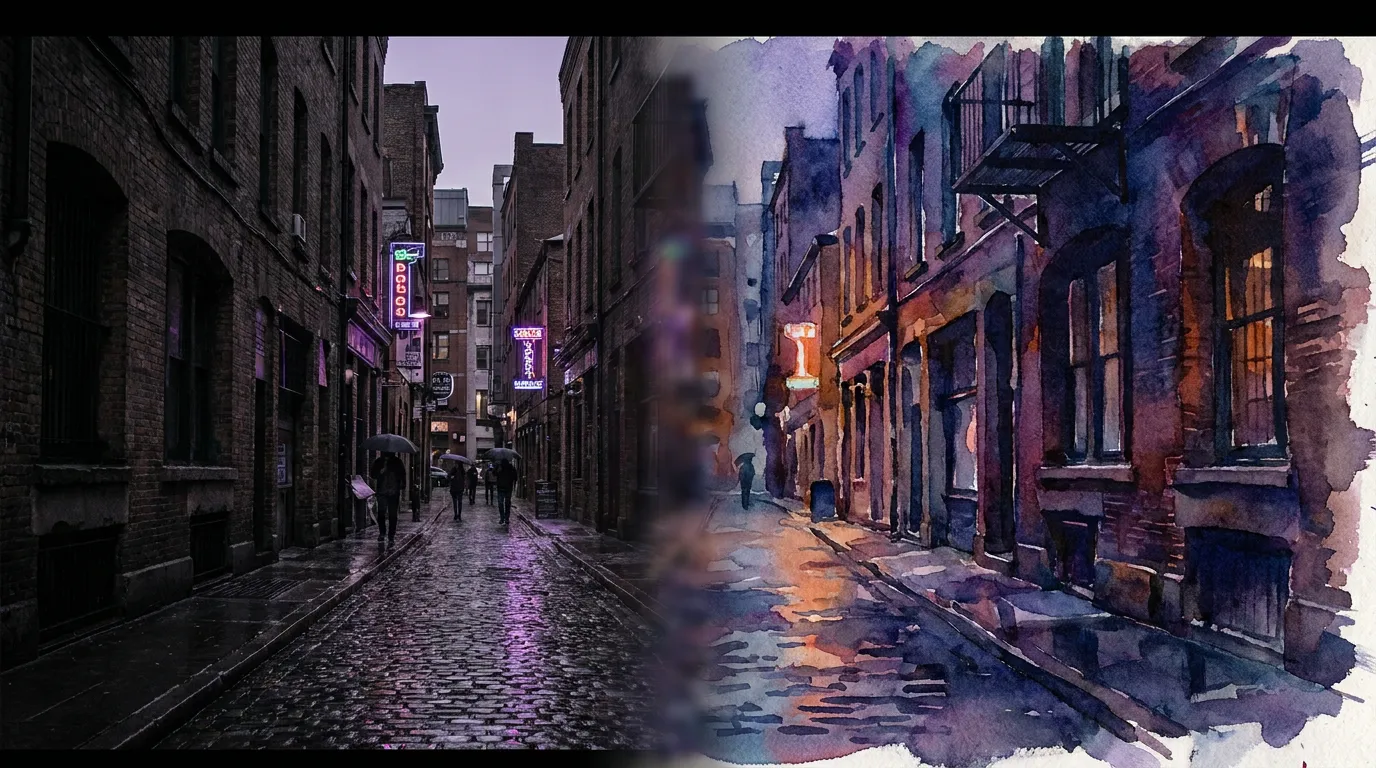
Multi-image editing with up to 6 references
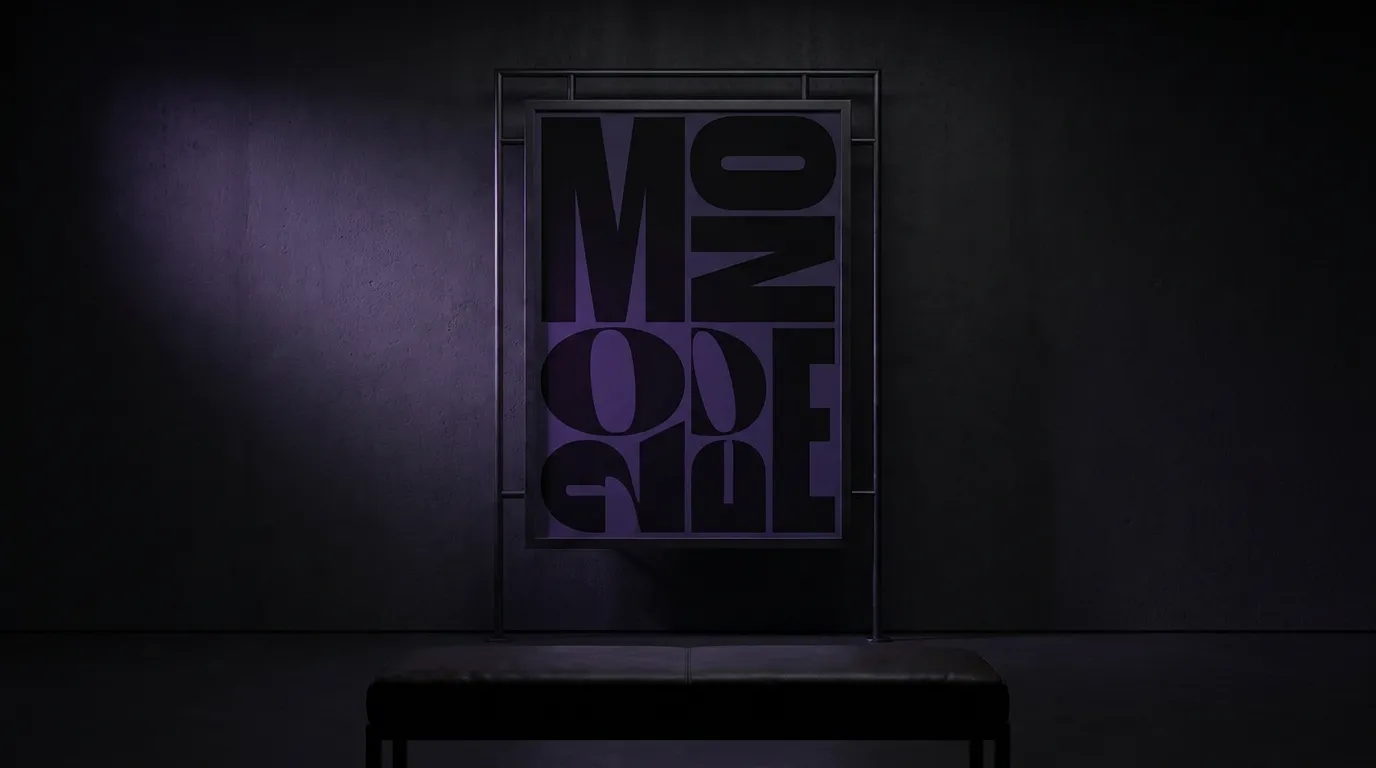 GPT Image 2
Best-in-class text rendering in images

 FLUX 1.1 Pro
Razor-sharp detail with top-rated realism
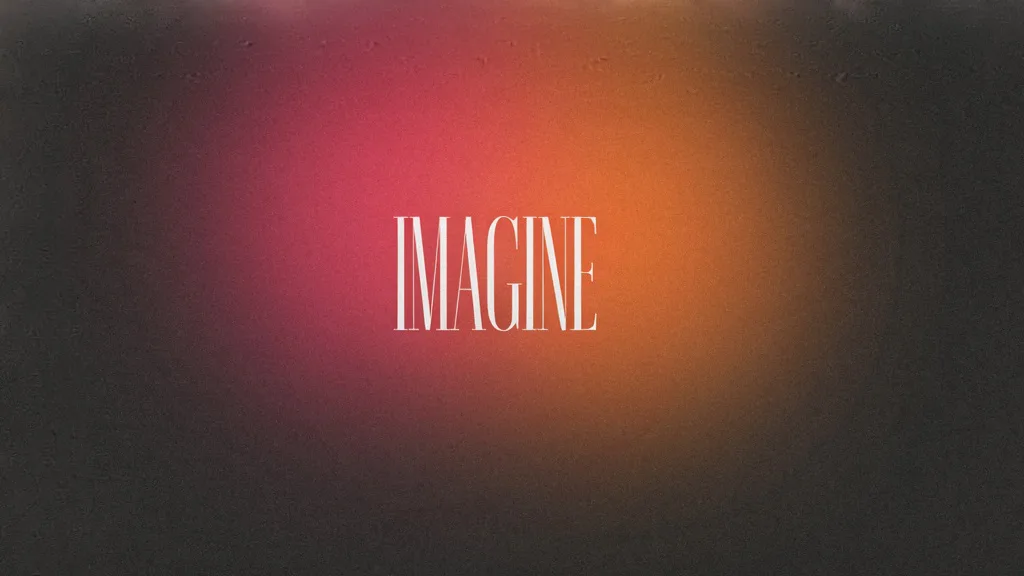
 Ideogram V4
Typography and marketing text that stays crisp
 MiniMax Speech 2.8 HD
Natural, high-quality speech synthesis
Explore More Wandura Tools


Plans & Pricing
Wandura runs on transparent credits — 1 credit = $0.01. Choose a monthly plan or top up with credit packs, and pay only for what you generate.
Basic
- ✓Up to 80 images/month
- ✓Up to 17 videos/month
- ✓1 parallel task
Kling 3.0Growth accessVeo 3.1Growth accessGPT Image 2CreditKling 2.6CreditSeedance 2.0CreditStarter
- ✓Up to 132 images/month
- ✓Up to 33 videos/month
- ✓2 parallel tasks
- ✓Audio generation
Kling 3.0Growth accessVeo 3.1Growth accessGPT Image 2CreditKling 2.6CreditGrowth
- ✓Up to 223 images/month
- ✓Up to 88 videos/month
- ✓4 parallel tasks
- ✓Priority support
Kling 3.0Credit accessVeo 3.1Credit accessNano Banana ProCredit accessGPT Image 2CreditKling 2.6CreditSeedance 2.0CreditAgency
- ✓Up to 500 images/month
- ✓Up to 124 videos/month
- ✓8 parallel tasks
- ✓Commercial license
Kling 3.010-Day UnlimitedVeo 3.110-Day UnlimitedNano Banana Pro10-Day UnlimitedGPT Image 2CreditKling 2.6CreditSeedance 2.0CreditCredit packs (no subscription): 1,000 credits for $10 · 6,250 credits for $50 (save 20%) · 14,000 credits for $100 (save 33%). Packs stay valid for 90 days. Growth and Agency plans add watermark-free exports, faster generation, and priority support; Agency includes 10-day unlimited access to Premium Exclusive models each cycle.
FAQs
Wandura's pricing is structured around creative production volume, not individual generation credits. Transparent credits at $0.01 each — the exact cost is shown before you generate. Plans: Basic $15/mo (1,500 credits), Starter $29 (2,900), Growth $49 (4,900), Agency $109 (10,900), plus pay-as-you-go packs (1,000 credits for $10 up to 14,000 for $100). You pay only for what you generate. ImagineArt, by comparison, uses monthly subscriptions — Basic $13/mo ($9/mo annual), Standard $30/mo, Ultimate $50/mo, up to Creator $250/mo (as of July 2026) — with fixed monthly credits that do not roll over, and it gates private generations behind the $30 Standard plan (free and Basic output is public). For advertisers running high-volume campaigns, production-oriented pricing typically delivers better unit economics than per-asset credit models, but you should calculate based on your actual monthly output needs rather than assuming one platform is universally cheaper.
Yes — you get full commercial rights on all paid plans, including paid advertising across digital platforms. For ImagineArt, commercial rights are included on its Teams and higher plans according to its published terms — review ImagineArt's terms for specifics.
Yes — ImagineArt's Teams plans provide multi-seat collaboration (seats of 1/3/6/20 depending on tier, as of July 2026). If you are an agency managing multiple brand accounts with creative teams, collaboration features like shared brand kits, version control, and approval pipelines become essential. Wandura includes these as core functionality and is purpose-built for ad production, whereas ImagineArt is a generalist creative suite for designers, artists, and hobbyists — so for agency-scale ad workflows the fit depends on whether you need an ad-first pipeline or a broad art-generation toolkit.
Wandura allows you to define a base creative brief and brand template, then generate multiple variants by swapping elements like headlines, product shots, call-to-action copy, or color schemes. The system maintains brand consistency across all variants automatically. You can set variant counts, export formats, and platform targets in a single operation rather than generating assets one at a time. This is particularly useful for A/B testing workflows where you need consistent creative with different messaging angles.
Wandura supports importing brand assets including color palettes, typography guidelines, logo files, and style reference images. You can rebuild your brand kit in Wandura from scratch or migrate existing assets. The platform does not currently offer a direct one-click import from ImagineArt specifically, so you would need to transfer brand assets manually. If you have a large existing library of brand-approved styles or templates in ImagineArt, budget time for re-setup when switching platforms.
See What You Can Create



Start Your Ad Creative Workflow on Wandura
Wandura is built for advertisers who need production-scale creative without sacrificing brand consistency. If your team is spending too much time reformatting assets, enforcing brand guidelines manually, or juggling individual generation tasks across campaigns, Wandura addresses those workflows directly.
Set up your brand kit, connect your team, and start generating ad-ready variants — explore Wandura and start a free trial to see how the platform handles your actual campaign volume.