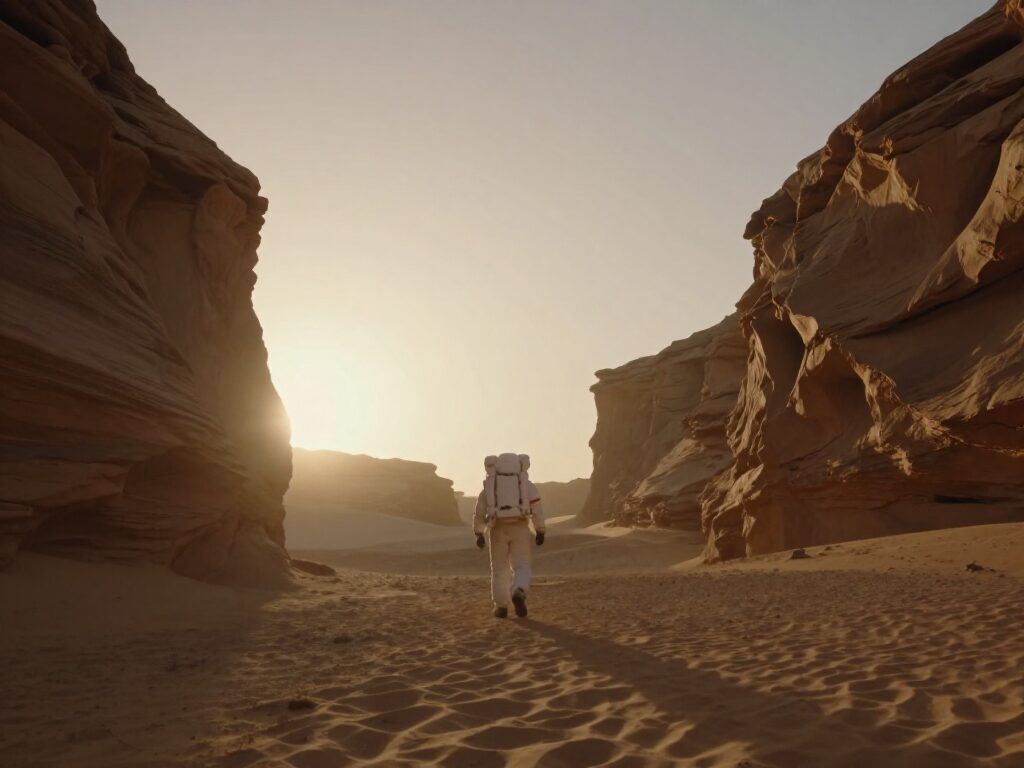
Hailuo 02 - AI Video Generator
Hailuo 02 is MiniMax’s video model. Wandura offers the Standard tier for text to video: write a prompt, choose 6 or 10 seconds, and see the credit price before you create.
 ModelHailuo 02
Key Benefits of Hailuo 02
Text to video
Describe the scene in words and Hailuo 02 Standard returns a video clip. Choose it in the Text to Video tool.
6 or 10 seconds
Pick a 6-second or a 10-second clip for each run; the longer clip costs more credits.
Prompt and length, nothing else
Hailuo 02 Standard has no resolution or aspect-ratio picker on Wandura: you write the prompt, choose the length and generate.
Many models, one account
Hailuo 02 sits in the same model list as Kling, Veo 3.1 and Pika 2.2, so one prompt can be tried on each.
The same credits as every model
Hailuo 02 runs on the same credits as the rest of Wandura, 1 credit = $0.01, with no separate subscription.
Price shown first
The credit cost depends on the clip length and is shown before you confirm.
How to Get the Best Results With Hailuo 02
Start with 6 seconds
Test the prompt at 6 seconds, then lengthen only the take that works: a 10-second clip costs more.
One subject, one action
Describe one subject doing one thing, with the camera move named; a short, specific prompt is easier to judge and to fix.
Compare on another model
Run the same prompt on Kling or Veo 3.1 from the same model list and keep the look you prefer.
FAQ – Hailuo 02
Hailuo 02 is a video model from MiniMax. Wandura offers the Standard tier: you describe a scene in text and get a 6- or 10-second clip.
Wandura is credit-based (1 credit = $0.01). A 6-second Hailuo 02 Standard clip costs 45 credits (about $0.45) and a 10-second clip costs 75 credits. The exact cost is shown on the Generate button before you confirm.
You choose 6 seconds or 10 seconds for each generation.
Wandura offers no resolution or aspect-ratio option for Hailuo 02 Standard; the model sets the frame. The two inputs are your prompt and the clip length.
Open the Text to Video tool, choose Hailuo 02 Standard in the model list, write your prompt and generate. The credit price is shown before you confirm.