AI Product Photo Editor Built for Ecommerce Sellers
Upload your raw product photos and generate polished, shop-ready images with AI. Remove backgrounds, adjust lighting, and resize for every platform—without hiring a designer or learning complex software.
Why Ecommerce Sellers Choose AI Photo Editing
Your product photos determine whether a shopper buys or bounces. Slow turnaround from photographers, expensive studio shoots, and endless back-and-forth with designers slow down how fast you can list new products. Wandura's AI product photo editor handles the image processing that typically requires a designer or photographer—background removal, lighting adjustments, shadow generation, and platform-specific resizing—so you can get products in front of buyers faster. Ecommerce sellers use this to maintain consistent, professional visuals across their catalogs without the overhead.
Start Editing Photos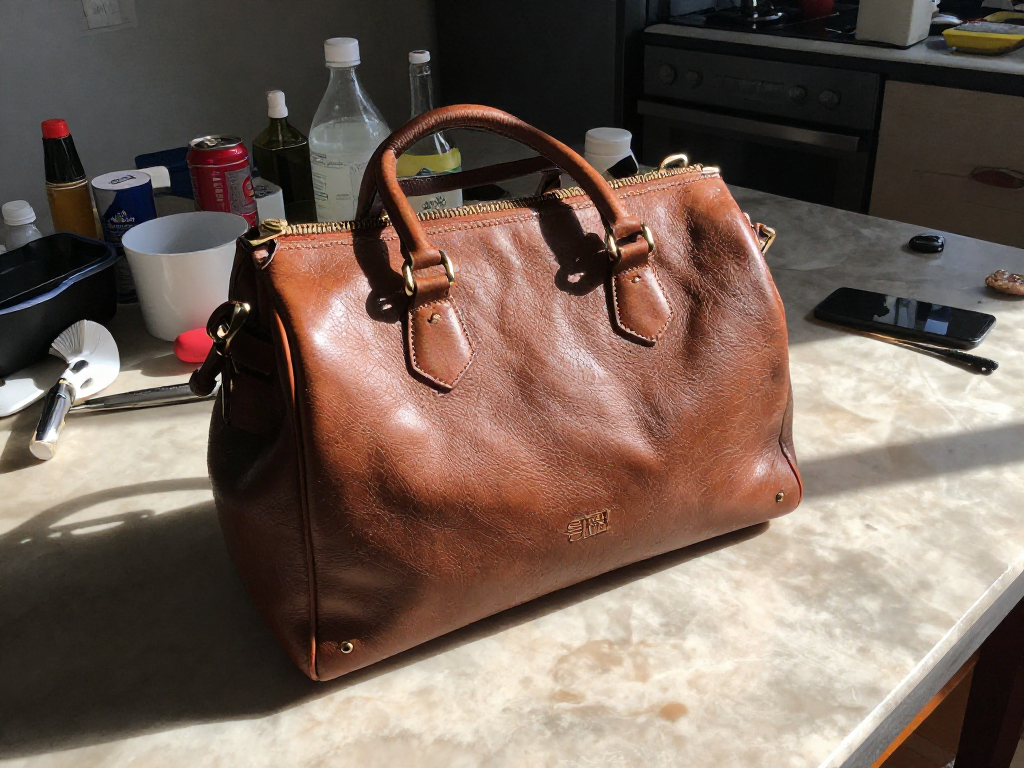
2 AI Models, One Instruction Edit Tool
Listing New Products Faster
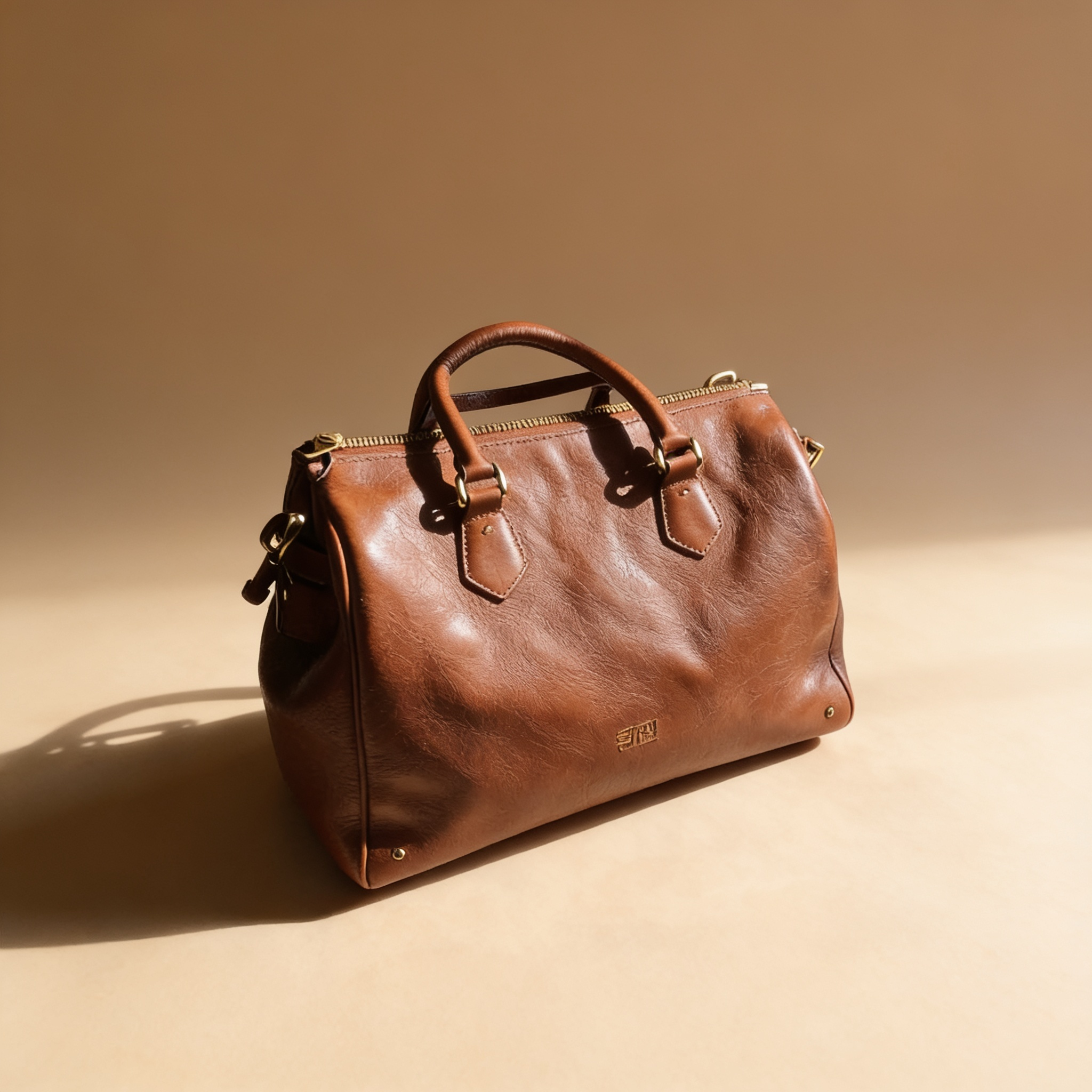
When you find a winning product, speed to market matters. Upload your supplier's stock photos or phone snapshots, clean them up with AI, and have a shop-ready image in under a minute. Skip the waiting period for photographers or designers—your listing goes live the same day you source the product.
Start Editing Photos
Unifying Catalog Image Quality
Supplier photos come in inconsistent styles—different lighting, backgrounds, and angles. If your store looks patchwork, shoppers notice. Use AI to process your entire catalog through the same editing pipeline, producing cohesive visuals that reinforce your brand rather than undermining it.
Start Editing Photos
Creating Platform-Specific Ad Creative
The same product photo rarely works across Amazon, Shopify, Facebook Marketplace, and Instagram. AI handles the resizing, recomposition, and format adjustments needed for each platform's requirements—whether that's a square image for a social feed or a long-tail banner for a PDP.
Start Editing Photos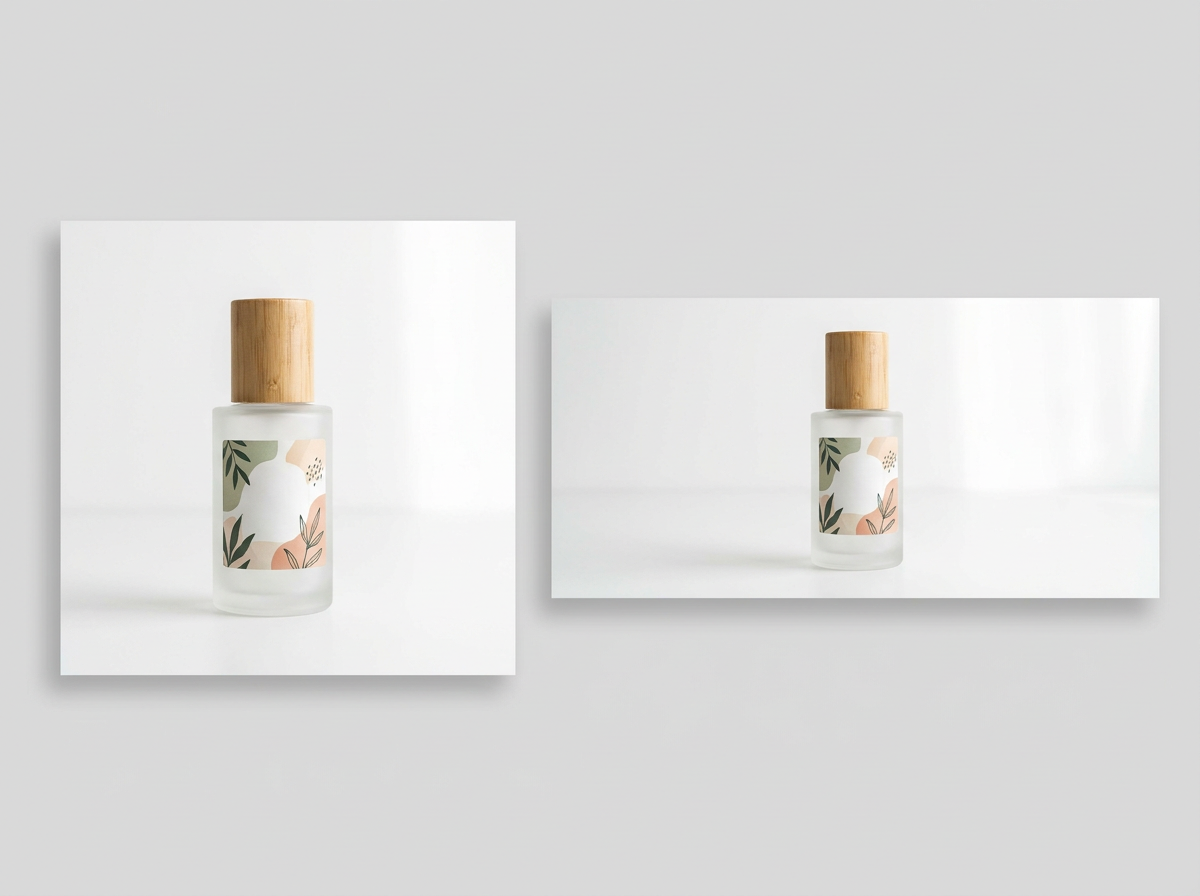
A/B Testing Product Visuals
Which angle converts better? Does a white background or a lifestyle context perform stronger? AI lets you generate multiple visual variations of the same product quickly, so you can test hypotheses and optimize your product pages based on real conversion data rather than guessing.
Start Editing Photos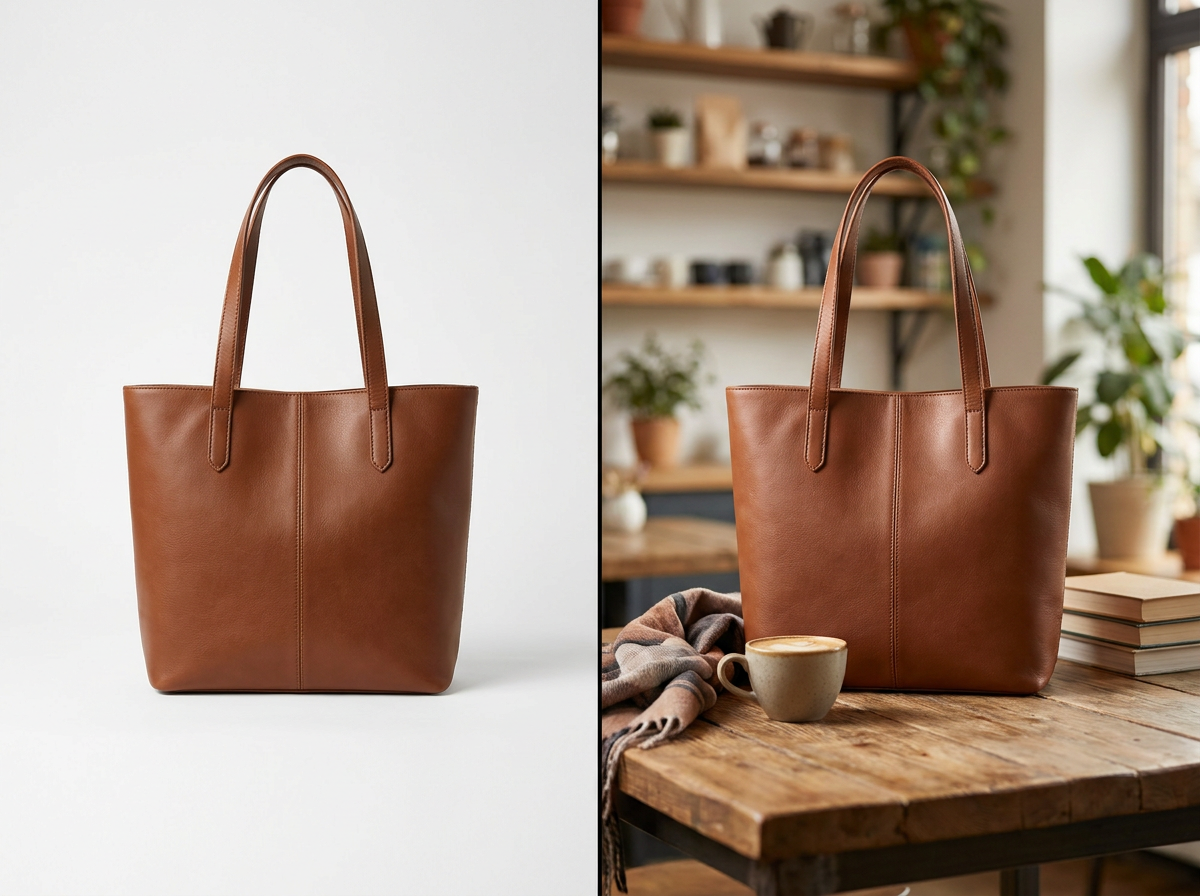
Scaling Without Hiring More Help
Growing your catalog means more photos. Instead of scaling your design budget alongside your SKU count, use AI to produce professional product images on demand. This means a solo seller can manage the same visual output as a small team—with consistent quality and no communication overhead.
Start Editing Photos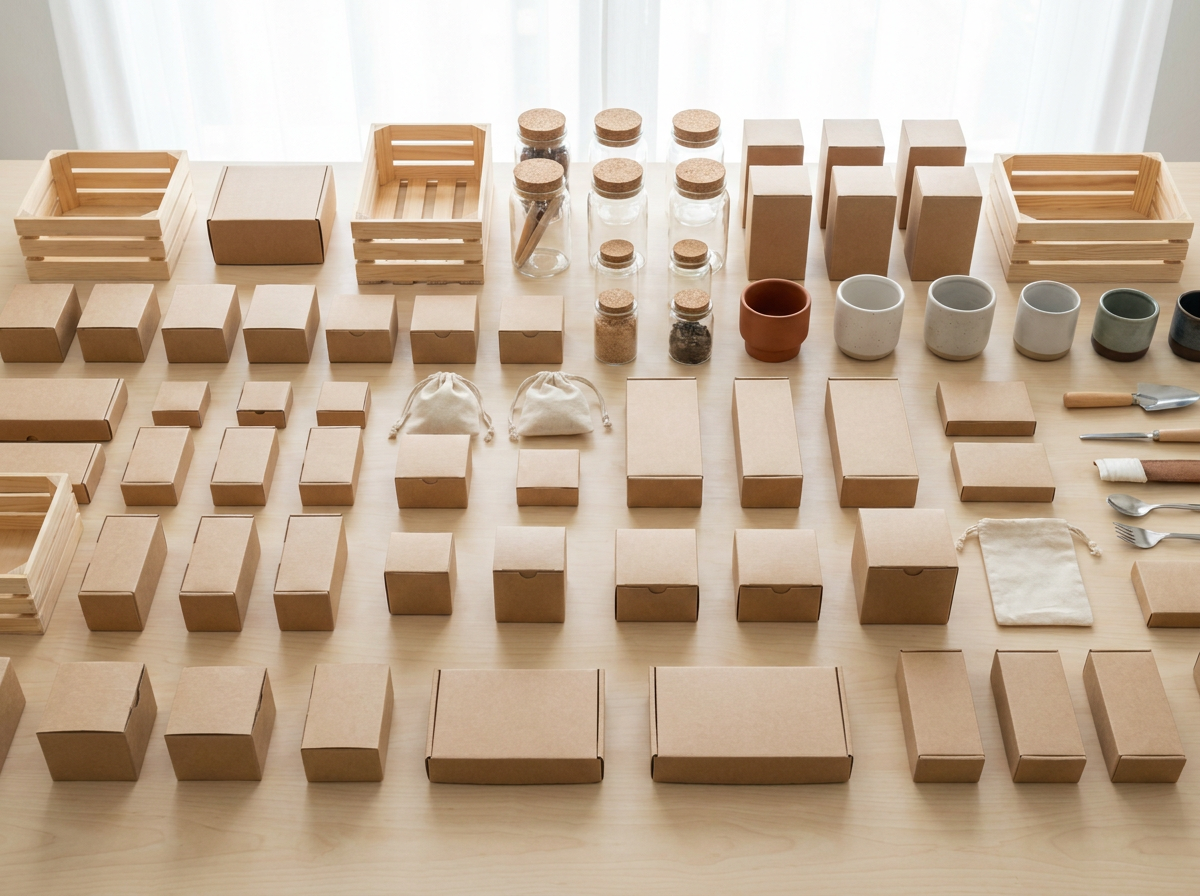
How It Works
Upload your raw product photo
Drag and drop or upload your product image directly in the editor. Works with supplier photos, phone shots, or studio captures—Wandura handles inputs of varying quality.
Choose your output style
Select how you want the image processed: remove the background entirely, place it on a custom scene, adjust lighting, or resize for a specific platform. Describe any adjustments in plain language.
Download and use immediately
Get a polished, ecommerce-ready image in seconds. Export in the format and resolution you need for your store, marketplace listings, or ad campaigns.
How Much Does Instruction Edit Cost?
Every model below runs on one Wandura credit balance — pay only for what you generate, with no separate subscription per model.
| Model | Pricing |
|---|---|
 Nano Banana Pro (Edit) Nano Banana Pro (Edit) | High quality |
 Seedream 4.5 (Edit) Seedream 4.5 (Edit) | Cheap · up to 6 images |
FAQs
Yes. Wandura's AI product photo editor is built for sellers who need consistent, professional product visuals for online stores and marketplaces. The editing workflows target ecommerce requirements like white background compliance, platform-specific sizing, and quick turnaround for high-volume catalogs.
Yes. The AI detects the product boundary and removes the background, replacing it with a clean solid color (typically white for marketplace compliance) or a custom scene of your choice. You don't need to manually trace edges or use selection tools.
Consistency depends on your settings. If you apply the same background style, lighting preset, and output format to all your products, the results will have a unified look. Some sellers set a standard template and process their entire catalog through it for brand consistency.
Wandura accepts common image formats including JPEG, PNG, and WebP. Output resolution depends on your subscription tier—check the current limits on the pricing page to confirm what's available for your plan.
Traditional routes involve waiting for turnaround from a photographer or learning complex tools like Photoshop. Wandura's AI produces usable ecommerce images in seconds without specialized skills. It's not a replacement for a full photoshoot when you need custom art direction, but it handles the bulk of catalog editing at a fraction of the cost and time.