VEED Alternative: Wandura for Advertisers
Why Advertisers Are Looking Beyond VEED
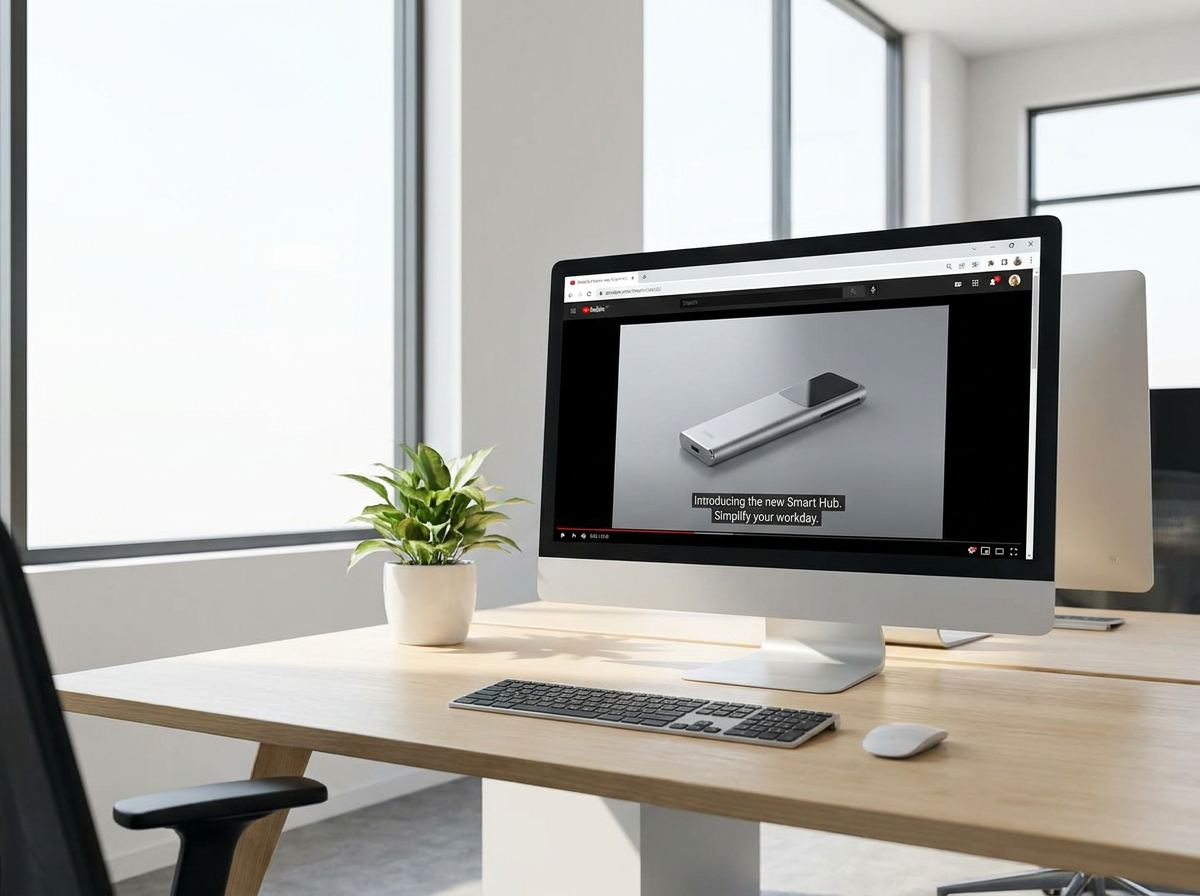
VEED built a solid reputation as an accessible online video editor — subtitles, translation, timeline trims, and quick captions. Its free tier watermarks exports with a "Made with VEED" mark and caps them at 720p, with watermark removal starting on the first paid tier; its public pricing page is JS-gated, so exact numbers aren't listed (plans start from roughly $12/mo, verify current pricing, as of July 2026). VEED is a general-purpose editor rather than a dedicated ad generator. Advertisers operate under different pressures: brand consistency across hundreds of variations, fast turnarounds before campaign launches, and teams that need to move in parallel without stepping on each other's work. Wandura was designed from the ground up for that workflow — a dedicated ad generator on the same frontier models, running on transparent flat-rate credits at $0.01 each so you know a render's cost before you generate it, watermark-free from the Growth plan. If you're producing video at volume for paid media, brand campaigns, or multi-channel rollouts, the gap between a general-purpose editor and a purpose-built production tool becomes significant fast.

Where VEED Actually Wins
Honesty matters here, so let's be direct about what VEED does well — because the right choice depends on understanding both sides clearly.
Quick individual edits without a plan. If you need to trim a clip, add subtitles to a single video, or generate a quick caption file for one-off use, VEED's streamlined interface gets you there faster than opening a full production workspace. For solo creators or small teams handling sporadic video needs, that immediacy is genuinely valuable.
Lower entry barrier for non-designers. VEED's editor leans toward simplicity — fewer options means fewer decisions, which can help team members without video backgrounds get a usable result quickly. The trade-off is that you also get fewer controls when you need them.
Immediate free tier access. VEED offers a free tier — exports carry a "Made with VEED" watermark and are capped at 720p, with watermark removal on the first paid tier (as of July 2026) — but for one-off experimentation or very small-scale use, starting without a credit card is convenient.
Real-time collaboration on simple projects. For small teams doing straightforward video edits, VEED's collaborative features are straightforward to use. The complexity ramps up quickly if you're managing brand guidelines, approval chains, or multiple stakeholders — which is where purpose-built tools pull ahead.

When to Choose Which Platform
Choose Wandura when:
- You're producing video at campaign scale. Running a product launch across 12 markets, each needing 5–10 video variations for different placements? Wandura's template system and bulk generation handle that without manual repetition.
- Brand consistency is non-negotiable. Your legal and brand teams need to lock fonts, color palettes, logo placement, and messaging — not trust individual editors to remember guidelines.
- Your team has defined roles. Strategists, copywriters, designers, and approvers working in sequence or in parallel need tools that support handoffs, permissions, and version control.
- You're integrating into a paid media workflow. Outputting directly to format specs for Meta, YouTube, TikTok, and programmatic placements from a single source reduces redundant export work.
- AI presenter and voice generation need to match your brief. Wandura's AI generation aligns to your script and brand parameters, not just generic voice options.
Choose VEED when:
- You need something fast for a single video. A quick subtitle pass, a last-minute crop, or a one-off social clip — the speed-to-output for simple tasks is hard to beat.
- Your team has no video background and needs the shallowest learning curve. If most of your team creates documents, not videos, VEED's simplicity reduces friction.
- You're on a tight budget and working alone. For freelancers or very small teams with minimal video needs, VEED's pricing and accessibility are practical advantages.
- Bulk production and brand governance aren't on your roadmap yet. If you're not yet at the scale where inconsistency and manual repetition are problems, the extra capabilities of a production platform won't justify the investment.
What This Comes Down To
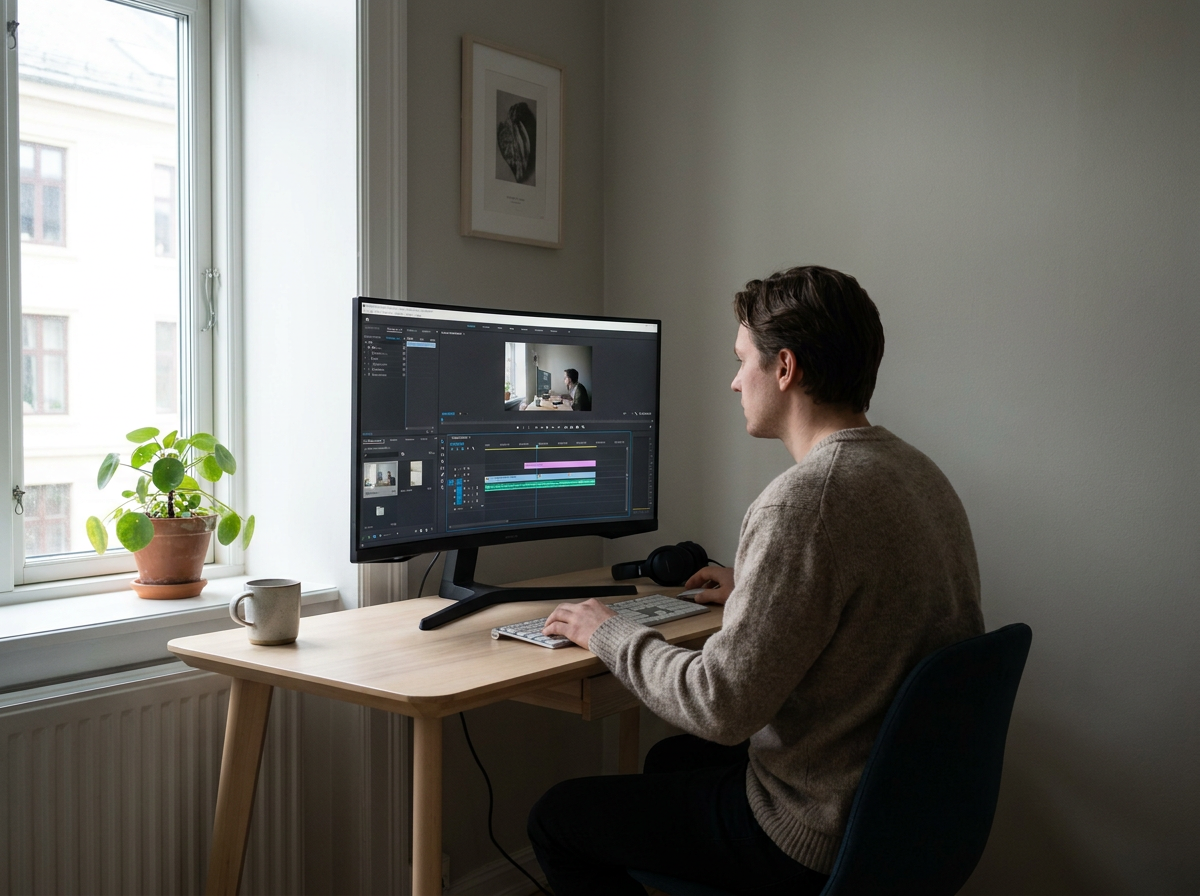
The comparison often feels like comparing a professional video production suite against a consumer-friendly editing tool — because in many ways, that's exactly what it is. VEED excels at democratizing video editing for a broad audience. Wandura is built for teams who've moved past one-off video needs and are producing consistent, high-volume content that must represent a brand correctly every single time.
For advertisers running campaigns, agencies managing multiple client brands, or in-house teams responsible for channel volumes of video — the question isn't really which tool is "better" in absolute terms. It's which tool matches your actual workflow. If you find yourself exporting a VEED project, reimporting it somewhere else, and manually adjusting things that should have been consistent from the start, that's the signal that your workflow has outgrown the tool.
Wandura is built to eliminate those manual handoffs. The brand kit isn't an add-on — it's the foundation. The bulk generation isn't a workaround — it's the default mode. The approval workflow isn't a premium feature — it's how you actually ship on deadline without chasing down version chaos.

Wandura vs VEED: Side-by-Side Comparison
| Feature | Wandura | VEED |
|---|---|---|
| Primary use case fit | Bulk video production for paid ad campaigns | Online video editor for social content |
| Bulk / variation creation | Generates hundreds of variations from templates | General timeline editor, not a bulk generator |
| Brand asset management | Brand kits, approved templates, locked elements | Verify on their site |
| Team collaboration | Role-based access, approvals, real-time co-editing | Verify on their site |
| AI voice and avatar | AI voiceovers and presenter avatars from script | Verify on their site |
| Output format flexibility | Multi-ratio exports (9:16, 16:9, 1:1, 4:5) | Editor with subtitles, format presets |
| Pricing model | Credits $0.01/credit; $15–$109/mo, packs from $10 | Free tier watermarked, 720p; paid from ~$12/mo |
| Learning curve | Some onboarding; built for scale, repeat use | Verify on their site |
| Commercial license | Full commercial rights on all paid plans | Verify on their site |
70+ AI Models in One Studio
 Seedance 2.0
Multimodal cinematic motion up to 4K
 Kling V3 Pro
Cinematic motion with film-grade lighting
 Veo 3.1
Premium realism with native audio
 Sora 2 Pro
Complex scenes and physics at premium quality
 LTX 2.3 Fast
Fastest drafts at the lowest cost
 Nano Banana Pro
High-fidelity images with sharp detail
 Seedream 4.5 Edit
Multi-image editing with up to 6 references
 GPT Image 2
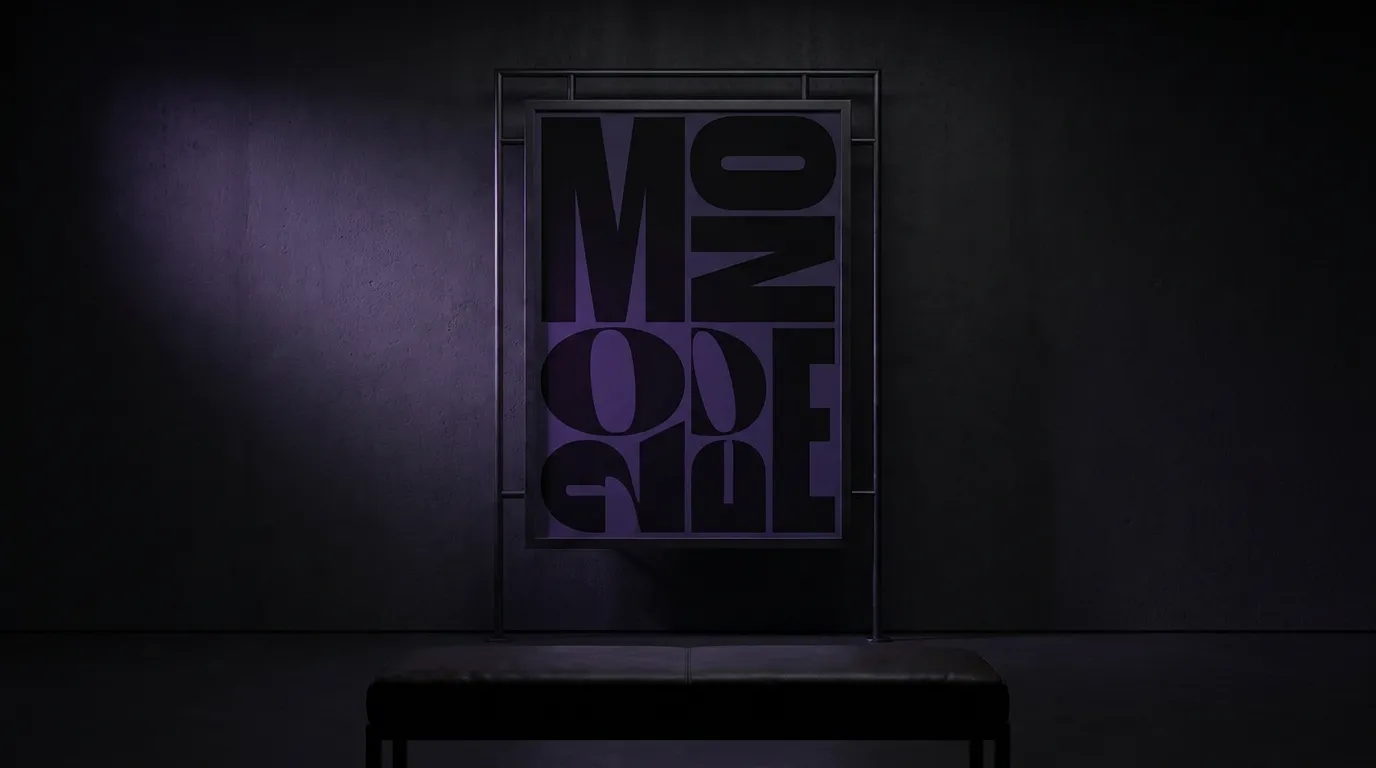
Best-in-class text rendering in images

 FLUX 1.1 Pro
Razor-sharp detail with top-rated realism

 Ideogram V4
Typography and marketing text that stays crisp
 MiniMax Speech 2.8 HD
Natural, high-quality speech synthesis
Explore More Wandura Tools



Plans & Pricing
Wandura runs on transparent credits — 1 credit = $0.01. Choose a monthly plan or top up with credit packs, and pay only for what you generate.
Basic
- ✓Up to 80 images/month
- ✓Up to 17 videos/month
- ✓1 parallel task
Kling 3.0Growth accessVeo 3.1Growth accessGPT Image 2CreditKling 2.6CreditSeedance 2.0CreditStarter
- ✓Up to 132 images/month
- ✓Up to 33 videos/month
- ✓2 parallel tasks
- ✓Audio generation
Kling 3.0Growth accessVeo 3.1Growth accessGPT Image 2CreditKling 2.6CreditGrowth
- ✓Up to 223 images/month
- ✓Up to 88 videos/month
- ✓4 parallel tasks
- ✓Priority support
Kling 3.0Credit accessVeo 3.1Credit accessNano Banana ProCredit accessGPT Image 2CreditKling 2.6CreditSeedance 2.0CreditAgency
- ✓Up to 500 images/month
- ✓Up to 124 videos/month
- ✓8 parallel tasks
- ✓Commercial license
Kling 3.010-Day UnlimitedVeo 3.110-Day UnlimitedNano Banana Pro10-Day UnlimitedGPT Image 2CreditKling 2.6CreditSeedance 2.0CreditCredit packs (no subscription): 1,000 credits for $10 · 6,250 credits for $50 (save 20%) · 14,000 credits for $100 (save 33%). Packs stay valid for 90 days. Growth and Agency plans add watermark-free exports, faster generation, and priority support; Agency includes 10-day unlimited access to Premium Exclusive models each cycle.
See What You Can Create





Try Wandura for Your Next Campaign
If your team is producing video that needs to be consistent, on-brand, and ready for paid placements — Wandura is worth 30 minutes of your time. Start with a template, connect your brand assets, and see what bulk production feels like when the workflow is built for it.
No credit card required for initial exploration. Production-ready output is the goal.