AI Sticker Generator Built for Creators
Turn any idea into a print-ready or digital sticker in seconds. Wandura's AI sticker generator handles the design work so you can focus on creating.
Why Creators Use AI for Sticker Design
Stickers occupy a unique space in creator branding — they're recognizable, collectible, and endlessly adaptable. The challenge has always been translating a concept into a polished design without spending hours in illustration software. Wandura's AI sticker generator gives creators a faster path from idea to finished asset. Whether you need one custom piece or a batch for a product line, the tool generates clean, well-composed stickers you can use directly or refine further.
Start creating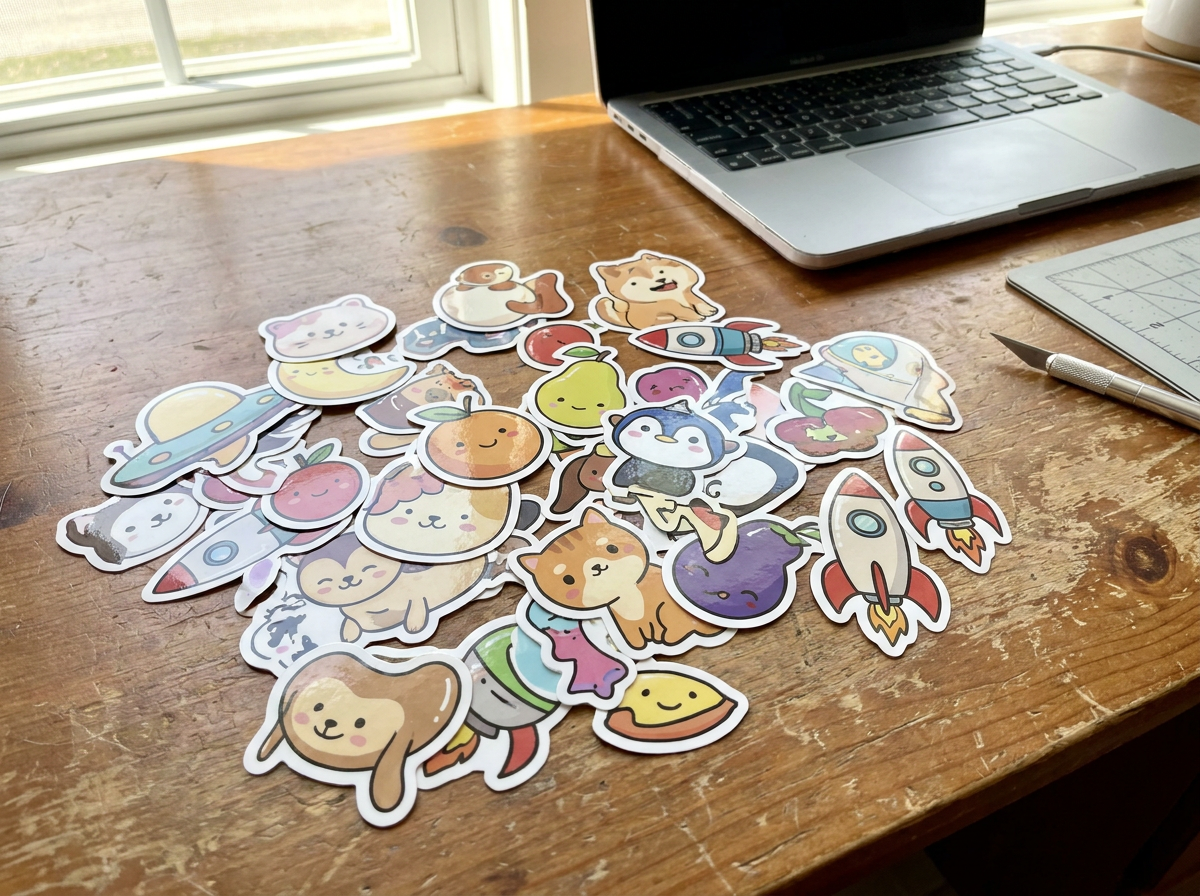
9 AI Models, One Text → Image Tool
Merch and Product Design
Launching a sticker line for your brand or event takes time when you're drafting designs from scratch. Use the AI sticker generator to produce initial concepts, test variations, and lock in final designs faster. You get production-ready assets without needing a separate design phase.
Start creating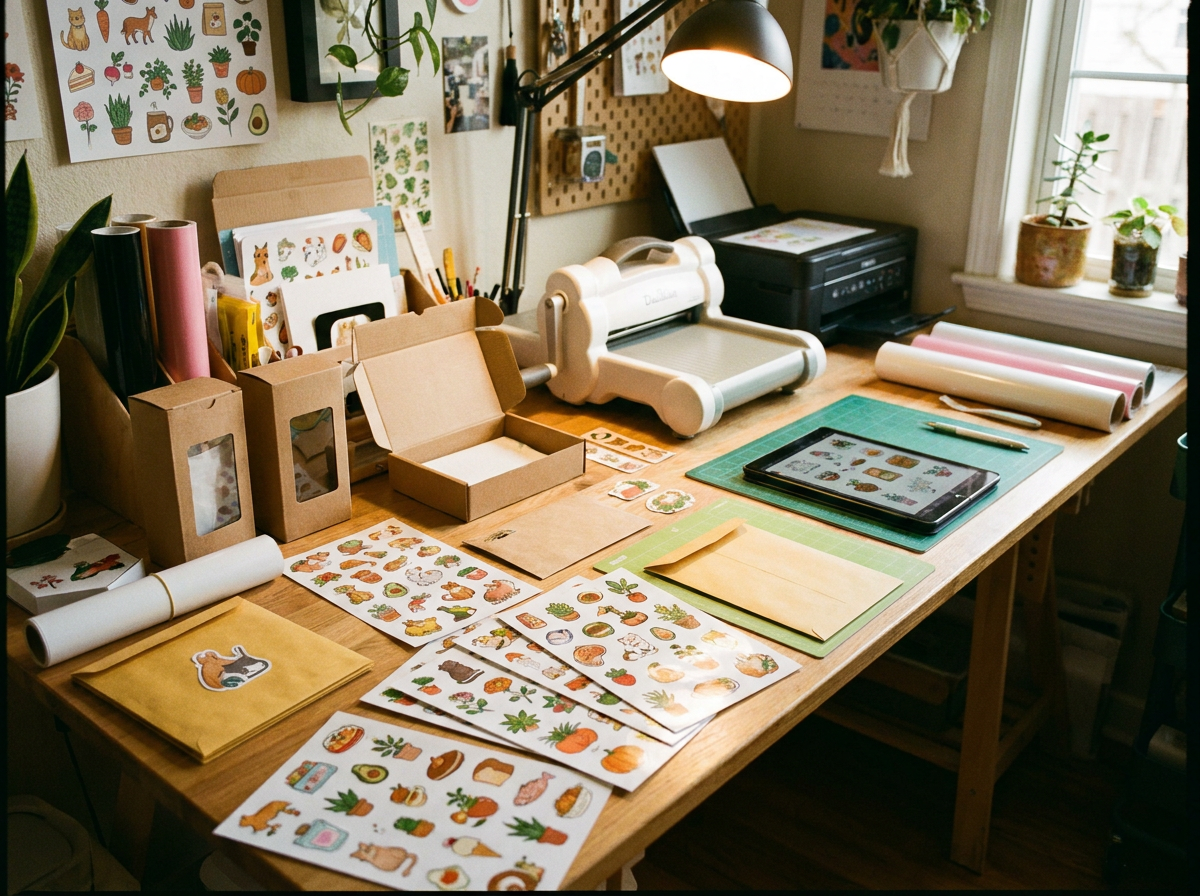
Social Media and Content Creation
Custom stickers add personality to your posts, stories, and videos across platforms. Generate platform-specific sticker sets that match your content style, then export them for use in your favorite editing tools or direct upload.
Start creating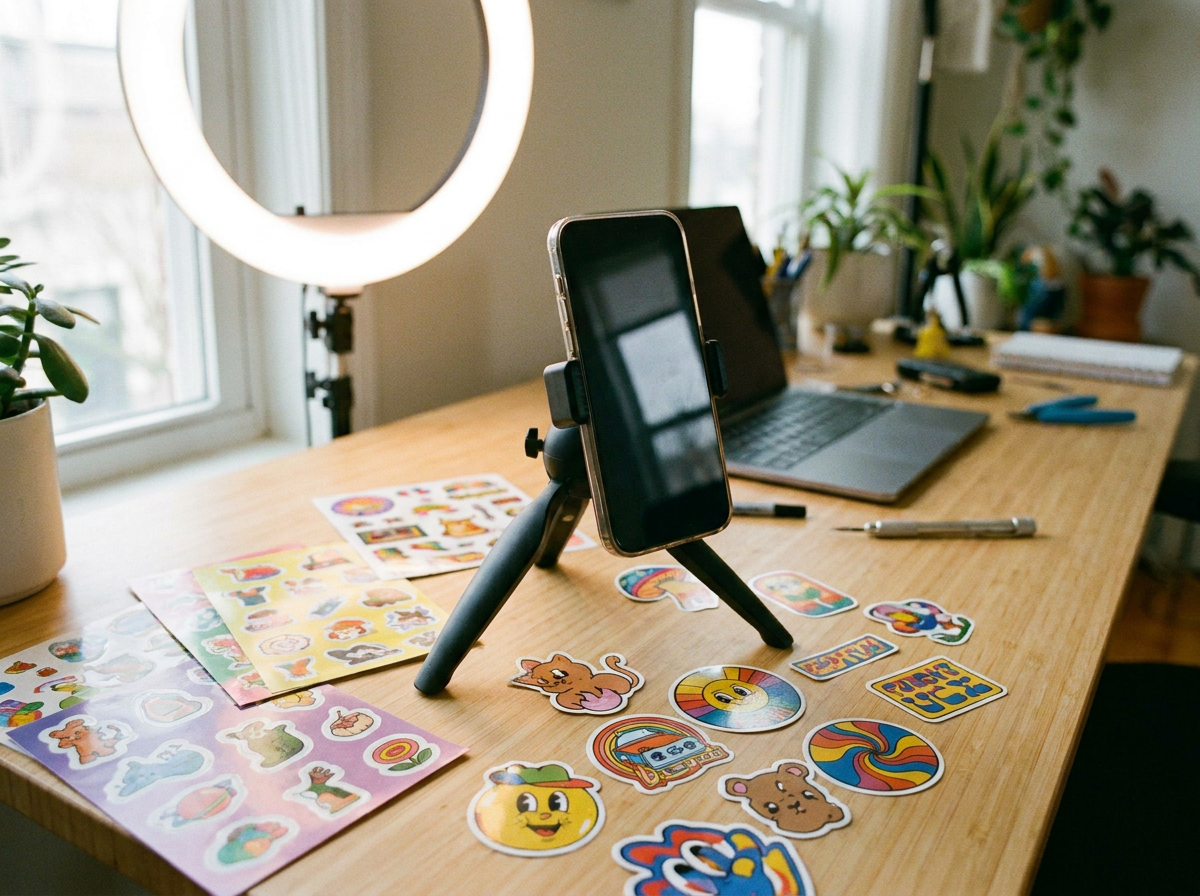
Character and Brand Illustration
Turn written descriptions into illustrated sticker characters. Describe your mascot, avatar, or brand icon in plain language and let the AI interpret the design. This works especially well for creators who can concept but want to skip the technical illustration work.
Start creating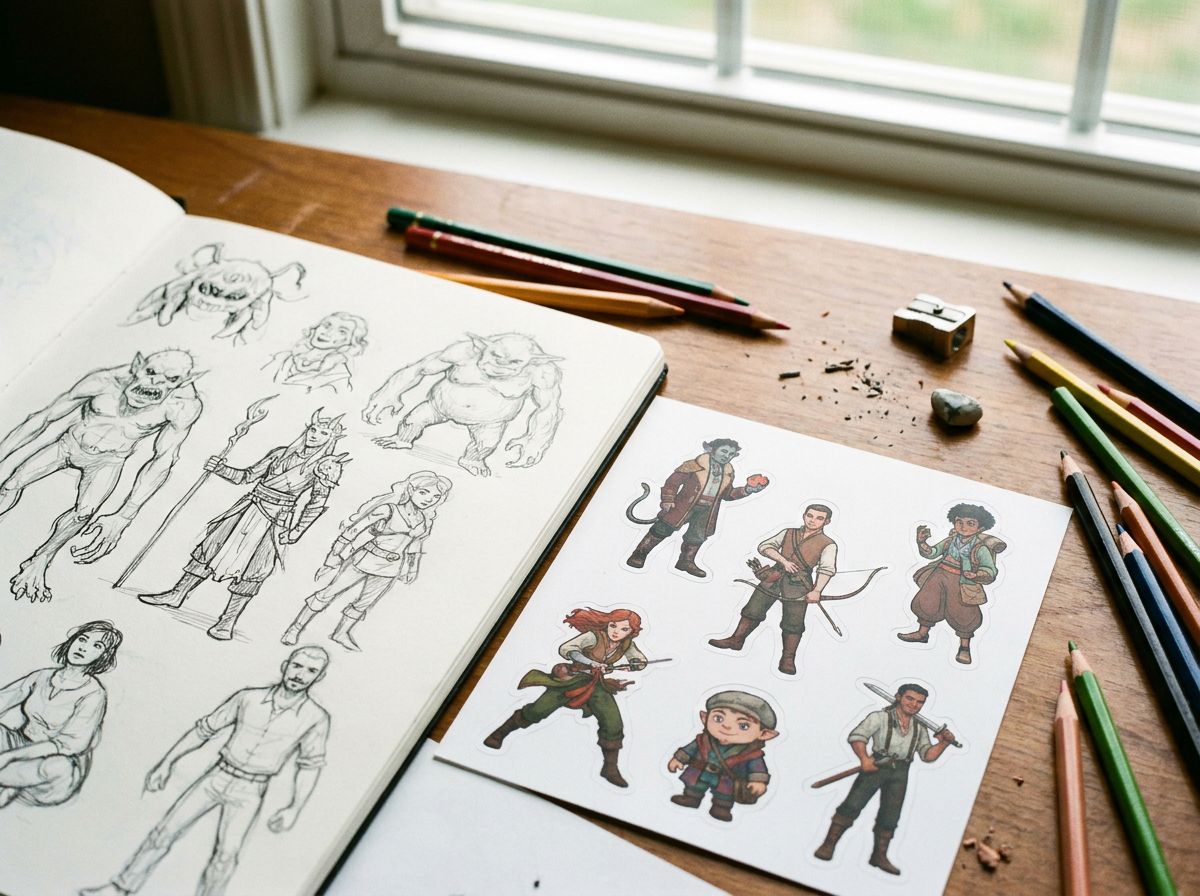
Event and Community Swag
Conferences, meetups, and online communities all benefit from custom stickers. Generate cohesive sticker packs for events in a single session — matching colors, styles, and themes across multiple designs without manually drawing each one.
Start creating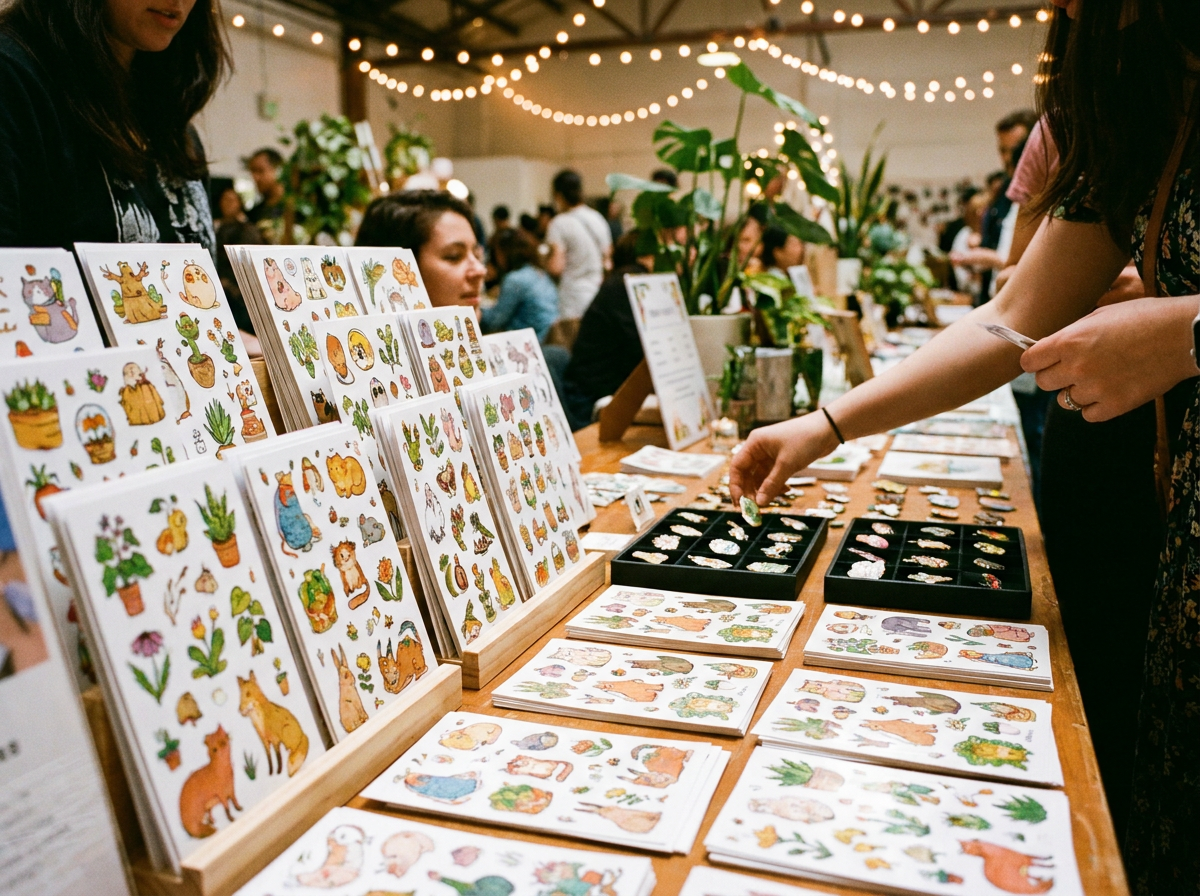
How It Works
Describe your sticker concept
Enter a text prompt describing what you want — the subject, style, colors, and any specific details. The more specific your description, the closer the output matches your vision.
Generate and preview variations
The AI produces multiple sticker options based on your prompt. Preview each one, then select the direction you want to develop further or iterate with adjusted prompts.
Export and use
Download your finished sticker in a format suited for print or digital use. Stickers are generated with clean edges and transparent backgrounds where appropriate, ready for your workflow.
How Much Does Text → Image Cost?
Every model below runs on one Wandura credit balance — pay only for what you generate, with no separate subscription per model.
| Model | Pricing |
|---|---|
 Nano Banana Pro Nano Banana Pro | High quality |
| Nano Banana 2 | Latest · multi-resolution |
 GPT Image 2 GPT Image 2 | Strong text |
 Ideogram V4 Ideogram V4 | Typography/CTA |
 FLUX 1.1 Pro FLUX 1.1 Pro | Highest Elo |
 Seedream 5.0 Lite Seedream 5.0 Lite | Balanced · up to 6 images |
 Qwen Image 2.0 Pro Qwen Image 2.0 Pro | 2K native · typography |
| Recraft V3 | SOTA · long text |
 Z-Image Turbo Z-Image Turbo | Fast · cheapest |
FAQs
Wandura exports stickers in formats suitable for both digital and print use. You can select your preferred format when downloading based on whether you're using the stickers online or sending them to a printer.
Yes — you get full commercial rights on all paid plans, so you can use the stickers in products for sale.
The AI generator produces finished sticker designs in seconds at a fraction of the cost of custom illustration. For quick prototyping, high-volume sticker sets, or creators with concept ideas but limited design skills, it replaces the initial design phase. Complex or highly specific artistic direction may still benefit from human refinement.
You can iterate by feeding the AI new or modified prompts based on what you liked in the initial output. For additional editing, export the sticker and work on it in your preferred image editor before finalizing.
Yes. The AI handles everything from basic icon-style stickers to detailed illustrated characters. Describe the complexity level you want in your prompt, and the output adjusts accordingly.