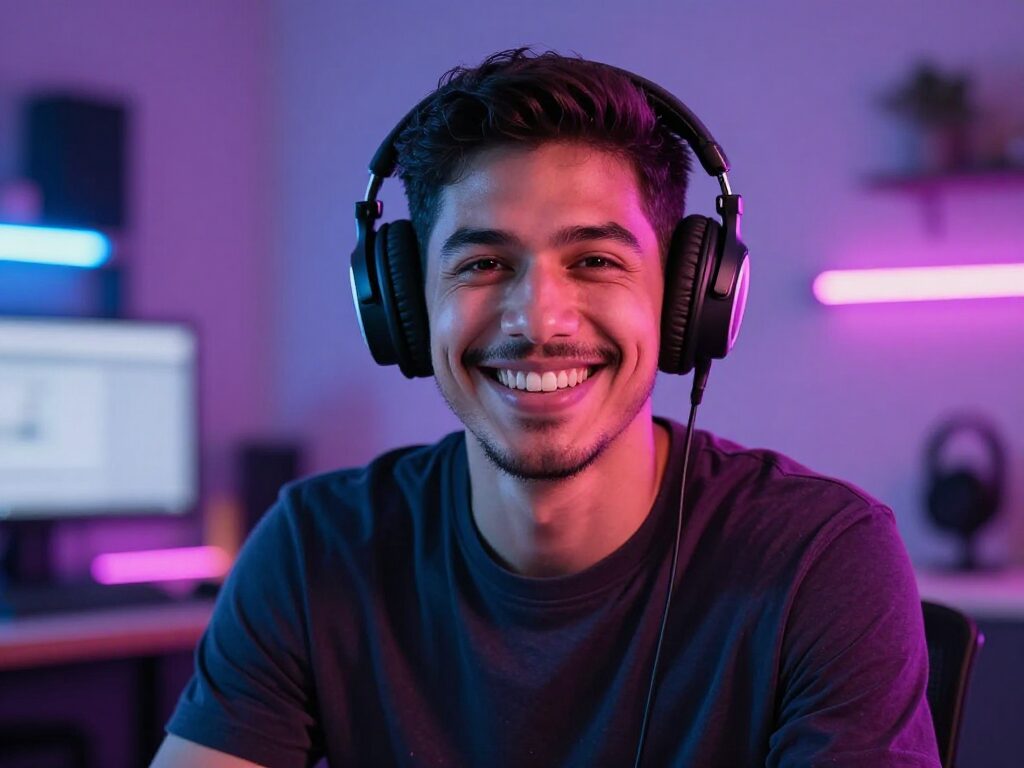
AI Lip Sync
Upload a face video and an audio track — Wandura syncs the mouth movement to every word and hands back a ready-to-share clip. No reshoots, no actors, no manual keyframing.
Realistic AI Lip Sync in Minutes
Wandura Lip Sync aligns the mouth in any face video to any voice track: a new recording, a translated dub, or a Text to Speech export. Two real engines sit behind one widget — Sync Lipsync v2, the default, with a Fast/Pro quality switch for sharper mouth shapes, and Kling Lipsync, a cheap draft option for quick tests. Both show their real price before you spend anything, and every result lands in your Creations library ready to download or chain onward.
Try Lip SyncMatch Any Voice to Any Face
AI lip sync aligns a face or on-screen presenter to a new audio track, so a single piece of footage can speak a new script — or a new language. It is the backbone of AI avatars, dubbing, and localized ad variants where the visuals stay the same but the message changes per market.
Use clean, front-facing footage and clear audio for the tightest sync. Combine it with text-to-speech to go from script to a talking, on-message clip without ever stepping in front of a camera.
2 AI Models, One Lip-sync Tool
Dub Videos into Any Language
Re-voice a talking video with a translated track and keep the mouth movement believable — one recording becomes localized versions for every market without putting the speaker back in front of a camera. Drag the slider: the original clip on one side, the same face re-synced to a new voice track on the other.
Try Lip SyncFix the Audio Without Refilming
Flubbed a line, changed the script, or need a cleaner voice take? Record the corrected audio, sync it back onto the original footage, and ship the video as if it was said right the first time.
Try Lip SyncGive AI Characters a Voice
Pair Lip Sync with Text to Speech or Voice Clone output to make generated characters, avatars and spokespeople actually speak your script — then chain the result into other video tools without re-uploading.
Try Lip SyncCharacter-Led Social Content
Turn a short face clip into talking content for TikTok, Reels or Shorts — commentary, skits, reactions. Kling Lipsync's draft pricing at $0.0028 per second makes iterating on short clips nearly free.
Try Lip SyncDraft Cheap, Finish Sharp
Test the pairing on Kling Lipsync first, then rerun the keeper on Sync Lipsync v2 — Fast for the standard render, Pro when you want the most precise mouth shapes for a hero asset.
Try Lip SyncHow It Works
Step 1: Upload a face video
Add a video with a clear, visible face — front-facing footage of a single speaker syncs best.
Step 2: Add your audio
Upload the voice track the face should speak — a recording, a dub, or a Text to Speech export.
Step 3: Pick quality and create
Choose a model and Fast or Pro quality, hit Create, and the synced clip is saved to your Creations.
How Much Does Lip Sync Cost?
Every model below runs on one Wandura credit balance — pay only for what you generate, with no separate subscription per model.
| Model | Pricing |
|---|---|
 Sync Lipsync v2 Sync Lipsync v2 | Default (pro 1.67×) |
 Kling Lipsync Kling Lipsync | Draft |
FAQs
Lip Sync takes a face video and an audio track and generates a new video where the mouth movement matches the audio — so the speech looks naturally spoken instead of dubbed over.
Exactly two files: a video that contains a clear, visible face, and an audio track with the speech you want synced onto that face. There is no script or prompt — the face speaks whatever is in the audio.
Sync Lipsync v2 is the default at $0.05 per minute of audio (Pro quality costs 1.67× that). Kling Lipsync is a draft option at $0.0028 per second — great for quick tests. Both prices are shown next to the model before you create.
On Sync Lipsync v2, Fast is the standard render and Pro spends more compute for sharper, more precise mouth shapes at 1.67× the price. Kling Lipsync renders at its single draft quality — the Fast/Pro switch does not change its output.
A clip where the face is clearly visible, well lit and reasonably large in frame — ideally one speaker facing the camera. Footage where the face is tiny, obscured or absent will not sync properly, so check your clip before spending credits.
Sync Lipsync v2 has no fixed limit — you pay per minute of audio. Kling Lipsync requires audio between 2 and 60 seconds and video between 2 and 10 seconds, so keep drafts short or switch to Sync Lipsync v2 for longer content.
Clean, clearly spoken speech gives the most accurate mouth shapes — background music and heavy noise make timing harder to track. Any common audio format works; on Kling Lipsync keep it within the 2–60 second window.
Generation runs asynchronously in the background — most clips finish within a few minutes. You can leave the page; the result lands in your Creations when it is ready.
Lip Sync starts from a video plus audio — it re-times the mouth in footage that already moves. Talking Avatar starts from a still photo plus audio and animates the whole face from scratch. Have footage? Use Lip Sync. Only a portrait? Use Talking Avatar.