AI Multi-Character Generator
Bring characters from different photos into one scene. Upload 2 to 4 character images, describe where they meet — a café, a stage, a fantasy battlefield — and Wandura composes them into a single picture while keeping every character recognizably themselves.
Two to Four Characters, One Coherent Scene
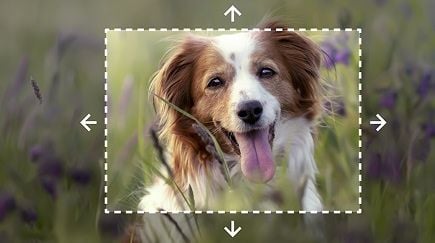
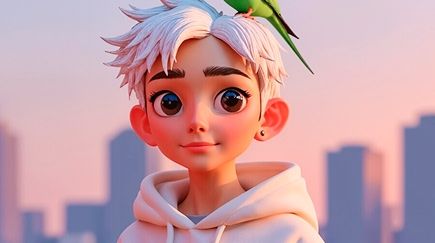
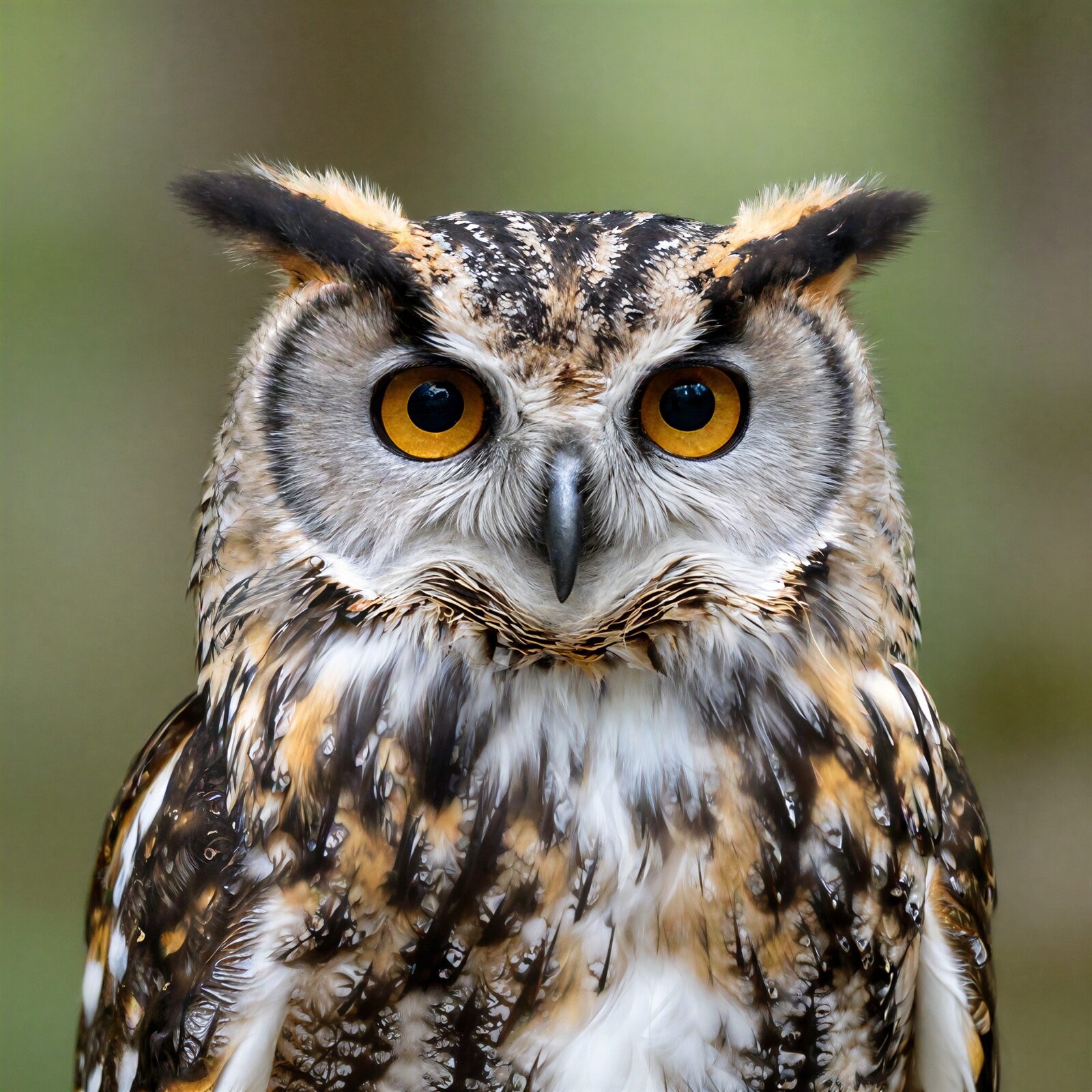
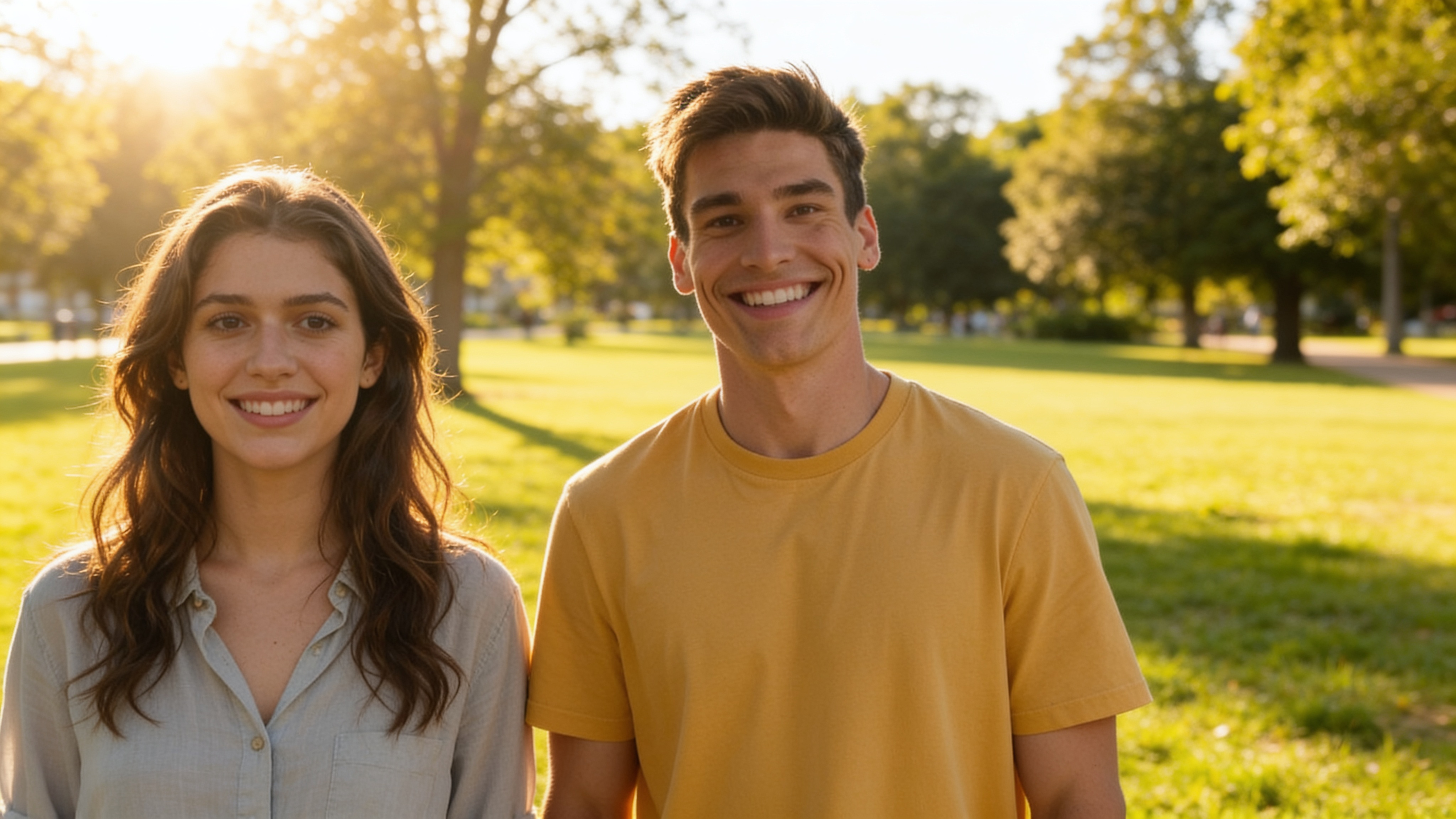
Each upload anchors one character: face, outfit and distinctive details carry over into the generated scene instead of being repainted from scratch. Nano Banana Pro (Edit) delivers the highest fidelity with resolution up to 4K; Seedream 4.5 (Edit) costs a fraction of that and generates up to 6 variations per run, so you can explore scene ideas cheaply before committing to a final render. The scene shown here is a real generation: two separate reference photos — a young woman and a man in a yellow jacket — composed into one park scene together.
Try AI Multi-Character Generator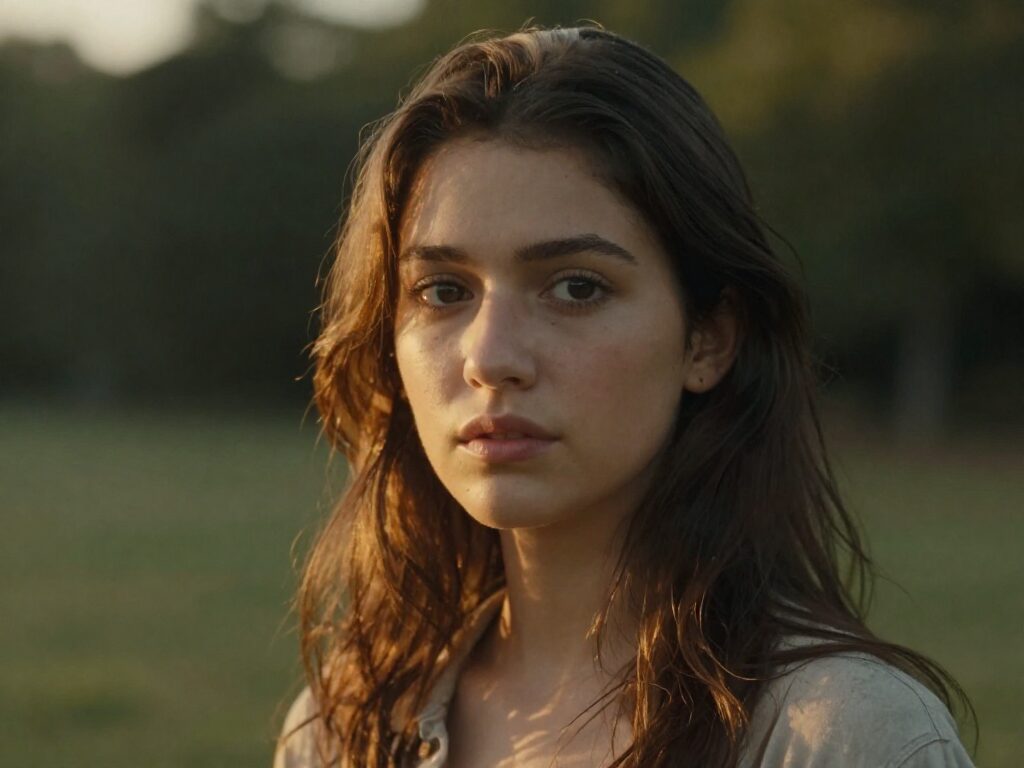
2 AI Models, One Multi-Character Tool
Group Portraits That Never Happened
Combine separate portraits into one group shot — friends who live on different continents, a family photo including someone who missed the gathering, or your whole D&D party finally standing in the same tavern. Identity preservation keeps each face true to its source photo — the generated park scene here brought two people from entirely separate photos together.
Try AI Multi-Character Generator
For Storytellers: Put Your Cast in One Frame
Comic artists and webnovel writers can upload each character reference separately and prompt the interaction: "arguing over a map", "back to back under neon rain". The scene prompt directs the action; the reference images keep every character on-model.
Try AI Multi-Character GeneratorFor Creators: Crossover and Duet Content
Place two influencer personas in one shot, stage a "collab" between mascots, or drop your original character next to a friend's. Pick the aspect ratio per run so the result lands natively on any platform without cropping anyone out.
Try AI Multi-Character GeneratorDirect the Scene with a Prompt
The scene prompt controls setting, mood and interaction: "the characters sitting together in a café", "walking a rainy street at night, cinematic lighting". Keep it about the scene — the character images already carry who everyone is.
Try AI Multi-Character GeneratorExplore Cheap, Finish in 4K
Generate up to 6 scene variations per run on low-cost Seedream 4.5 to find the composition that works, then rerun the winner on Nano Banana Pro with the resolution setting at 2K or 4K for a delivery-ready image.
Try AI Multi-Character GeneratorHow It Works
Step 1: Upload 2–4 Character Images
Add a photo for each character you want in the scene — two is the minimum, four the maximum. Clear, well-lit references give the most faithful results.
Step 2: Describe the Scene
Write a scene prompt describing where the characters are and what they are doing, then pick a model, aspect ratio and image count.
Step 3: Generate and Reuse
Results are saved to your Creations — download them, or chain the scene into another tool: upscale it, restyle it, or animate it into video.
How Much Does AI Multi-Character Generator Cost?
Every model below runs on one Wandura credit balance — pay only for what you generate, with no separate subscription per model.
| Model | Pricing |
|---|---|
 Nano Banana Pro (Edit) Nano Banana Pro (Edit) | High quality |
 Seedream 4.5 (Edit) Seedream 4.5 (Edit) | Cheap · up to 6 images |
FAQs
It composes 2 to 4 characters — each defined by its own reference photo — into one newly generated scene. The AI preserves each character's identity, so faces and distinctive details stay recognizable in the combined image.
Between 2 and 4 per run. Two character images are the minimum — the tool will ask for a second one if you upload only a single photo — and four is the maximum.
Upload one image per character, write a scene prompt describing the setting and action, then pick a model, aspect ratio and image count. The references are sent together to the model, which generates one scene featuring all of them. Jobs run in the cloud — no local GPU needed.
Yes — the tool is built for identity-preserving composition, so each character carries its face, outfit and details from its reference photo into the scene. Generating a few variations per run helps you pick the most faithful take.
AI Character Generator creates a single character from a text description — no photo needed. Multi-Character Generator starts from photos of characters you already have and puts several of them into one scene together. Use Character Generator to invent someone new; use Multi-Character to make existing characters meet.
Two models: Nano Banana Pro (Edit) — highest quality, with a resolution setting up to 4K and up to 4 images per run — and budget-friendly Seedream 4.5 (Edit) with up to 6 variations per run. Real credit prices are shown in the widget; credits are deducted only when you generate.
Describe the setting, the mood and what the characters are doing: "the characters sitting together in a café, warm afternoon light". You don't need to describe the characters themselves — the reference images handle that.
Yes — pick any aspect ratio preset per run, choose 1–4 images on Nano Banana Pro (Edit) or 1–6 on Seedream 4.5 (Edit), and on Nano Banana Pro set the resolution to 1K, 2K or 4K.
Every generation lands in your Creations library — preview, download, or chain the scene into another tool: upscale it, remove the background, or turn it into a video.