Photo Face Swap
Swap a face from one photo onto a target image in seconds. Upload the face you want to use and the photo to place it in — no prompt, no editing skills needed.
Swap Faces in Photos Instantly
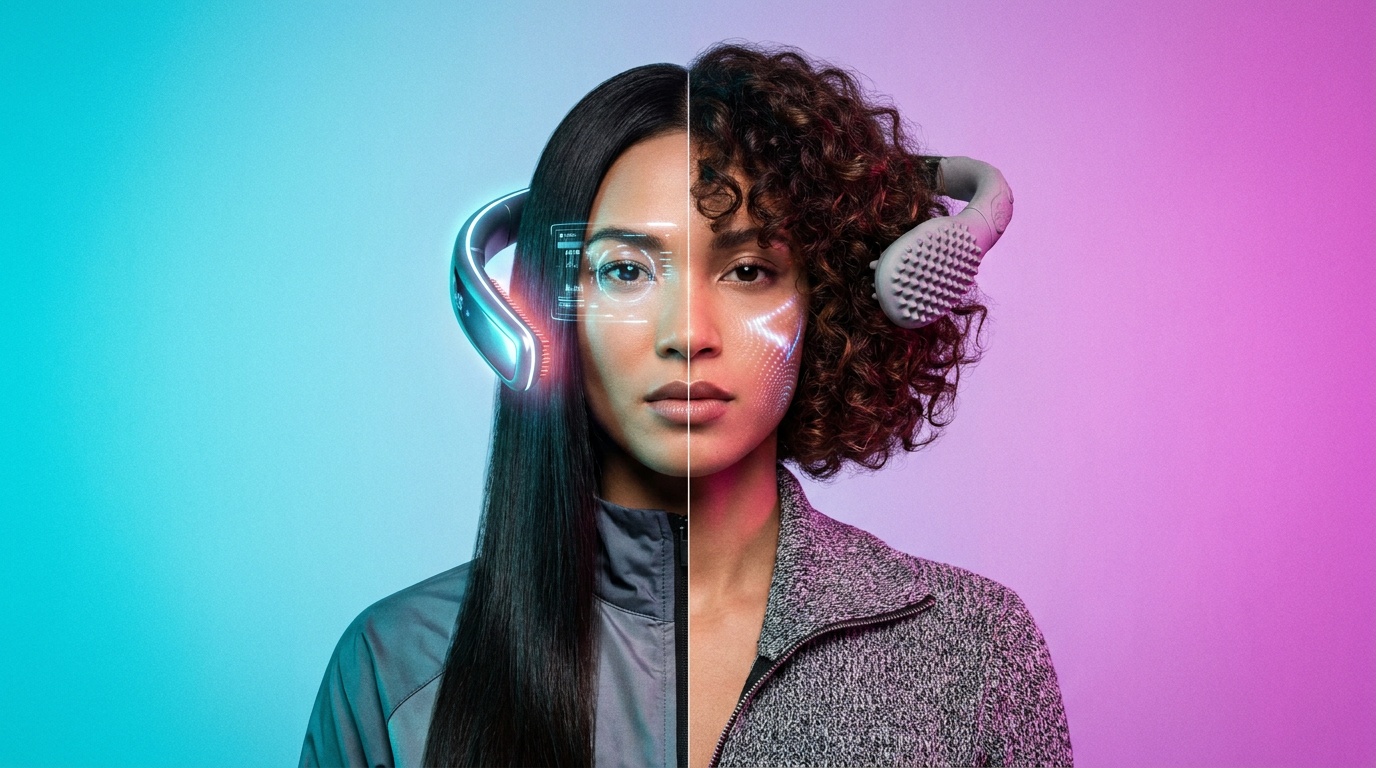
Wandura Face Swap blends the face from one photo onto a person in another while keeping the target’s pose, lighting and scene intact. No prompt to write, no masks to draw — upload two photos and hit Create.
Try Face Swap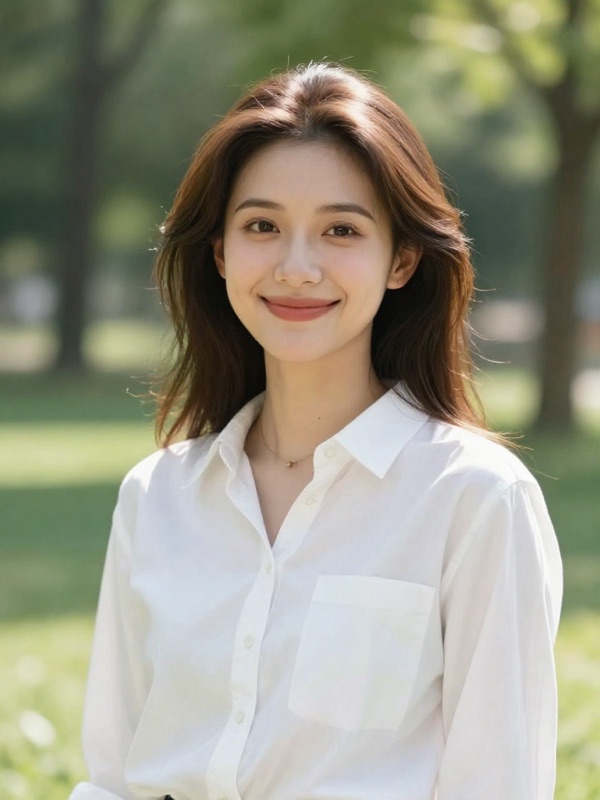

1 AI Model, One Face Swap Tool
Put Yourself in Any Scene
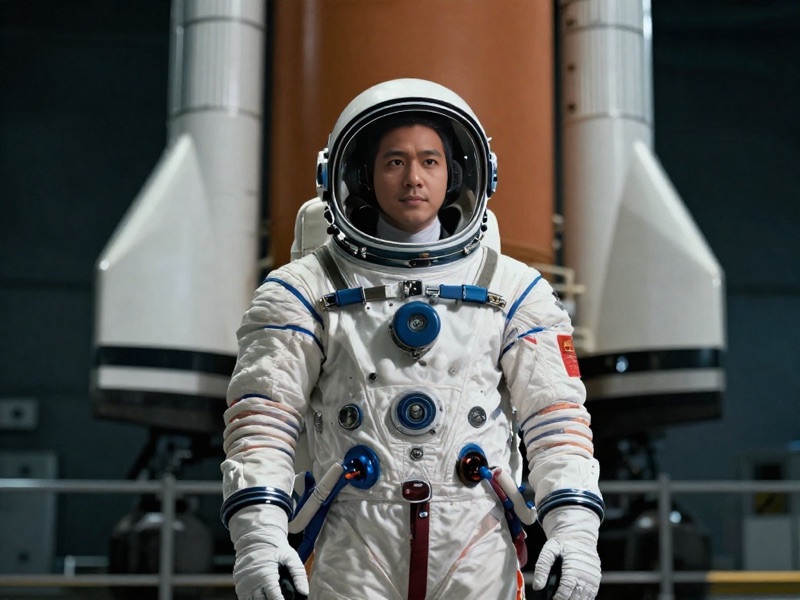
Drop your face into costumes, movie-style shots or dream scenarios — astronaut, athlete, historical figure. The target photo keeps its lighting and mood, so the result looks like it was shot that way.
Try Face Swap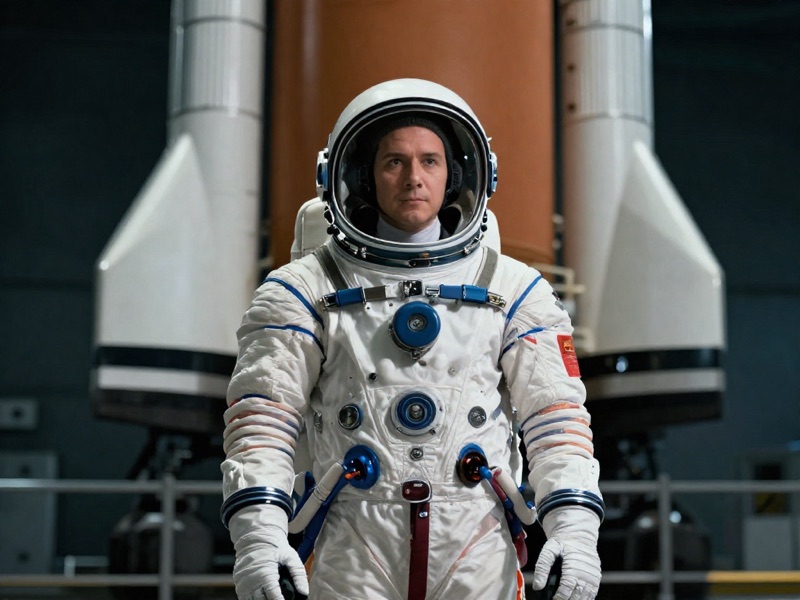
Create Fun Content for Social Media
Swap faces with friends, recreate memes or refresh old group photos. One photo of the face is all you need — then chain the result into Image to Video to bring it to life.
Try Face Swap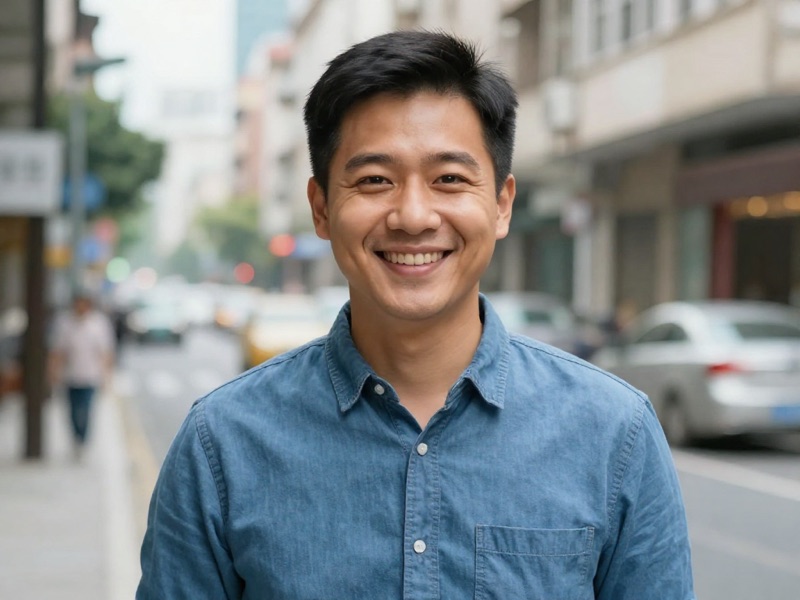
One Face, a Whole Campaign of Visuals
Keep the same presenter across every marketing visual: swap the face into different outfits, sets and moods generated by the image tools. At $0.02 per swap you can produce a consistent character across dozens of shots for pennies.
Try Face SwapPreview Hairstyles and Looks on Yourself
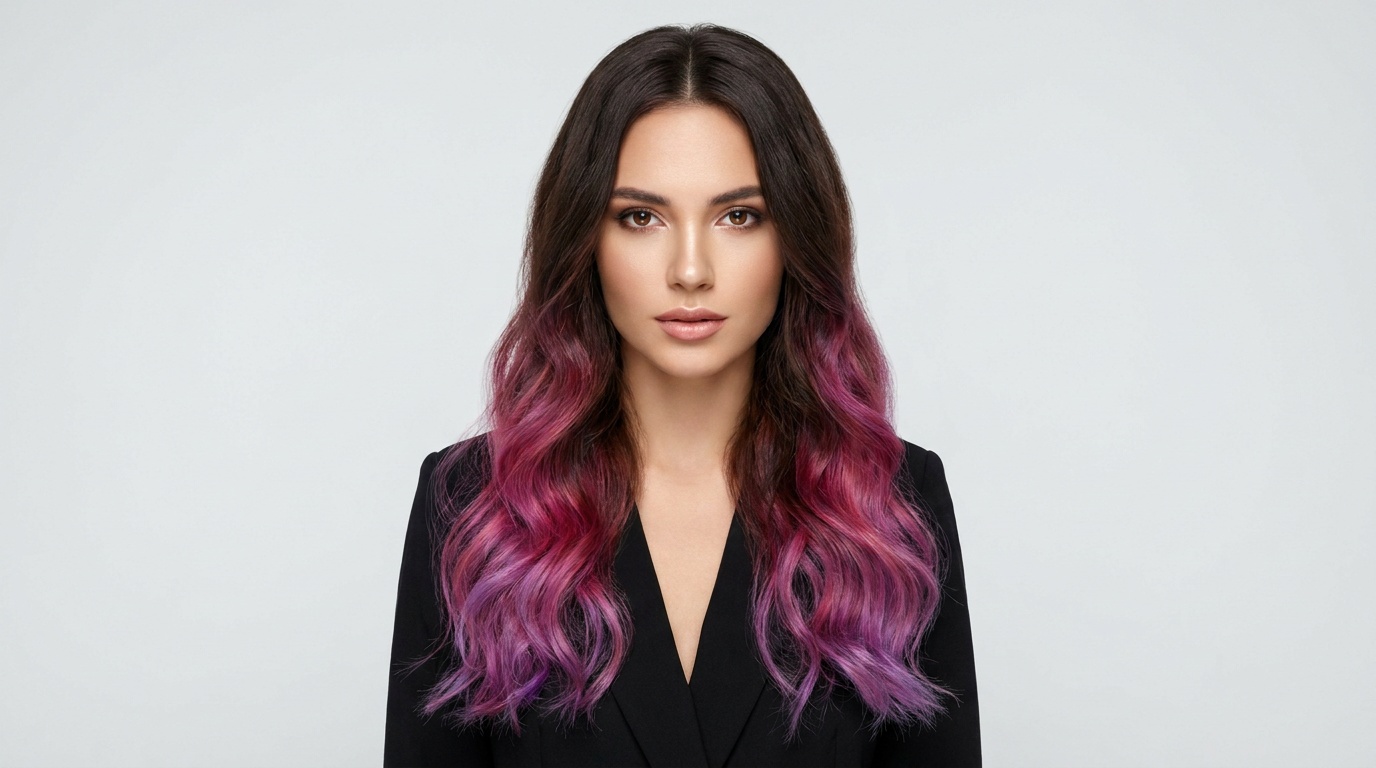
The swap replaces facial identity but keeps the target photo’s hair, pose and lighting — which makes it a fast way to preview a haircut, color or whole style on your own face. Collect target photos of looks you like and try them all for $0.02 each.
Try Face SwapSwap Into Scenes You Generate Yourself
Face Swap pairs naturally with the image tools: generate the exact scene you want with Text to Image — any outfit, era or setting, as long as it has a clear face — then swap yourself in. When no photo of the scenario exists, you can simply make one.
Try Face SwapHow It Works
Step 1: Upload a face
Add a clear photo of the face you want to use.
Step 2: Pick the target
Upload the image where the face should go — it must contain a visible face.
Step 3: Create
Hit Create and download your swap. Results are saved to your Creations.
How Much Does Face Swap Cost?
Every model below runs on one Wandura credit balance — pay only for what you generate, with no separate subscription per model.
| Model | Pricing |
|---|---|
| Face Swap | Fast |
FAQs
Face Swap takes the face from one photo and blends it onto a person in another photo, keeping the target’s pose, lighting and scene intact.
Both images must contain a clear, front-facing face. The face source provides the identity; the target image provides the scene the face is placed into.
The Face Swap model runs at $0.02 per image — the price is shown next to the model name before you create.
Every swap is stored in your Creations library, where you can preview, download, or send the output straight into another tool like Image to Video.
JPEG, PNG, WEBP and other common image formats up to 50 MB for both the face source and the target image.
A sharp, well-lit, front-facing photo with the whole face visible works best. Avoid heavy sunglasses, extreme angles or blur — the clearer the source, the more natural the swap.
Yes — right from the result you can chain into Image to Video or Mimic Motion to turn your swap into a moving clip, no re-upload needed.
Yes — any image with a clear, visible face works, including ones you generate with Text to Image or Image to Image. Create the scene first, then send it from your Creations into Face Swap and add your face.
A target with one clear, reasonably front-facing face gives the cleanest blend — the model keeps the target's pose, lighting and hair while replacing facial identity. Extreme angles, heavy occlusion or very small faces reduce quality.