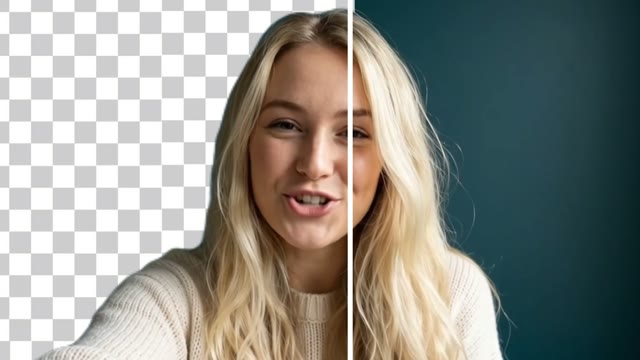
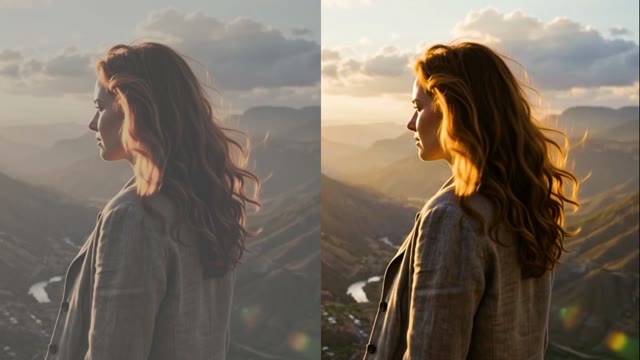
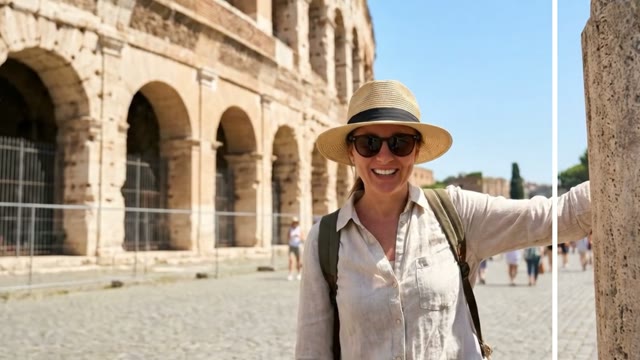
Compare Like for Like
Use the same prompt, aspect ratio and clip length when you test two engines, so the difference you see comes from the model.

The Wandura AI video generator creates clips from a prompt or an image with several video models in one workspace. Compare models for your task; generations are paid in Wandura credits (1 credit = $0.01), and the cost is shown before you create.
Every AI video model has a sweet spot: some are built for cheap, fast iteration, others for cinematic polish or native audio. Instead of signing up for five separate apps, Wandura bundles 28 models — Kling 3.0, Seedance 2.0, Seedance 2.5, Seedance 2.0 Fast, Seedance 2.0 Mini, Veo 3.1, LTX 2.3 Fast, Pika 2.2, Hailuo 02 Standard, Happy Horse V1.1, Kling 2.6, Veo 3.1 Fast, Veo 3.1 Lite, Hailuo 2.3 Standard, PixVerse V6, Vidu Q3, Wandura 1.3, Wandura 1.4, MiniMax H3, MiniMax H3 Max, MiniMax H3 Max Turbo, Kling O3, Gemini Omni Flash 1.1, FLUX.3 Video, Kling O1, Wandura 1.5, LTX 2.5 Pro, Luma Ray 3.2 — behind a single interface. Write the prompt once, then switch models to see which one nails the shot, at the price that matches your budget. The demo below is a real render from this studio, generated by Kling 3.0.
Try the AI Video GeneratorEvery AI video model has a sweet spot — some are built for cheap, fast iteration, others for cinematic polish or native audio. Signing up for a separate app per model is slow and expensive. Wandura runs the leading text-to-video and image-to-video engines behind one interface, so you write the prompt once and switch models to see which one nails the shot.
A practical workflow: test many hook variations on a fast, low-cost model, find the creative that performs, then re-render the winner on a premium engine for the final cut — all on a single credit balance, paying only for what you generate.
Match the engine to the job. Exact durations, resolutions, audio options and prices are shown in the composer for the model you select.
| Task | What to look for | Where to check |
|---|---|---|
| Drafting prompts and camera moves | A fast, lower-cost model so you can iterate on wording | Cost shown next to each model in the picker |
| Cinematic final takes | A higher-quality engine with stronger motion and detail | Resolution and duration options per model |
| Scenes that need sound | A model that can generate audio with the video | Model description and audio toggle in the composer |
| Vertical social clips | Support for a 9:16 aspect ratio | Aspect ratio options per model |
| Several variations at once | Support for multiple takes per run | Takes / batch control in the composer |
A few habits make model comparisons fair and save credits.
Use the same prompt, aspect ratio and clip length when you test two engines, so the difference you see comes from the model.
Name the camera move and the subject’s action. Vague prompts leave each model to guess, which makes results harder to compare.
Check the last second as carefully as the first — hands, faces and on-screen text can change partway through.
 Kling 3.0Cinematic
 Seedance 2.0Multimodal · up to 4KSeedance 2.5Cinematic · up to 30s · 720p maxSeedance 2.0 FastFast · 720pSeedance 2.0 MiniCheapest · 720p max
 Veo 3.1Premium · audio
 LTX 2.3 FastDraft
 Pika 2.21080p · commercial
 Hailuo 02 StandardCost-efficient
 Happy Horse V1.13–15sKling 2.6Native audioVeo 3.1 FastQuicker · audioVeo 3.1 LiteBudget · audioHailuo 2.3 StandardRealistic motion
 PixVerse V6Stylised · 1080p
 Vidu Q3Audio · 1080p
 Wandura 1.3Audio syncWandura 1.4Multi-shot · up to 15sMiniMax H3Up to 2KMiniMax H3 MaxPremium · 1080pMiniMax H3 Max TurboFast · cheapKling O3Multi-shotGemini Omni Flash 1.1Fast · up to 4K
 FLUX.3 VideoAudio · up to 20sKling O1Omni · up to 10sWandura 1.5Up to 15sLTX 2.5 ProAudio · 1080p
 Luma Ray 3.2Cinematic · 5s or 10s
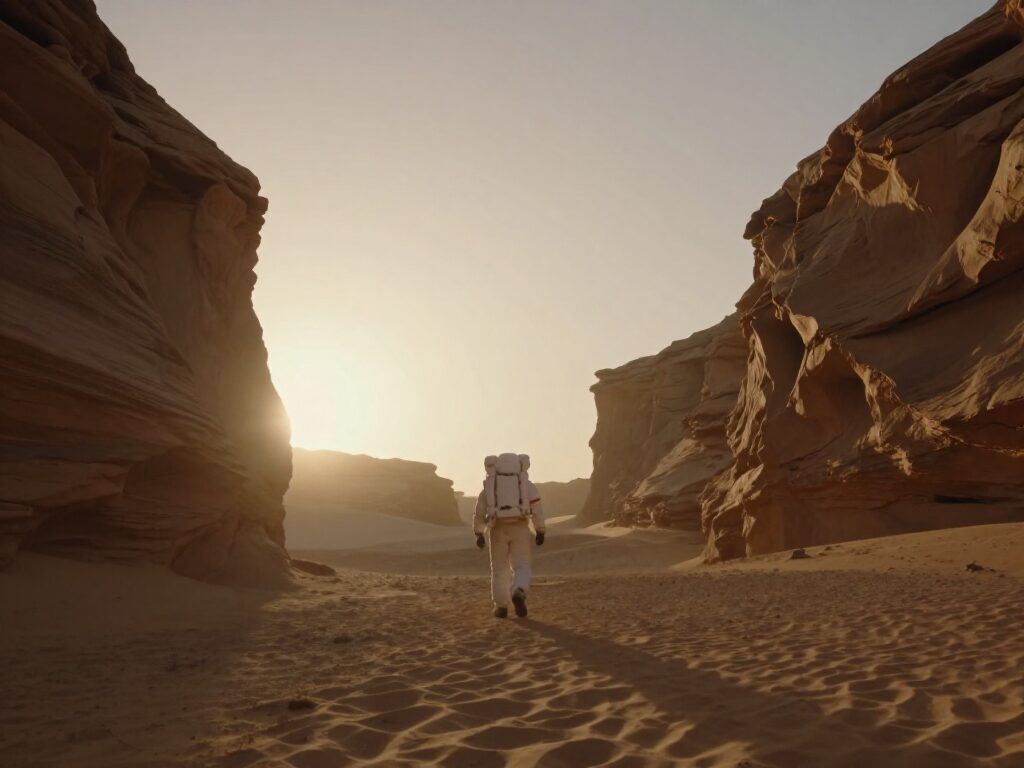
Draft on a fast, low-cost engine like LTX 2.3 Fast to lock the prompt and camera move. Once the shot reads right, re-run it on Kling 3.0 or Veo 3.1 for the final, publish-ready take — no need to rewrite anything.
Try the AI Video Generator
Seedance for balanced everyday social clips, Veo 3.1 when the scene needs synced native audio, Kling 3.0 for cinematic camera moves. One generator, one Creations library, no re-uploading footage between apps.
Try the AI Video GeneratorFeed TikTok, Reels and Shorts on a schedule without shooting anything. Generate vertical 9:16 clips of 4–10 seconds from a plain-language description, keep the hooks that perform, and regenerate variations of the winners in minutes.
Try the AI Video GeneratorA studio shoot for one hero clip can cost more than months of generation credits. Describe the product scene once, iterate on a draft model, then spend on a premium engine only for the version that actually goes into the campaign.
Try the AI Video GeneratorGenerating the clip is only half the job. Because every model feeds the same Creations library, the chain bar takes any render straight into Video Upscale for a sharper master, Video Extend for a longer cut, or Lipsync to make a character speak — no exports in between.
Try the AI Video GeneratorDescribe the subject, action and camera move — the same prompt works across every model in the list.
Switch between 28 models based on price and style, from the cheapest draft engine to premium cinematic and native-audio models.
Every render lands in your Creations — compare results side by side, then chain the winner into upscale, extend or lipsync.
Every model below runs on one Wandura credit balance — pay only for what you generate, with no separate subscription per model.
| Model | Pricing |
|---|---|
| Kling 3.0 | Cinematic |
| Seedance 2.0 | Multimodal · up to 4K |
| Seedance 2.5 | Cinematic · up to 30s · 720p max |
| Seedance 2.0 Fast | Fast · 720p |
| Seedance 2.0 Mini | Cheapest · 720p max |
| Veo 3.1 | Premium · audio |
| LTX 2.3 Fast | Draft |
| Pika 2.2 | 1080p · commercial |
| Hailuo 02 Standard | Cost-efficient |
| Happy Horse V1.1 | 3–15s |
| Kling 2.6 | Native audio |
| Veo 3.1 Fast | Quicker · audio |
| Veo 3.1 Lite | Budget · audio |
| Hailuo 2.3 Standard | Realistic motion |
| PixVerse V6 | Stylised · 1080p |
| Vidu Q3 | Audio · 1080p |
| Wandura 1.3 | Audio sync |
| Wandura 1.4 | Multi-shot · up to 15s |
| MiniMax H3 | Up to 2K |
| MiniMax H3 Max | Premium · 1080p |
| MiniMax H3 Max Turbo | Fast · cheap |
| Kling O3 | Multi-shot |
| Gemini Omni Flash 1.1 | Fast · up to 4K |
| FLUX.3 Video | Audio · up to 20s |
| Kling O1 | Omni · up to 10s |
| Wandura 1.5 | Up to 15s |
| LTX 2.5 Pro | Audio · 1080p |
| Luma Ray 3.2 | Cinematic · 5s or 10s |
Wandura's AI video generator bundles Kling 3.0, Seedance 2.0, Seedance 2.5, Seedance 2.0 Fast, Seedance 2.0 Mini, Veo 3.1, LTX 2.3 Fast, Pika 2.2, Hailuo 02 Standard, Happy Horse V1.1, Kling 2.6, Veo 3.1 Fast, Veo 3.1 Lite, Hailuo 2.3 Standard, PixVerse V6, Vidu Q3, Wandura 1.3, Wandura 1.4, MiniMax H3, MiniMax H3 Max, MiniMax H3 Max Turbo, Kling O3, Gemini Omni Flash 1.1, FLUX.3 Video, Kling O1, Wandura 1.5, LTX 2.5 Pro, Luma Ray 3.2 — all reachable from one prompt box, no separate accounts or apps.
It depends on the shot: LTX 2.3 Fast for quick low-cost drafts; Seedance for balanced everyday clips; Kling 3.0 for cinematic camera work; Veo 3.1 when you need premium quality or native audio.
Audio support depends on the model. The model description in the picker indicates which engines can generate sound with the video, and the composer shows the related options when you select one.
Video generation runs as a background job on every model — submit your prompt, keep working elsewhere in Wandura, and the clip appears in your Creations when it finishes rendering.
Each model is billed per second at its own rate, shown next to its name before you generate — from 6.8 credits (about $0.07) per second on LTX 2.3 Fast, through 54.5–75 credits (about $0.55–$0.75) per second on Veo 3.1, up to 165 credits (about $1.65) per second on Seedance 2.0 at 4K. Pick a cheap model to iterate, a premium one for the final render.
Yes — that is the point of running them all in one place. Write the prompt once, switch the model dropdown, and re-generate to compare how each engine interprets the same shot.
This generator creates a clip from words alone. If you already have the exact image you want to bring to life — a product shot, a character render — Image to Video animates that image instead, and Reference to Video keeps one subject consistent across many clips.
Clip length and resolution depend on the model you pick, and the composer shows each model's options before you generate. For longer scenes, generate the strongest clip first and chain it into Video Extend, or plan a multi-shot film with the AI Movie Maker.
Every clip from every model is saved to the same Creations library, so you can compare outputs side by side and chain any of them into Video Upscale, Extend, Lipsync or Auto Sound next.
No — that is exactly what Wandura removes. One account, one credit balance, one prompt box drives every model in the list.
You can open the tool and add your files without signing in. When you press Generate, Wandura asks you to sign in or create an account, and the generation uses credits from your plan.
Both plans do. Basic is $15/month with 1,500 credits and Growth is $49/month with 6,000 credits, billed monthly; Growth adds priority support. Credit packs top up a plan and are valid for 90 days.
The credit cost depends on the model and the settings you pick, such as duration, resolution, audio or the number of results. The composer updates the price as you change settings and shows it before you create (1 credit = $0.01).
Premium Exclusive models (Kling 3.0, Veo 3.1) are the latest top-tier generation models. Every plan (Basic and Growth) can use them on a pay-per-use credit basis.