Pika 2.2 - AI Video Generator
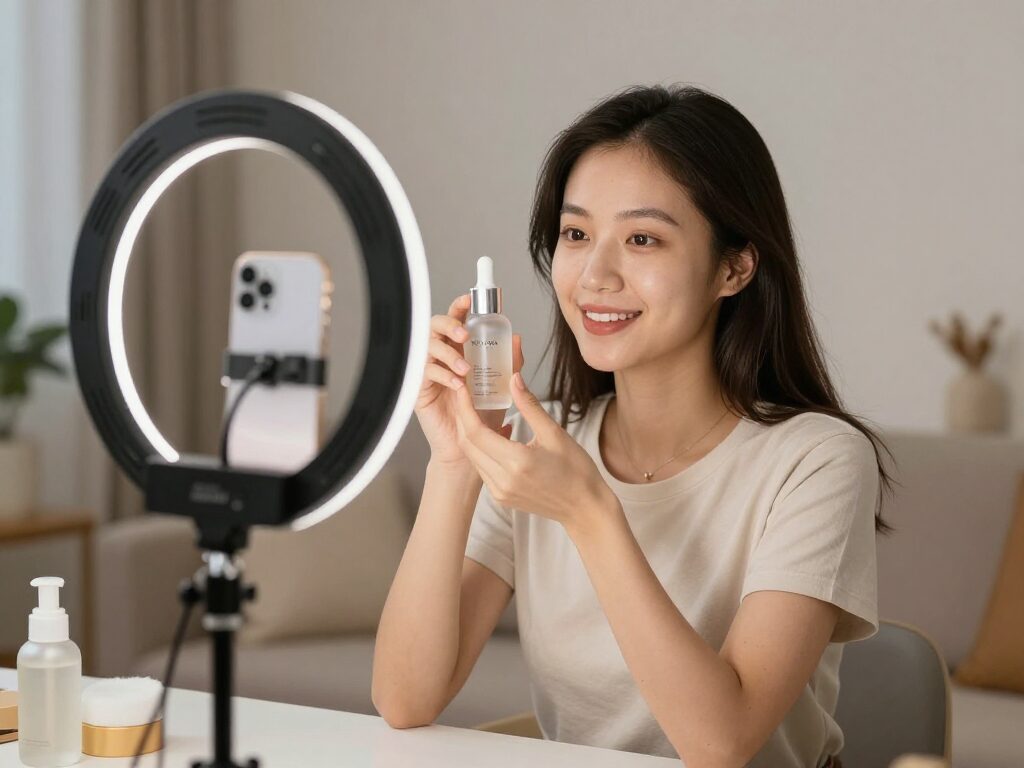
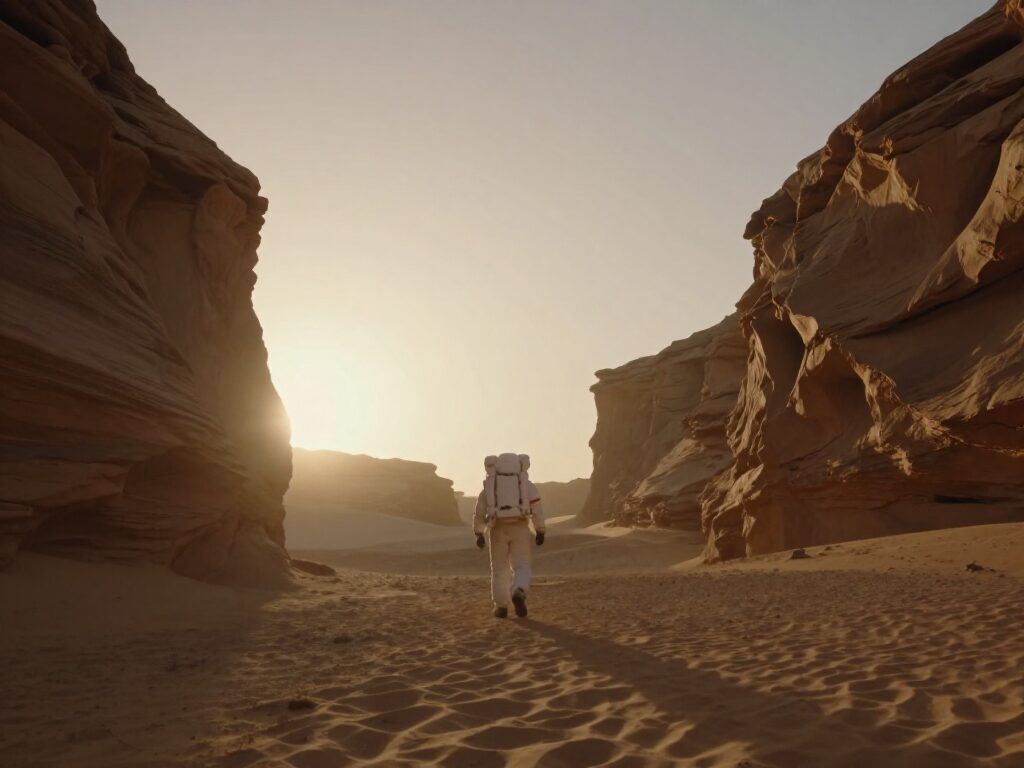
Pika 2.2 turns a text prompt into a short video clip. On Wandura it makes 5-second clips at 720p or 1080p, in seven aspect ratios, and the credit price is shown before you create.
 ModelPika 2.2
Key Benefits of Pika 2.2
Text to video
Describe the scene in words and Pika 2.2 returns a video clip. Choose it in the Text to Video tool.
5-second clips
Every Pika 2.2 run on Wandura makes a 5-second clip, so each run has one fixed price.
720p or 1080p
Draft at 720p, then run the prompt again at 1080p for the take you keep.
Seven aspect ratios
16:9, 9:16, 1:1, 4:5, 5:4, 3:2 or 2:3 - vertical for Reels and Shorts, wide for YouTube, square for feeds.
Many models, one account
Pika 2.2 sits in the same model list as Kling, Veo 3.1 and Hailuo 02, so one prompt can be tried on each.
Price shown first
The credit cost depends on the resolution you pick and is shown before you confirm.
How to Get the Best Results With Pika 2.2
Write the shot, not the topic
Name the subject, what it does and how the camera moves, in one or two sentences.
Draft at 720p
The 720p run costs less than 1080p, so test the prompt there and spend the extra only on the take you keep.
Pick the aspect ratio first
Choose 9:16, 1:1 or 16:9 before you generate, so the framing in your prompt matches the frame you get.
FAQ – Pika 2.2
Pika 2.2 is a text-to-video model from Pika. On Wandura you describe a scene in words and it returns a 5-second clip at 720p or 1080p.
Wandura is credit-based (1 credit = $0.01). A 5-second Pika 2.2 clip costs 34 credits at 720p (about $0.34) and 76 credits at 1080p (about $0.76). The exact cost is shown on the Generate button before you confirm.
Each generation is 5 seconds long.
The resolution is 720p or 1080p. The aspect ratio is 16:9, 9:16, 1:1, 4:5, 5:4, 3:2 or 2:3.
Open the Text to Video tool, choose Pika 2.2 in the model list, write your prompt and generate. The credit price is shown before you confirm.