AI Image Generator
Turn a text prompt into a finished image in seconds. Compare multiple AI models in one interface and pick the output that fits your project — from photoreal product shots to illustrated concepts.
One Prompt, Many Models, the Right Image
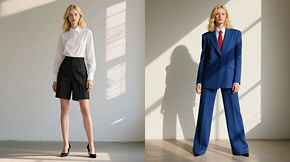
Most image tools lock you into a single model, so you settle for whatever that engine does well. Wandura works differently — it puts multiple AI image models in one interface, so you can run the same prompt through several and keep the best output. Marketing teams, e-commerce sellers, and content creators use it to produce ad creative, product visuals, social graphics, and concept art on demand, iterating in seconds instead of waiting on shoots or freelancers. You control the style, composition, and detail, then export finished assets ready to use.
Start creating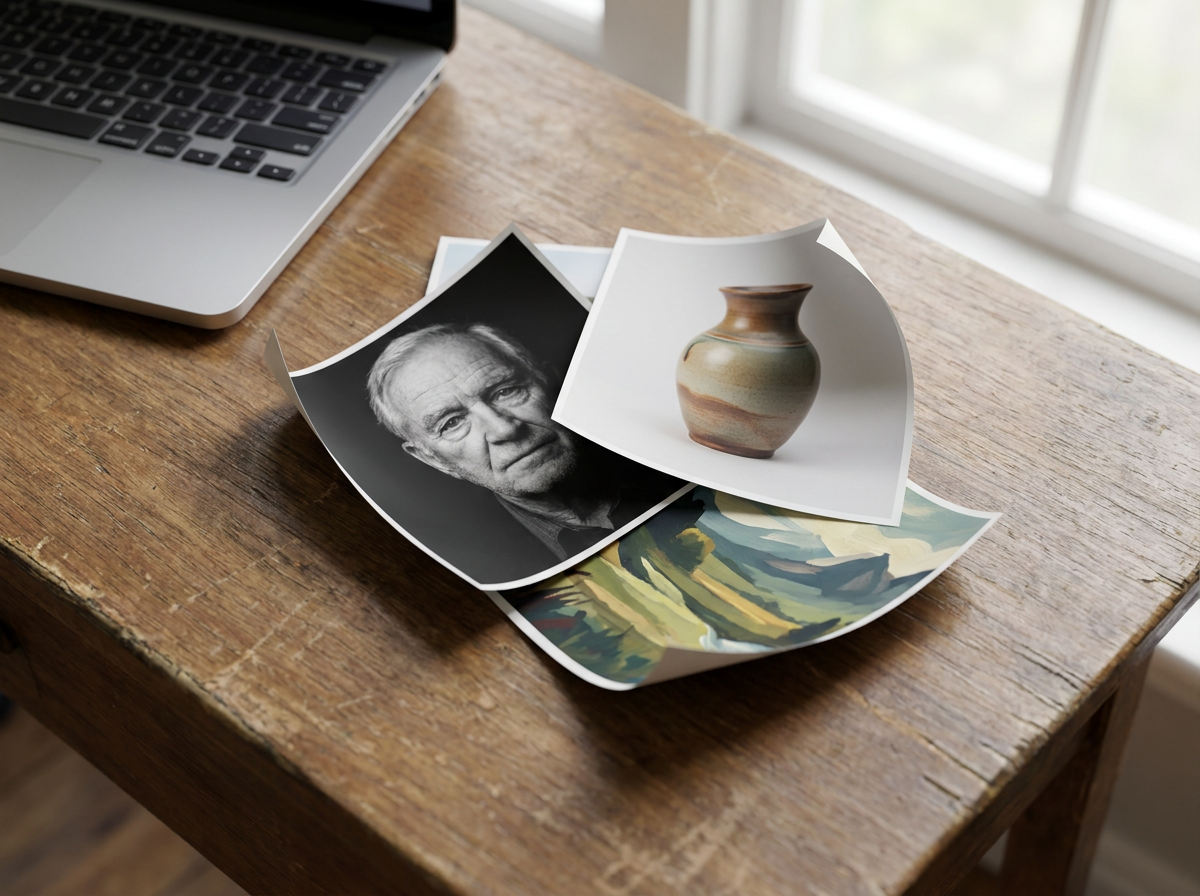
9 AI Models, One Text → Image Tool
Ad Creative and Campaign Visuals
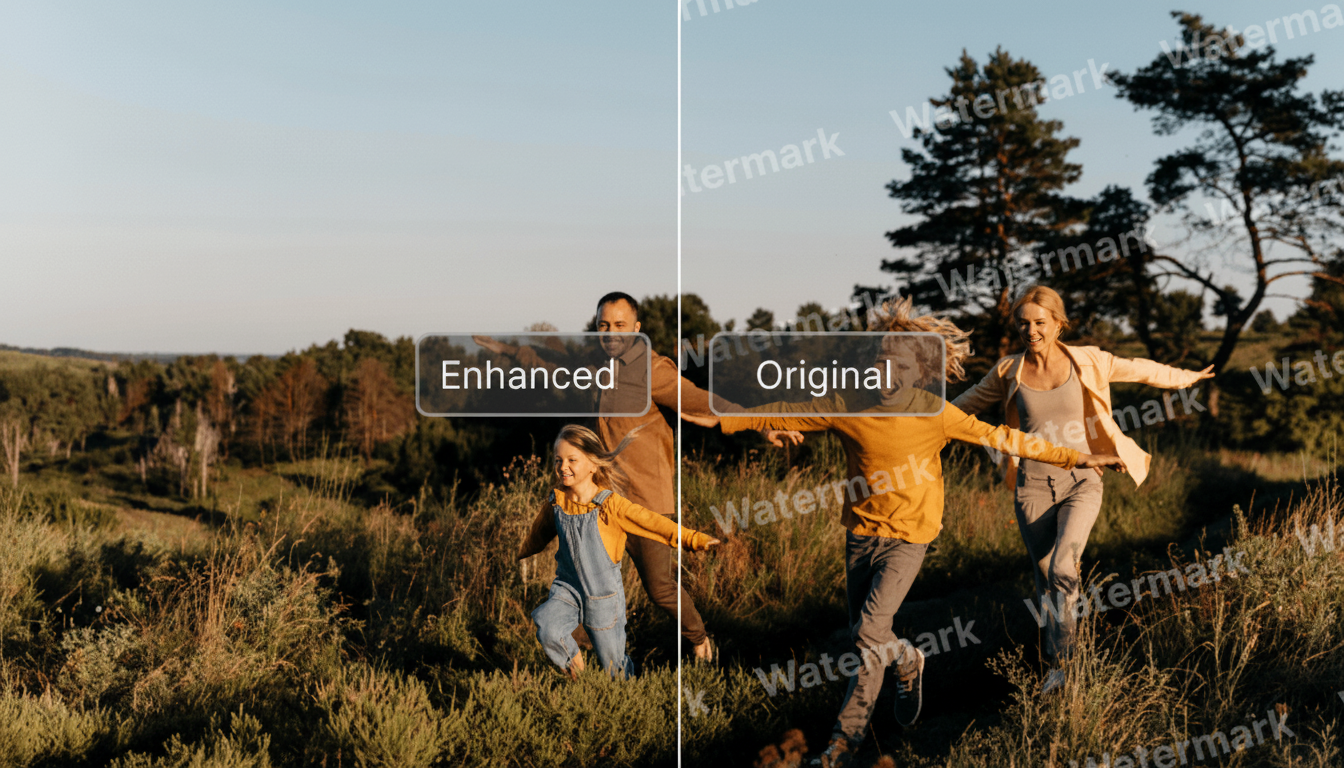
Generate a range of creative concepts for social, display, and programmatic ads without booking photoshoots. Produce multiple variations of the same idea to combat ad fatigue, test different visual angles across A/B sets, and keep your creative pipeline moving between formal shoots.
Start creating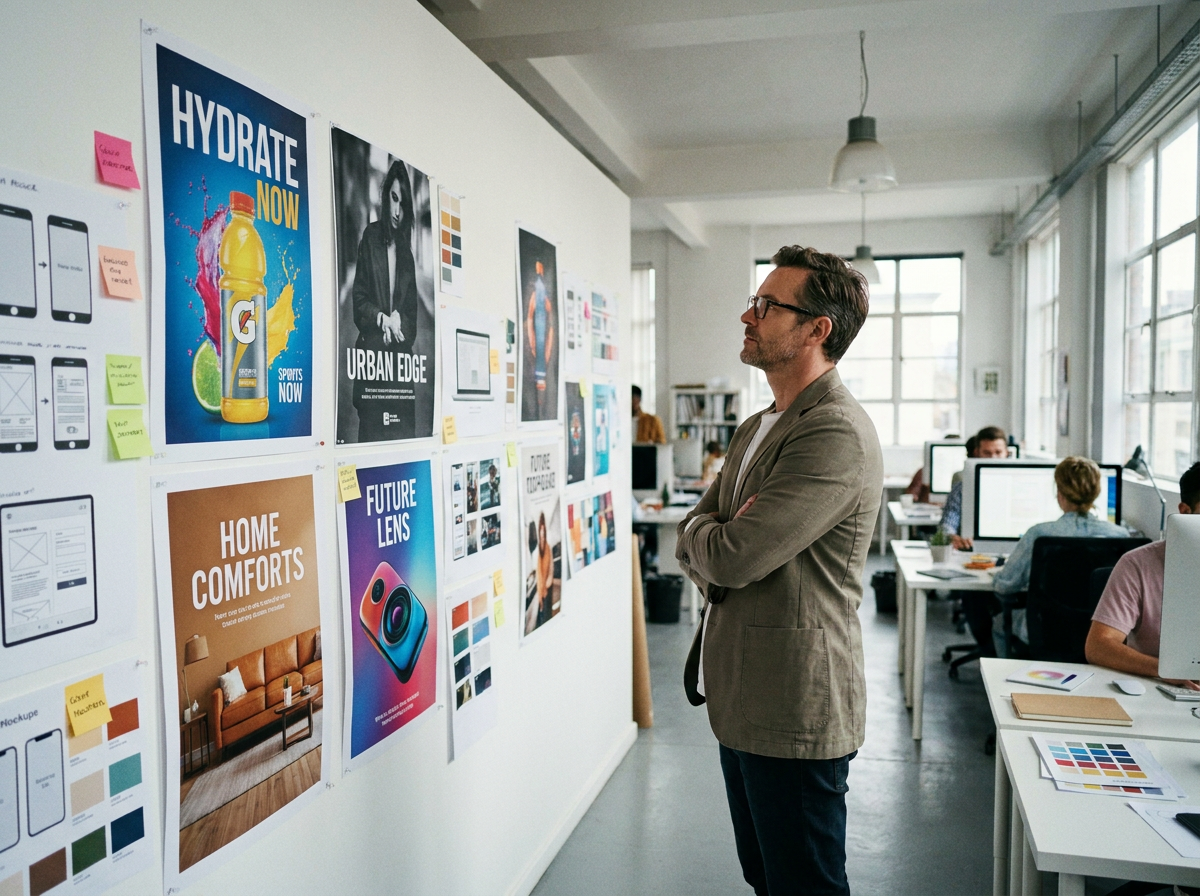
E-commerce and Product Imagery
Create lifestyle scenes, background swaps, and styled product shots for listings, banners, and marketplace thumbnails. Sellers use AI imagery to show products in different settings and seasonal contexts without staging a new shoot for every variation.
Start creating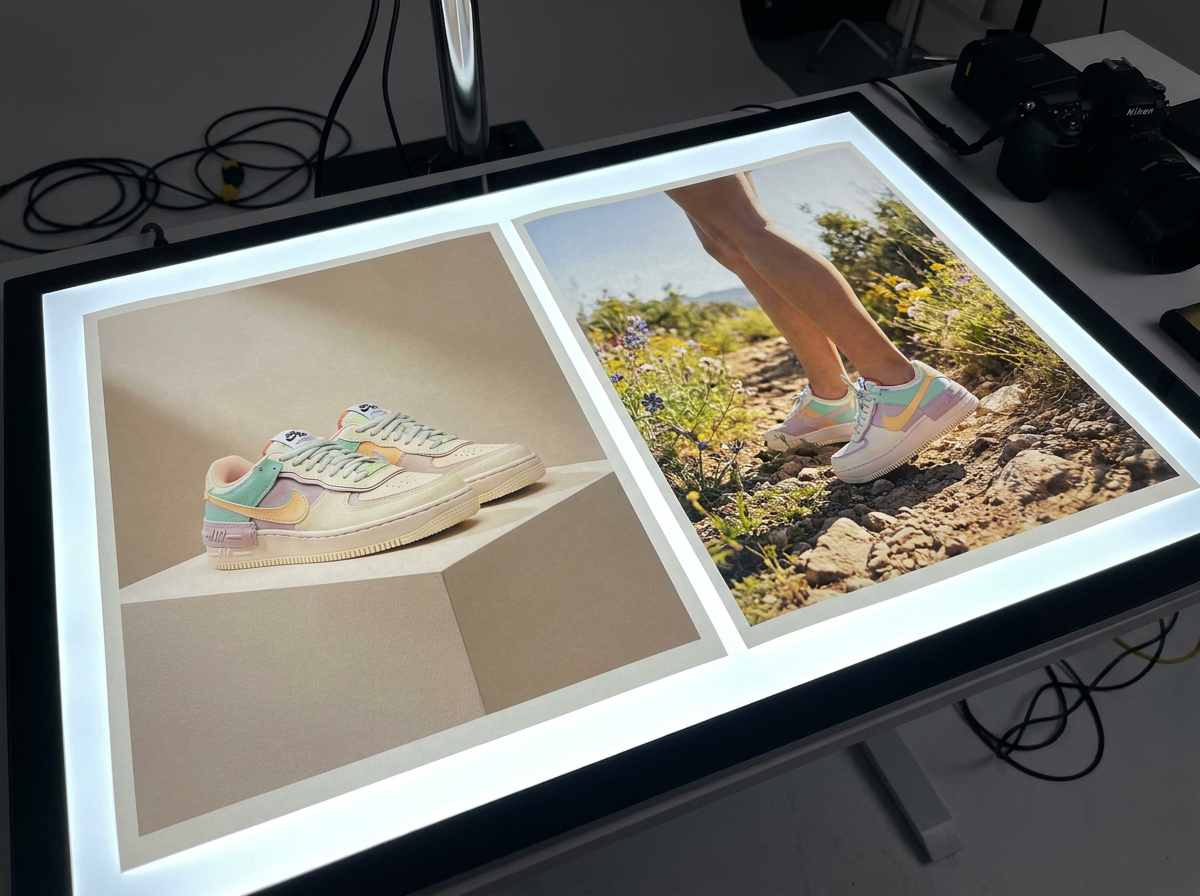
Social Media Content
Feed the constant demand for fresh visuals across platforms. Generate on-brand graphics, illustrations, and post imagery that match each channel's tone, then keep a consistent look by reusing prompts across a series of posts.
Start creating
Blog Headers and Editorial Illustration
Produce original header images and article illustrations instead of relying on generic stock. Describe the concept behind a post and generate a visual that fits the topic, so every article gets a custom image without a design queue.
Start creating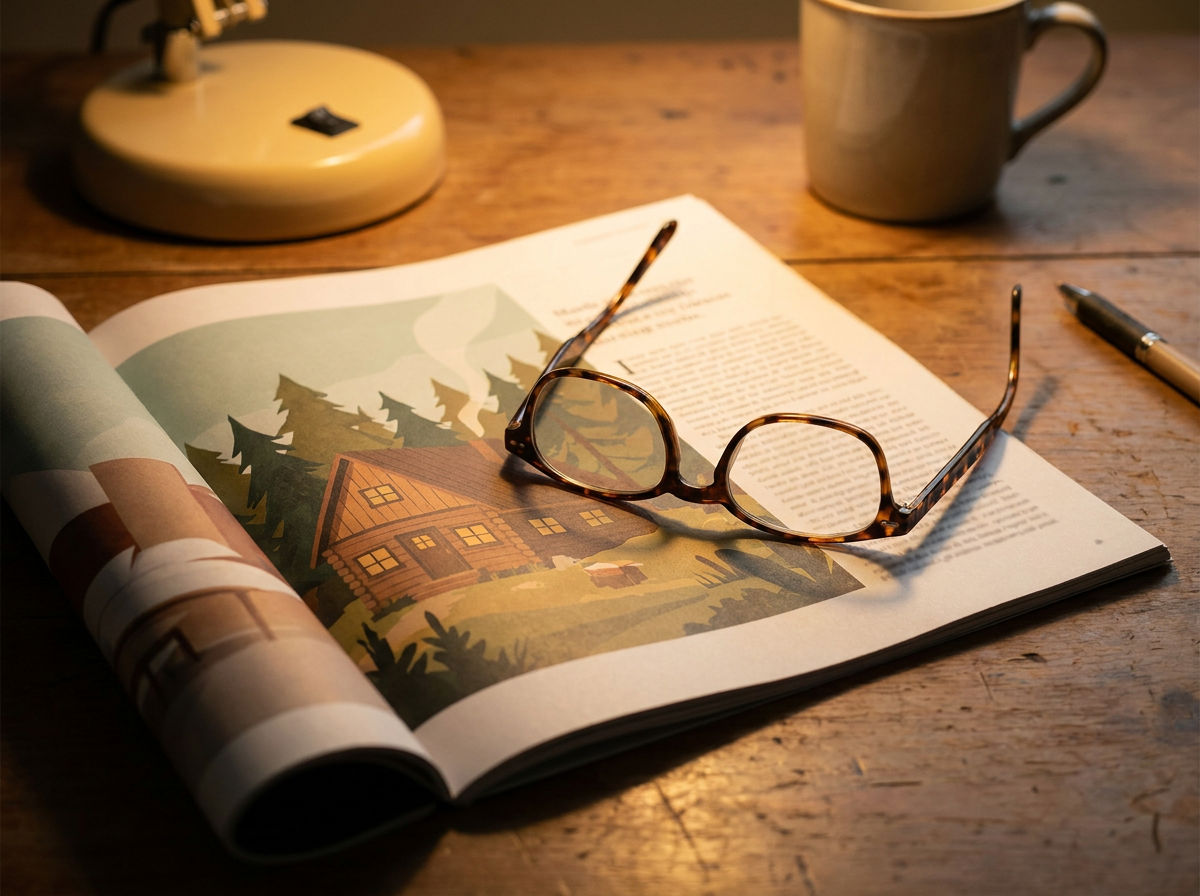
Concepting and Creative Exploration
Designers and creative directors use the generator to visualize ideas early. Run one prompt through several models to see different interpretations, compare directions quickly, and surface options that inform final design work — whether the output ships as-is or becomes a reference.
Start creating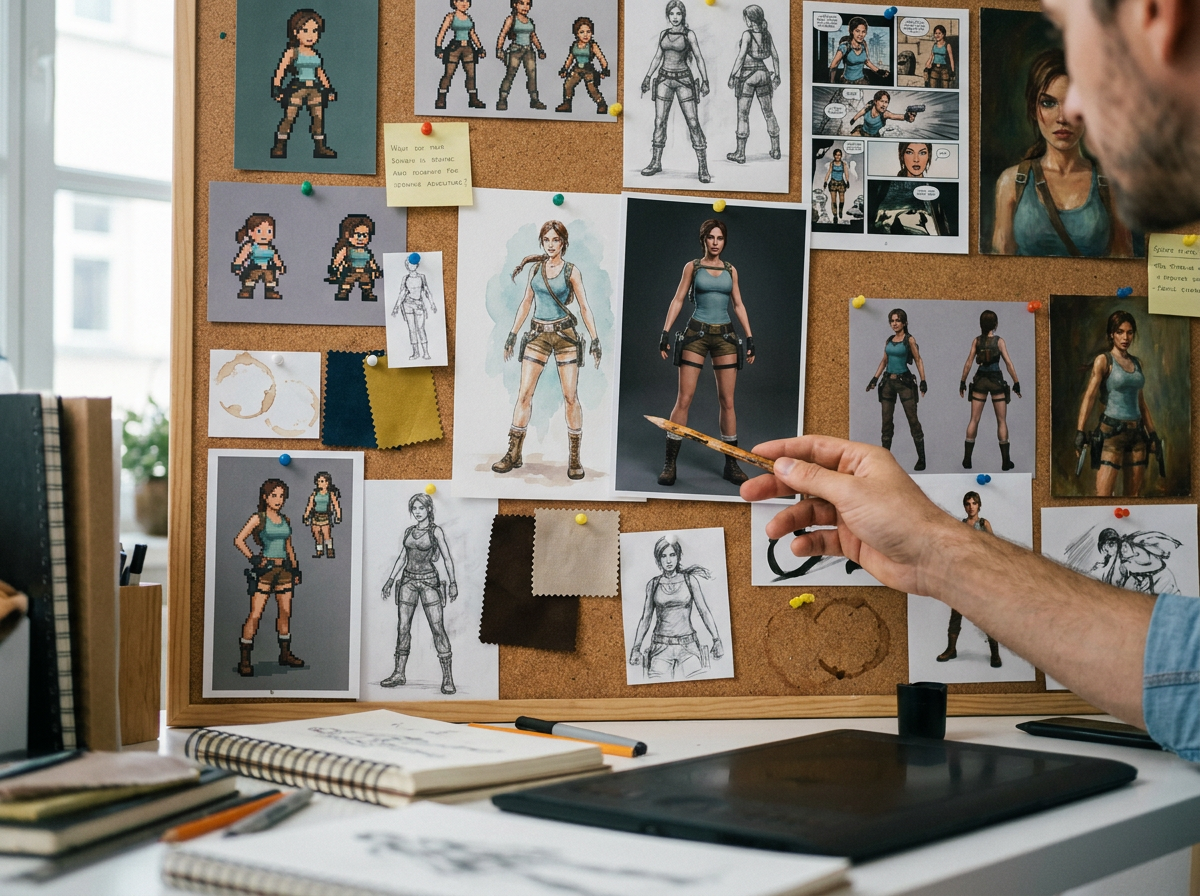
How It Works
Write your prompt
Describe the image you want — subject, style, composition, lighting, and mood. You can start loose and refine, or write a detailed brief when you know exactly what you need. Add a reference image when you want the model to match an existing look.
Generate and compare models
Run your prompt and review the results in seconds. Switch between models to see how each interprets the same brief, then keep the strongest output. If nothing lands, adjust the prompt — tweak the style, framing, or detail level — and regenerate.
Download and use your image
Export finished images in standard web and print formats. Drop them straight into ad creative, product listings, landing pages, social posts, or blog headers. Save prompts you like so you can reproduce a consistent look across a set.
How Much Does Text → Image Cost?
Every model below runs on one Wandura credit balance — pay only for what you generate, with no separate subscription per model.
| Model | Pricing |
|---|---|
 Nano Banana Pro Nano Banana Pro | High quality |
| Nano Banana 2 | Latest · multi-resolution |
 GPT Image 2 GPT Image 2 | Strong text |
 Ideogram V4 Ideogram V4 | Typography/CTA |
 FLUX 1.1 Pro FLUX 1.1 Pro | Highest Elo |
 Seedream 5.0 Lite Seedream 5.0 Lite | Balanced · up to 6 images |
 Qwen Image 2.0 Pro Qwen Image 2.0 Pro | 2K native · typography |
| Recraft V3 | SOTA · long text |
 Z-Image Turbo Z-Image Turbo | Fast · cheapest |
FAQs
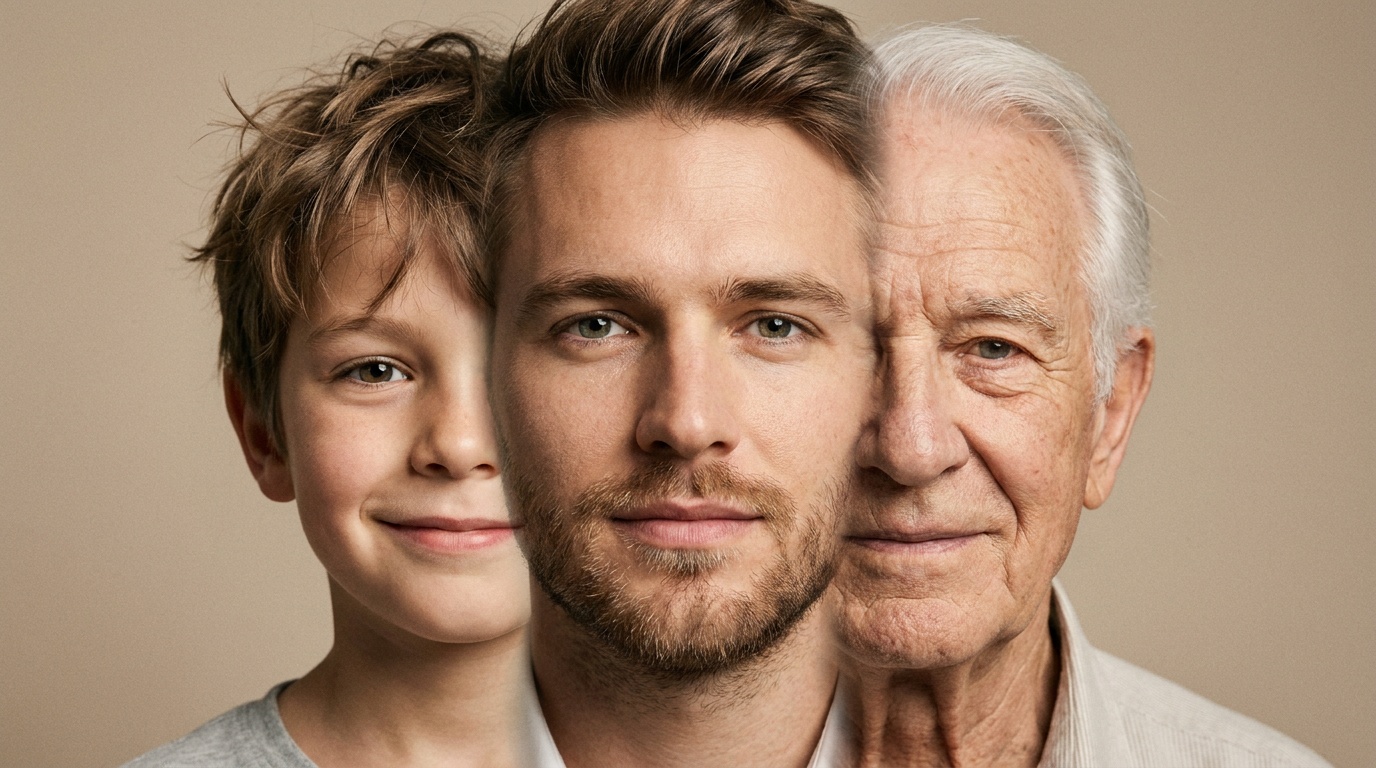
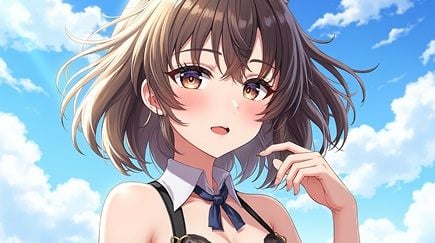
Anything you can describe in text — product and lifestyle imagery, ad creative, social graphics, illustrations, character art, backgrounds, and concept visuals. Because you can switch between models, you can produce photoreal output for one project and a stylized look for the next without leaving the tool.
Yes — you get full commercial rights on all paid plans. Images are generated from your own text prompts rather than pulled from a stock library, so there's no external licensing to track down.
Different models have different strengths — some produce sharper photorealism, others handle illustration, typography, or stylized art better. Running the same prompt through several models in one place lets you pick the best result for each project instead of committing to a single engine.
Export options typically include standard web formats such as PNG and JPG at resolutions suited to digital and print use. Check Wandura's current export settings to confirm the exact formats and resolutions available, as these can change as models are updated.
No. You can get usable images from a plain-language description. More specific prompts — naming the style, lighting, and composition — give you tighter control, but the tool is built for creators without a technical or design background.