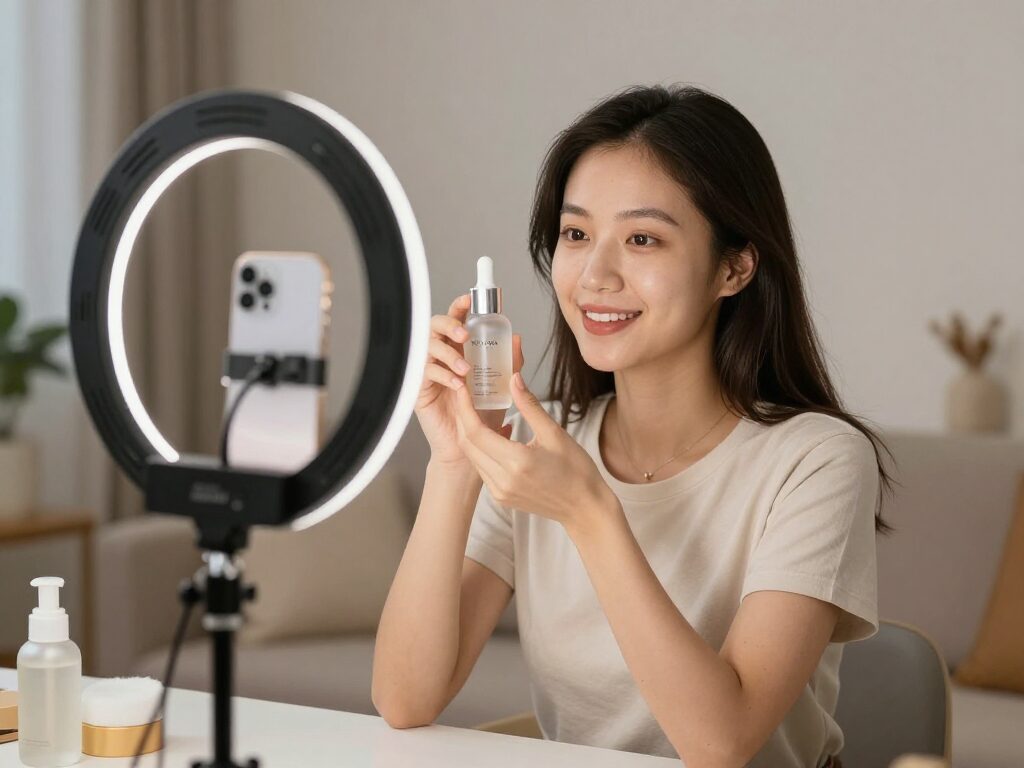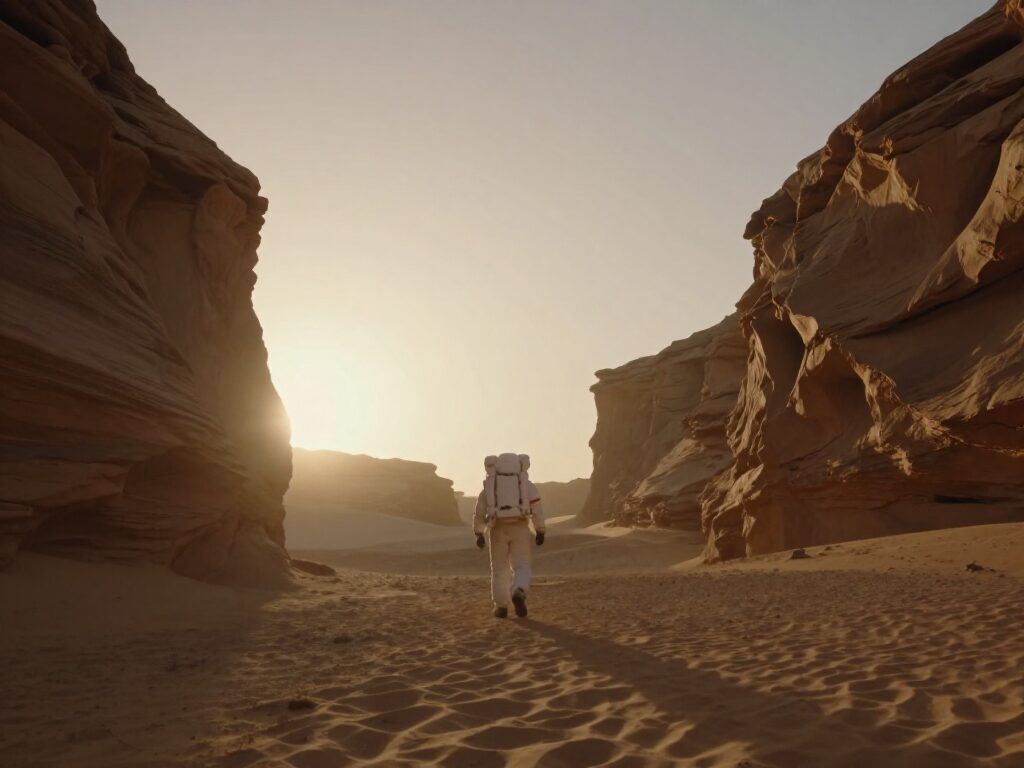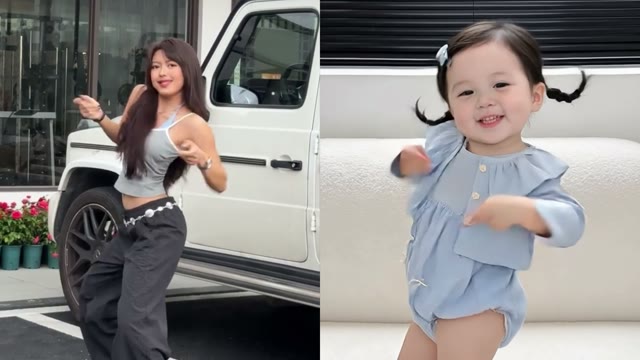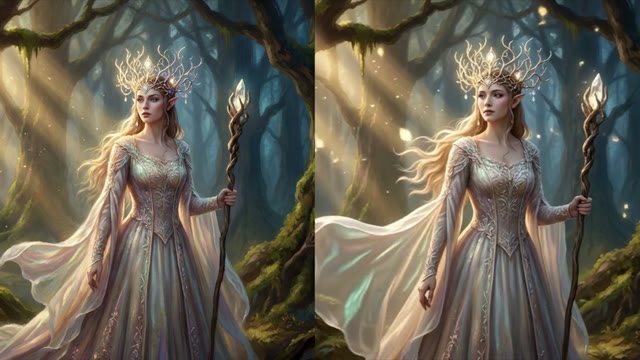
Kling O1 - Video Reference Generator
Kling O1 follows the camera motion and style of a reference clip you upload, while your prompt sets the new subject or scene. Kling O1 also makes video from text or from an image. The credit price is shown before you create.
 ModelKling O1
Key Benefits of Kling O1
Motion from a reference clip
Upload a video and Kling O1 clones its camera motion and style into your new scene, while your prompt sets the subject.
Optional product or avatar images
Add up to four images next to the reference video and mention them in the prompt as @Image1, @Image2 and so on.
5, 8 or 10 seconds
A reference clip is 5, 8 or 10 seconds long; a text or image clip is 5 or 10 seconds. Longer clips cost more credits.
Aspect ratio set per run
Reference clips take auto, 16:9, 9:16 or 1:1; text clips take 16:9, 9:16 or 1:1.
Text and image too
Kling O1 is also an entry of the Text to Video and Image to Video model lists.
Price shown first
The credit cost depends on the mode and the length you pick and is shown before you confirm.
How to Get the Best Results With Kling O1
Describe the new subject, not the clip
The reference sets motion and style, so use the prompt for who or what appears and where.
Choose a reference with one clear move
A clip with a single camera move gives the model one thing to follow.
Add images only when you need them
The reference video alone is enough to run; add product or avatar images when the subject must look a certain way.
FAQ – Kling O1
Kling O1 is a Kling video model. On Wandura it works from a reference video, from text or from an image: the video-reference mode follows the camera motion and style of a clip you upload.
Wandura is credit-based (1 credit = $0.01). A 5-second Kling O1 clip from text or an image costs 73 credits (about $0.73) and a 10-second clip costs 146 credits. With a reference video, a 5-second clip costs 218 credits and a 10-second clip costs 436 credits. The exact cost is shown on the Generate button before you confirm.
With Kling O1 (video reference) you upload a clip and it guides camera motion and style, while your prompt describes the new subject and scene. Image-reference models in the same tool take a picture of a person, character or product instead.
Yes. Add up to four optional product or avatar images next to the reference video and mention them in your prompt as @Image1, @Image2 and so on.
A reference clip is 5, 8 or 10 seconds long. A text-to-video or image-to-video clip is 5 or 10 seconds long.
Open the Reference to Video tool, choose Kling O1 (video reference), upload your clip, write your prompt and generate. For text or image clips, choose Kling O1 in the Text to Video or Image to Video model list. The credit price is shown before you confirm.
A clear camera move or motion you want to reuse, such as a walk, a pan or a turn. The new subject comes from your prompt.
Text to video and image to video at 5 or 10 seconds, video reference in Reference to Video at 5, 8 or 10 seconds, and Kling O1 Edit Video in the AI Video Editor.
Kling O1 runs on the same Wandura credit balance as every other model, with no separate Kling O1 subscription. Plans and credit packs are listed on the pricing page, and the credit price for your settings is shown before you generate.