One Locked Style
Fix the medium once, such as cel-shaded 2D anime or a hand-painted look, so every shot matches.

Wandura's animation AI makes animated shots and shorts in Cinema Studio: you lock one art style and a character sheet, then build each scene from them. Wandura's open-sourced projects include an anime sequence and a hand-painted animated short made this way; generations are paid in credits (1 credit = $0.01).
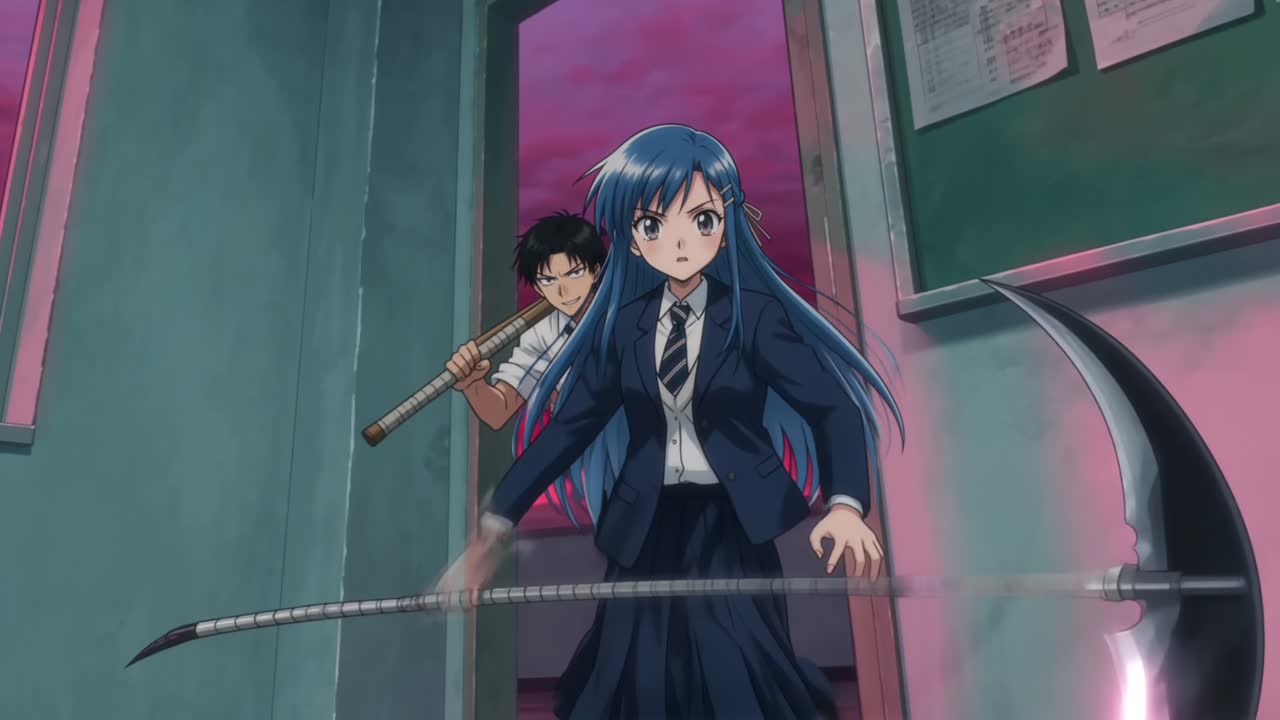
Fix the medium once, such as cel-shaded 2D anime or a hand-painted look, so every shot matches.
A character sheet keeps faces, hair and outfits consistent across scenes and genres.
Generations are paid in Wandura credits (1 credit = $0.01), and the cost is shown before you create.
A tutorial project: a full anime sequence built in Cinema Studio from a locked style prompt and a character sheet, with the same blue-haired lead across calm and action scenes. Made with Wandura Cinema Studio and published on Wandura's projects page.
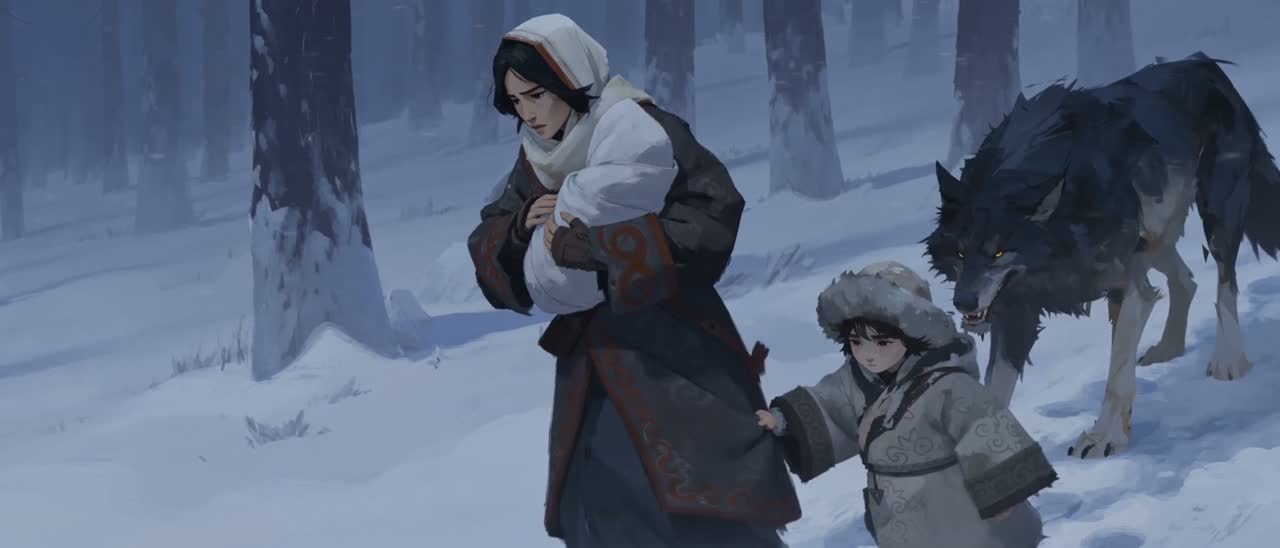
A hand-painted animated short made in Cinema Studio with one locked painterly style and one family through a winter story. Made with Wandura Cinema Studio and published on Wandura's projects page.
Write a style prompt for the medium and look, such as 2D anime or painterly, and keep it for every shot.
Create your characters once in the project; every scene starts from the same character look.
Direct the shot in Cinema Studio, generate it, then reuse the same assets for the next scene.
It is making animated shots and short films in Wandura Cinema Studio, from a locked art style and a character sheet kept in a project.
You set the style in your prompt and keep it fixed. Wandura's own projects include cel-shaded 2D anime and a hand-painted look.
You build a character sheet once and reuse it in every shot, so faces, hair and outfits stay the same across scenes.
No. You describe the style and the characters; the shots are generated from your prompts and project assets.
Generations are paid in Wandura credits (1 credit = $0.01), and the cost is shown before you create.
Yes. Wandura's open-sourced project pages, such as Anime Production and Kök Börü, have a Remix this look button that starts from the same style.
Open a project page such as Anime Production or Kök Börü: it shows the style lock and prompt template used for the project, and the prompt behind each asset.
Yes. Cinema Studio opens after you sign in to Wandura.
Wandura's Anime Production project describes going from a style prompt and character sheet to finished 4K shots.
Wandura credits cost $0.01 each. Monthly plans are Basic at $15 with 1,500 credits and Growth at $49 with 6,000 credits; credit packs from $10 for 1,000 credits top up an active plan and last 90 days.
You pay per generation in credits; the cost is shown before you create.