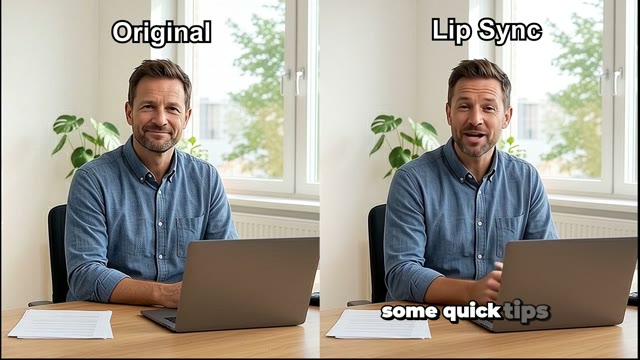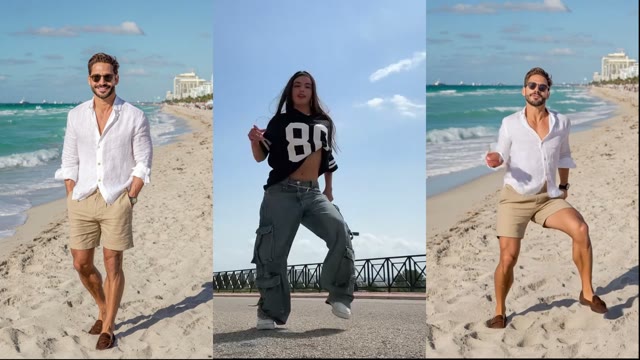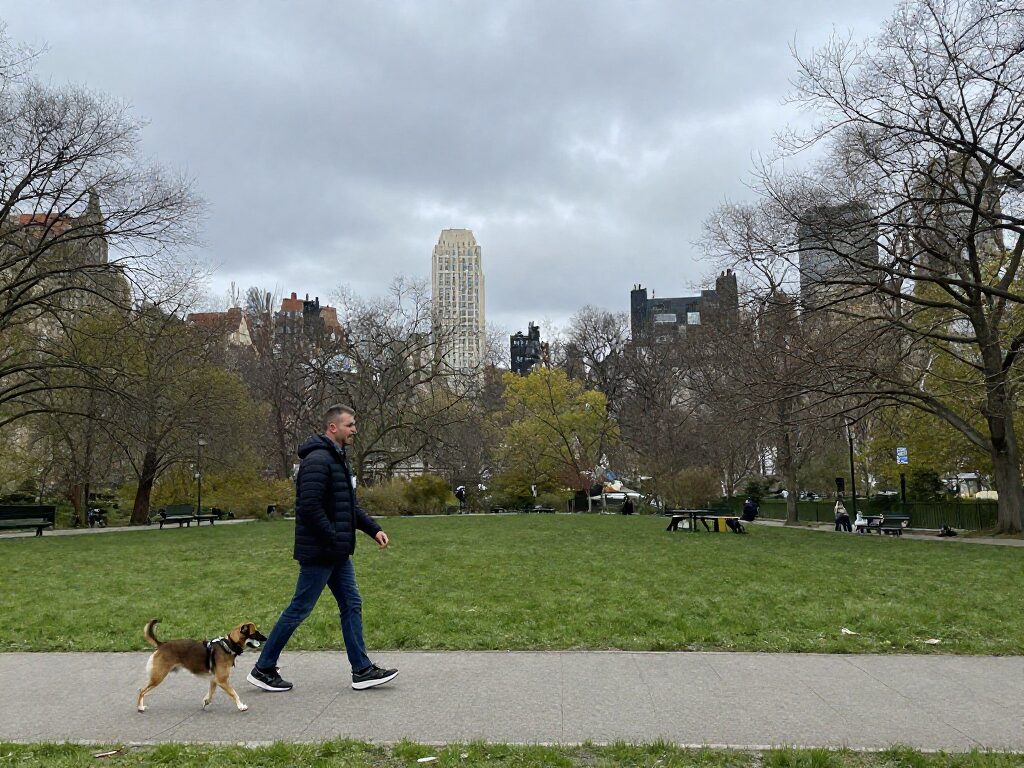
Photo to Video Ad Maker for Product Ads
Wandura's photo to video ad maker turns a product photo into a short video ad from a motion prompt, for ecommerce listings and social ads. Kling 3.0 is the default at 65 credits (about $0.65) for a 5-second clip; other video models show their price on Generate before you create.
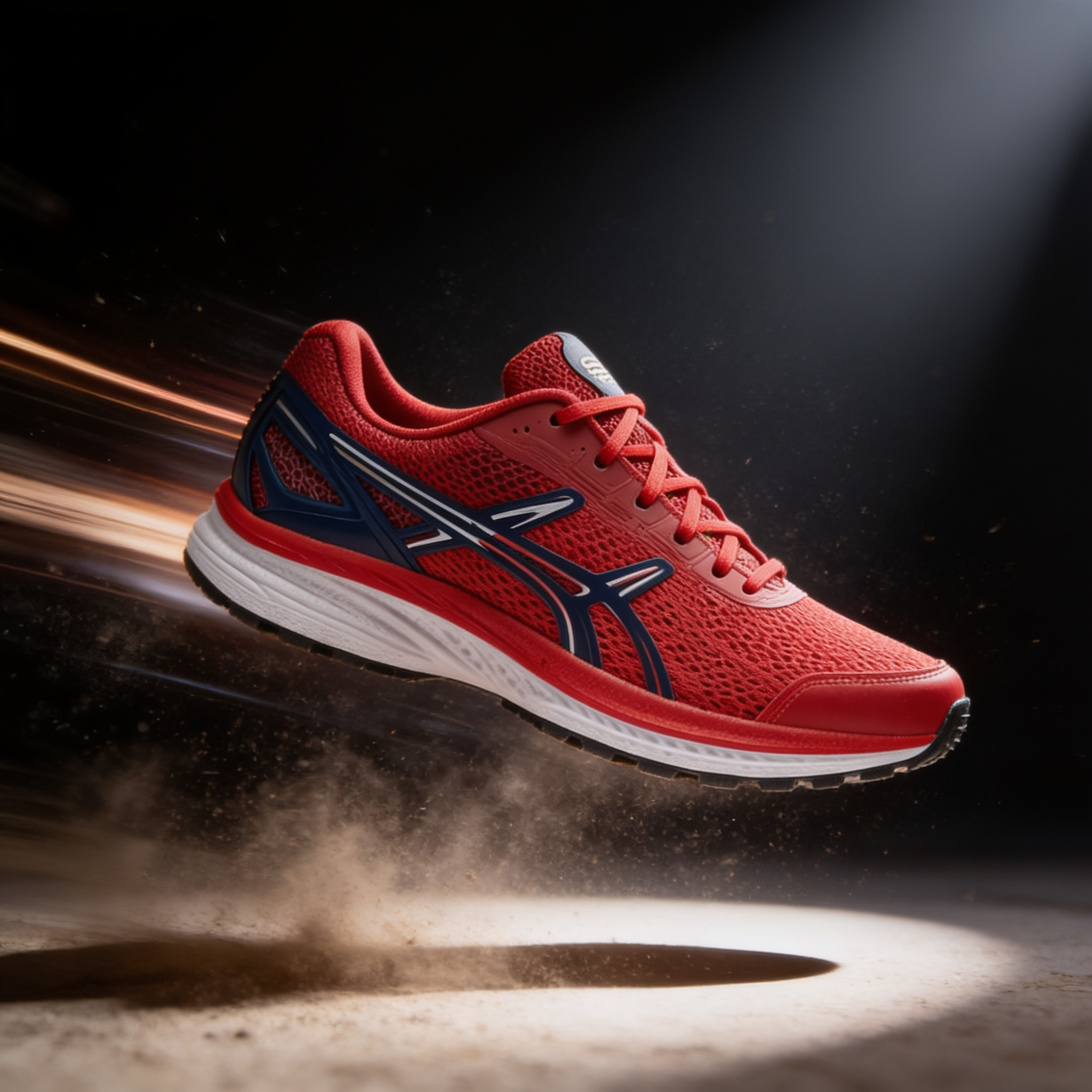
Why Ecommerce Sellers Are Switching to Video Ads
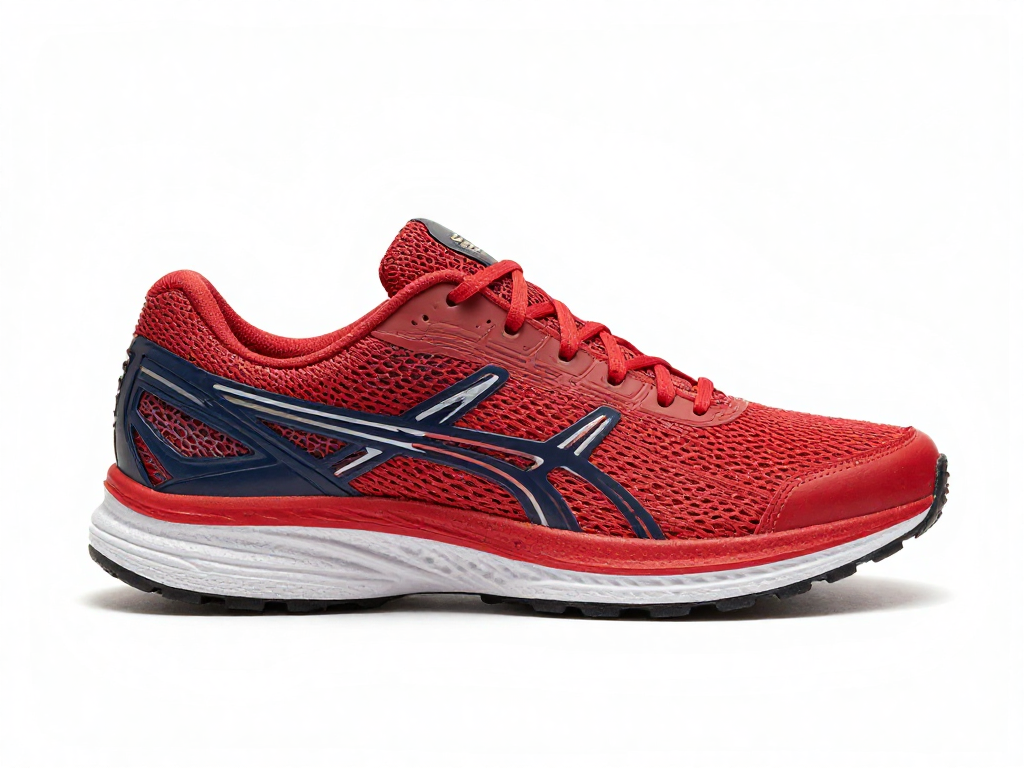
Static product images still work, but video ads consistently outperform them in engagement and conversion. The problem? Creating video ads traditionally requires design skills, software subscriptions, and hours of work. Wandura's photo to video ad maker eliminates that friction. Upload your existing product photos, choose your motion style, and export platform-ready ads for Instagram, Facebook, TikTok, or Google. No experience necessary.
Try the Photo to Video Ad Maker27 AI Models, One Image → Video Tool
 Kling 3.0CinematicKling 2.5 TurboDraft · fast
 Seedance 2.0Up to 4K
 Wandura Ref 1.0Edit or replace from a clip · charged at actual costSeedance 2.5Cinematic · up to 30s · 720p maxSeedance 2.0 FastFastSeedance 2.0 MiniCheapest
 Veo 3.1Premium · audioKling 2.6Native audioVeo 3.1 FastQuicker · audioVeo 3.1 LiteBudget · audio
 Hailuo 2.3 StandardRealistic motion
 Pika 2.21080p · commercial
 PixVerse V6Stylised · 1080p
 Vidu Q3Audio · 1080pWandura 1.3Audio syncWandura 1.4Up to 15sMiniMax H3Up to 2KMiniMax H3 MaxPremium · 1080pMiniMax H3 Max TurboFast · cheapKling O3Multi-shotGemini Omni Flash 1.1Fast · up to 4K
 FLUX.3 VideoAudio · up to 20sKling O1Omni · up to 10sWandura 1.5Up to 15s
 LTX 2.5 ProAudio · 1080p
 Luma Ray 3.2Cinematic · 5s
Facebook and Instagram Product Ads
Facebook's algorithm favors video content, but ecommerce sellers often lack the resources to produce it at scale. With a photo to video ad maker, you can quickly convert your entire product catalog into short video ads. Test different motion styles, add text overlays, and publish directly to your ad campaigns without leaving your workflow.
Try the Photo to Video Ad Maker
Retargeting Warm Audiences
Retargeting campaigns work better with video, but creating custom content for every product you want to remarket is time-intensive. Upload your best-converting product images, generate video variations, and serve dynamic video ads to users who already viewed your site. More personalized, more effective, without the production overhead.
Try the Photo to Video Ad Maker
Seasonal and Promotional Campaigns
Flash sales, holiday promotions, and new product launches demand fresh creative. Instead of waiting for a design team or freelancer, generate video ads on demand. Import your promotional product shots, apply motion effects, and have campaign-ready assets in under 15 minutes. Keep your marketing agile without scaling your creative team.
Try the Photo to Video Ad Maker
Diverse Ad Creative Testing
Successful ecommerce campaigns require testing multiple creative variants. A/B test motion styles, aspect ratios, and text overlays across your product range. Since the process is fast, you can generate 10, 20, or 30 variations per campaign without blowing your timeline. Let performance data tell you what resonates with your audience.
Try the Photo to Video Ad MakerHow It Works
- Step 01
Upload Your Product Photos
Select high-quality images from your product catalog. You can upload multiple photos at once to generate several video ad candidates in a single session.
- Step 02
Customize Motion and Style
Choose how your images come to life - subtle motion, dynamic pan-and-zoom, or cinematic effects. Add text overlays or keep it clean. Pick your preferred aspect ratio for the platform you're targeting.
- Step 03
Export and Launch
Download your finished video ads in formats optimized for Facebook, Instagram, TikTok, or YouTube. Upload directly to your ad manager and start testing.
How Much Does Image → Video Cost?
Every model below runs on one Wandura credit balance — pay only for what you generate, with no separate subscription per model.
| Model | Pricing |
|---|---|
| Kling 3.0 | Cinematic |
| Kling 2.5 Turbo | Draft · fast |
| Seedance 2.0 | Up to 4K |
| Wandura Ref 1.0 | Edit or replace from a clip · charged at actual cost |
| Seedance 2.5 | Cinematic · up to 30s · 720p max |
| Seedance 2.0 Fast | Fast |
| Seedance 2.0 Mini | Cheapest |
| Veo 3.1 | Premium · audio |
| Kling 2.6 | Native audio |
| Veo 3.1 Fast | Quicker · audio |
| Veo 3.1 Lite | Budget · audio |
| Hailuo 2.3 Standard | Realistic motion |
| Pika 2.2 | 1080p · commercial |
| PixVerse V6 | Stylised · 1080p |
| Vidu Q3 | Audio · 1080p |
| Wandura 1.3 | Audio sync |
| Wandura 1.4 | Up to 15s |
| MiniMax H3 | Up to 2K |
| MiniMax H3 Max | Premium · 1080p |
| MiniMax H3 Max Turbo | Fast · cheap |
| Kling O3 | Multi-shot |
| Gemini Omni Flash 1.1 | Fast · up to 4K |
| FLUX.3 Video | Audio · up to 20s |
| Kling O1 | Omni · up to 10s |
| Wandura 1.5 | Up to 15s |
| LTX 2.5 Pro | Audio · 1080p |
| Luma Ray 3.2 | Cinematic · 5s |
FAQs
Wandura accepts standard formats including JPG, PNG, and WebP. For best results, use high-resolution images with clear product focus and good lighting.
Wandura supports standard ad formats including 1:1 (square), 9:16 (vertical/Story/Reels), 16:9 (landscape), and 4:5 for feed placements. Choose based on where you plan to publish.
No. The interface is built for ecommerce sellers, not designers. If you can upload an image and click a few options, you can create professional video ads.
You can batch upload multiple images to generate multiple video variations. This lets you build out ad sets quickly for campaign testing.
With the default settings (Kling 3.0, 5s, one video) a clip costs 65 credits, about $0.65. Other models and lengths show their price on Generate before you create.
Premium Exclusive models (Kling 3.0, Veo 3.1) are the latest top-tier generation models. Every plan (Basic and Growth) can use them on a pay-per-use credit basis.