AI Character Swap
Swap the person in a photo — not just the face, the whole character. Upload your source image, add a reference photo or describe the replacement in words, and Wandura rebuilds the character while keeping the scene, pose and lighting exactly as they were.
Replace the Whole Character, Keep the Whole Scene
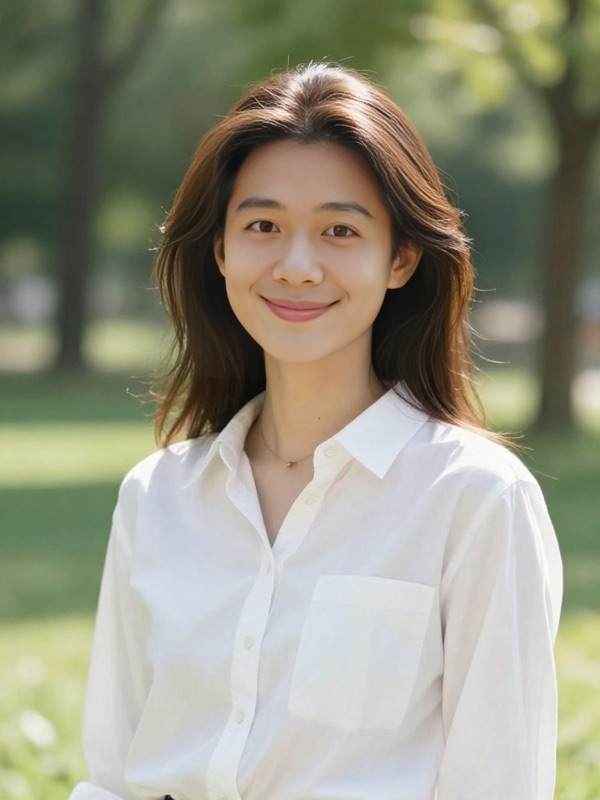
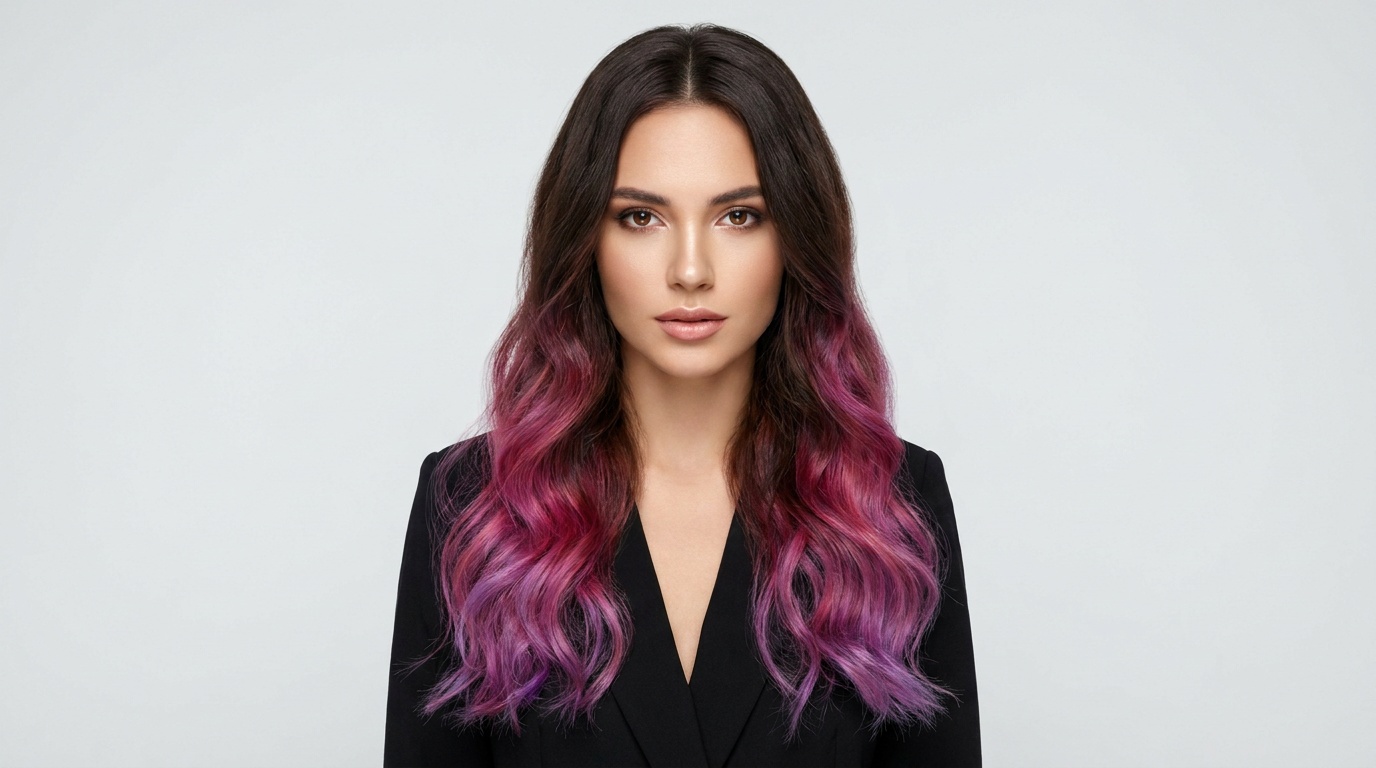
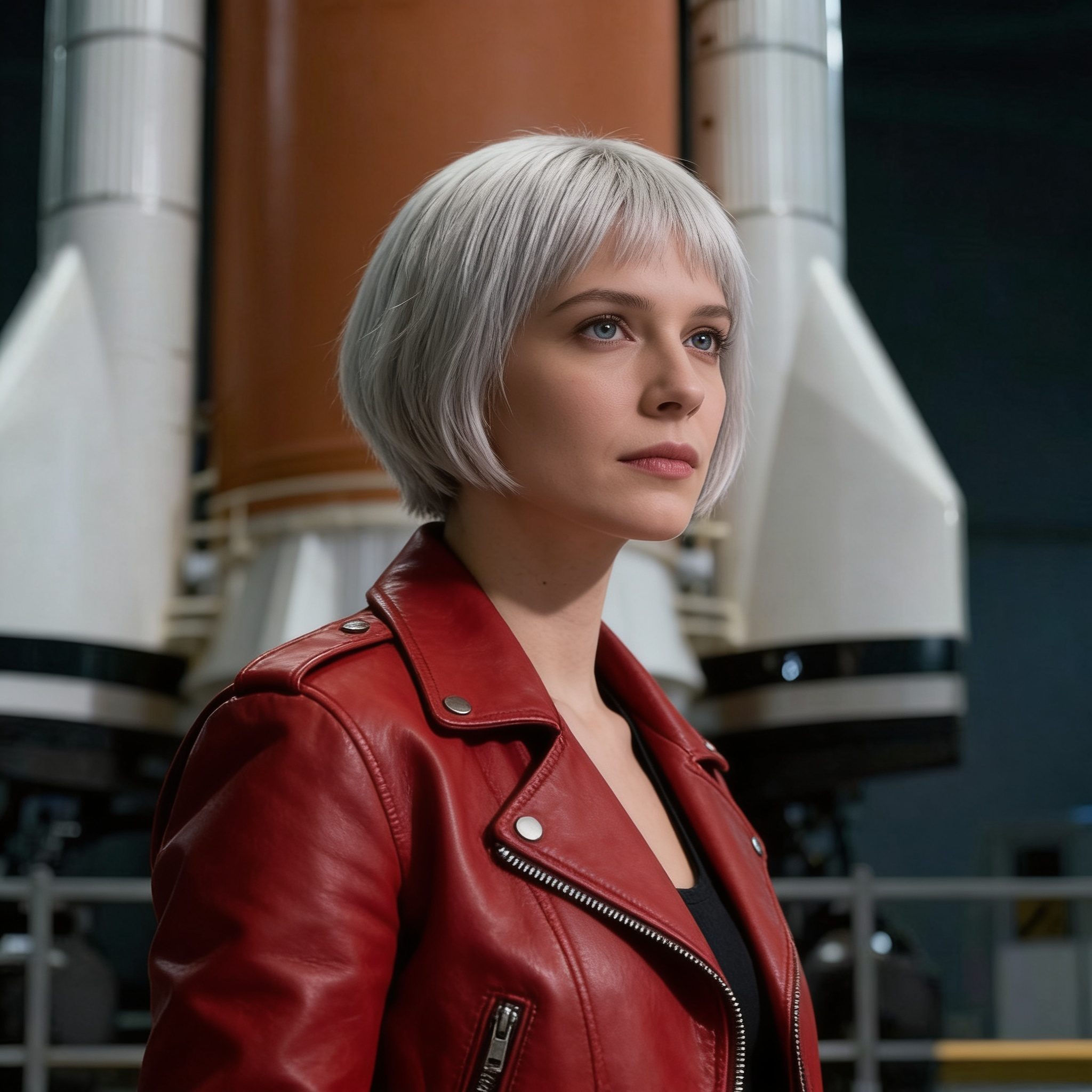
Wandura character swap replaces everything that makes the person who they are — face, hair, build, outfit — while preserving the original pose, lighting and background. When you swap from a reference photo, the model is instructed to keep the exact facial features, skin tone and identity of your replacement. Two models power it: Nano Banana Pro (Edit) at $0.15 per image with resolution up to 4K, and Seedream 4.5 (Edit) at $0.04 with up to 6 variations per run. The comparison here is a real generation: the same scene, its character swapped from a plain text description — "a woman with short silver hair wearing a red leather jacket".
Try AI Character Swap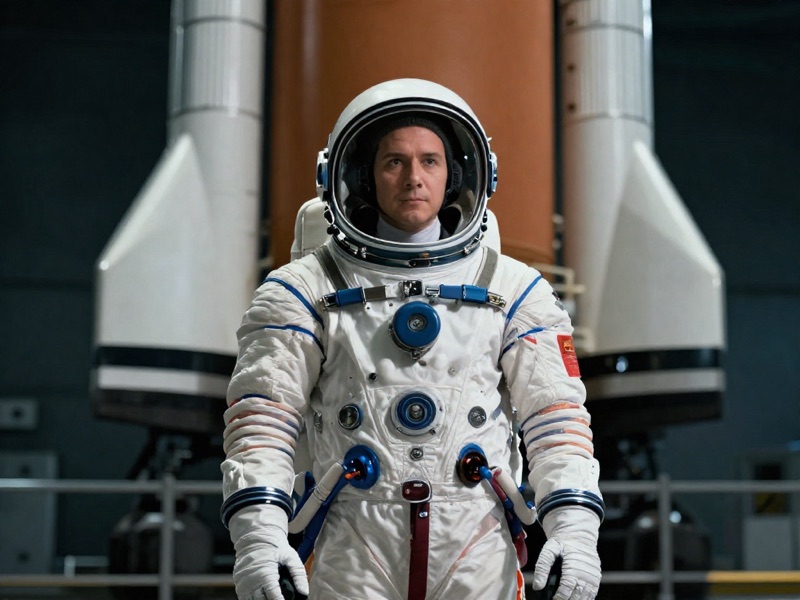
2 AI Models, One Character Swap Tool
Two Ways to Define the New Character
Have a photo of the replacement? Upload it and the swap preserves their real identity. No photo? Just describe them — the generated example here came from nothing but the text "a woman with short silver hair wearing a red leather jacket" — and the model invents a character to match. Same scene, your choice of input.
Try AI Character SwapPut Yourself in Any Scene
Found the perfect pose, setting or outfit shot but it is someone else standing in it? Use it as the source, add your own photo as the reference, and step into the frame — pose, lighting and background carry over untouched.
Try AI Character SwapFor Sellers: One Photoshoot, Many Models
Shoot your product on one model, then swap in characters of different ages, styles and looks to show it on a wider range of people. Every variant keeps the original styling, lighting and composition, so the catalog stays consistent.
Try AI Character SwapFor Storytellers: Consistent Casts Without Reshoots
Recast a scene with a different protagonist, test how your comic panel reads with another character design, or keep one hero consistent across scenes generated at different times — swap them into each frame from the same reference photo.
Try AI Character SwapIterate Cheap, Finish Sharp
Explore up to 6 swap variations per run on Seedream 4.5 at $0.04 each, then rerun the best result on Nano Banana Pro at 2K or 4K for the final version. Real per-image prices sit right next to each model in the widget.
Try AI Character SwapHow It Works
Step 1: Upload the Source Image
Add the photo containing the character you want to replace — the scene, pose and lighting from this image are preserved.
Step 2: Define the Replacement
Upload a reference photo of the new character, or type a description instead. Pick a model and how many variations to generate.
Step 3: Generate and Reuse
Results are saved to your Creations — download them, or chain the swapped image into another tool: upscale it, restyle it, or animate it into video.
How Much Does AI Character Swap Cost?
Every model below runs on one Wandura credit balance — pay only for what you generate, with no separate subscription per model.
| Model | Pricing |
|---|---|
 Nano Banana Pro (Edit) Nano Banana Pro (Edit) | High quality |
 Seedream 4.5 (Edit) Seedream 4.5 (Edit) | Cheap · up to 6 images |
FAQs
Character swap replaces the person in a photo with a different one — face, hair, body and outfit included — while keeping the original scene, pose, lighting and background. The new character can come from a reference photo or from a plain-text description.
Upload a source image, then either add a reference photo of the replacement character or describe them in the text field. The model rebuilds the character in place; when you provide a photo, it is instructed to keep the exact facial features, skin tone and identity of your replacement.
Face Swap changes only the face and leaves the original hair, body and clothing behind. Character Swap replaces the entire person — identity, hair, build and outfit — so the result is a genuinely different character standing in the same scene. Use Face Swap for a quick face change; use Character Swap when the whole person should change.
No — the reference image is optional. Without one, the swap is driven by your text description, like "a young woman with red hair". A reference photo gives you identity-accurate results; a description gives you creative freedom.
Yes — the model is explicitly instructed to preserve the original scene, pose, lighting and background. Only the character changes, which is what keeps the swap looking like the same photograph.
Two models: Nano Banana Pro (Edit) at $0.15 per image — highest quality, with a resolution setting up to 4K — and Seedream 4.5 (Edit) at $0.04 per image with up to 6 variations per run. Prices are shown in the widget; credits are deducted only when you generate.
For the source, a photo where the character is clearly visible works best. For the reference, a clear, well-lit shot of the replacement person helps the model carry their identity over accurately. Generating several variations per run raises your odds of a perfect swap.
Up to 4 per run on Nano Banana Pro (Edit) and up to 6 on Seedream 4.5 (Edit) — useful for picking the variation where the swapped character blends most naturally.
Every generation lands in your Creations library — preview, download, or chain the result into another tool: upscale it, transfer a new style onto it, or turn the swapped scene into a video.