Edit Video With AI That Gets Your Vision
Wandura's AI video editor analyzes your creative intent and executes edits that match your style, not a one-size-fits-all template. Less time wrestling with software, more time creating.
Why Intent-Based Editing Changes Everything
Traditional AI video editors apply the same generic cuts and transitions regardless of your project. Wandura takes a different approach—before making any edit, it understands what you're trying to achieve. Upload your footage, describe your goal (vlog pacing, cinematic feel, fast-paced promo), and the AI aligns every decision—clip selection, timing, transitions—with that specific intent. The result is edits that feel hand-crafted, not automated.
Start Editing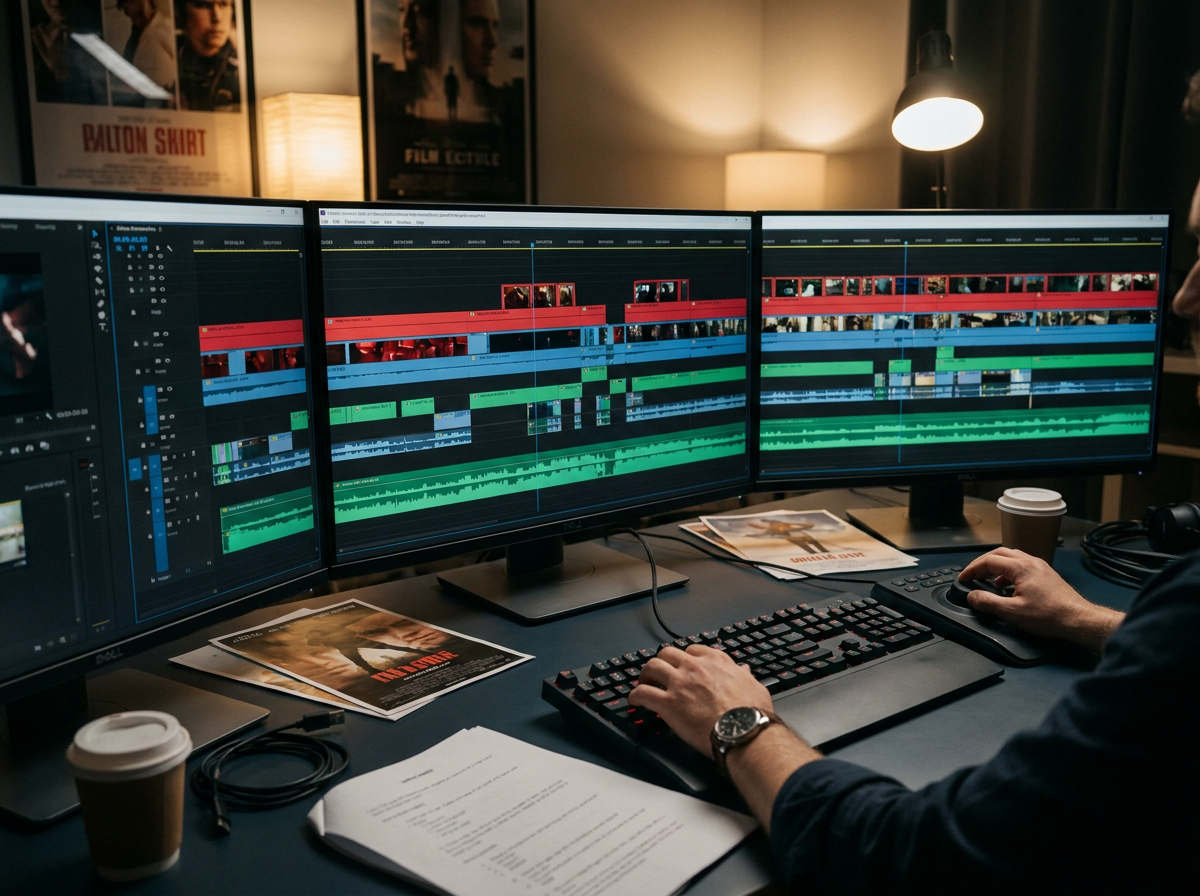
13 AI Models, One Video → Video Tool
 Grok Imagine EditFast restyleHappy Horse Video EditHighest fidelity
 Wan 2.7 EditBalanced
 Kling O3 Edit Video [Pro]Sharpest KlingKling O3 Edit Video [Standard]Kling O3 valueKling O1 Edit Video [Pro]Kling O1Kling O1 Edit Video [Standard]Kling O1 valueBernini-R Edit VideoCheapest · 5s outputLucy Edit [Pro]Character-safe restyleLuma Ray 2 ModifyStrongest restyle
 Gemini Omni Flash EditInstruction editWan VACE Video EditReference-guidedWan 2.2 Video to VideoStrength control · 5s output
Content Creators Who Post Frequently
If you publish weekly or daily, editing time eats into production quality. Wandura's AI video editor handles the repetitive work—basic cuts, pacing adjustments, audio syncing—so you focus on scripting and creative choices. Describe your video's tone, and the AI delivers a rough cut that needs your polish, not your start-from-scratch effort.
Start Editing
Marketers Building Promo Content
Promo videos need to hold attention in the first three seconds and drive action by the end. When you edit video with AI using intent settings like 'high-energy product launch' or 'calm brand story,' Wandura adjusts pacing, jump cuts, and text overlays to match that goal. Test different intent profiles to see which version resonates with your audience.
Start Editing
Podcasters Turning Audio Into Video
Video podcasts require more than a static slide deck. Describe 'engaging interview format' or 'quick highlights for social,' and Wandura's AI video editor pulls key moments, applies dynamic cuts between speakers, and adds visual interest without manual frame-by-frame work. The AI respects conversation flow while keeping viewers engaged.
Start Editing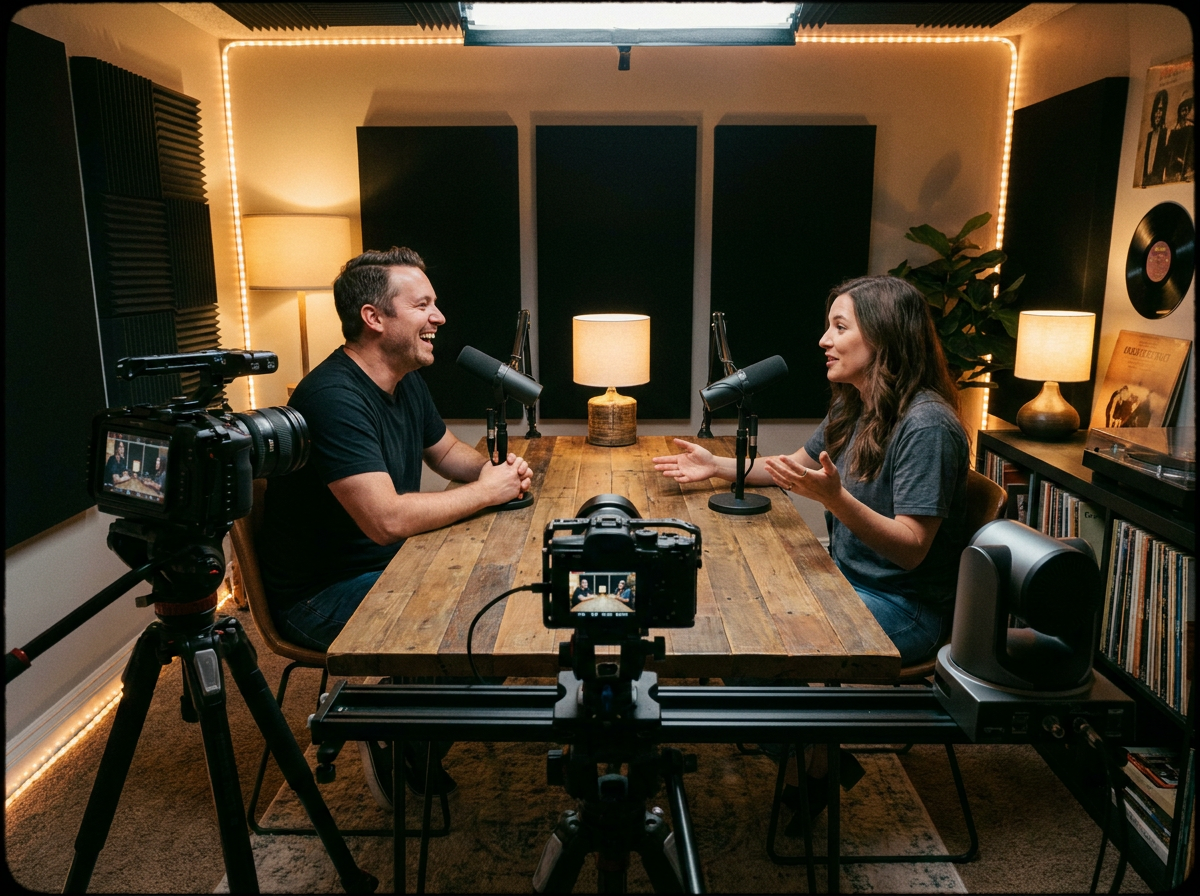
Educators Creating Tutorial Content
Educational videos benefit from clear pacing and visual cues, but editing screencasts manually is tedious. Tell Wandura you want 'step-by-step tutorial pacing' or 'fast-paced highlights for busy professionals,' and the AI handles scene transitions, zoom emphasis, and timing adjustments. Your focus stays on the subject matter, not the edit.
Start Editing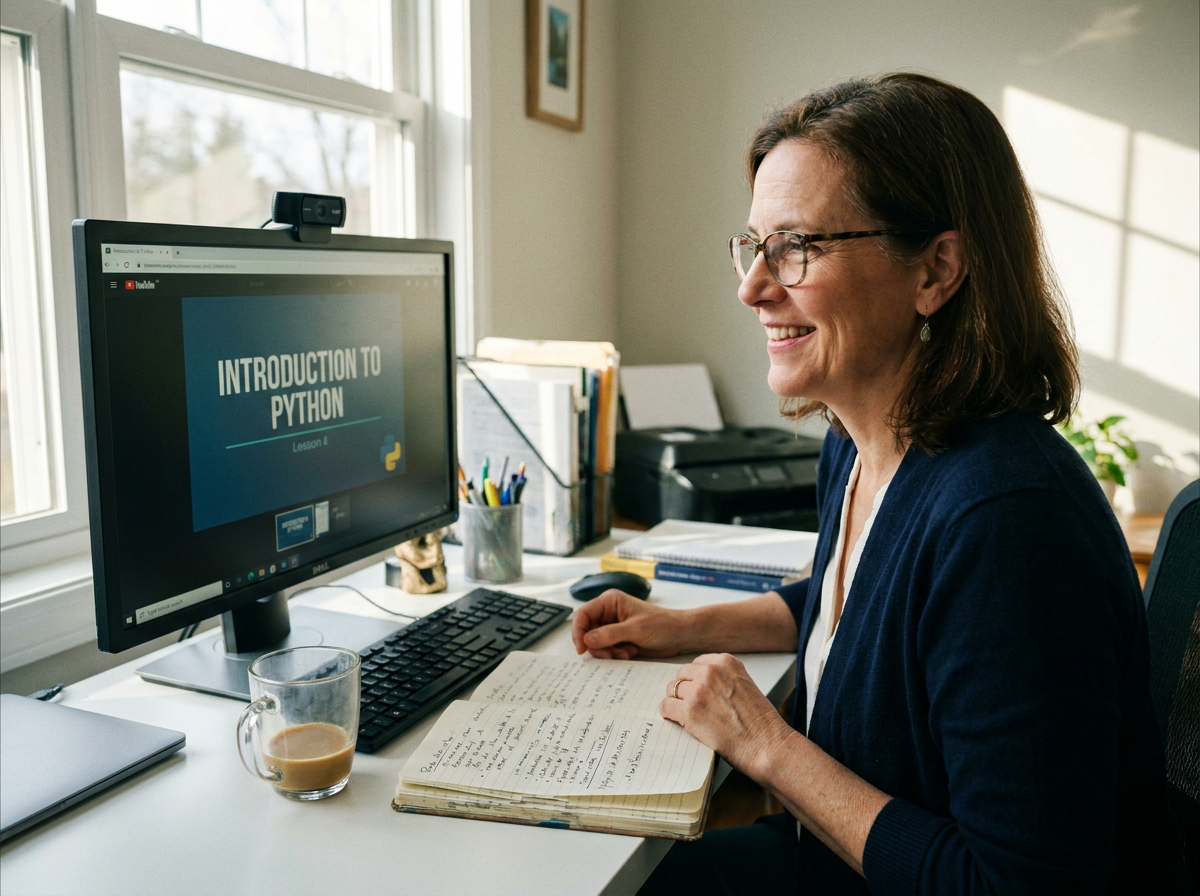
Social Media Managers Scaling Video Output
Repurposing long-form content into short clips for TikTok, Reels, and Shorts requires speed. Describe the platform and goal ('engaging Instagram Reels from webinar footage'), and Wandura's AI video editor identifies hook moments, cuts to vertical format, and adjusts pacing for each destination—without you rebuilding the edit from scratch each time.
Start Editing
How It Works
Upload your footage and describe your goal
Import your video files and tell Wandura what you're making. Use plain language: 'fast-paced tech review,' 'calm travel vlog,' or 'engaging product demo.' The AI uses this intent to guide every editing decision.
Let the AI generate an intent-matched edit
Wandura analyzes your footage against your stated goal and produces a rough cut. It selects clips, sets timing, adds transitions, and adjusts pacing—all aligned with the creative direction you specified.
Refine and export your final video
Review the AI-generated edit, make any manual adjustments you want, then export in your preferred format and resolution. Wandura preserves your intent settings for future projects so your workflow gets faster with each video.
How Much Does Video → Video Cost?
Every model below runs on one Wandura credit balance — pay only for what you generate, with no separate subscription per model.
| Model | Pricing |
|---|---|
| Grok Imagine Edit | Fast restyle |
| Happy Horse Video Edit | Highest fidelity |
| Wan 2.7 Edit | Balanced |
| Kling O3 Edit Video [Pro] | Sharpest Kling |
| Kling O3 Edit Video [Standard] | Kling O3 value |
| Kling O1 Edit Video [Pro] | Kling O1 |
| Kling O1 Edit Video [Standard] | Kling O1 value |
| Bernini-R Edit Video | Cheapest · 5s output |
| Lucy Edit [Pro] | Character-safe restyle |
| Luma Ray 2 Modify | Strongest restyle |
| Gemini Omni Flash Edit | Instruction edit |
| Wan VACE Video Edit | Reference-guided |
| Wan 2.2 Video to Video | Strength control · 5s output |
FAQs
When you describe your goal (tone, pacing style, content type), Wandura's models map those descriptions to specific editing patterns—clip selection criteria, timing ranges, transition styles, and pacing curves. The AI doesn't apply random effects; it chooses edits that match the intent profile you've set.
Yes. Every AI-generated edit is fully editable. You can swap clips, adjust timing, change transitions, or remove sections the AI added. The intent framework guides the initial edit, but you always have final creative control.
Wandura's AI video editor handles diverse content—vlogs, tutorials, promos, interviews, event recaps, and social clips. The intent system covers common goals like 'engaging,' 'informative,' 'fast-paced,' and 'cinematic,' and you can combine descriptors to refine the output further.
Most rough cuts are ready in a few minutes, depending on the length of your footage and the complexity of the intent you set. Longer source files and higher output resolutions take a little more time. You review the generated edit as soon as it finishes and refine from there.
Yes. Save your preferred intent profiles—combinations of tone, pacing, and content type—so you can apply them to new projects instantly. This is useful for ongoing series or recurring content types where you want consistent editing style across episodes.