AI Style Transfer
Same photo, entirely new art style. Upload an image, name the style you want — watercolor, cyberpunk, oil painting, anything you can describe — and Wandura restyles it while keeping your composition and subject intact.
Any Style You Can Name, Not a Fixed Filter List
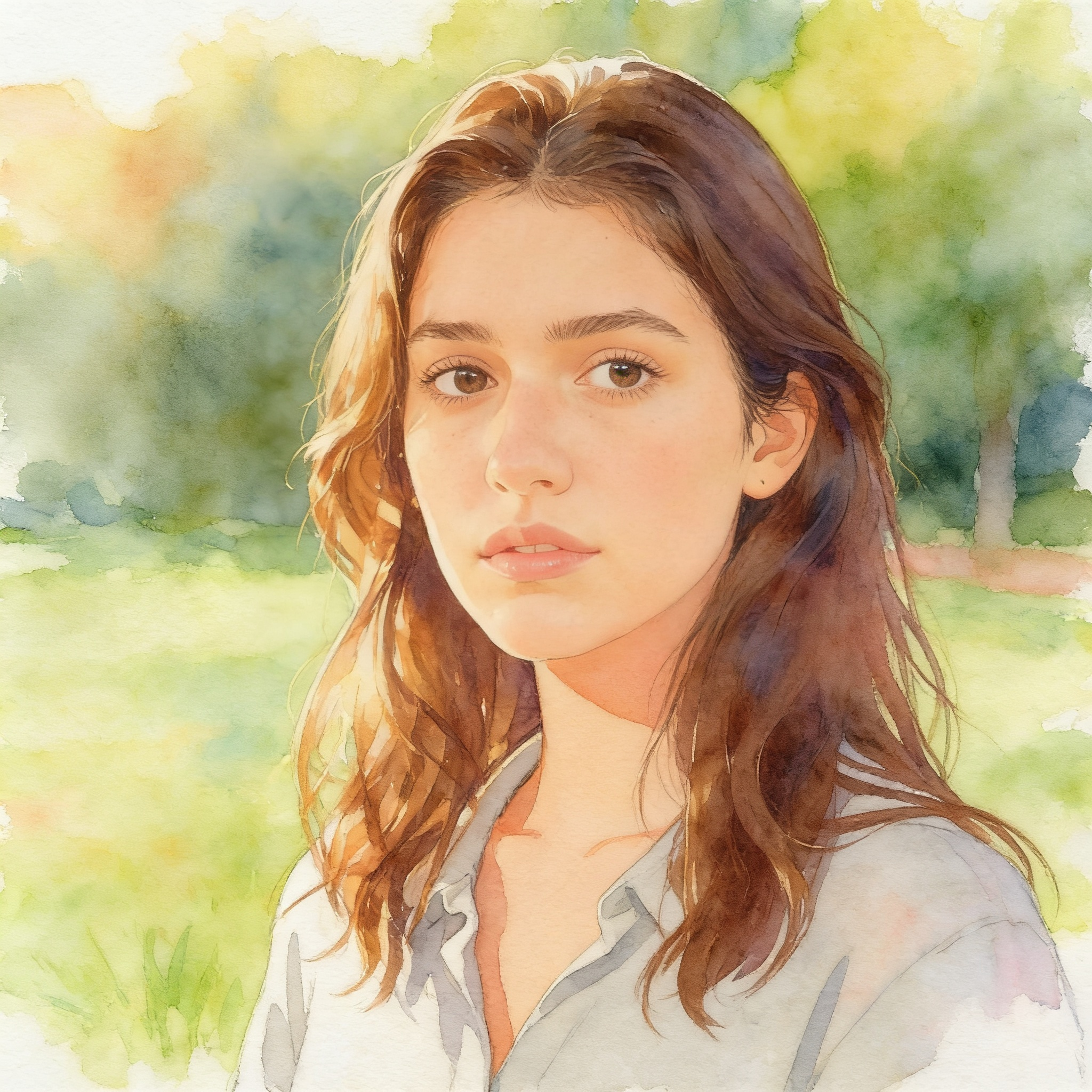
Most style tools give you a menu of presets. Wandura takes free text: type "ukiyo-e woodblock print", "90s anime cel", "charcoal sketch" or a style no preset list has ever heard of. Nano Banana Pro (Edit) at $0.15 per image delivers maximum fidelity up to 4K, while Seedream 4.5 (Edit) at $0.04 generates up to 6 variations per run — both instructed to restyle the image while preserving what makes it yours. The comparison here is a real generation: the same portrait, restyled as a watercolor by this tool.
Try AI Style Transfer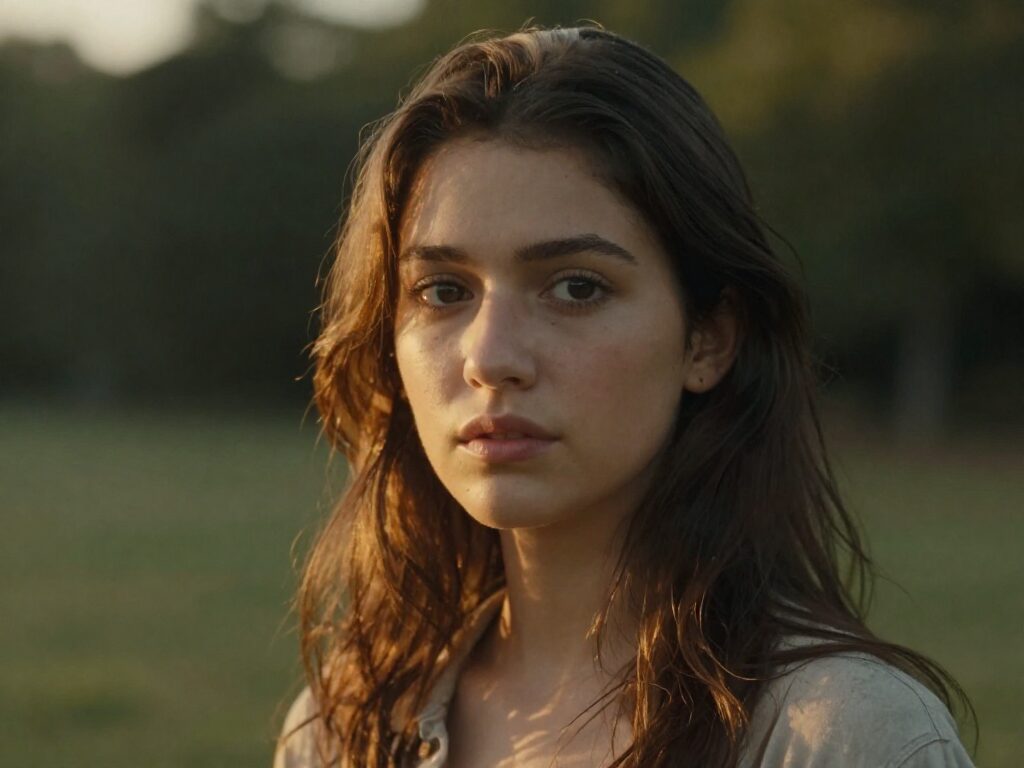
2 AI Models, One Style Transfer Tool
Composition Stays, Style Changes
The transformation is anchored to your source: framing, subject and scene layout carry over while brushwork, palette and rendering change completely. That is what separates style transfer from generating a new image — the generated watercolor here is still recognizably the same portrait, just painted differently.
Try AI Style TransferFor Artists: Explore Directions in Minutes
Test how a piece reads as watercolor, gouache, ink wash or flat vector before committing hours to a repaint. Run up to 6 cheap variations on Seedream 4.5 to compare styles side by side, then finalize the winner on Nano Banana Pro at 2K or 4K.
Try AI Style TransferFor Creators: One Photo, a Feed Full of Looks
Restyle the same portrait as comic art, cinematic film still or retro poster and post each as fresh content. Consistent subject plus rotating styles is an easy recognizable series — and at $0.04 per image the whole week of posts costs less than a coffee.
Try AI Style TransferFor Brands: A Signature Visual Language
Push product and campaign photos through one house style — flat illustration, duotone, painterly — so every asset looks like it came from the same art director. Describe your style once, reuse the exact wording for every image.
Try AI Style TransferFine-Tune with an Extra Prompt
The optional additional prompt sharpens the direction beyond the style name: "muted autumn palette", "heavy visible brushstrokes", "dramatic rim lighting". Style names set the destination; the extra prompt sets the details.
Try AI Style TransferHow It Works
Step 1: Upload Your Image
Add the photo or artwork you want to restyle — portraits, products, landscapes, even previous AI generations.
Step 2: Name the Target Style
Type the style in plain words — "watercolor", "cyberpunk", "oil painting" — and optionally add extra guidance. Pick a model and image count.
Step 3: Generate and Reuse
Results are saved to your Creations — download them, or chain the restyled image into another tool: upscale it, extend the canvas, or animate it into video.
How Much Does AI Style Transfer Cost?
Every model below runs on one Wandura credit balance — pay only for what you generate, with no separate subscription per model.
| Model | Pricing |
|---|---|
 Nano Banana Pro (Edit) Nano Banana Pro (Edit) | High quality |
 Seedream 4.5 (Edit) Seedream 4.5 (Edit) | Cheap · up to 6 images |
FAQs
Style transfer re-renders an existing image in a different artistic style — turning a photo into a watercolor, an oil painting, an anime frame — while keeping its composition and subject. The content is yours; the AI changes how it is drawn.
Upload a source image and type the target style. Wandura instructs the model to restyle the image in that style while keeping the composition and subject, then generates in the cloud — no local GPU or preset packs needed.
Any style you can put into words — there is no fixed filter list. Art movements ("impressionist", "art deco"), media ("charcoal sketch", "3D clay render"), aesthetics ("cyberpunk", "cottagecore") and combinations of them all work. Specific wording gives more consistent results.
Yes — the model is explicitly told to keep the composition and subject. Framing, pose and scene layout carry over; only the rendering style, palette and texture change. For subtler or wilder shifts, adjust your style wording and the optional extra prompt.
Two models: Nano Banana Pro (Edit) at $0.15 per image — highest quality, with resolution up to 4K — and Seedream 4.5 (Edit) at $0.04 per image with up to 6 variations per run. Real prices are shown in the widget; credits are deducted only when you generate.
It is optional extra guidance layered on top of the style: color palette, mood, lighting, level of detail. For example, style "watercolor" plus prompt "soft pastel palette, lots of white space" narrows the look beyond what the style name alone conveys.
Image to Image is the general-purpose editor — one prompt can change style, content, background or all three. Style Transfer is specialized: you just name a style, and the tool handles the instruction to preserve composition and subject. When your goal is purely a new look, this tool gets there with less prompt writing.
Up to 4 per run on Nano Banana Pro (Edit) and up to 6 on Seedream 4.5 (Edit) — batching variations of the same style is the fastest way to find the strongest interpretation.
Every generation lands in your Creations library — preview, download, or chain the restyled image into another tool: upscale it, remove the background, or turn it into a video.