Turn Photos Into Stunning AI Family Portraits
Generate polished family portraits in seconds—no photography equipment or editing software required. Perfect for creators building family content, designing invitations, or adding personal imagery to their projects.
Family Portraits Without the Photo Studio
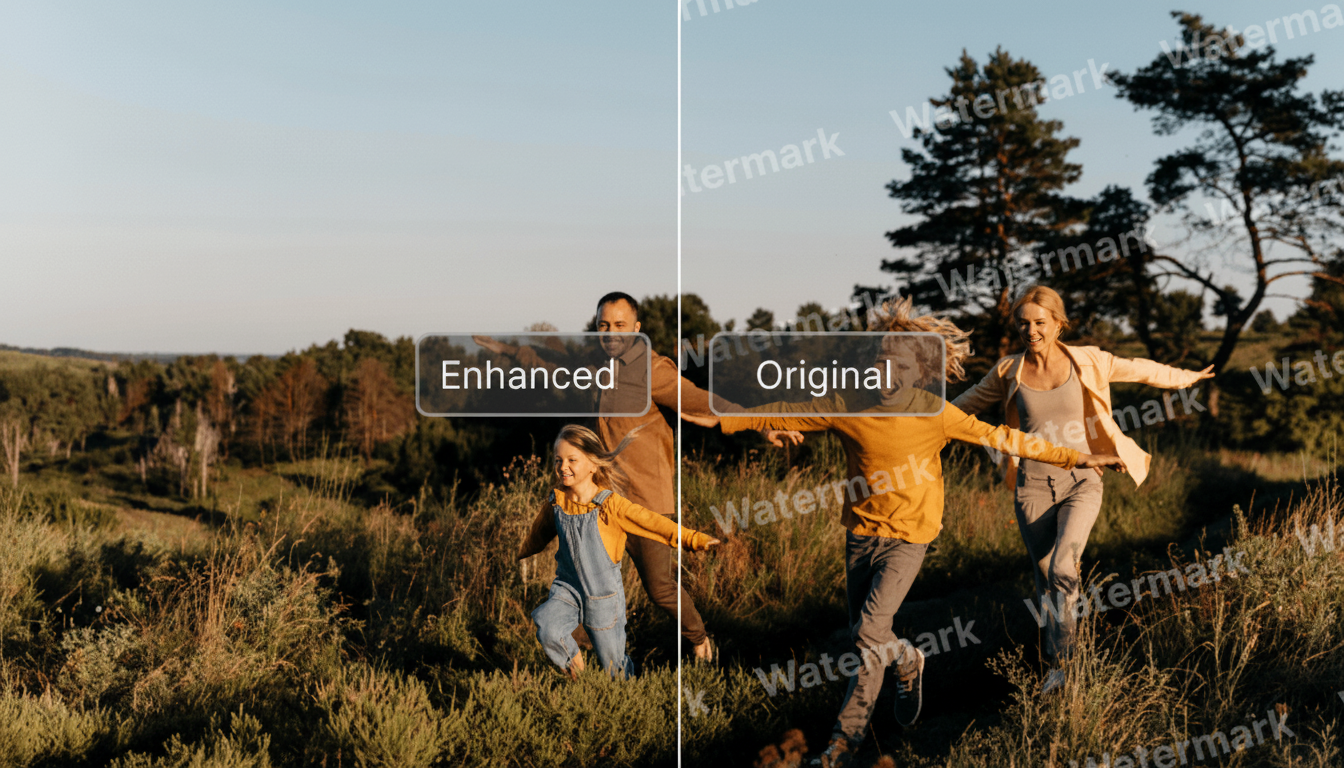
Getting everyone together for a professional family portrait takes coordination, expense, and time. The AI family portrait generator gives creators a faster path to polished results. Upload your family photos, choose a style that fits your project, and generate images that look professionally lit and composed. Whether you're designing holiday cards, building a family-focused brand, or creating content for social media, you can produce family imagery without booking a studio session or learning complex editing software.
Try the generator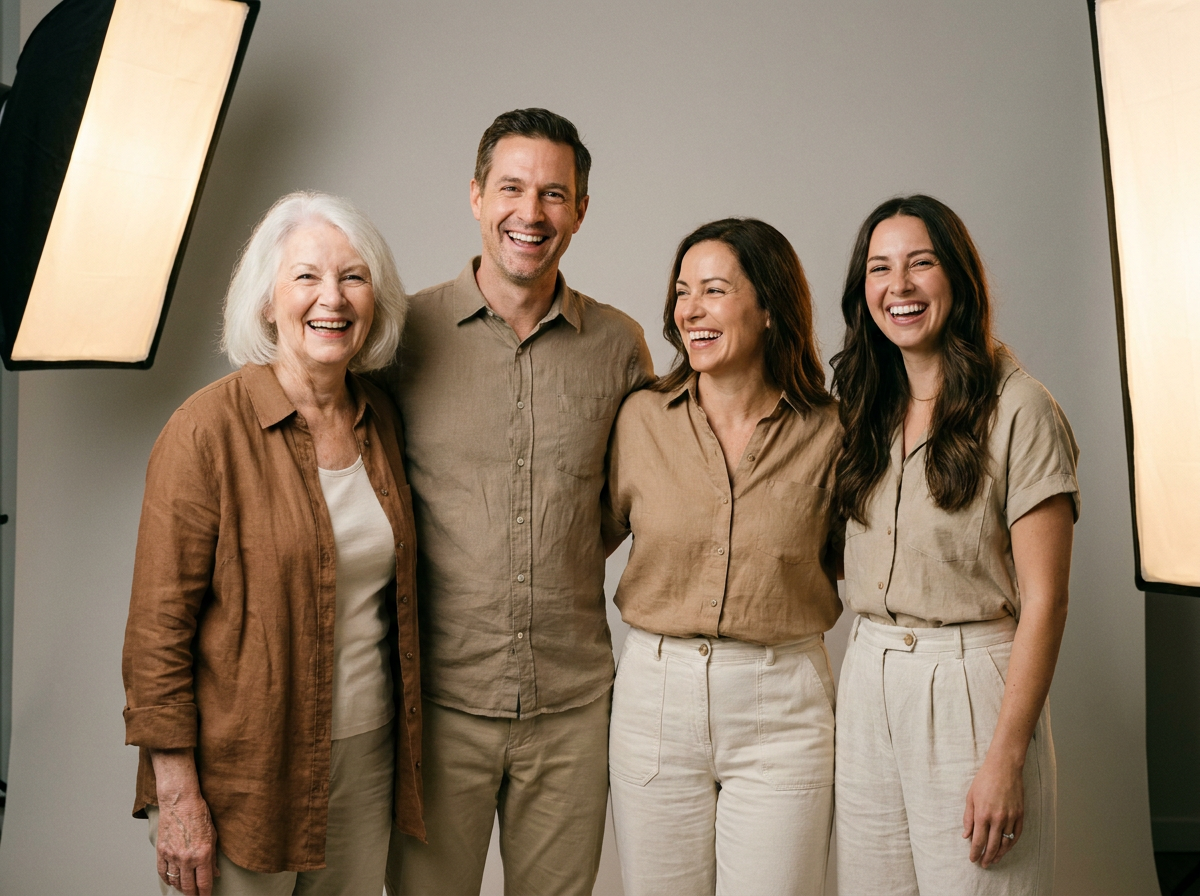
9 AI Models, One Text → Image Tool
Holiday and Greeting Card Design
Design studios and print-on-demand creators use family portrait AI to produce seasonal cards and announcements. Instead of coordinating expensive photoshoots for each client, you can generate consistent, high-quality family imagery that matches any card style—from traditional to modern illustrated looks. This workflow scales for creators handling multiple clients or product lines.
Try the generator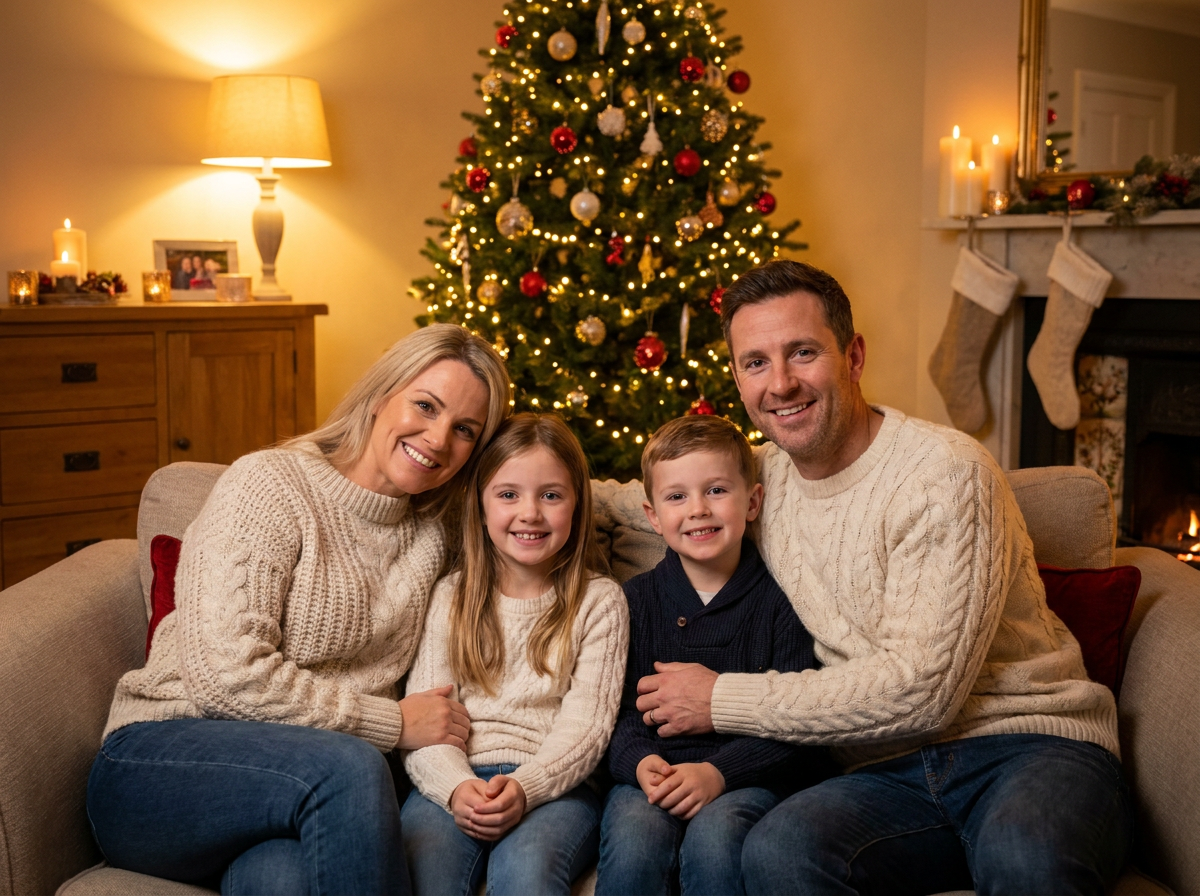
Social Media Content Creation
Content creators building family-oriented channels or parenting blogs need regular visual assets. The AI family photo tool generates themed imagery for posts, covers, and stories without waiting on stock photo approvals or scheduling shoots. Maintain a consistent aesthetic across your content while keeping production moving.
Try the generator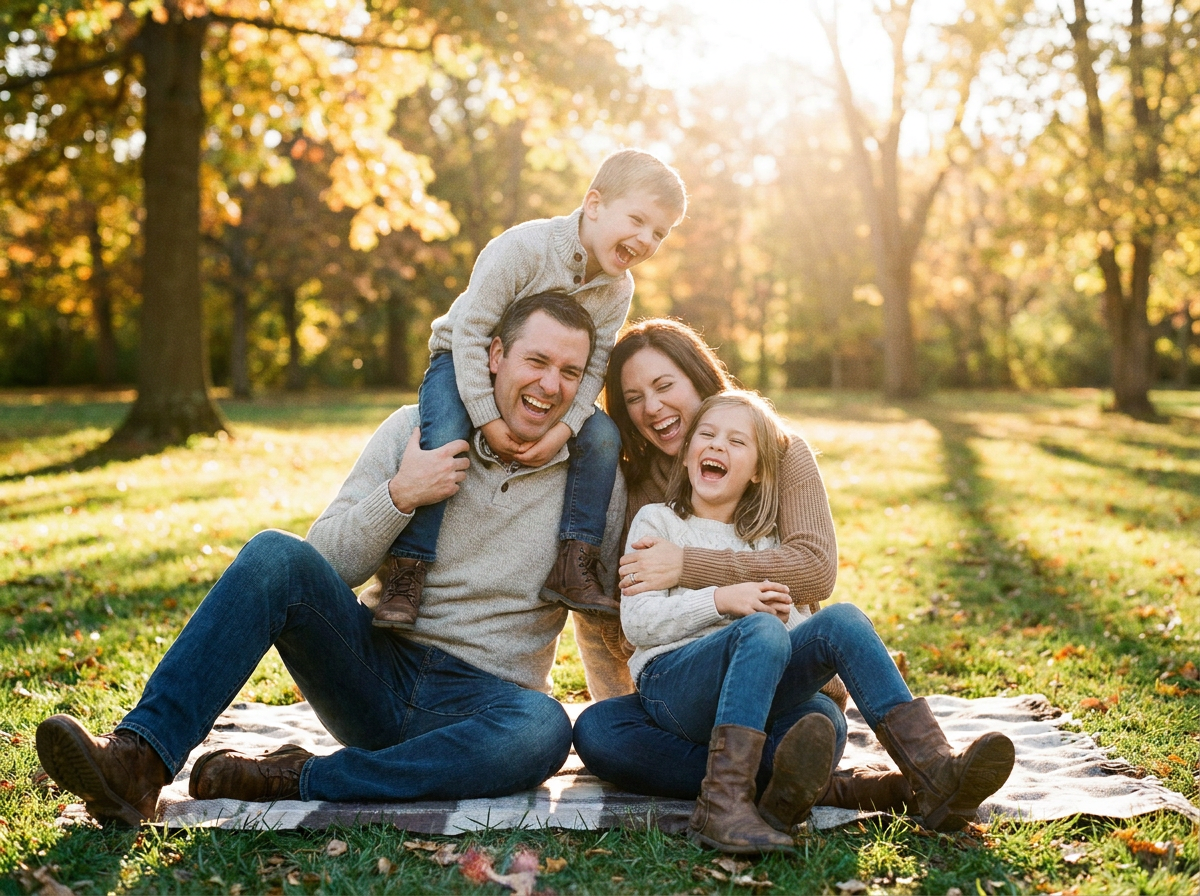
Small Business Marketing
Therapists, family coaches, pediatric services, and other client-facing businesses use family imagery in their marketing materials. Generate approachable, professional family visuals for your website, brochures, or ads without needing a photography budget. Create imagery that represents diverse families in contexts relevant to your services.
Try the generator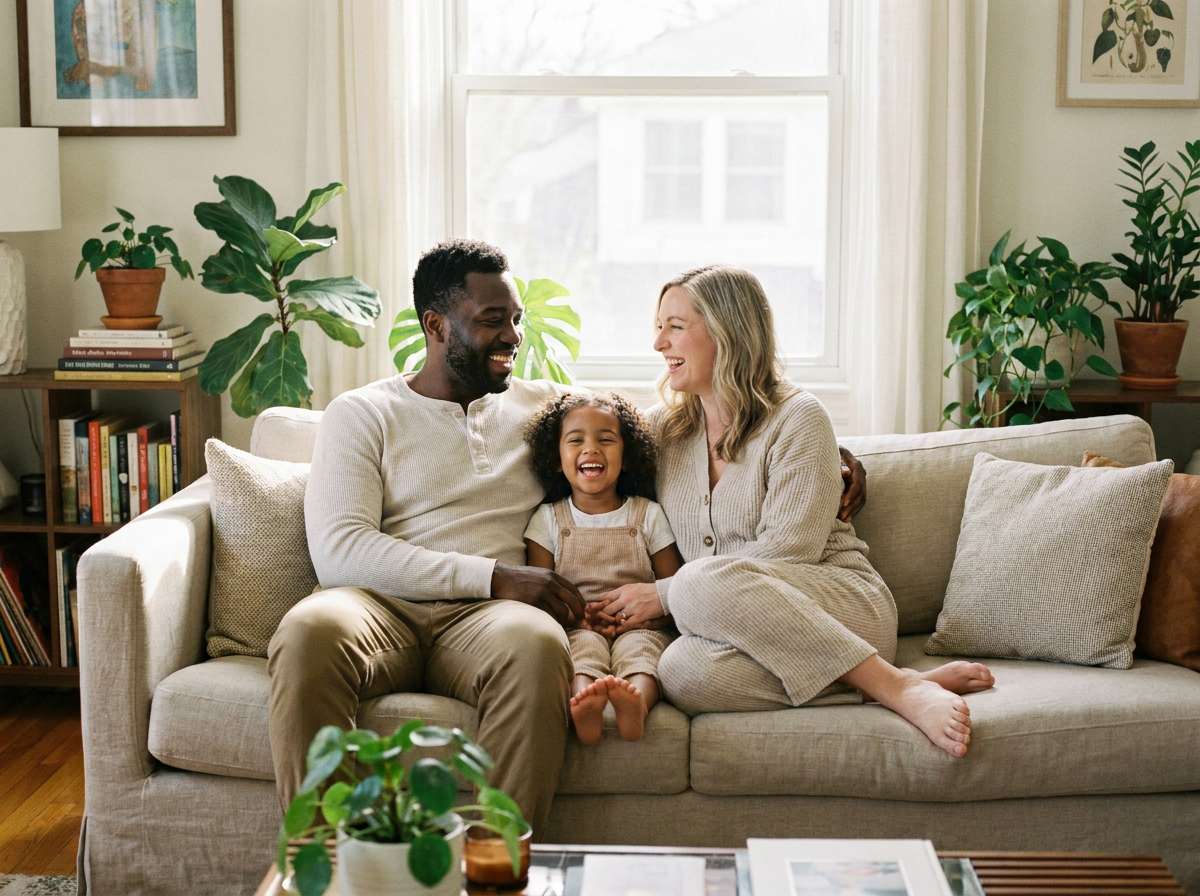
Creative Project Illustration
Authors, scrapbookers, and craft creators use generated family portraits as reference or finished artwork for personal projects. Generate portraits in specific artistic styles—watercolor, oil painting, sketch—that would be difficult or expensive to commission traditionally. Integrate family likeness into illustrated books, memory books, or custom gift projects.
Try the generator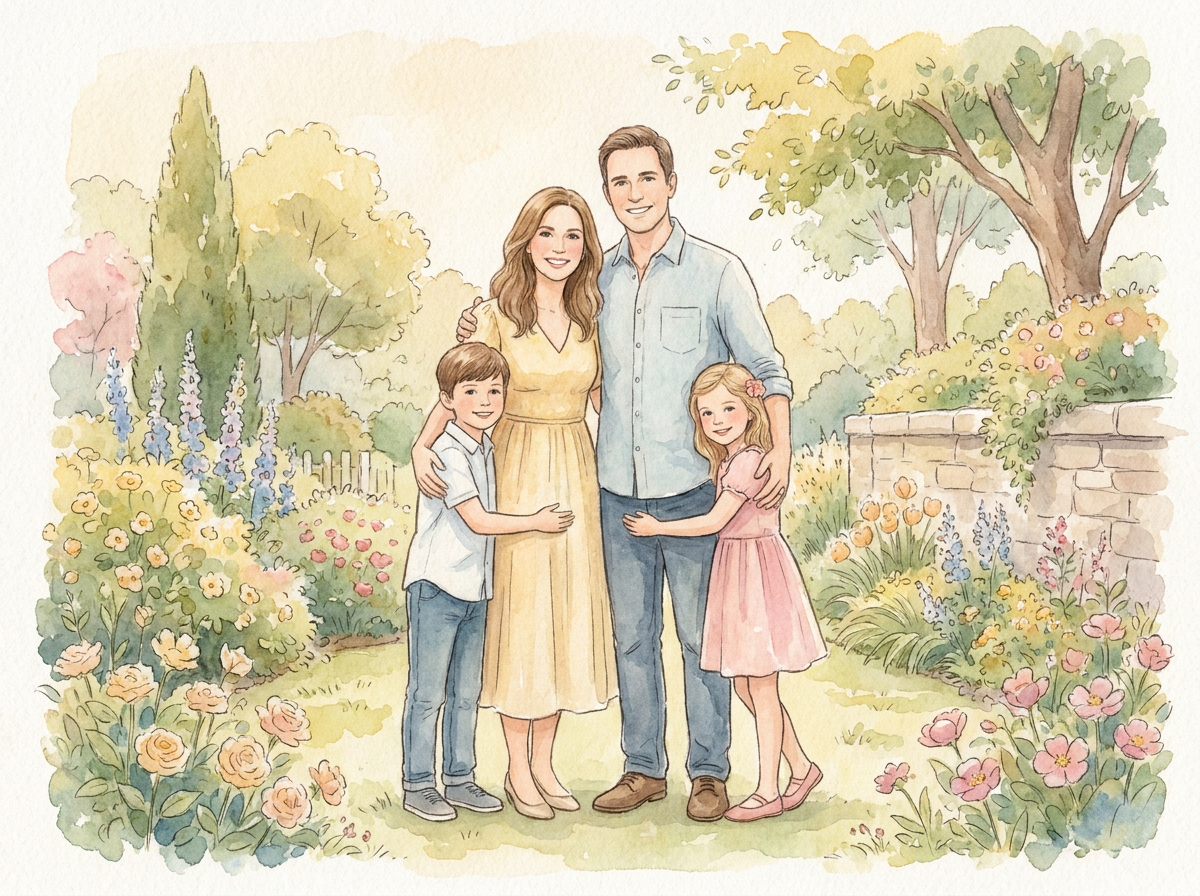
How It Works
Upload your family photos
Start by uploading 2-5 clear photos of the family members you want in the portrait. For best results, use photos with varied expressions and poses.
Choose your portrait style
Select from available style options to define the look—professional studio lighting, artistic interpretation, or themed backgrounds that fit your project needs.
Generate and download
Render your family portrait and review the results. Download in high resolution ready for print materials, web use, or further design work.
How Much Does Text → Image Cost?
Every model below runs on one Wandura credit balance — pay only for what you generate, with no separate subscription per model.
| Model | Pricing |
|---|---|
 Nano Banana Pro Nano Banana Pro | High quality |
| Nano Banana 2 | Latest · multi-resolution |
 GPT Image 2 GPT Image 2 | Strong text |
 Ideogram V4 Ideogram V4 | Typography/CTA |
 FLUX 1.1 Pro FLUX 1.1 Pro | Highest Elo |
 Seedream 5.0 Lite Seedream 5.0 Lite | Balanced · up to 6 images |
 Qwen Image 2.0 Pro Qwen Image 2.0 Pro | 2K native · typography |
| Recraft V3 | SOTA · long text |
 Z-Image Turbo Z-Image Turbo | Fast · cheapest |
FAQs
The tool analyzes uploaded photos of family members, identifying facial features and proportions. It then generates a new portrait combining those likenesses in a cohesive composition with your chosen style applied. You get a polished result that maintains family resemblance without requiring a traditional photoshoot.
Yes — you get full commercial rights on all paid plans, covering business and client work.
The AI captures key facial features and proportions from your input photos to maintain likeness. Results vary based on photo quality and the number of reference images provided. Uploading multiple clear photos of each family member typically improves recognition and resemblance in the final output.
Generated portraits are typically available in common formats suitable for both digital and print use. Check the specific tool interface for current format options and resolution details before starting your generation.
No specialized skills are required. The interface handles composition and styling—you provide the photos and choose your preferred style. If you can upload images and click options, you can produce professional-looking family portraits.