
Pollo AI Alternative: Wandura for Advertisers
Why Advertisers Consider Wandura Over Pollo AI
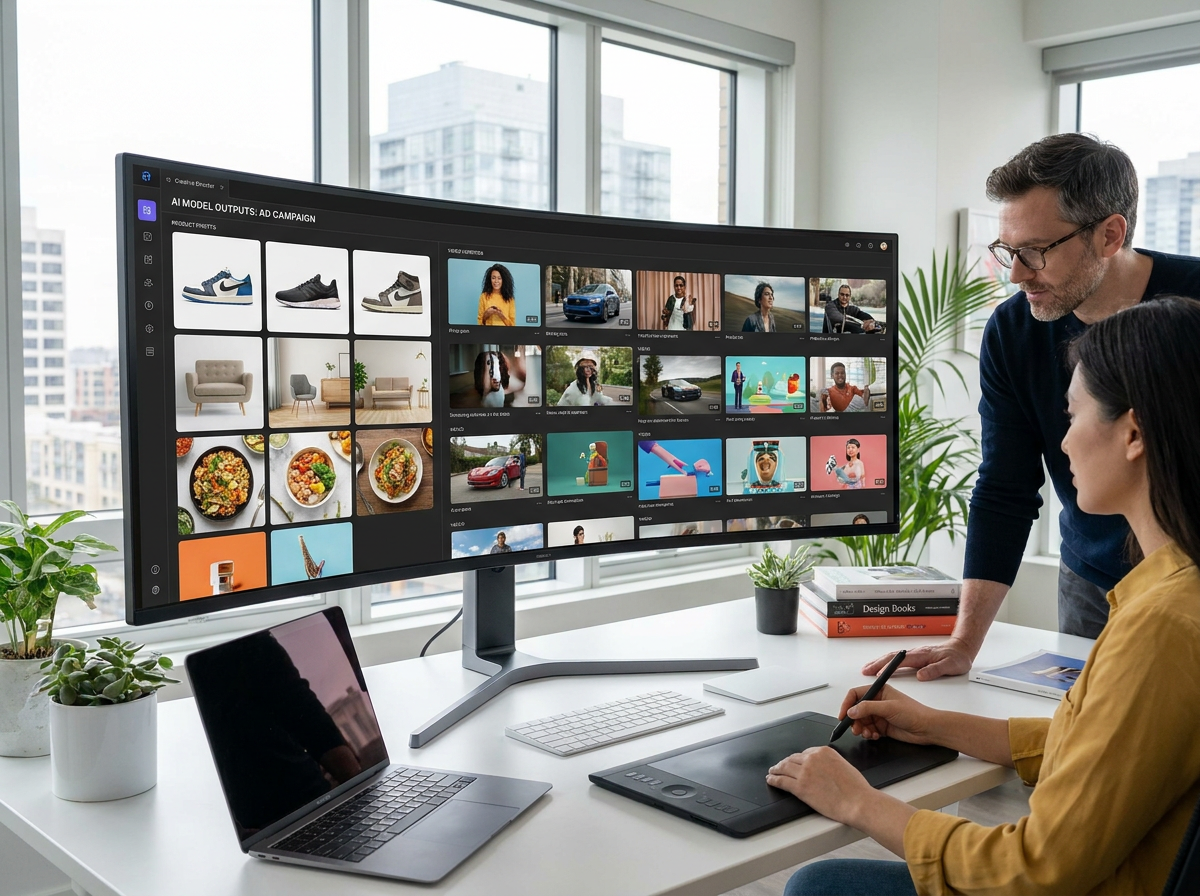
Wandura AI and Pollo AI both generate video from images and text, but they serve different creative workflows. For advertisers who test many versions of an ad across platforms, Wandura AI starts from a product photo and an ad format, then lets you change the hook, the background or the model and render again. The core difference is how each platform supports that loop of testing and re-rendering.
Wandura AI is a Pollo AI alternative for advertisers who want ad tools next to the video models: Ads Studio turns one product photo into an ad in 22 formats, in 9:16, 1:1 or 16:9, and the credit price shows on the Generate button before you spend. Pollo AI may suit quick concept exploration better.
Other Pollo AI Alternatives to Compare
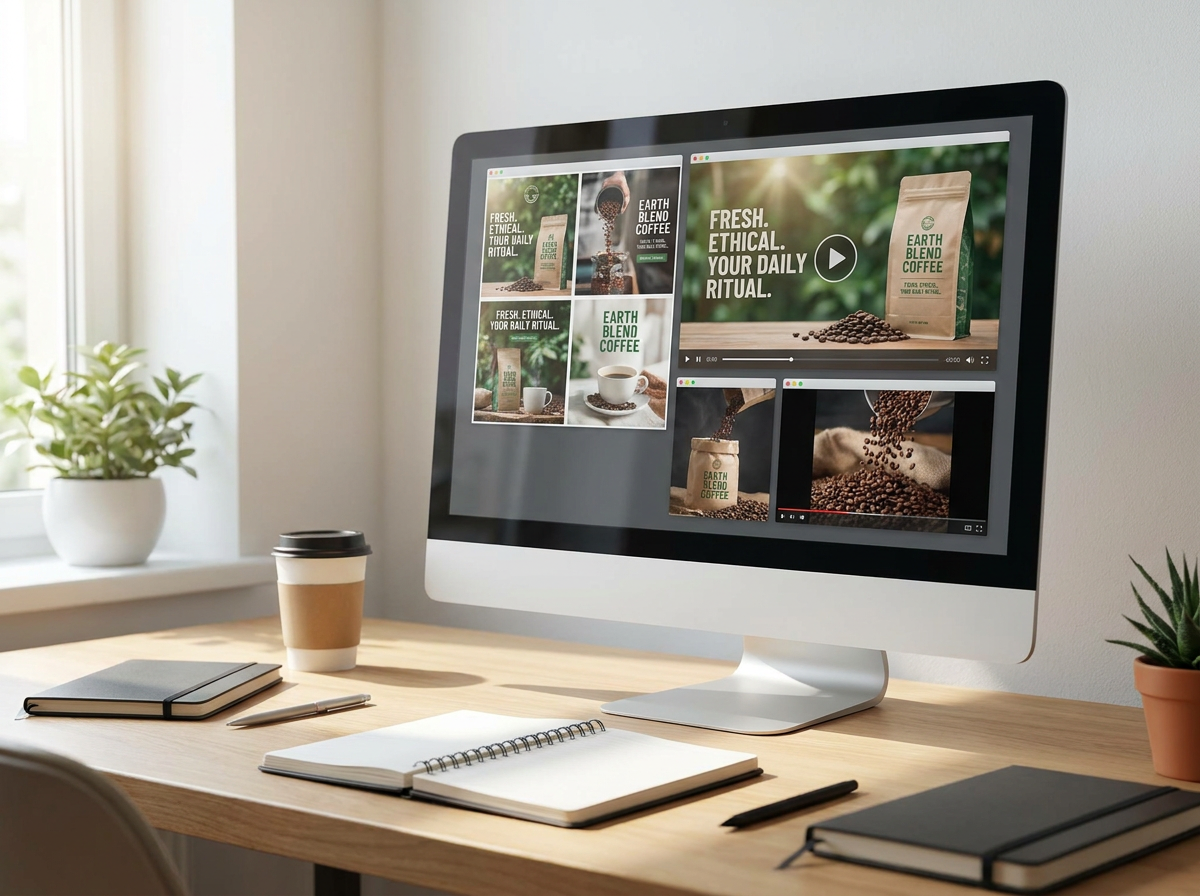
Pollo AI alternatives fall into a few groups: all-in-one studios that run many video and image models on one credit balance, video editors with AI features, and tools built for one ad format such as UGC or avatar videos. The right one depends on whether you generate ads from a product photo, edit footage on a timeline, or need a talking presenter. Wandura AI is in the first group. Before you choose, compare each tool on the same ad with your own product.
Compare Wandura AI with other tools:
Honest Limitation: Where Pollo AI Is the Better Choice
Pollo AI has strengths that make it the right pick in some cases. If your main need is exploring creative directions quickly, such as generating a handful of concept videos to share with a team or a client, Pollo AI may get you to a concept faster. It is also worth checking if you are an individual creator or a small brand with infrequent video needs: compare the current plans on Pollo AI's own pricing page with Wandura AI's before you decide.
Wandura AI has an ad-first workflow: if you mainly want artistic or experimental video rather than ads, a more general tool may feel less restrictive.

When to Choose Which Platform
Choose Wandura when:
- You're running paid ad campaigns and want to test many hooks and formats from one product photo
- You want ad starting points that already work: 22 ad formats and 15 opening hooks, from UGC and unboxing to before and after and product demo
- You want to run generation from an AI agent: Wandura MCP and the CLI connect Claude, ChatGPT and Cursor, with a price check before any credits are spent
- You want to pick the model for each ad (Kling 3.0, Seedance 2.0, Veo 3.1 or a faster draft model) and see the credit cost before you generate
- You're producing video for several placements and want vertical 9:16, square 1:1 and landscape 16:9 clips
Choose Pollo AI when:
- You need a small number of videos quickly for concept exploration or client pitches
- Your budget is tightly constrained and Pollo AI's pricing is lower for your use volume
- You're focused on artistic or experimental video generation rather than brand-compliant ad creative
- You don't require API access or programmatic integration
Wandura vs Pollo AI: Feature Comparison
| Feature | Wandura | Pollo AI |
|---|---|---|
| Primary Use Case | Ad creatives from a product photo, plus video, image and audio models on one credit balance | Quick video generation from prompts and images |
| Image-to-Video | Yes - animates images into video clips | Yes - check Pollo AI's current model list |
| Text-to-Video | Yes - generate video directly from text prompts | Yes - check Pollo AI's current model list |
| Bulk Generation | Change the hook, background or model and render again; Wandura MCP can clone one template across several products | Check Pollo AI's current limits |
| Aspect Ratio Options | Multiple ratios including 9:16 (Stories/Reels), 1:1 (Feed), 16:9 (YouTube/Display) | Video and image in standard social aspect ratios |
| Product and Reference Inputs | One product photo, plus an optional photo of a person, anchors each ad; Seedream 4.5 edits with up to 6 references | Check Pollo AI's current inputs |
| API Access | MCP server and CLI for Claude, ChatGPT, Cursor and terminals; API keys for CI | Check Pollo AI's current API options |
| Output Quality | Each model has its own lengths, resolutions and aspect ratios; Seedance 2.0 goes up to 4K | Check Pollo AI's current output options |
| Pricing Model | 1 credit = $0.01, with the cost shown on the Generate button before you spend | Subscription tiers; see Pollo AI's pricing page for current numbers |
| Free Trial | Start with free signup credits | Check Pollo AI's current free tier |
| Commercial License | See Wandura AI's current terms | See Pollo AI's current terms |
70+ AI Models in One Studio
 Seedance 2.0
Multimodal cinematic motion up to 4K
 Kling 3.0
Cinematic motion with film-grade lighting
 Veo 3.1
Premium realism with native audio
 LTX 2.3 Fast
Quick, low-cost drafts
 Nano Banana Pro
High-fidelity images with sharp detail
 Seedream 4.5
Multi-image editing with up to 6 references
 GPT Image 2
Clear text rendering in images
 FLUX 1.1 Pro
Sharp detail and realistic images
 Ideogram V4
Typography and marketing text that stays crisp
 MiniMax Speech 2.8 HD
Natural, high-quality speech synthesis
Plans & Pricing
Wandura runs on transparent credits — 1 credit = $0.01. Choose a monthly plan or top up with credit packs, and pay only for what you generate.
Basic
For first-time creators
billed monthly
- Up to 1,500 images or 48 GPT Image 2
- Up to 100 videos or 23 Kling 3.0
All 70+ models, including
Growth
Most PopularFor weekly creators
billed monthly
- Up to 6,000 images or 193 GPT Image 2
- Up to 400 videos or 92 Kling 3.0
- Priority support
All 70+ models, including
Credit packs top up an active monthly plan: 1,000 credits for $10 · 6,250 credits for $50 (save 20%) · 14,000 credits for $100 (save 29%), valid for 90 days. Every plan unlocks all 70+ models; plans differ in credits and support.
FAQs
Pollo AI alternatives include all-in-one AI studios such as Wandura AI, video editors with AI features, and tools focused on UGC or avatar ads. Wandura AI runs video, image and audio models such as Kling 3.0, Seedance 2.0 and Veo 3.1 on one credit balance, and Ads Studio turns one product photo into an ad in 22 formats. Compare a few tools on the same product before you pick one.
Yes. Ads Studio makes vertical 9:16, square 1:1 or landscape 16:9 clips of about 4 to 15 seconds, depending on the model, so you can generate a version for each placement. Every result is saved to My Generations, ready to download for Meta, TikTok, YouTube Shorts or a product page.
Start every variation from the same product photo, keep the same ad format, and change one thing at a time, such as the opening hook, the background or the model. Ads Studio has 15 opening hooks and 22 ad formats, so each version stays tied to your product while you test one variable. Wandura AI does not list a dedicated brand-lock feature on the Ads Studio page, so check the composer for what is available today.
Wandura MCP connects Claude, ChatGPT, Cursor and other AI agents to Wandura AI, so an agent can find ad templates and create video, images and audio for you. Every job that spends credits gets a free price check first, and an agent can clone one template across several products. Running in CI or on a machine without a browser? Use an API key from your settings.
Ads Studio starts from one product photo and gives you 22 ad formats, 15 opening hooks, 9:16, 1:1 and 16:9 outputs, and a choice of model for each ad. The credit cost appears on the Generate button before you spend, and you can drive the same workflow from an AI agent through Wandura MCP.
Wandura AI runs on credits at 1 credit = $0.01, and the exact cost appears on the Generate button before anything is spent. It changes with the model, length and resolution you choose. Pollo AI sells subscription tiers, and the credit cost of a clip also depends on the model and settings, so compare both on the same clip: check Pollo AI's pricing page and Wandura AI's Generate button for the current numbers.
See What You Can Create


Start Creating Ad Creative with Wandura
Ready to produce brand-consistent video content at the volume your ad campaigns demand? Try Wandura free and generate your first batch of ad-ready video variations today.