AI Image Combiner
Merge photos into one image that never existed. Upload 2 to 4 reference images — people, products, scenes — describe how they come together, and Wandura combines them while preserving the identity and details of each.
Combine Up to 4 Images, Keep What Makes Each One Real
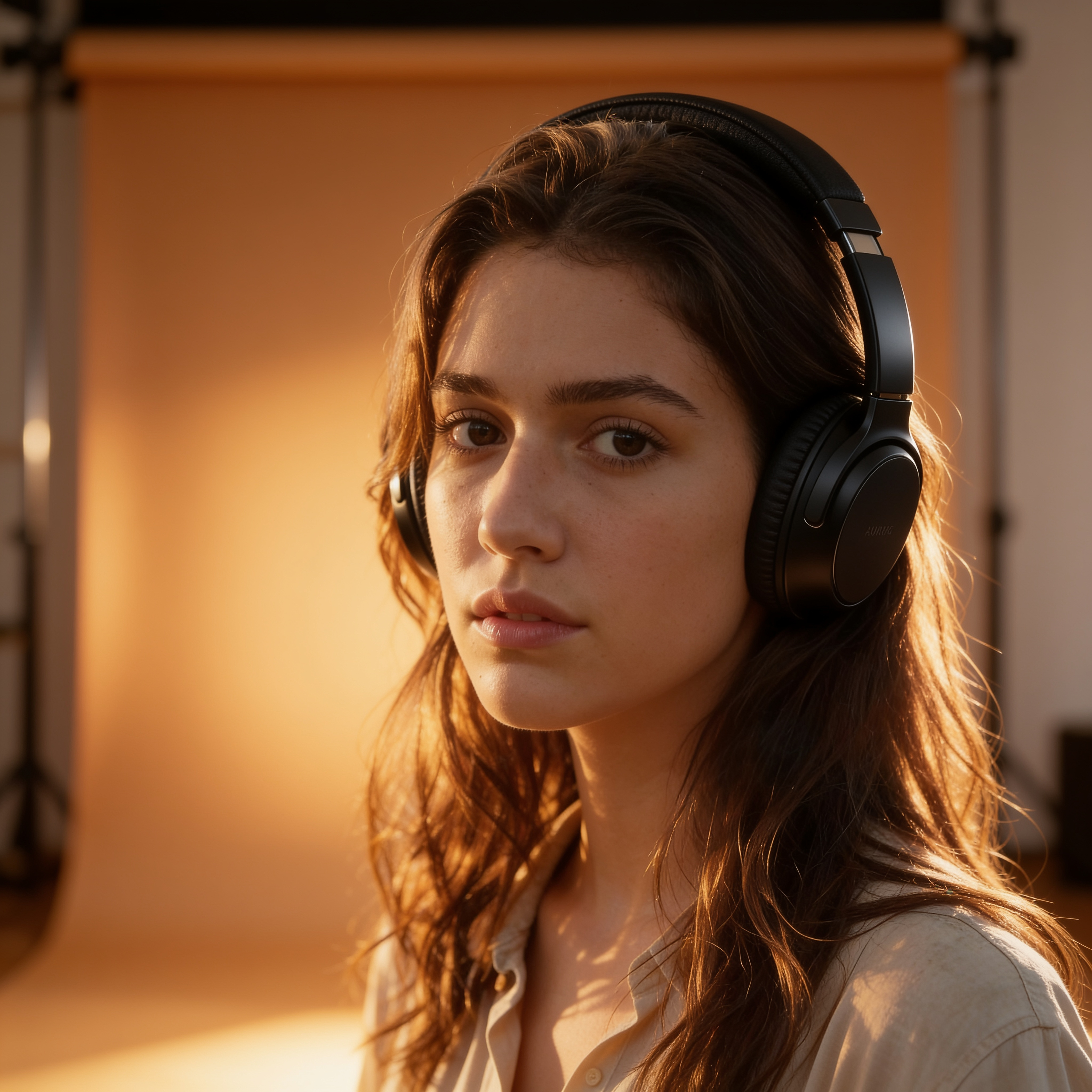
This is not a collage maker — the AI generates a single coherent image from your references, carrying over faces, products and details recognizably instead of pasting cutouts together. Nano Banana Pro (Edit) at $0.15 per image delivers maximum fidelity with resolution up to 4K; Seedream 4.5 (Edit) at $0.04 generates up to 6 variations per run for cheap exploration. The result shown here is a real combination from this tool: a portrait photo merged with a separate headphones product shot into one image of the same woman actually wearing them.
Try AI Image Combiner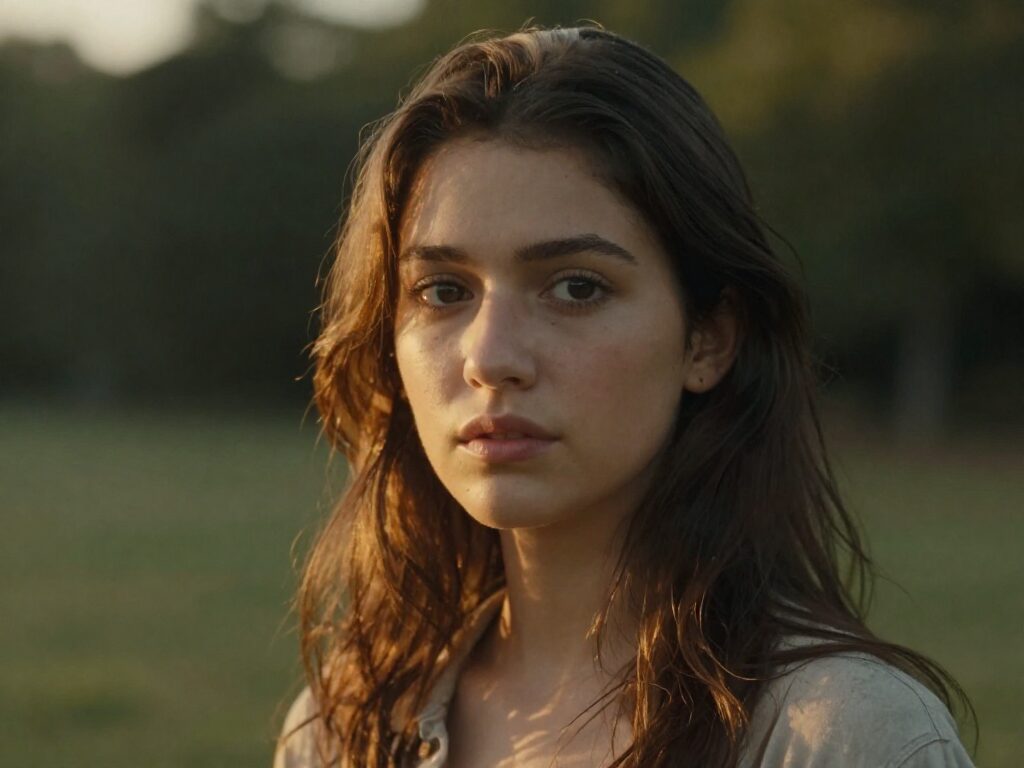
2 AI Models, One Multi-Reference Tool
Put People Together Who Were Never in One Photo
Combine separate portraits into one group shot — friends across continents, a family photo with someone who missed the day, two characters finally meeting. Identity preservation keeps every face recognizably theirs in the merged scene.
Try AI Image CombinerFor Sellers: Product Meets Scene
Upload your product shot and a lifestyle scene, then prompt how they combine — the generated example here merged a headphones product shot with a portrait so the model is actually wearing them. No studio, no compositing skills, just a clean merged visual for the listing or ad.
Try AI Image Combiner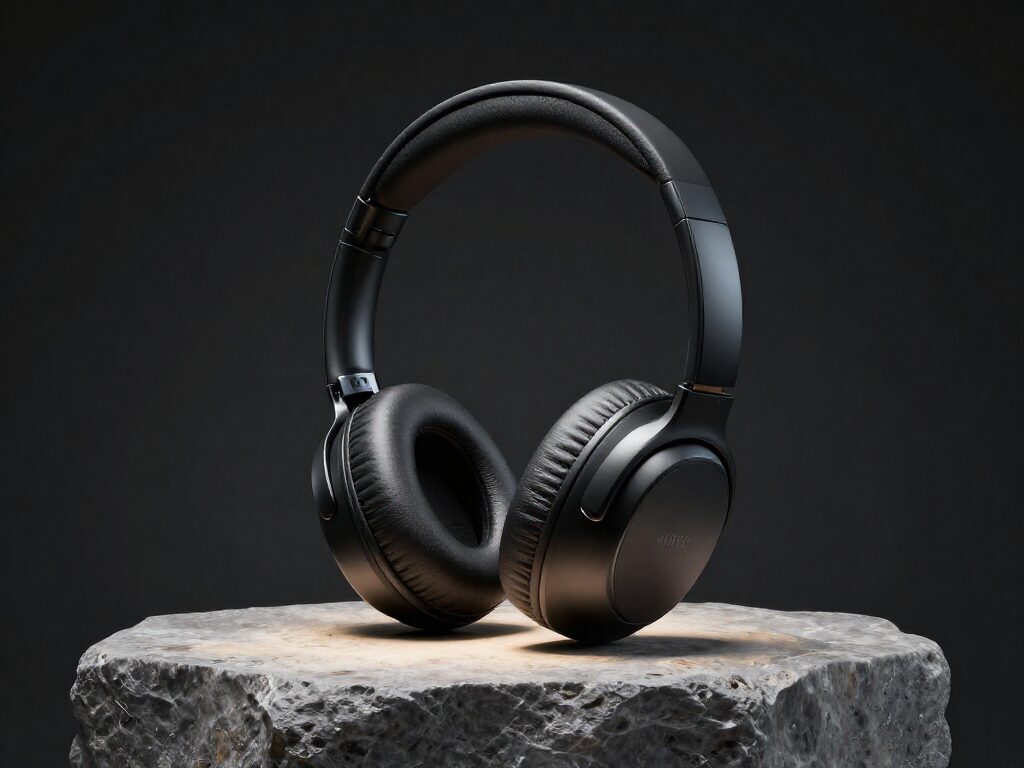
For Creators: Mash Up References into One Concept
A character from one image, an outfit from another, a location from a third — describe the combination and get a single generated frame. It is the fastest way to turn a moodboard of references into an actual picture.
Try AI Image CombinerSteer the Merge with a Prompt
The prompt tells the model how the references relate: "a portrait combining the references", "both subjects sitting at the same café table", "the jacket from image one on the model from image two". Short and specific wins — the references carry the visual detail.
Try AI Image CombinerExplore Variations, Then Go 4K
Run up to 6 combinations per generation on Seedream 4.5 at $0.04 each to find the arrangement that works, then rerun the winner on Nano Banana Pro at 2K or 4K. Aspect ratio presets let you target the final format from the start.
Try AI Image CombinerHow It Works
Step 1: Upload 2–4 Reference Images
Add between two and four images to combine — portraits, products, scenes or any mix. At least two references are required.
Step 2: Describe the Combination
Write a short prompt explaining how the references merge into one image, pick an aspect ratio, model and image count.
Step 3: Generate and Reuse
Results are saved to your Creations — download them, or chain the combined image into another tool: upscale it, restyle it, or animate it into video.
How Much Does AI Image Combiner Cost?
Every model below runs on one Wandura credit balance — pay only for what you generate, with no separate subscription per model.
| Model | Pricing |
|---|---|
 Nano Banana Pro (Edit) Nano Banana Pro (Edit) | High quality |
 Seedream 4.5 (Edit) Seedream 4.5 (Edit) | Cheap · up to 6 images |
FAQs
It merges 2 to 4 reference photos into one newly generated image. Instead of cutting and pasting, the AI understands each reference — a person, a product, a scene — and composes them into a single coherent picture while preserving their identity and details.
Between 2 and 4 reference images per run — two is the minimum (the tool will ask for a second image if you upload only one), four is the maximum.
Upload your references, write a prompt describing how they should merge, and pick an aspect ratio and model. The references are sent together to the model, which generates one image that draws identity and details from all of them.
Yes — the tool is built for identity-preserving combination, so faces, products and distinctive details carry over from your references into the merged result. Generating a few variations per run helps you pick the most faithful blend.
Image to Image transforms one existing photo — the prompt changes its style or content. Image Combiner composes a new image out of multiple sources, merging subjects and elements across 2–4 references into one scene. Reach for Image to Image to edit a photo; reach for Image Combiner to bring separate photos together.
Two models: Nano Banana Pro (Edit) at $0.15 per image — highest quality, with a resolution setting up to 4K — and Seedream 4.5 (Edit) at $0.04 per image with up to 6 variations per run. Real prices are shown in the widget; credits are deducted only when you generate.
A prompt is optional but strongly recommended — it tells the model how the references relate, like "a portrait combining the references" or "place the product from the first image into the scene of the second". Without one, the model decides the combination on its own.
Yes — pick any aspect ratio preset per run, choose 1–4 images on Nano Banana Pro (Edit) or 1–6 on Seedream 4.5 (Edit), and on Nano Banana Pro set the resolution to 1K, 2K or 4K.
Every generation lands in your Creations library — preview, download, or chain the combined image into another tool: upscale it, remove the background, or turn it into a video.
Yes — you get full commercial rights on all paid plans.