AI Hair Color Changer
Experiment with new hair colors right on your own photo. Pick one of 10 shades — blonde, platinum, auburn, pastel pink, silver and more — and AI recolors your hair while your exact haircut, face and background stay the same.
Try On 10 Hair Colors Instantly
Wandura AI Hair Color Changer swaps only the shade of your hair — the cut, the face, the lighting and the background all carry over untouched, so the result reads like a real dye job rather than a filter. Two engines power it: a Hair Specialist model tuned specifically for hair edits, and Nano Banana Pro (Edit) at $0.15 per image with a resolution setting up to 4K for maximum detail. No prompt to write, no salon appointment to gamble on — and every result comes with a before/after slider.
Try Hair Color Changer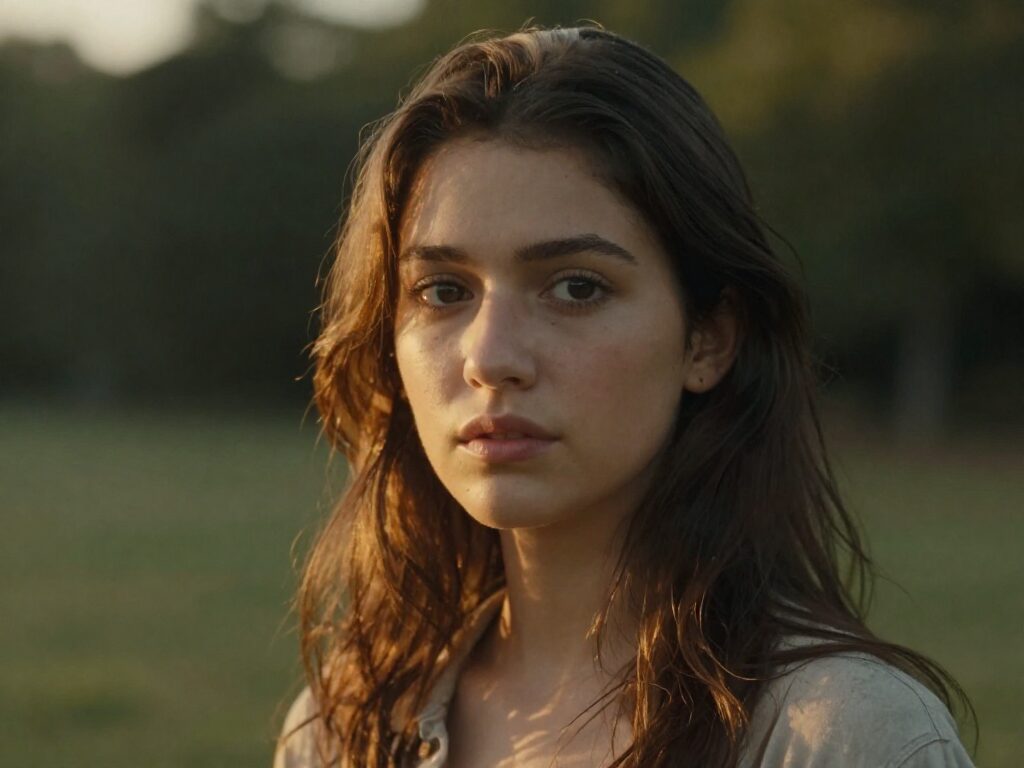
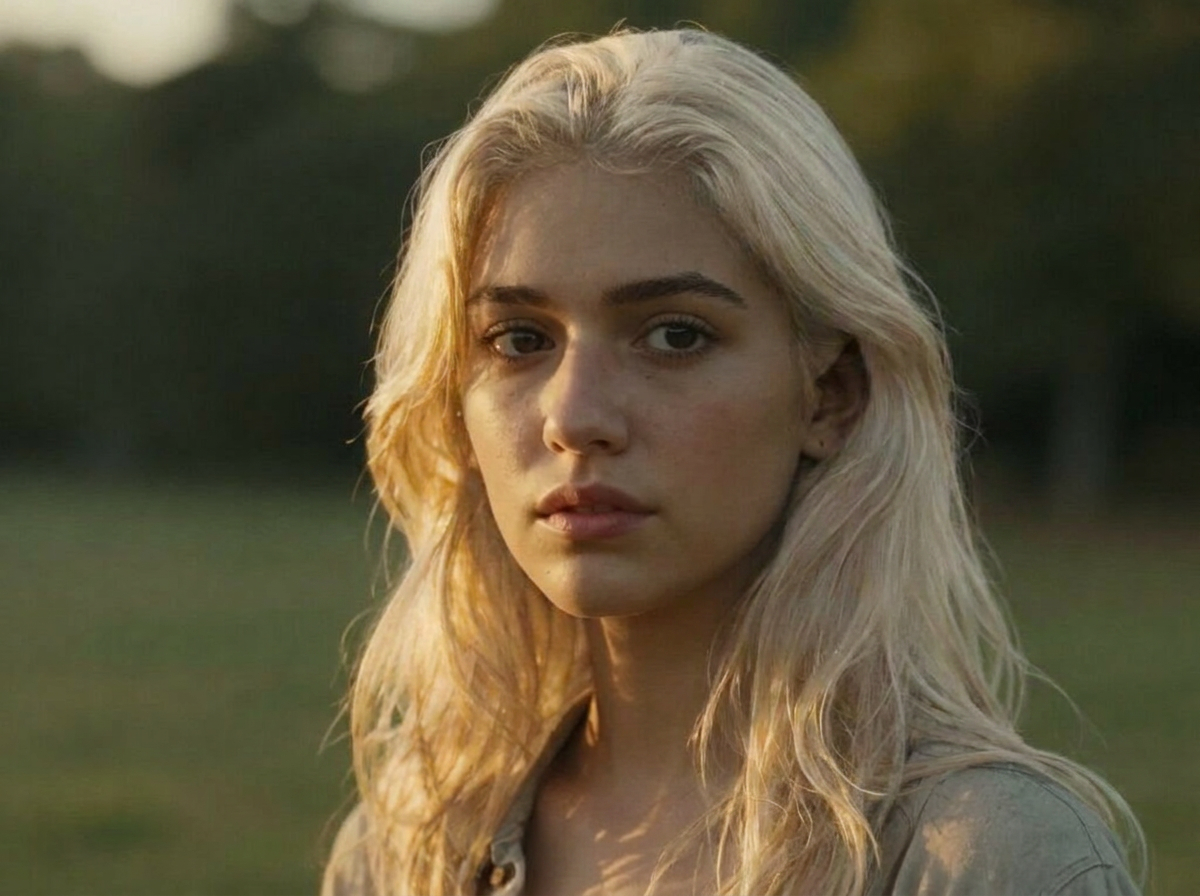
Preview a New Hair Color Instantly
An AI hair color changer recolors hair in a photo, so you can try a shade before the salon or explore bold creative looks risk-free. From one portrait you can compare a whole palette side by side.
Use a clear, well-lit portrait and describe the target color specifically ("ash blonde", "deep copper"). Generate several options and keep the one that suits the lighting and skin tone.
2 AI Models, One AI Hair Color Changer Tool
Decide on a Color Before Your Salon Visit
Curious how you would look blonde, ash gray or burgundy? Run a few shades on the same photo and compare each against the original with the before/after slider. Bring the winner to your stylist as a picture instead of a guess — dye is a lot harder to undo than a generation.
Try Hair Color Changer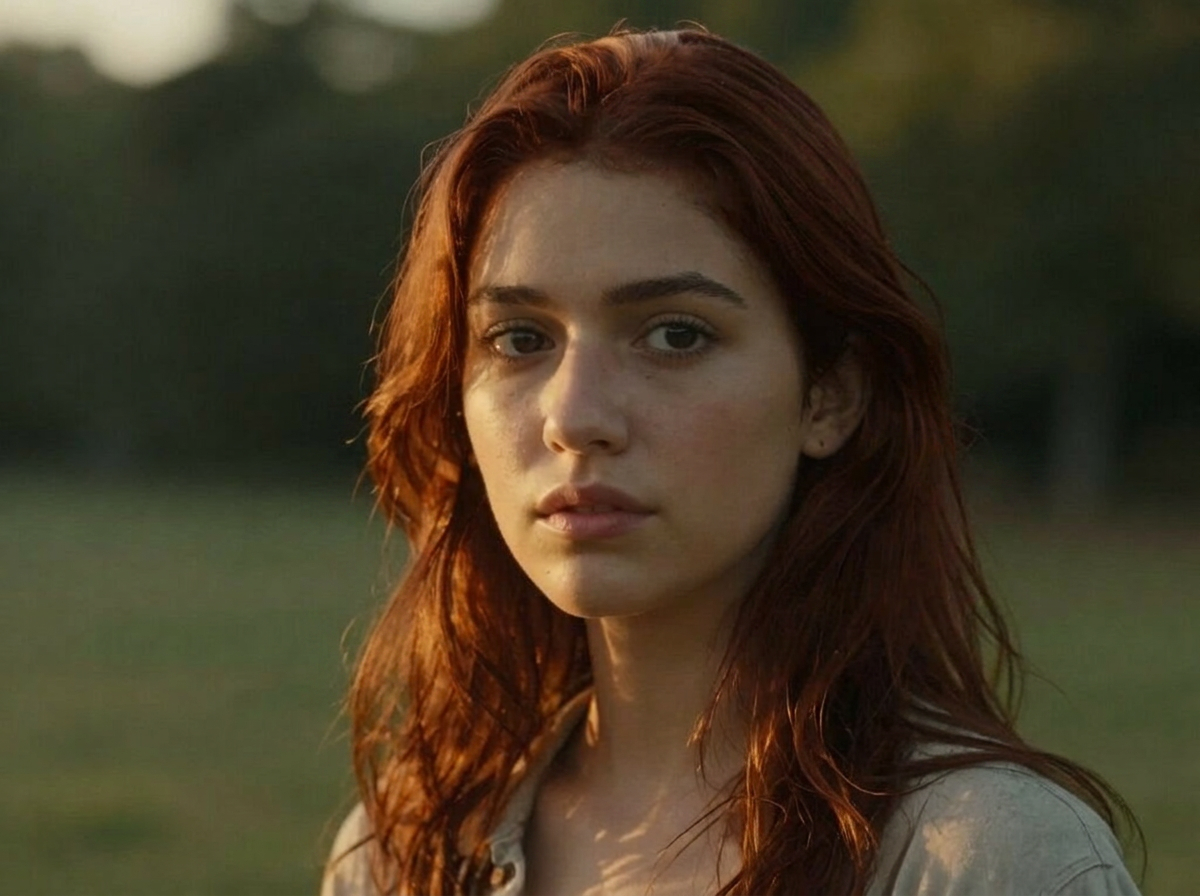
Test Bold Shades with Zero Commitment
Pastel pink, silver, platinum — the colors you would never risk on real hair cost one generation here. Because only the shade changes, you see exactly how a daring color sits against your skin tone and current cut.
Try Hair Color Changer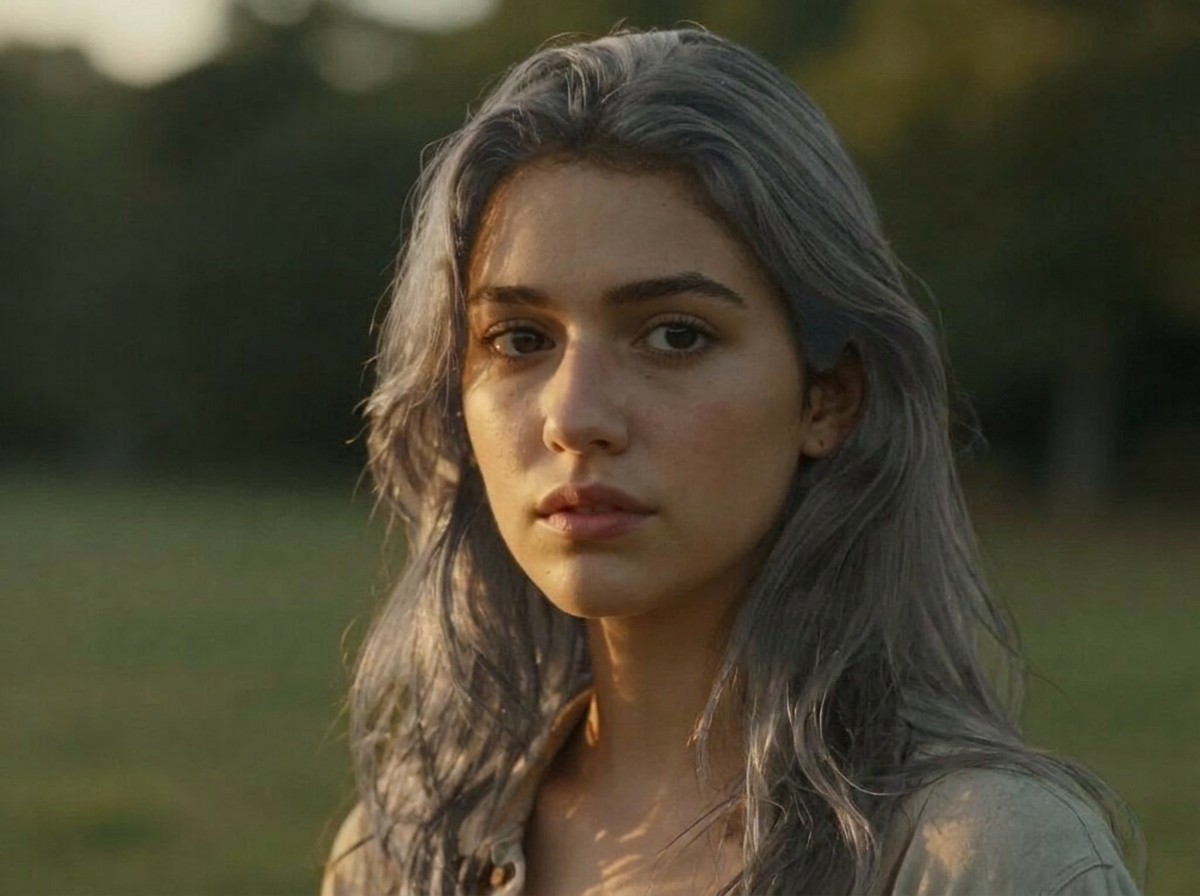
For Colorists: Show, Don’t Describe
Preview a chestnut brown or honey blonde on the client’s own photo during the consultation. A handful of generations at predictable per-image pricing settles the "will it suit me?" conversation faster than any swatch book.
Try Hair Color ChangerFor Creators: Color Transformation Content
Hair color reveals are short-form gold. Generate the "after" for two or three shades, pick the most striking, then chain the result into Image to Video or Mimic Motion to turn the transformation into a moving clip.
Try Hair Color ChangerRefresh Old Photos Without a Reshoot
Give a favorite photo a new look for your profile or a post — same pose, same background, new shade. Everything lands in your Creations library, ready to download or remix in another tool.
Try Hair Color ChangerHow It Works
Step 1: Upload Your Photo
Add a clear, front-facing photo with your face and hair fully visible — both models are built around a recognizable face.
Step 2: Pick a Color
Choose one of 10 shades: Blonde, Platinum, Ash Gray, Auburn, Jet Black, Chestnut Brown, Pastel Pink, Silver, Burgundy or Honey.
Step 3: Create and Compare
Hit Create — the result is saved to your Creations with a before/after slider. Download it, or chain it into Image to Video to see the new color in motion.
How Much Does AI Hair Color Changer Cost?
Every model below runs on one Wandura credit balance — pay only for what you generate, with no separate subscription per model.
| Model | Pricing |
|---|---|
| Hair Specialist | Tuned for hair edits · keeps face & background |
 Nano Banana Pro (Edit) Nano Banana Pro (Edit) | High quality |
FAQs
It recolors the hair in your photo to a shade you pick from a preset list — blonde, platinum, auburn, pastel pink and more — while keeping your exact hairstyle, haircut shape, face, skin tone and background unchanged.
No. You upload a photo and pick a color from the dropdown — Wandura builds the editing prompt behind the scenes, including the instruction to keep your exact haircut shape and identity in place.
Ten preset shades: Blonde, Platinum, Ash Gray, Auburn, Jet Black, Chestnut Brown, Pastel Pink, Silver, Burgundy and Honey. There is no free-text color field — the presets keep results predictable.
Two engines: a Hair Specialist model tuned specifically for hair edits that preserves face and background, and Nano Banana Pro (Edit) at $0.15 per image for higher-detail results. Each model shows its price next to its name in the widget, and credits are deducted only when you generate.
The models recolor your actual hair rather than painting over it, so the shade follows your hair’s texture and the photo’s original lighting. A sharp, well-lit photo where the hair is clearly visible gives the most natural blend.
No — the prompt explicitly keeps the exact same hairstyle and haircut shape, only the color changes. If you want a new cut as well, use the AI Hairstyle Changer on the same photo.
JPEG, PNG, WEBP and other common image formats up to 50 MB. Use a clear, front-facing photo with your face visible — both models are designed around it.
Yes — on Nano Banana Pro (Edit) an advanced Resolution setting lets you render at 1K, 2K or 4K. The Hair Specialist model outputs at its standard resolution.
Every result is stored in your Creations library with a before/after slider against the original photo. From there you can download it or chain it into another tool — animate it with Image to Video, or try a new cut on it with the AI Hairstyle Changer or a shave preview with the Buzz Cut Filter.