AI Halloween Costume on Your Own Photo
An AI Halloween costume on Wandura starts with your own photo: upload it to AI Photo Editor, type the costume you want, such as "put her in a witch costume with a pointed hat", and the editor changes the clothing while keeping your face and the rest of the photo. When you like the look, turn it into a short clip with Image to Video or the 360° Rotation effect; each tool shows its credit cost before you create (1 credit = $0.01).
Type the Costume, Keep Your Face
AI Photo Editor changes what your instruction describes and leaves the rest of the photo as it was. Write the costume as that instruction: "dress him as a vampire with a black cape", "give her a witch hat and a purple cloak" or "turn his shirt into a skeleton costume". Complex looks work better as separate edits, so add the outfit first, then face paint, then the background. Open AI Photo Editor
Open AI Photo EditorHalloween Costume Prompt Ideas
Copy one of these into AI Photo Editor, one change per run. Results vary between runs, so rephrase or split the edit if a look comes out wrong.
| Look | Prompt to paste |
|---|---|
| Vampire | Dress him as a vampire with a black cape and a red-lined high collar |
| Witch | Give her a witch costume: pointed black hat, purple cloak and a broom in her hand |
| Zombie | Add zombie makeup: pale grey skin, dark circles under the eyes and a torn shirt |
| Skeleton | Paint a black-and-white skeleton face on him |
| Ghost | Turn the outfit into a classic white-sheet ghost costume |
| Pumpkin patch | Replace the background with a pumpkin patch at night |
1 AI Model, One Instruction Edit Tool
Put Your Face into a Costume Scene
No costume photo yet? Generate the scene first with the AI Image Generator, for example a werewolf hunter on a foggy street at night, with one clear, front-facing face. Then open Face Swap, add a clear photo of your face and place it into the scene; the target keeps its pose, lighting and hair. Use photos of yourself or of people who have agreed to it.
Open AI Photo EditorDesign an Original Halloween Character
Planning a costume from scratch or a character for a party invite? Describe it in one sentence in the AI Character Generator, such as "a friendly pumpkin-headed scarecrow in a patched coat". You get a character sheet with a front-view portrait and a full-body view on a neutral background, in one of five styles: Realistic, Anime, Fantasy, Chibi or Cyberpunk.
Open AI Photo EditorMake a Halloween Profile Picture
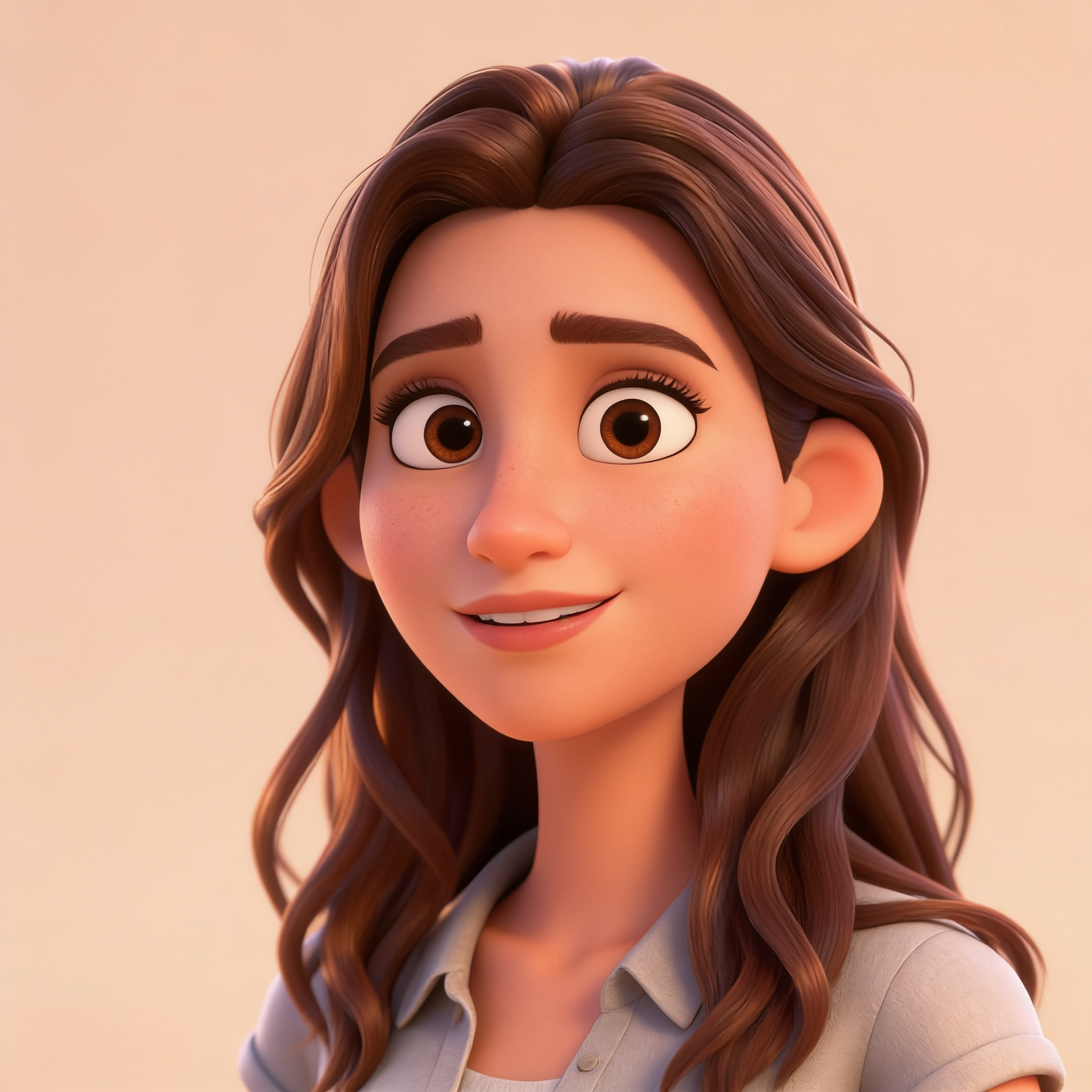
Already in costume? Upload a clear photo to Photo to Avatar and pick a style: 3D avatar, caricature, emoji sticker, cartoon portrait or anime. The presets are built to keep your face shape and hairstyle, so friends still recognize you on Discord, Instagram or X.
Open AI Photo EditorSwap In a Spooky Background
Background Changer keeps the person in front and replaces everything behind them from a short description, such as "a pumpkin patch at dusk lit by jack-o'-lanterns" or "a candlelit hallway in an old mansion".
Open AI Photo EditorTurn the Costume Photo into a Short Video
Send any result from your Creations to Image to Video and describe the motion, such as "she turns to the camera and smiles as fog drifts past". To show the whole outfit, the 360° Rotation effect turns one photo into an orbit around the subject, a common way to show off a costume from every angle. A plain background behind the subject helps the orbit. For the full steps from costume photo to finished clip, read how to make a Halloween video with AI.
Open AI Photo EditorHow It Works
- Step 01
Upload a photo
A sharp, well-lit photo with your face clearly visible.
- Step 02
Type the costume
Name the outfit and the details, one change per run, and chain the result back into the editor for the next change.
- Step 03
Create and share
The result is saved to your Creations, where you can download it or animate it with Image to Video.
How Much Does AI Halloween Costume Cost?
Every model below runs on one Wandura credit balance — pay only for what you generate, with no separate subscription per model.
| Model | Pricing |
|---|---|
 Seedream 4.5 (Edit) | Cheap · up to 6 images |
FAQs
Upload a photo to AI Photo Editor, type the costume as an instruction, for example "put him in a vampire cape", and press Generate. The editor changes what you describe and keeps your face and the rest of the photo.
Not at the moment. The effects gallery has no Halloween preset right now, so you write the look yourself: type "add zombie makeup with pale grey skin" in AI Photo Editor, or generate a zombie scene and add your face with Face Swap.
Use photos of yourself or of people who have agreed to it. Ask before you edit someone else's photo, and do not use photos of strangers or public figures.
Yes. Send the result to Image to Video and describe the motion, or use the 360° Rotation effect to orbit around the outfit from one photo. Both start from a result in your Creations.
Each tool charges credits, and the cost depends on the tool and the settings you pick. The price is shown before you create (1 credit = $0.01), and credits are only deducted when you generate.
You can open the tool and add your files without signing in. When you press Generate, Wandura asks you to sign in or create an account, and the generation uses credits from your plan.
Both plans do. Basic is $15/month with 1,500 credits and Growth is $49/month with 6,000 credits, billed monthly. Credit packs top up a plan and are valid for 90 days.
Every result is saved to your Creations library, where you can preview it, download the file or send it into another Wandura tool.