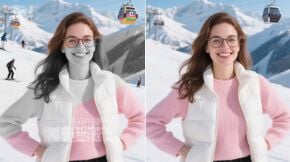
Image to Image AI
Turn any photo into something new. Upload up to 14 source images, describe the change — style, colors, background, mood — and Wandura generates a fresh version in seconds. Type @ in the prompt to point at a specific image.
One Image In, Eight AI Models Out
Wandura routes your edit to the model that fits the job: Nano Banana Pro for maximum fidelity up to 4K, Seedream 4.5 for cheap batches of up to 6 variations, FLUX Kontext for precise localized changes, plus GPT Image 2, Qwen, Grok Imagine and more — all behind one widget, each with its real price shown up front. Switch models between runs and compare results side by side without leaving the page.
Try Image to Image AI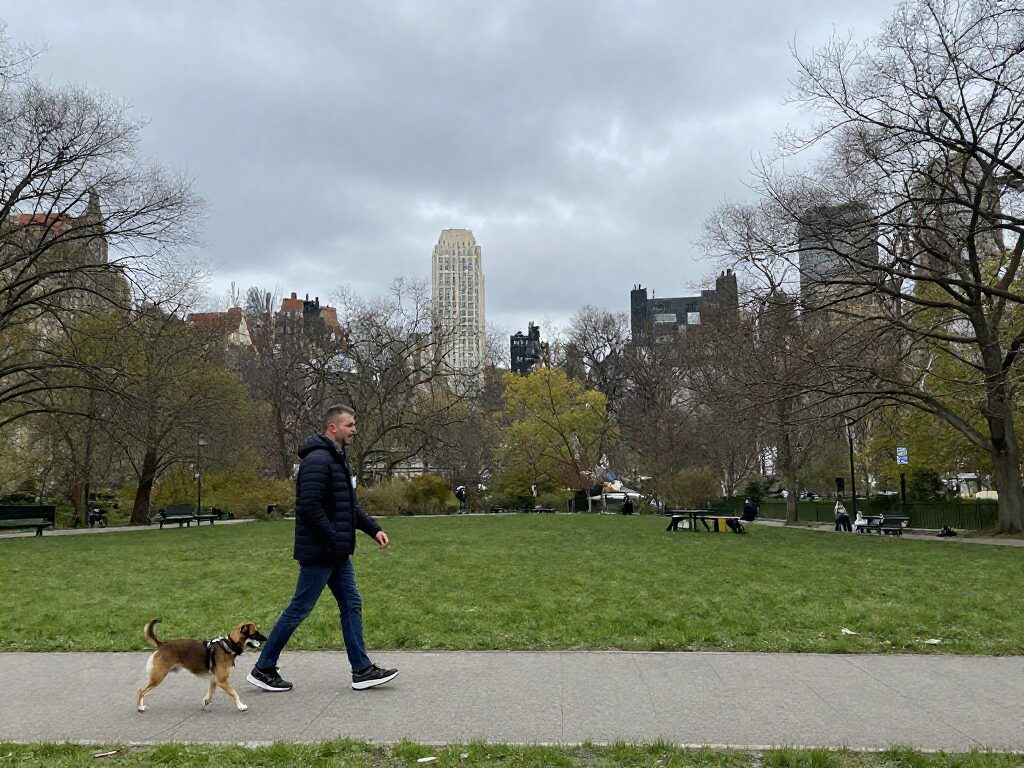
8 AI Models, One Image → Image Tool
Describe the Change, Keep the Composition
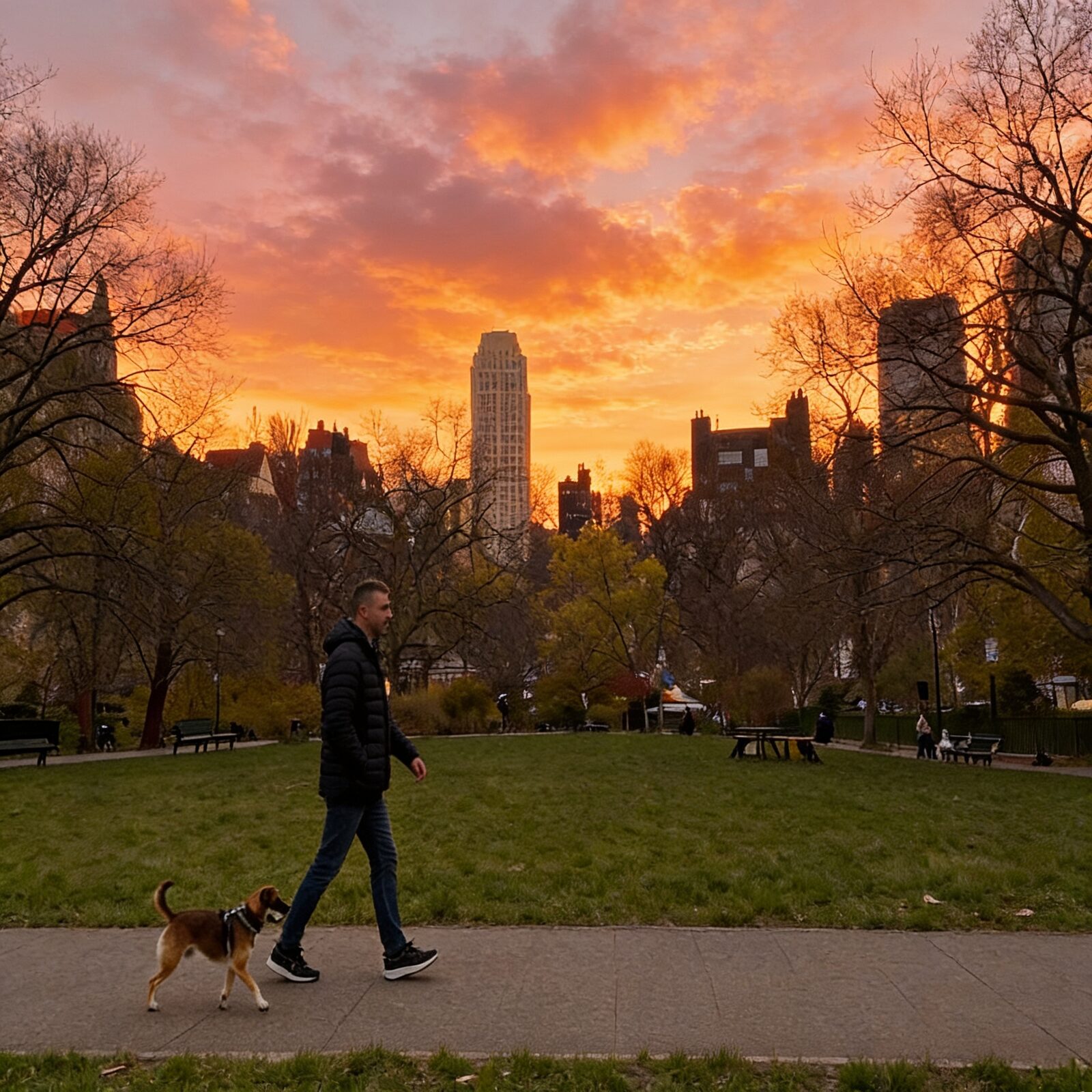
The prompt drives the transformation while your source image anchors the result: framing, subject and structure carry over. Ask for a new art style, different lighting, another season or a rebuilt background — the model reinterprets the photo instead of starting from zero, so results stay recognizably yours.
Try Image to Image AI
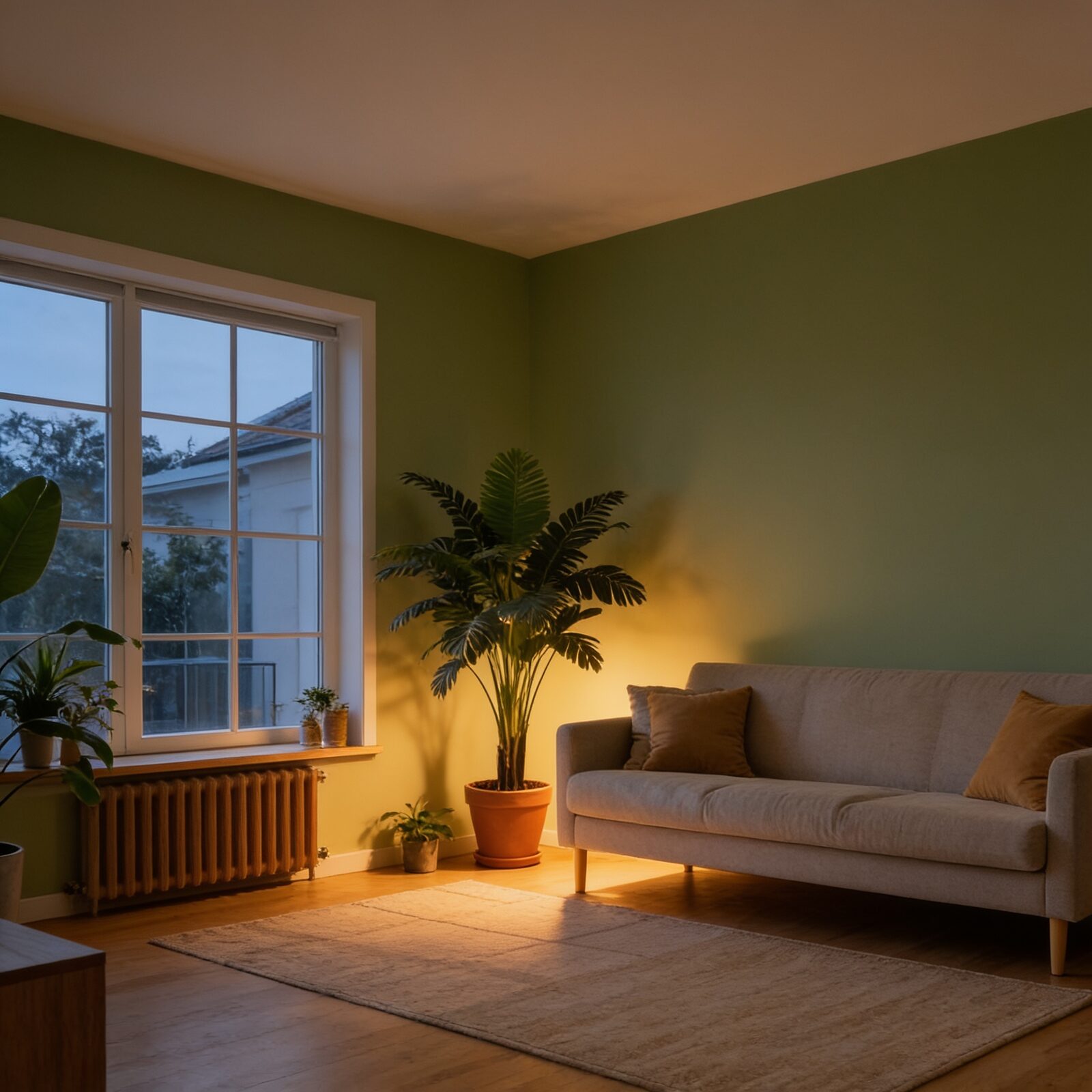
For Photographers: Restyle Without Reshooting
Test a moody edit, a film look or a different time of day on a shot you already have. Generate up to 6 variations per run on Seedream 4.5 to explore directions cheaply, then rerun the winner on Nano Banana Pro at 2K or 4K for delivery.
Try Image to Image AI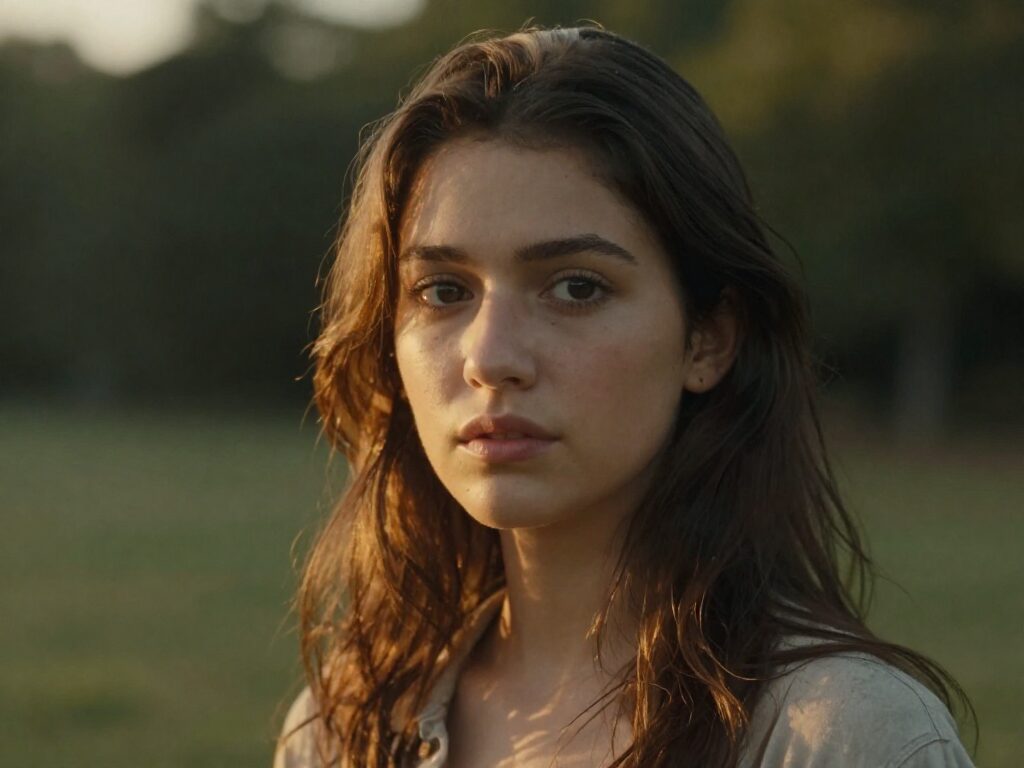
For Creators: Fresh Content from One Photo
One good photo becomes a week of posts — restyle it for different vibes, swap outfits and backdrops, or push it into illustration territory. Pick the aspect ratio per run so every platform gets a native crop instead of a lazy resize.
Try Image to Image AI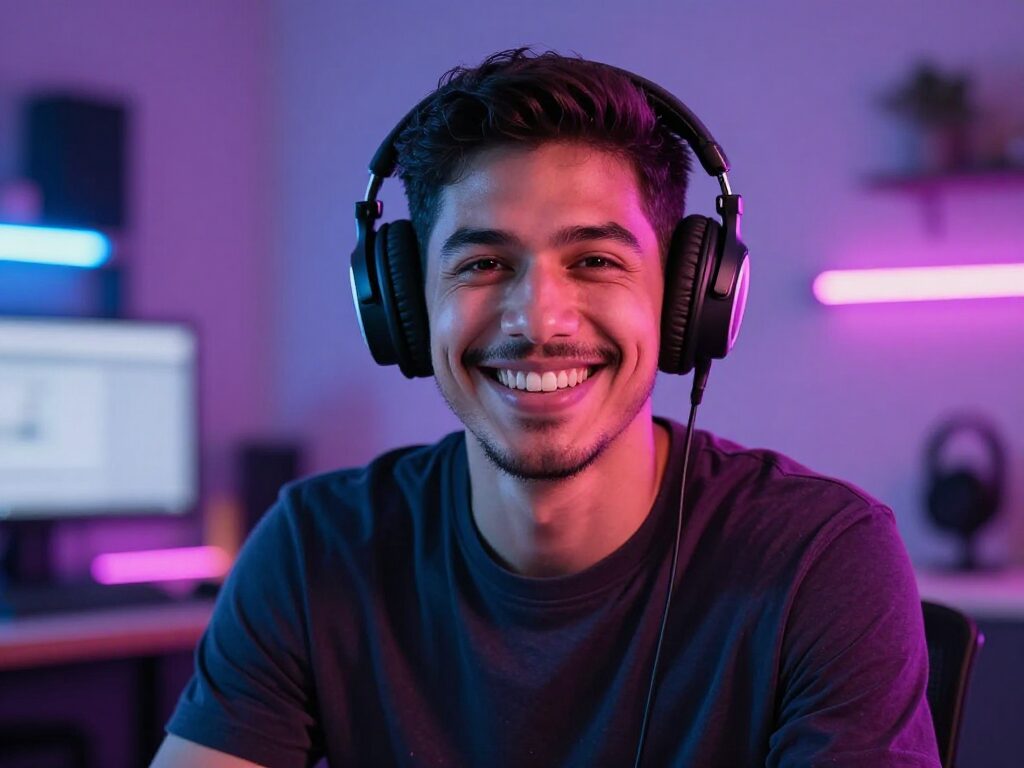
For Marketing Teams: On-Brand Variations at Scale
Take a product or campaign shot and generate seasonal recolors, new settings and alternate moods without a second photoshoot. Real per-image pricing (from $0.015 with GPT Image 2) keeps iteration costs predictable enough to A/B test visuals like copy.
Try Image to Image AI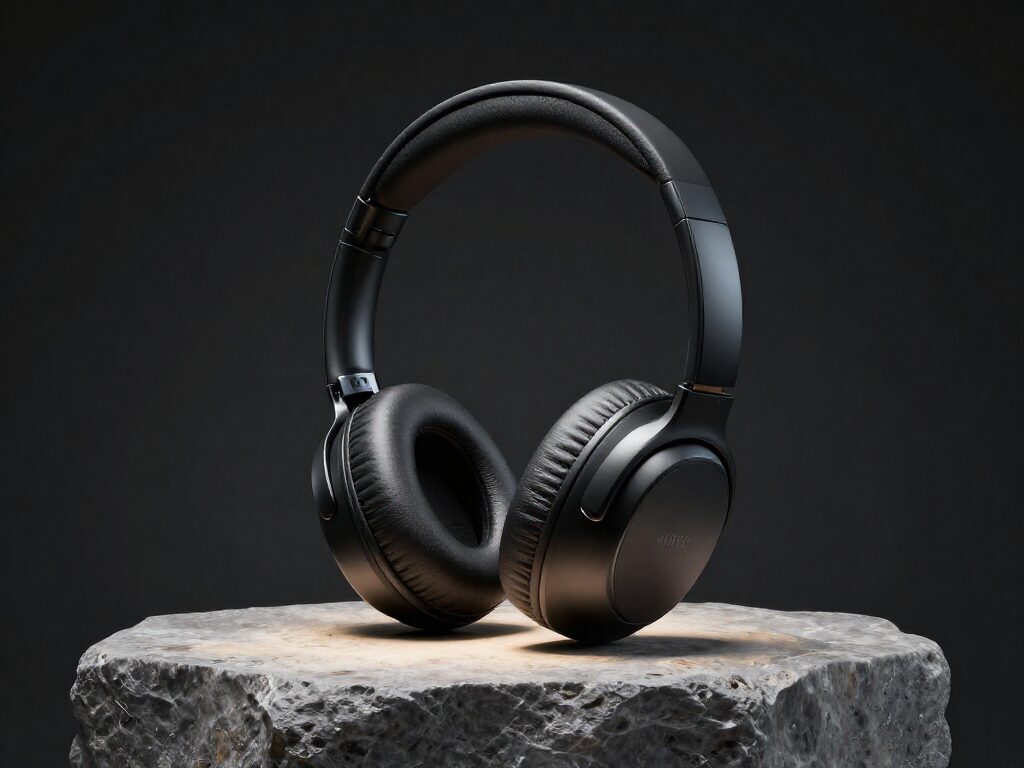
For Hobbyists: Play Until It Looks Right
Turn your cat into a city-sized giant, your selfie into a comic panel, your backyard into another planet. Cheap models like Qwen Image Edit ($0.03/MP) and Nano Banana ($0.039) make experimenting nearly free — and every result lands in your Creations, ready to remix again.
Try Image to Image AI
How It Works
Step 1: Upload Your Image
Add the source photo you want to transform — a portrait, product shot, landscape or anything from your library.
Step 2: Describe the Change
Type what you want in plain language, pick a model and an aspect ratio, and choose how many variations to generate.
Step 3: Generate and Reuse
Results are saved to your Creations — download them, or chain the best one into another tool: upscale it, remove its background, or animate it into video.
How Much Does Image to Image AI Cost?
Every model below runs on one Wandura credit balance — pay only for what you generate, with no separate subscription per model.
| Model | Pricing |
|---|---|
 Nano Banana Edit Nano Banana Edit | Fast · multi-image |
| Nano Banana Pro Edit | High quality |
 FLUX Kontext FLUX Kontext | Precise edit |
| FLUX Kontext Max | Top quality |
 GPT Image 2 Edit GPT Image 2 Edit | Strong text |
 Seedream 4.5 Edit Seedream 4.5 Edit | Cheap · multi-image |
 Qwen Image Edit Qwen Image Edit | Cheap |
 Grok Imagine Edit Grok Imagine Edit | xAI |
FAQs
Image to Image takes an existing photo plus a text prompt and generates a new image that follows your instructions — change the style, edit the scene, or create variations while keeping the original composition.
You upload one or more source images and write a prompt describing the result you want. The images anchor composition and subject; the prompt steers style and content. Pick a model, aspect ratio and image count, hit Generate, and the job runs in the cloud — no local GPU needed.
Yes. Nano Banana Pro accepts up to 14 reference images per run, Seedream 4.5 and most others up to 10, Grok Imagine up to 3 (FLUX Kontext and Qwen work with a single image). Type @ in the prompt to reference a specific upload — for example "place the product from @Image 1 into the scene of @Image 2".
Wandura gives you 8 models in one tool: Nano Banana Edit, Nano Banana Pro Edit, FLUX Kontext, FLUX Kontext Max, GPT Image 2 Edit, Seedream 4.5 Edit, Qwen Image Edit, Grok Imagine Edit. Each has its strength — fidelity, speed, batch size or price — and you can switch per run.
Each model shows its real price next to its name — from $0.015 per image with GPT Image 2, $0.022 with Grok Imagine, $0.04 with Seedream 4.5 or FLUX Kontext, up to $0.15 with Nano Banana Pro. Credits are deducted only when you generate.
Text to Image starts from a blank canvas — the prompt is everything. Image to Image starts from your photo, so the output inherits its composition, subject and framing. Use Text to Image to invent a scene, Image to Image to transform one you already have.
Describe the destination, not the steps: "watercolor illustration, soft pastel palette" beats "make it nicer". Name what should change (style, background, lighting) and generate several variations per run — picking the best of 4-6 takes usually beats perfecting one prompt.
Yes — every model supports aspect ratio presets, and Nano Banana Pro adds a resolution setting up to 4K. Seedream 4.5 generates up to 6 images per run, most other models up to 4, so you can trade quality against iteration speed.
Every generation is stored in your Creations library, where you can preview, download, or send the output straight into another tool — upscale it, remove the background, or turn it into a video.